
How to send a photo or JPG as a fax
Attach the photo or the JPG or PNG file in the chat, give the fax number and confirm – mcpfax turns it into a fax page. Make sure the contrast is strong, because a fax is black and white; one page costs €1.00.
Step by step
-
1 Step 1
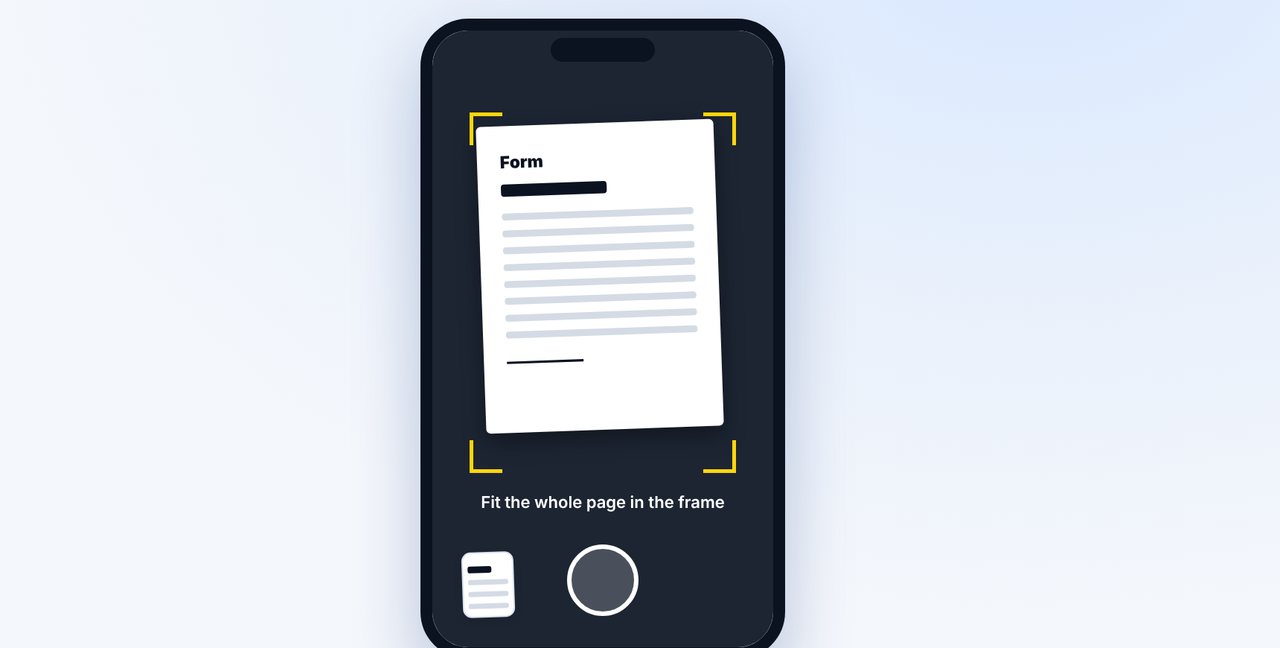
Take a photo
Photograph the document in the Claude app: good lighting, no shadows, the whole page straight in the frame.
-
2 Step 2
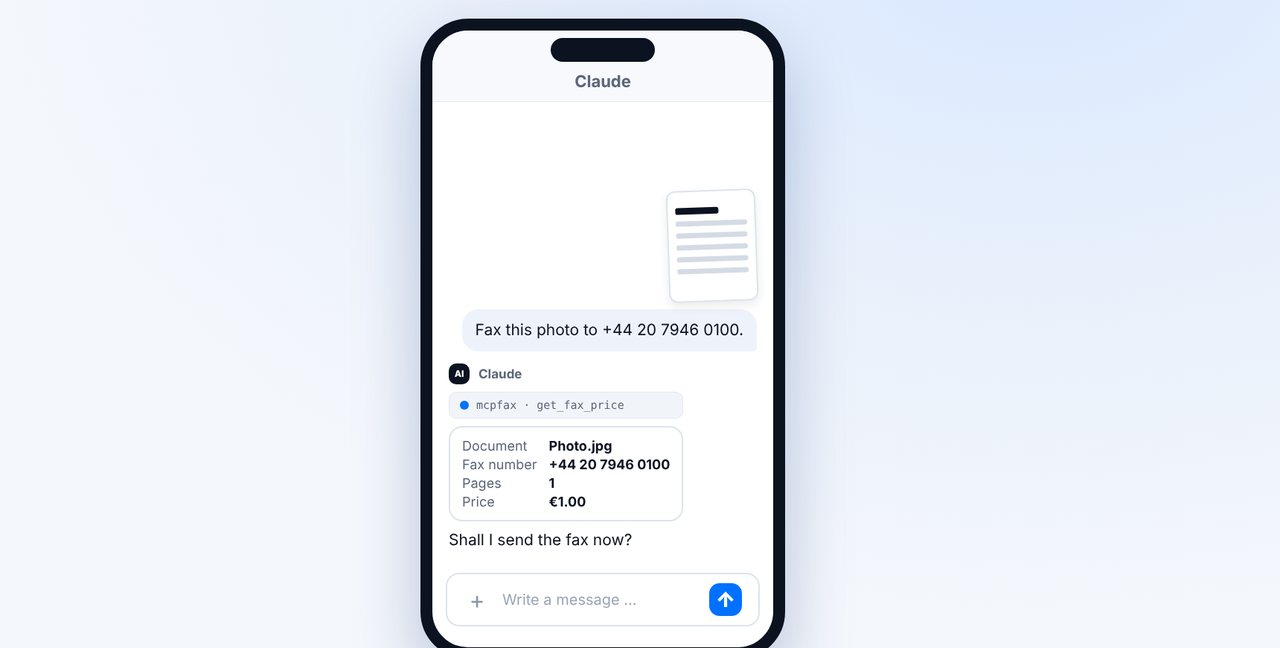
Give the fax number and check the price
Add which fax number it should go to. Claude shows the pages and price.
-
3 Step 3
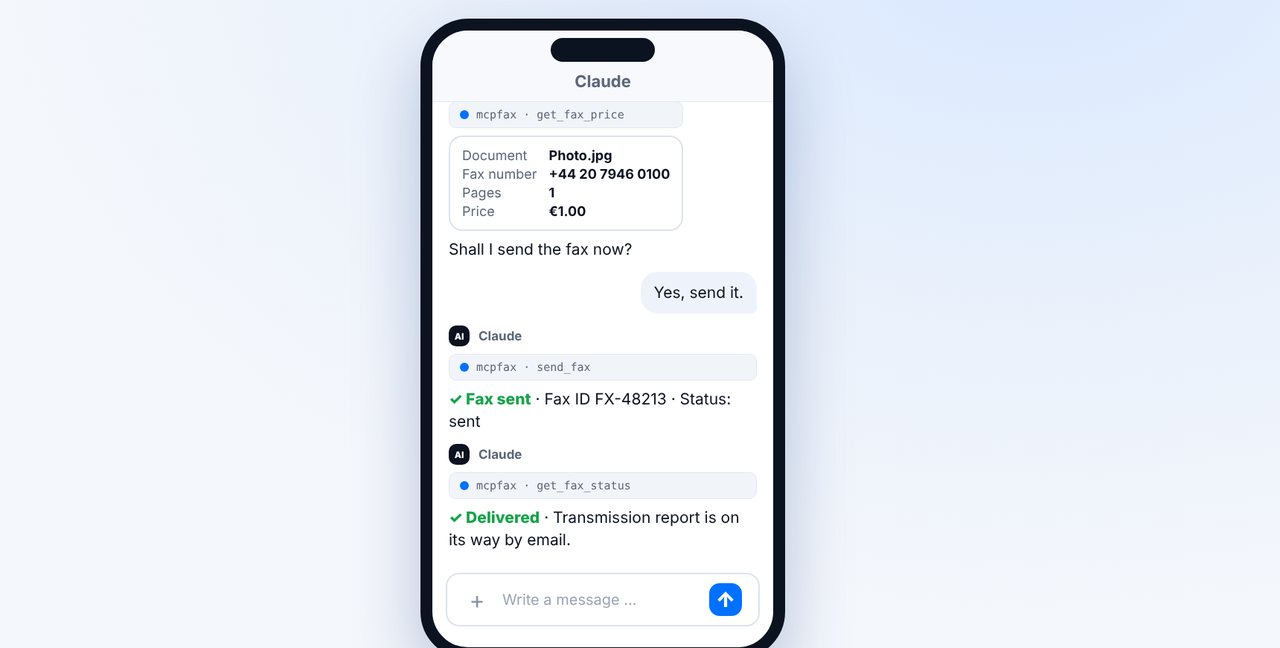
Confirm
With “Yes, send it.” the fax goes out. Ask for the delivery status in the chat; the transmission report arrives by email.
-
4 Step 4
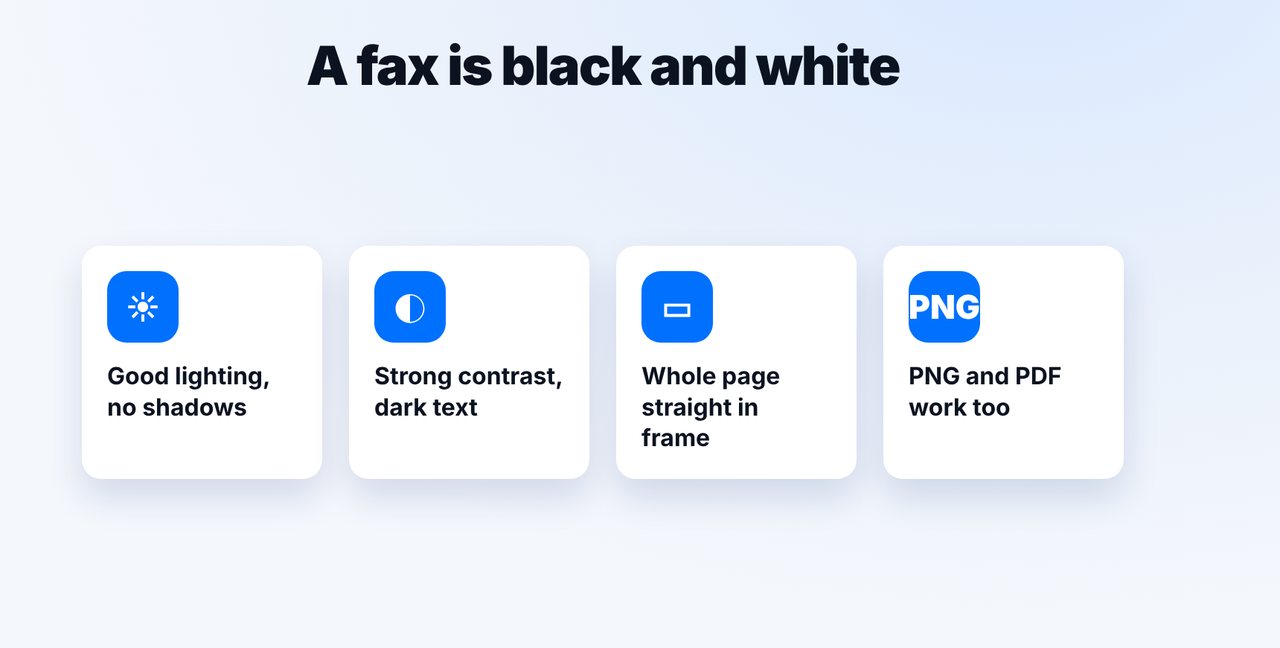
Mind the contrast
A fax is black and white. Dark text on light paper comes through best. Besides JPG, PNG and PDF work too.
The pictures are a simplified illustration. Menu names may differ slightly depending on the version.
Video transcript
Yes, you can send a photo or a JPG file directly as a fax. mcpfax automatically turns it into a fax page. Let me show you how, and what to keep in mind when taking the photo. Open a new chat in the Claude app, tap the plus button and take a photo of the document. Good lighting, no shadows, and the whole page straight in the frame. Then write where the fax should go. mcpfax turns the photo into a fax page, and Claude shows you the pages and the price beforehand. Confirm with yes, and the fax is on its way. Whether it has arrived, you'll see right away in the chat. Remember: a fax is black and white. Dark text on light paper comes through best. Instead of a photo, you can also attach a PNG or a PDF file. You'll find the link to mcpfax in the description. Subscribe to the channel for more guides all about faxing.

Ready for your first fax?
Create your account in a minute, top up your balance and get started. No subscription, no monthly fee.
Create free accountFrequently asked questions
Which image formats can I fax?
JPG and PNG. Also PDF, DOCX and TXT.
Will the photo arrive in color?
No. A fax is black and white; colors become grayscale. That's why good contrast matters.
Can I fax an image by email too?
Yes. Attach the JPG or PNG to an email to faxnumber@fax.mcpfax.de.