
My fax didn't go through – what are the most common errors?
Usually the number is wrong or in the wrong format, the line is busy, there's no fax machine on that number, or the recipient's machine is out of paper. With mcpfax, the status shows the error, the cost is refunded and you resend.
Step by step
-
1 Step 1
Narrow down the cause
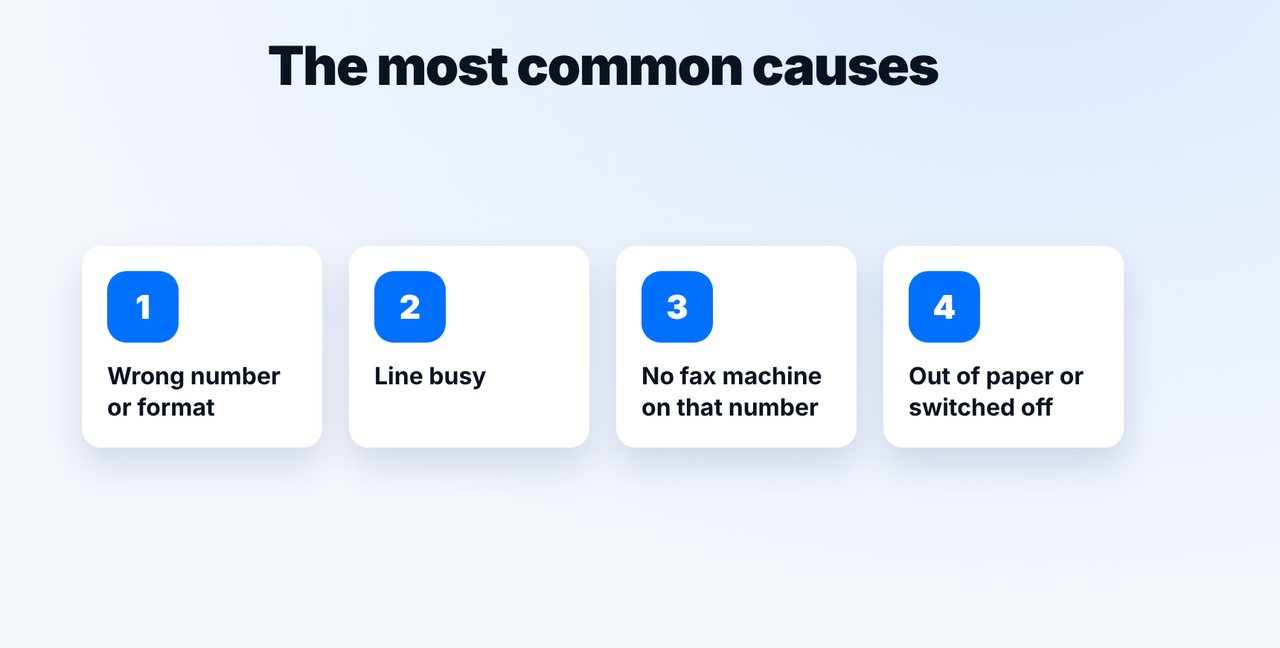
The four most common causes: wrong number or format, busy line, no fax machine on that number, or the recipient's machine is out of paper or switched off.
-
2 Step 2
Read the status and transmission report
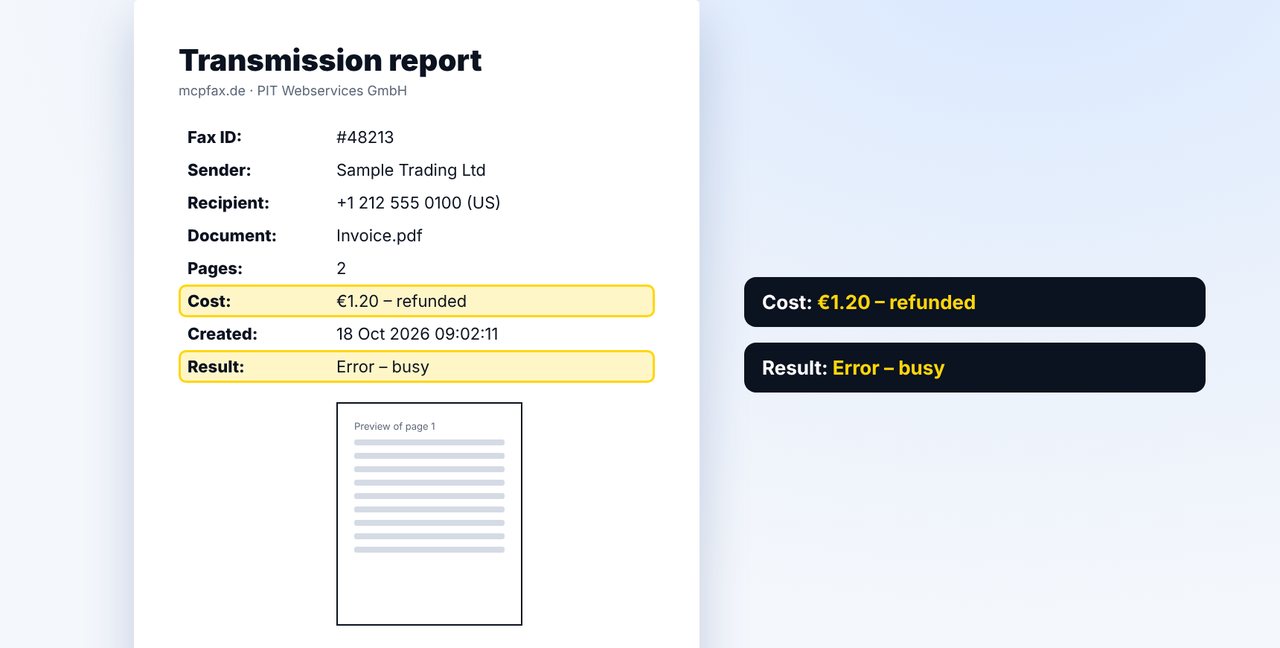
The Result field of the transmission report says “Error” and gives the reason. The cost of a failed fax is refunded to your balance.
-
3 Step 3
Resend
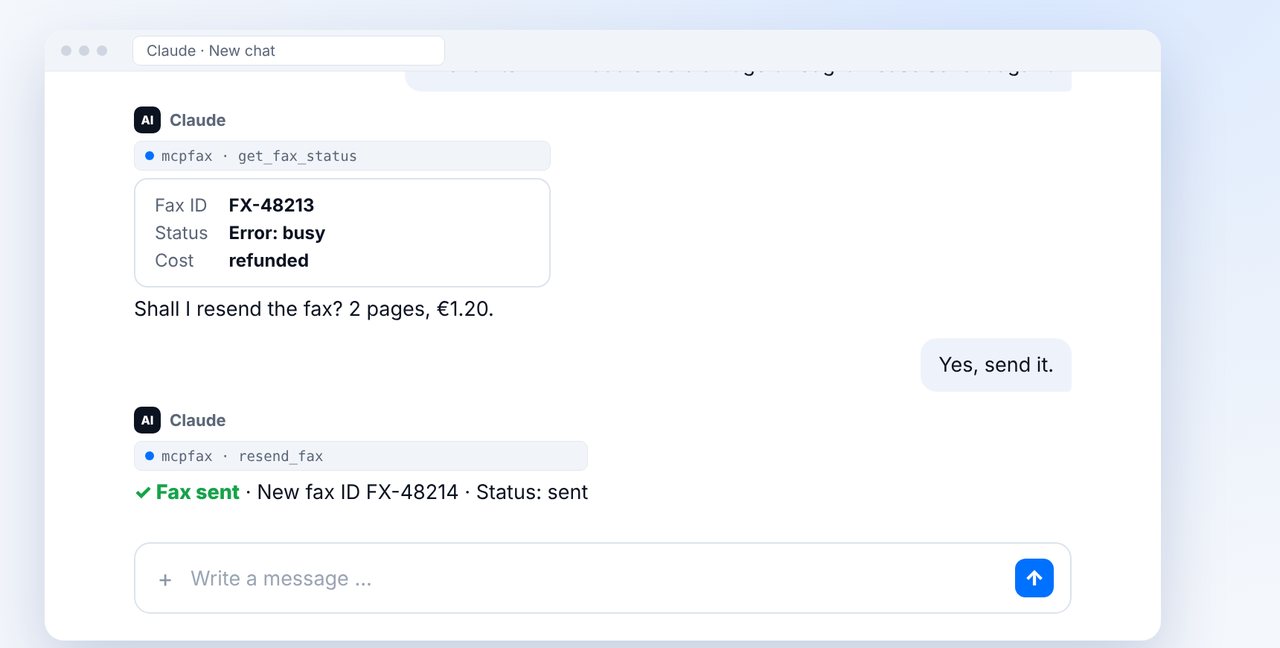
Ask Claude to send the fax again. Nothing is sent until you confirm.
-
4 Step 4
Check before the next attempt
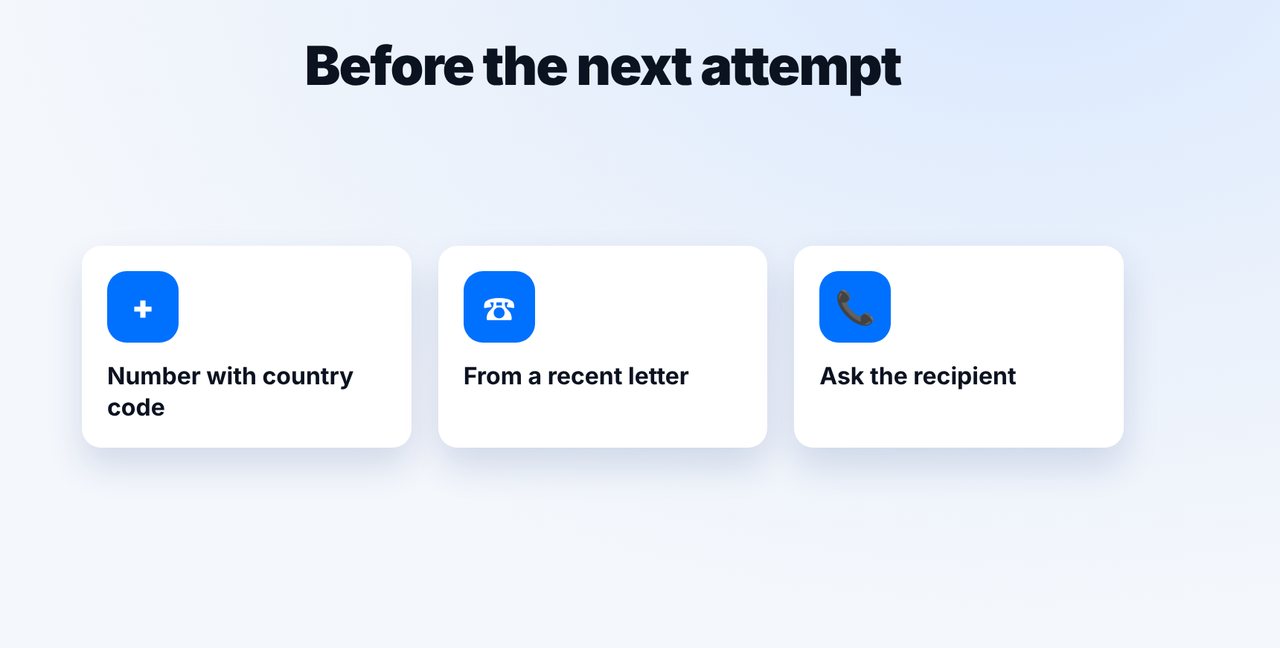
Check the number with the country code, take it from a recent letter and ask the recipient if needed.
The pictures are a simplified illustration. Menu names may differ slightly depending on the version.
Video transcript
Your fax didn't go through? Usually one of four causes is behind it, and with mcpfax you don't pay anything for a failed fax. Let me show you how to find the error and fix it. The most common causes are: a wrong number or the wrong format, a busy line, no fax machine at all on that number, or the recipient's machine has run out of paper. Whether a fax arrived is shown in the status and in the transmission report. Here, the Result line says error, along with the reason. The cost is refunded to your balance automatically. Simply send the fax again. Claude shows the status, asks you to confirm, and after your yes, the fax goes out once more. If it fails again, check the number with the country code, take it from a recent letter, and ask the recipient whether their fax machine is switched on. You'll find the link to mcpfax in the description. And if the line is always busy, check out our video on that. Don't forget to subscribe.

Ready for your first fax?
Create your account in a minute, top up your balance and get started. No subscription, no monthly fee.
Create free accountFrequently asked questions
Do I pay for a fax that doesn't arrive?
No. If a fax fails, the cost is refunded to your balance.
How can I see why it didn't work?
In the status in the chat and in the transmission report: it says “Error” with the reason, for example busy.
Can mcpfax find the right number for me?
No. mcpfax doesn't look up fax numbers on the internet. If in doubt, ask the recipient.