
The fax line is always busy – what can I do?
Resend the fax later, check whether the number really is a fax number, and ask the recipient. With mcpfax, you start a new attempt with one sentence in the chat, and failed attempts are refunded.
Step by step
-
1 Step 1
Understand the cause
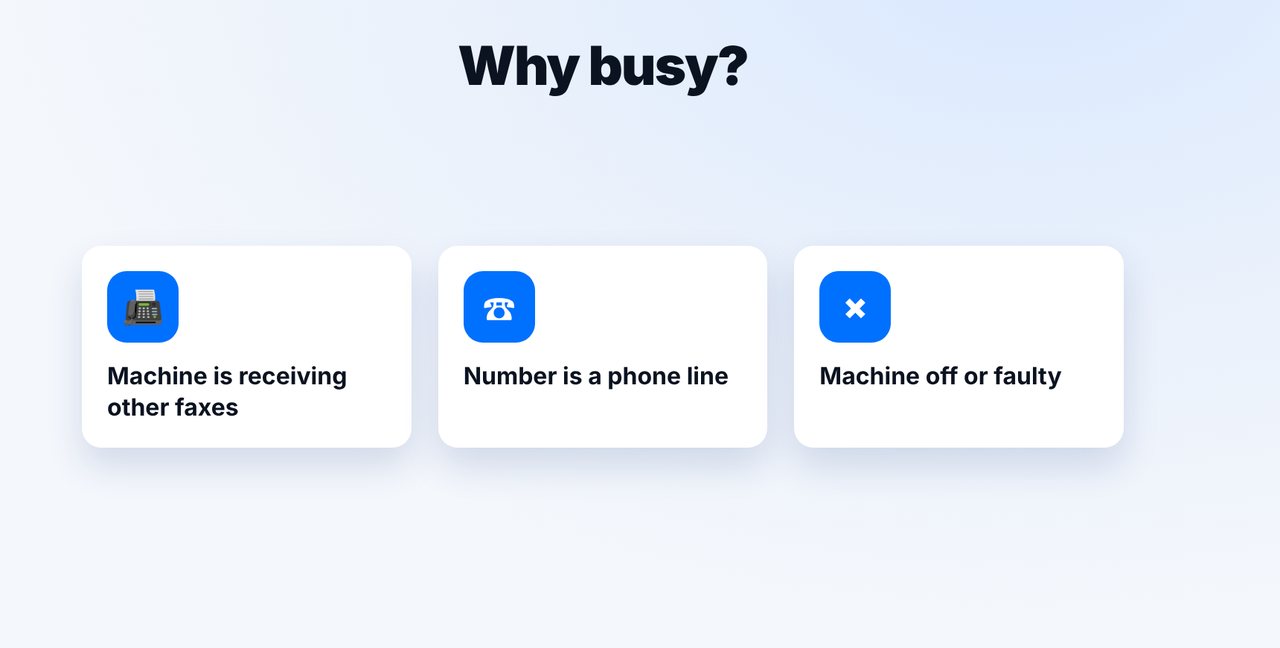
Busy often means: the machine is receiving other faxes, the number is a phone line, or the machine is switched off or faulty.
-
2 Step 2
Check the status and resend
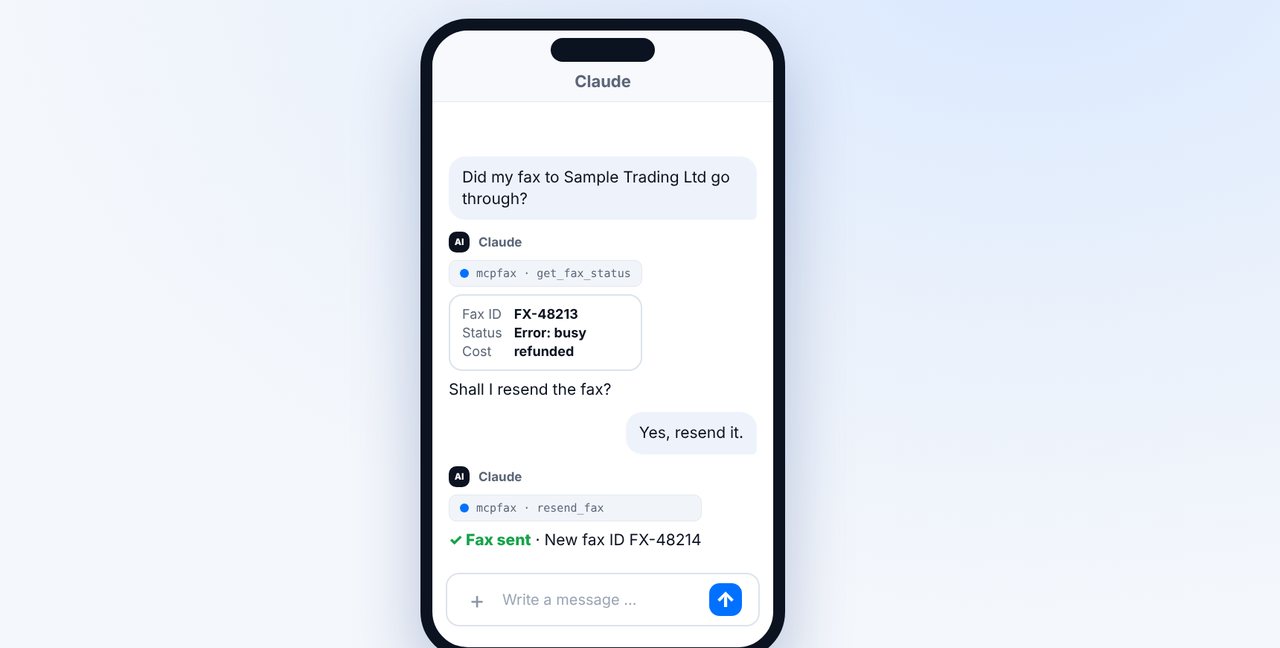
Ask for the status in the chat. If it says “Error: busy”, ask Claude to resend the fax – it goes out after your confirmation.
-
3 Step 3
Check delivery
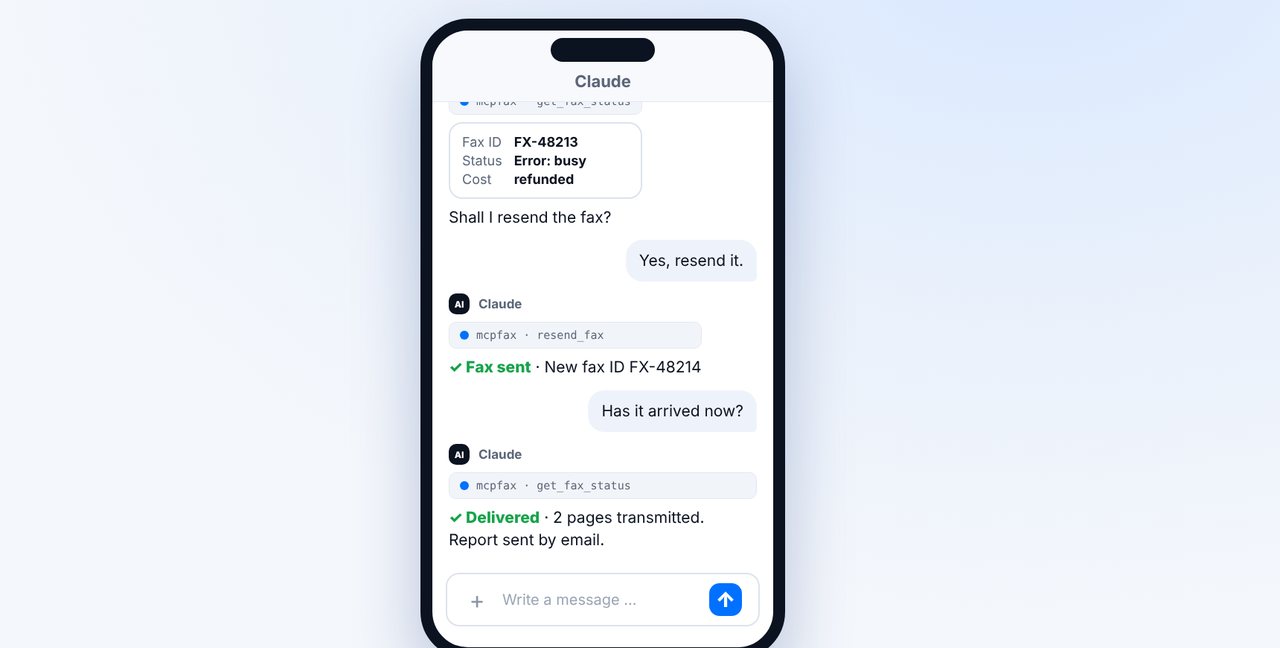
After a while, ask whether the fax was delivered. You receive the transmission report by email.
-
4 Step 4
If it stays busy
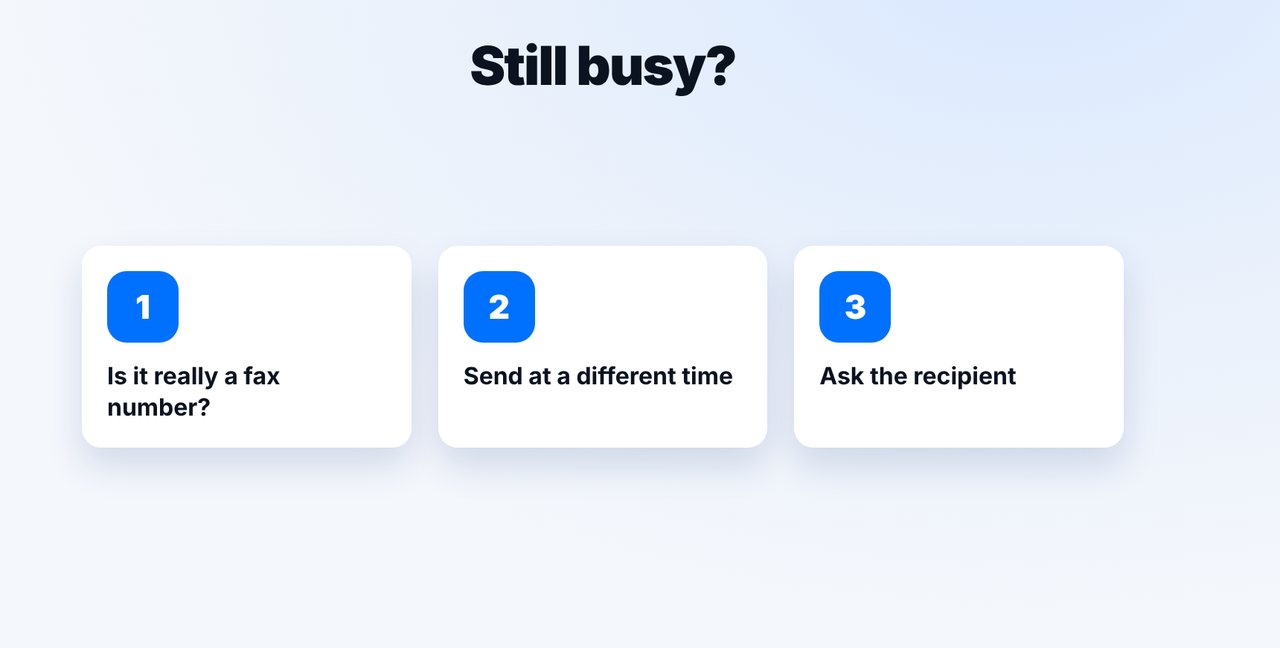
Check the number, try at a different time of day and ask the recipient for the correct fax number.
The pictures are a simplified illustration. Menu names may differ slightly depending on the version.
Video transcript
Your fax won't go through because the line is always busy? Usually it helps to try again later. Let me show you how that works with mcpfax, and what else you should check. Busy often means the machine is currently receiving other faxes. Or there's a regular phone behind the number, or the machine is switched off or faulty. Ask for the status in the chat. If it says busy, just say that the fax should be sent again. The cost of the failed attempt is refunded to you. A little later, you ask again. This time it worked, and the transmission report arrives by email. If it stays busy all the time, check whether it really is a fax number. Try at a different time of day, or ask the recipient directly. You'll find the link to mcpfax in the description. Subscribe to the channel for more guides all about faxing.

Ready for your first fax?
Create your account in a minute, top up your balance and get started. No subscription, no monthly fee.
Create free accountFrequently asked questions
Does every attempt cost extra?
No. Failed faxes are refunded to your balance; you only pay for what is transmitted.
Does mcpfax resend automatically?
Resending needs your confirmation. Just say in the chat that the fax should be sent again.
What if the number isn't a fax at all?
Then the fax will never get through. Ask the recipient for the correct fax number – mcpfax doesn't look up numbers on the internet.