
How do you fax correctly?
Send in portrait format, with dark text at 10 pt or larger and no colored background – a fax is black and white. Online, the question of face up or face down doesn't arise: the file is sent directly.
Step by step
-
1 Step 1
Set up the document correctly
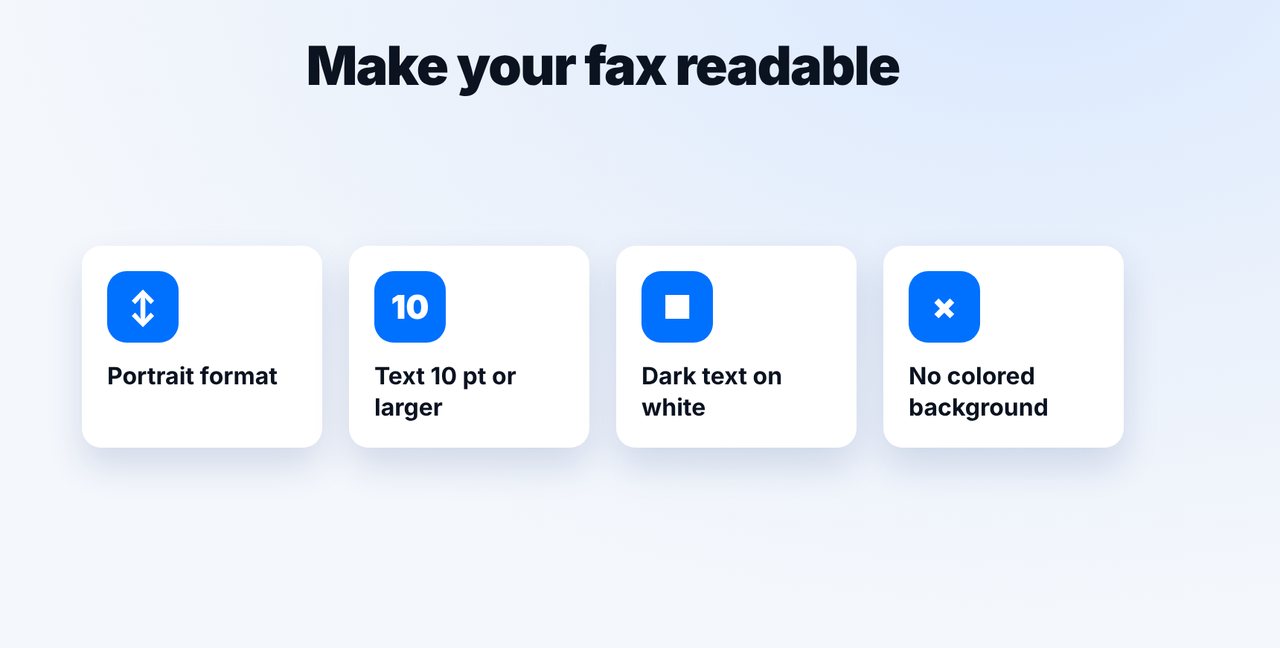
Portrait format, dark text on white, font size 10 pt or larger, no colored background.
-
2 Step 2
Think black and white
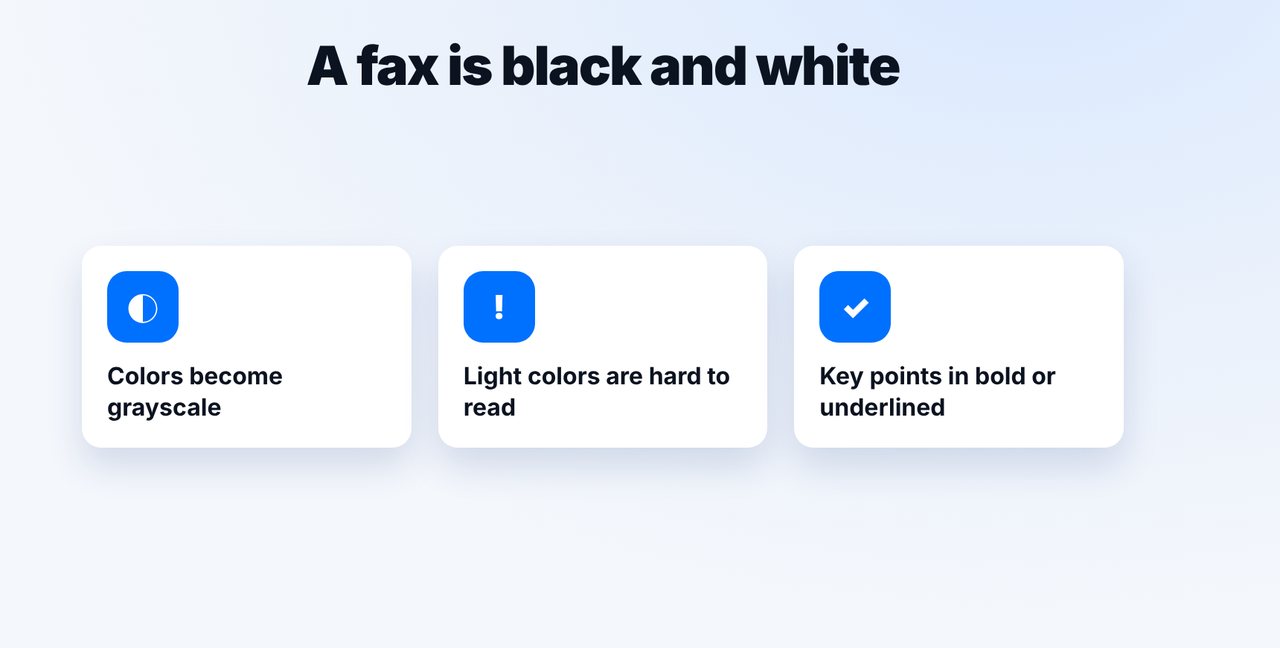
Colors become grayscale. Light colors become hard to read – better to highlight important parts in bold or underline.
-
3 Step 3
Face up or down? Not an issue online
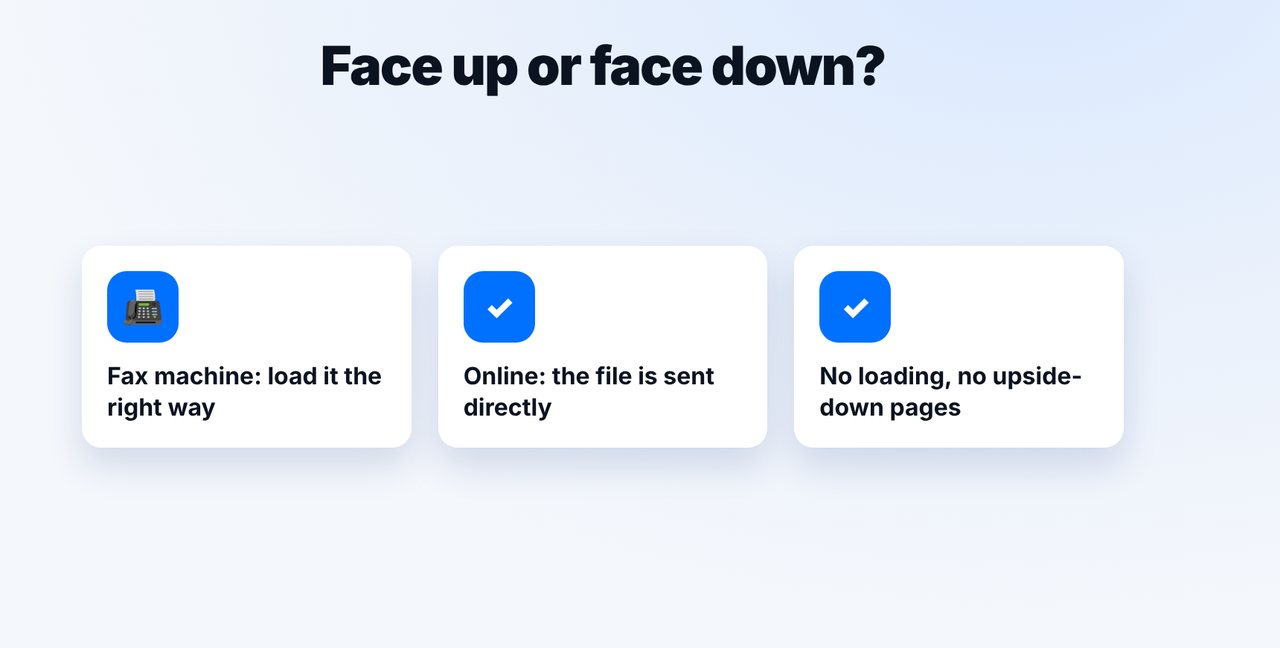
At a fax machine, you have to load the page the right way round. Online, you send the file directly – there's nothing to load.
-
4 Step 4
Send and confirm
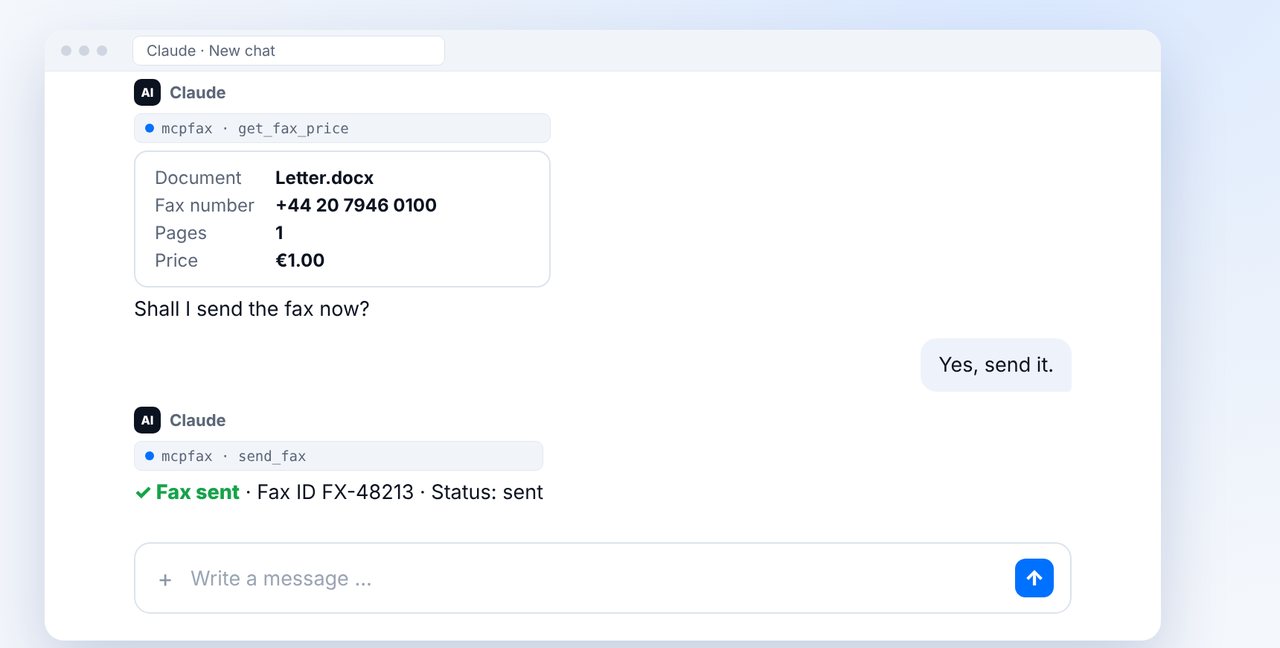
Attach the file in the chat, give the fax number, check the pages and price, and confirm with “Yes”.
The pictures are a simplified illustration. Menu names may differ slightly depending on the version.
Video transcript
How do you fax correctly, so that everything arrives clearly readable? In short: portrait format, dark text at ten points or larger, and no colored background. Let me show you what matters. Set up your document in portrait format. Use dark text on a white background, at least ten points in size, and avoid colored backgrounds altogether. Remember: a fax is black and white. Colors become grayscale, and light colors are then barely readable. It's better to highlight important parts in bold or with an underline. And the question of whether the text should face up or face down? That only matters when loading paper into a fax machine. Online, you send the file directly, so there's nothing to load. With mcpfax, you attach the finished document in the chat and give the number. Claude shows the pages and the price, and after your yes, the fax is on its way. You'll find the link to mcpfax in the description. How to send a photo as a fax is shown in a separate video. Subscribe to the channel.

Ready for your first fax?
Create your account in a minute, top up your balance and get started. No subscription, no monthly fee.
Create free accountFrequently asked questions
What font size is good for a fax?
At least 10 pt, preferably a bit larger, in a dark color on a white background.
Do colors reach the recipient?
No. A fax is black and white; colors become grayscale. Light colors may hardly be readable.
Should the text face up or down when faxing?
That only applies when loading paper into a fax machine. With online fax, you send the file directly, so the question doesn't arise.
Do I need a cover page?
Not necessarily. At mcpfax.de you can optionally create a cover page with recipient and subject; your sender ID, set in your account, appears at the top of every fax.