
How to send a fax from Gmail, Yahoo Mail & co.
From Gmail, Yahoo Mail, iCloud Mail or any other mailbox, write an email to faxnumber@fax.mcpfax.de and attach the document. Just once, you allow your sender address at mcpfax.
Step by step
-
1 Step 1
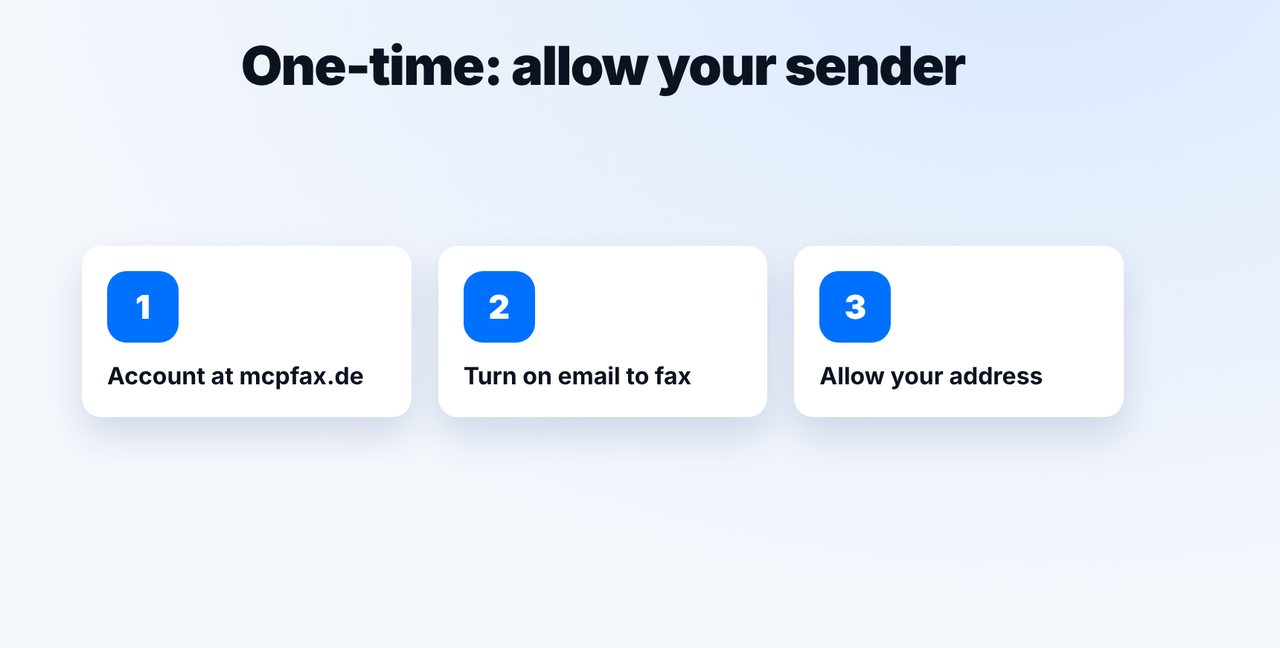
Allow your sender address
Create an account at mcpfax.de, turn on email to fax and add your Gmail, Yahoo or iCloud address as an allowed sender.
-
2 Step 2
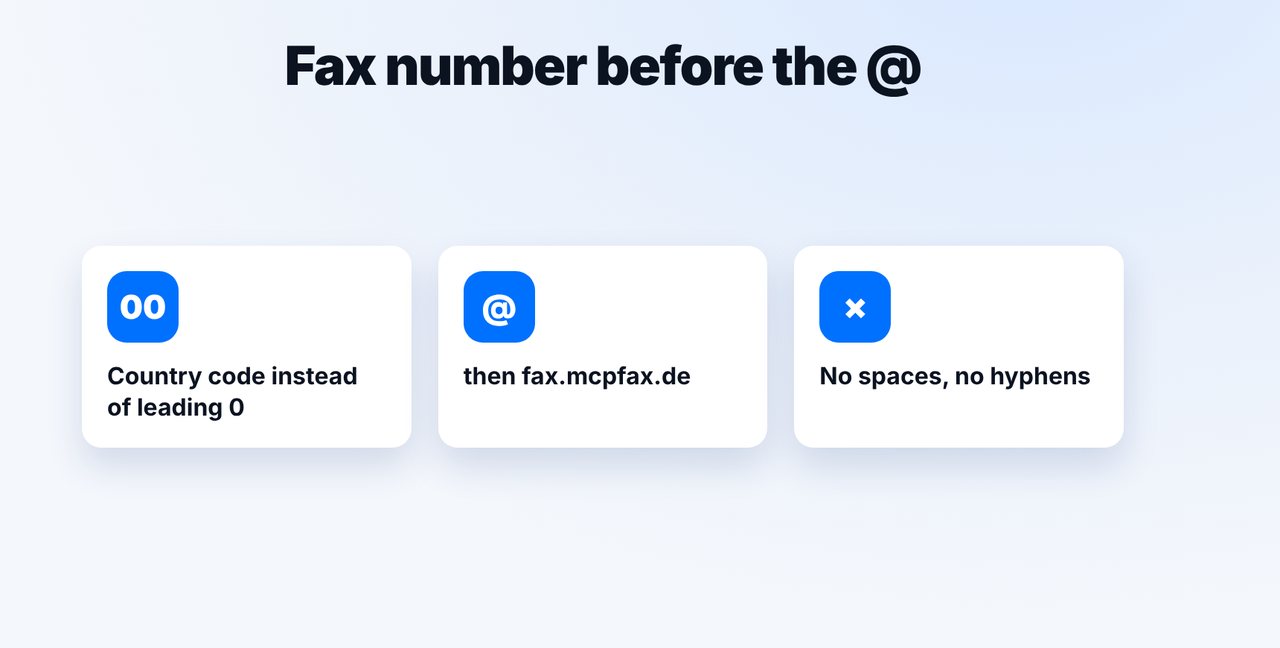
Write the fax address
Fax number with country code (00 or +) before the @, followed by fax.mcpfax.de – no spaces or hyphens.
-
3 Step 3
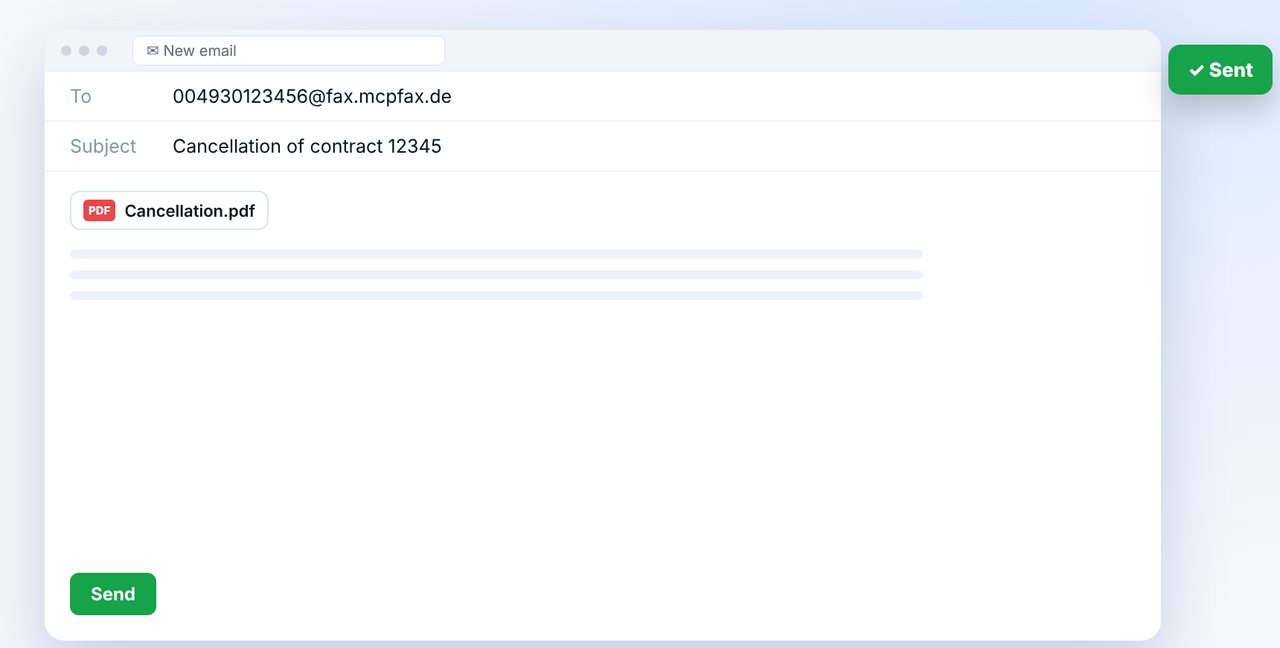
Attach the document and send
New email in your mailbox, attach the document (PDF, DOCX, JPG, PNG or TXT) and send.
-
4 Step 4
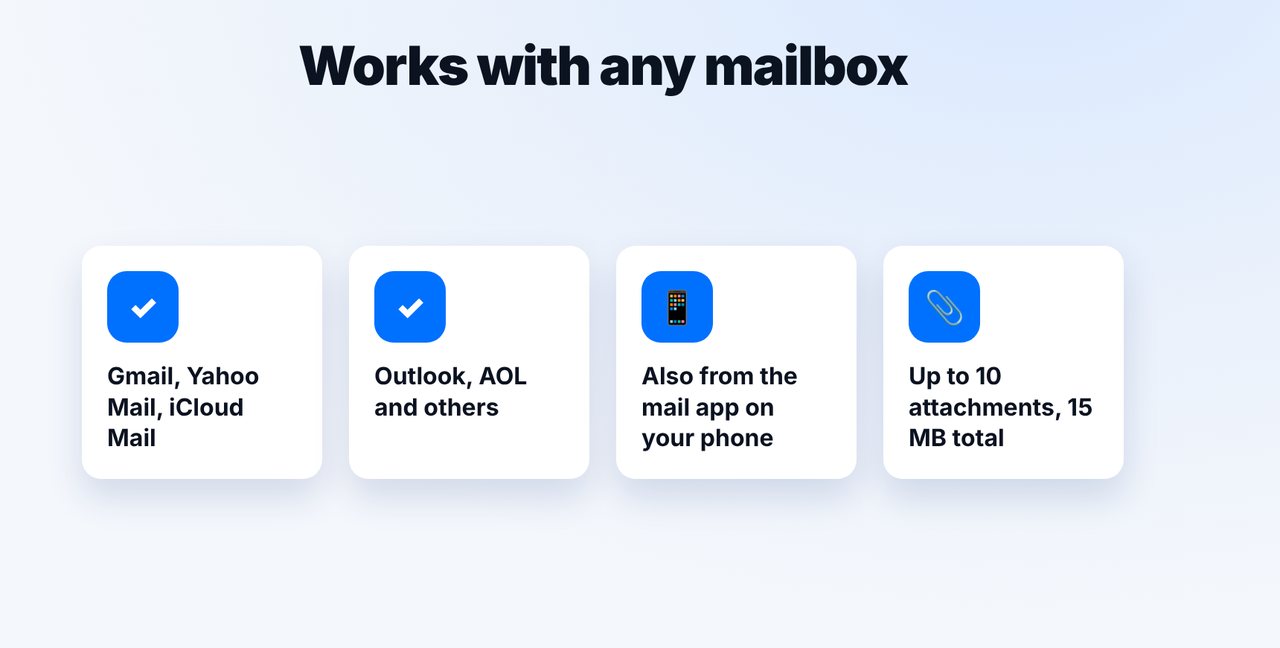
Works with any mailbox
It works with any email provider, including the mail app on your phone – up to 10 attachments, 15 MB in total.
The pictures are a simplified illustration. Menu names may differ slightly depending on the version.
Video transcript
Yes, you can fax straight from Gmail, Yahoo Mail, iCloud Mail or any other mailbox. You simply write an email to a special address. Let me show you how it works. Just once, you create an account at mcpfax.de, turn on email to fax and add your Gmail, Yahoo or iCloud address as an allowed sender. Here's how to build the address: before the @ goes the fax number with the country code, so double zero or plus instead of the leading zero. Then comes our fax domain, which you see on screen. Now write a new email to this address in your mailbox, attach the document and send it. The subject line will later appear in your fax history. This works with any email provider, including the mail app on your phone. You can send up to ten attachments, with up to fifteen megabytes in total. You'll find the link to mcpfax in the description. Subscribe to the channel, where we also show you how to fax straight from Claude.

Ready for your first fax?
Create your account in a minute, top up your balance and get started. No subscription, no monthly fee.
Create free accountFrequently asked questions
Do I need a special mailbox?
No. Any mailbox works, for example Gmail, Yahoo Mail, iCloud Mail, AOL or Outlook. The address just has to be listed as an allowed sender.
Why isn't my email being faxed?
Usually the sender address isn't allowed, or the fax number is written incorrectly. Check both in your customer area and in the address.
Can I receive faxes in Gmail?
Not via mcpfax. mcpfax only sends faxes and doesn't have a fax number of its own.