
How do I fax without a fax machine?
Without a fax machine, you fax over the internet: photograph or attach the document, give the fax number, check the price, confirm. mcpfax transmits it as a real fax – from €1.00 for the first page, with no machine and no phone line.
Step by step
-
1 Step 1
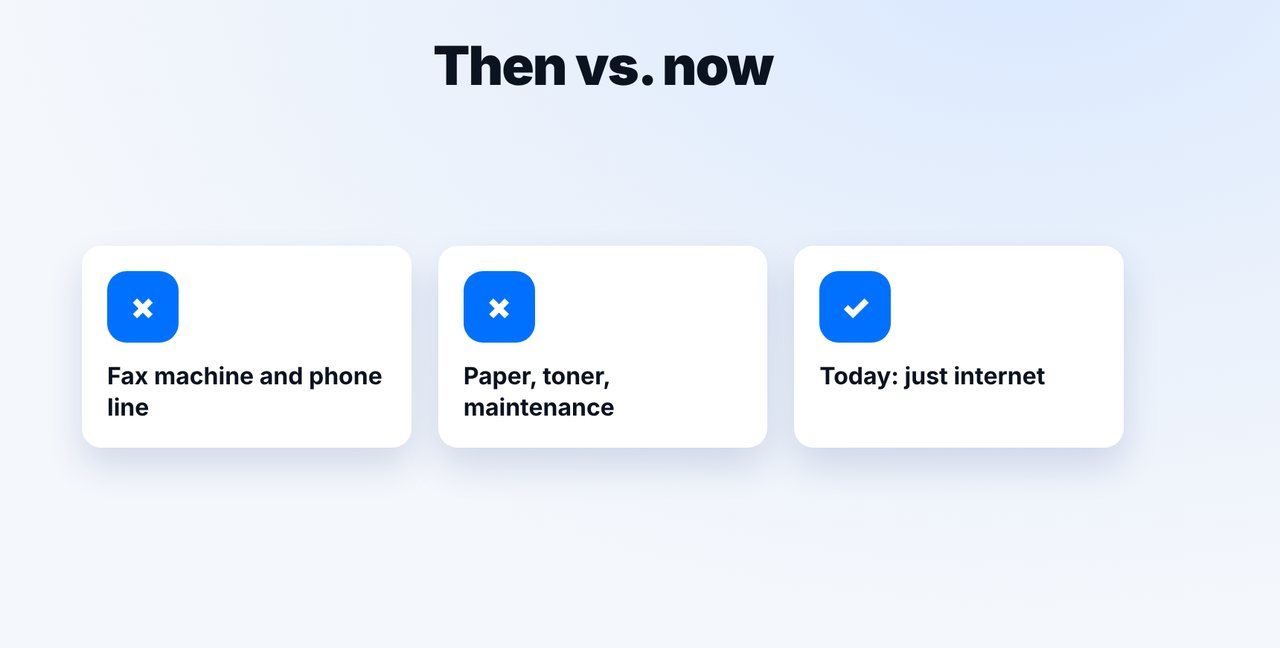
No machine needed
Instead of a fax machine, a phone line and toner, all you need is internet. You can fax in a Claude chat, by email or right on mcpfax.de, even without an account.
-
2 Step 2
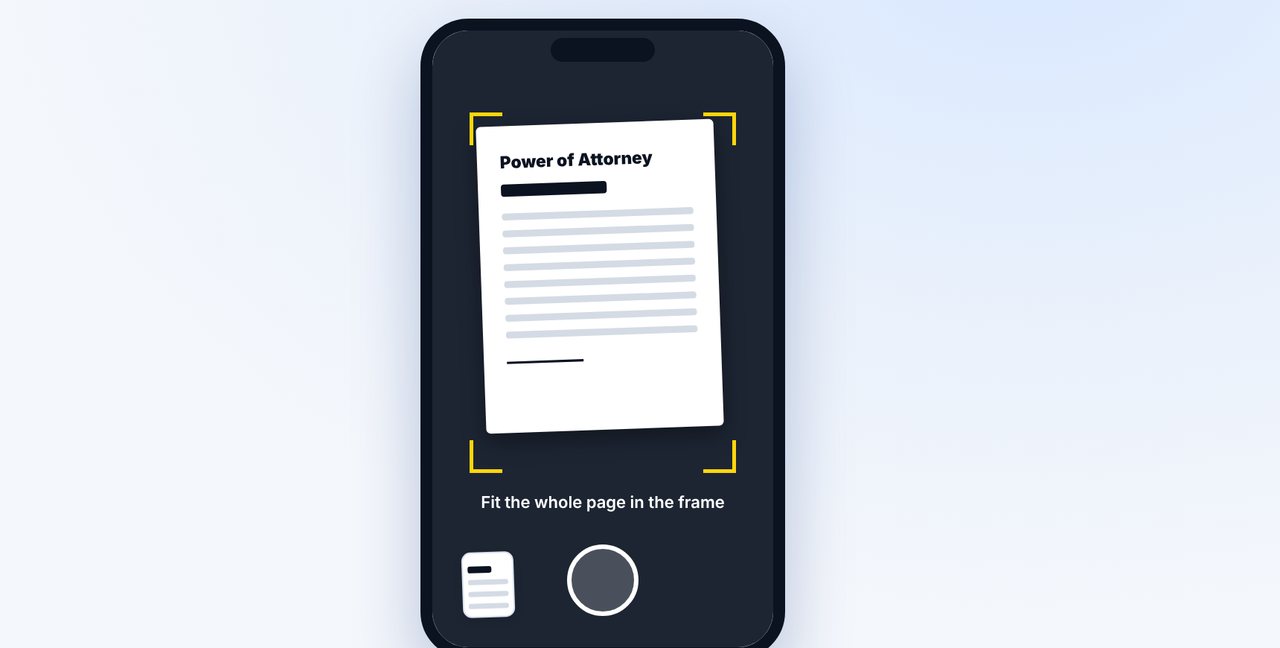
Photograph the paper
If the document is only on paper, photograph it in the Claude app – the whole page, in good light.
-
3 Step 3
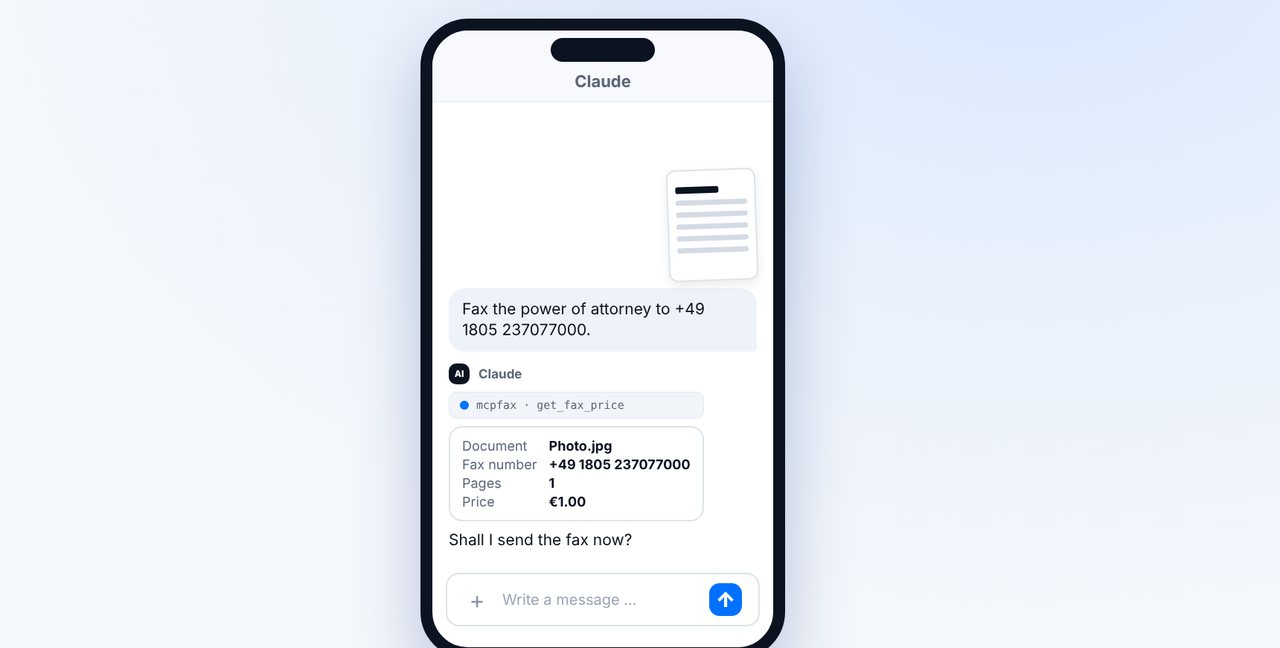
Give the number and send
Add the fax number, check pages and price, confirm with “Yes, send it.”
-
4 Step 4
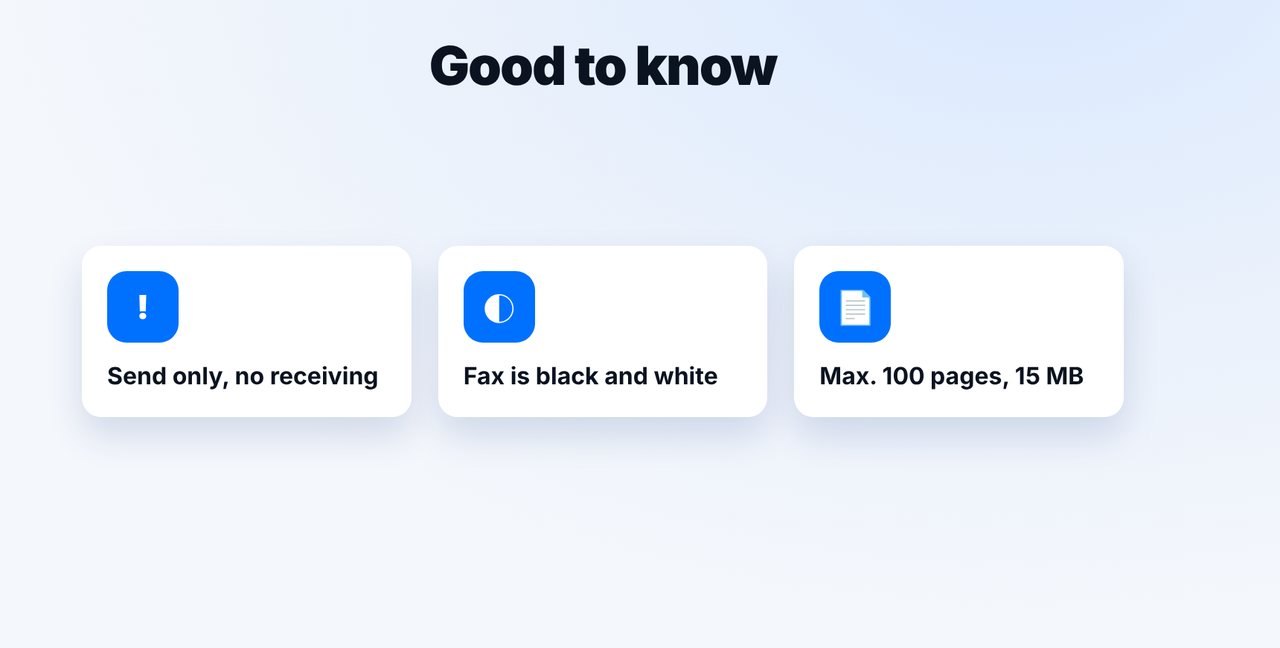
Know the limits
mcpfax only sends (no receiving), faxes are black and white, up to 100 pages and 15 MB per fax.
The pictures are a simplified illustration. Menu names may differ slightly depending on the version.
Video transcript
Yes, you can fax without owning a fax machine. All you need is internet, and the recipient still gets a real fax. Let me show you how it works. In the past, you needed a fax machine, a phone line, paper and toner. Today, a phone or computer with internet is enough. mcpfax takes care of the rest. Your document only exists on paper? Then photograph it in the Claude app. You don't need a scanner; the photo is automatically turned into a fax page. Add the number the fax should go to. Claude shows you the pages and the price and checks with you before anything is sent. Once you say yes, the fax goes out. Delivered means it has arrived completely at the receiving machine. To be honest, there are limits: with mcpfax you can only send, receiving faxes isn't possible. Faxes are black and white, and each fax can have up to one hundred pages. You'll find the link to mcpfax in the description. Subscribe to the channel for more step-by-step guides on faxing.

Ready for your first fax?
Create your account in a minute, top up your balance and get started. No subscription, no monthly fee.
Create free accountFrequently asked questions
How can I send a fax without a fax machine?
Three ways: at a store like The UPS Store or Staples, by email-to-fax, or with an online fax service like mcpfax right from the chat. Online works from home, around the clock, from €1.00 per fax.
Does the recipient get a real fax?
Yes. The recipient gets a completely normal fax on their fax machine or fax service.
Can I also receive faxes without a fax machine?
Not with mcpfax – the service only sends and does not assign a fax number.
Does it work without an account?
Yes, right on mcpfax.de you can send a fax without an account and pay just for that fax. For chat and email-to-fax you need an account.
Are colors transmitted?
No, fax is black and white. Color documents are converted to grayscale.