
Send a fax with Claude – here’s how
Your first fax in three steps: create an account, connect mcpfax once, then simply tell the chat what to fax and where.
Video guide (2 minutes)
Step by step
-
1 Step 1
Create an account on mcpfax.de and top up
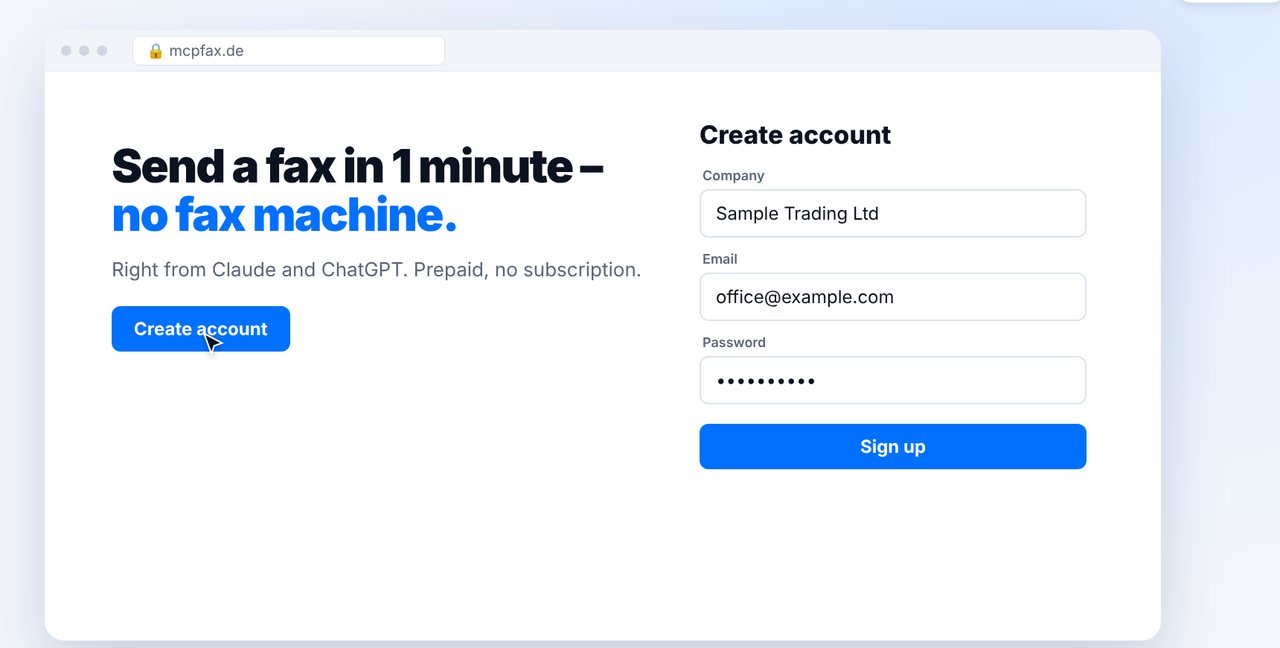
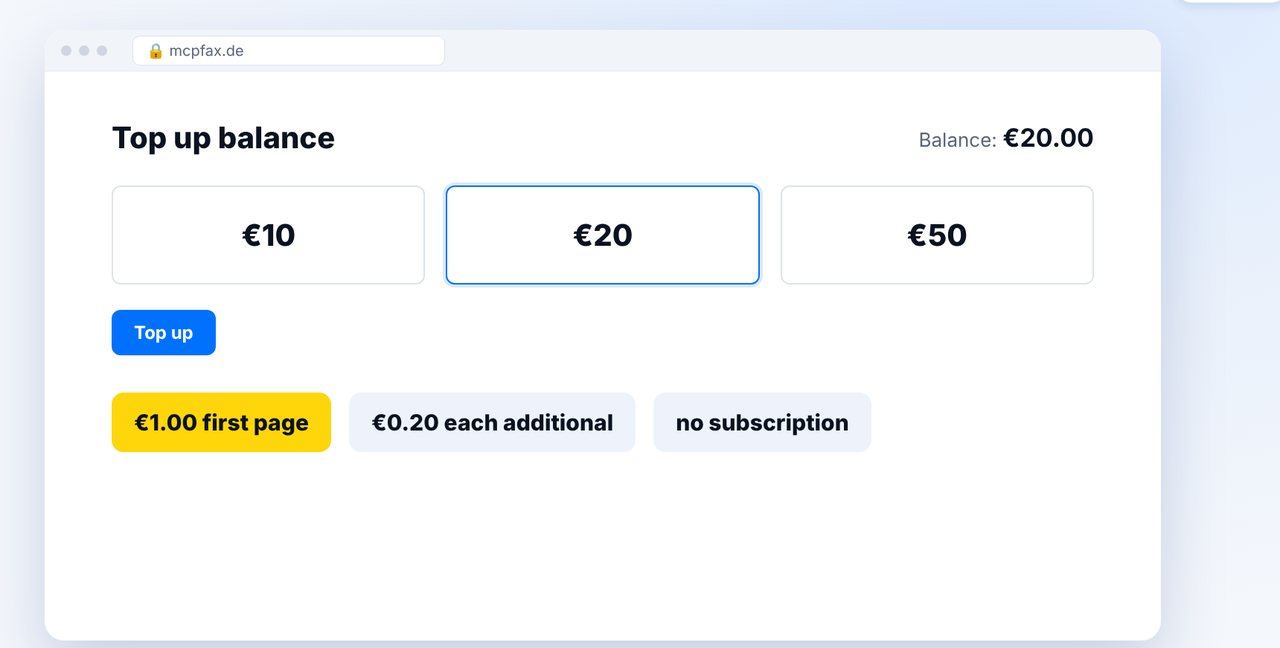
Sign up with your company name, email address and password and confirm your email. Then top up your balance – from €10, with no subscription and no monthly fee.
-
2 Step 2
Connect mcpfax to Claude (once)
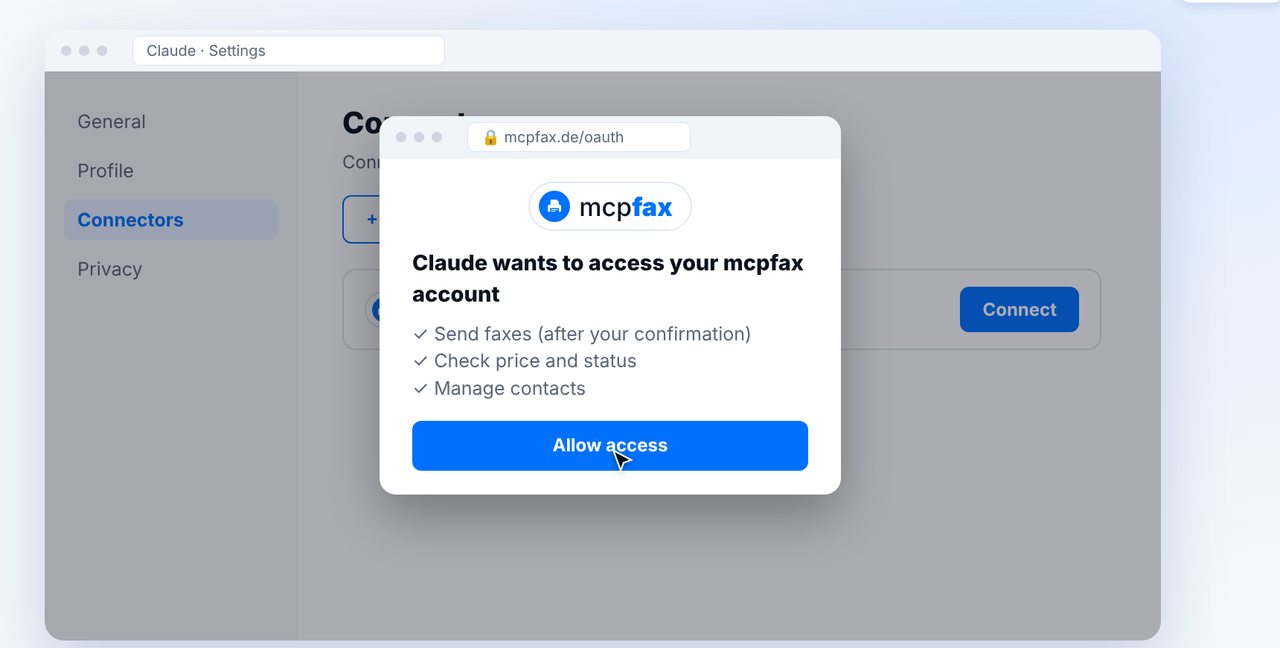
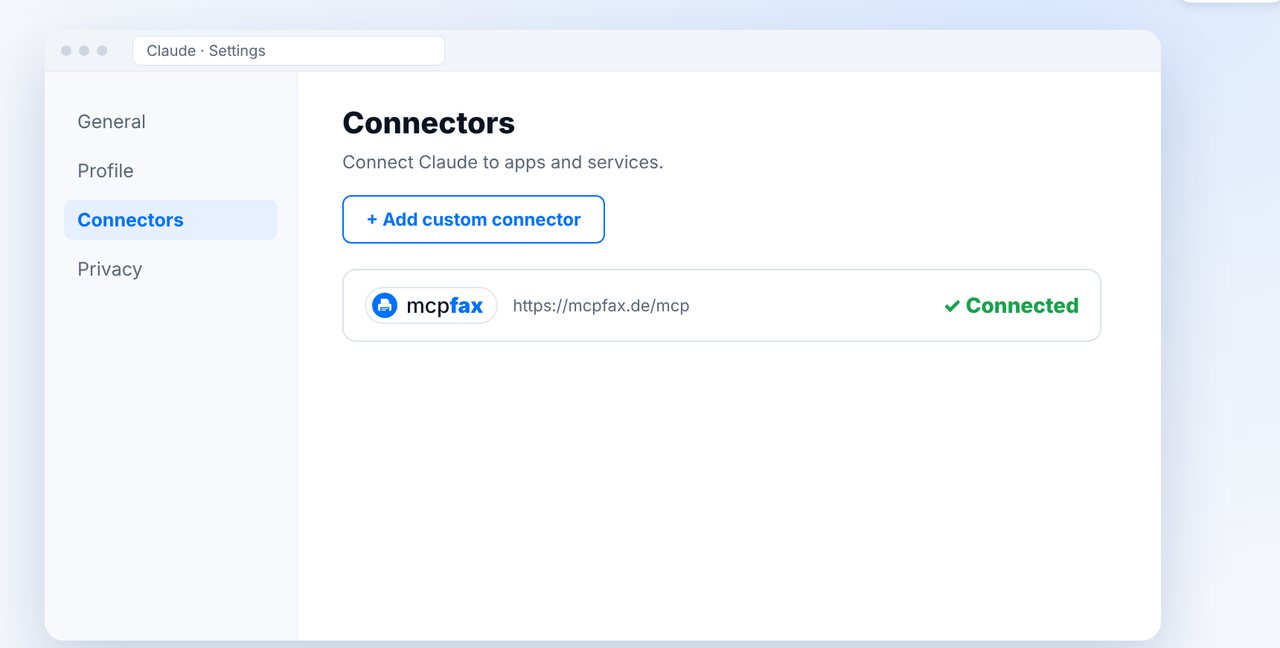
In Claude, open Settings and then “Connectors”. Click “Add custom connector”, enter mcpfax as the name and paste the address below. Click “Connect”, sign in with your mcpfax account and allow access.
Paste this address when connecting:
https://mcpfax.de/mcp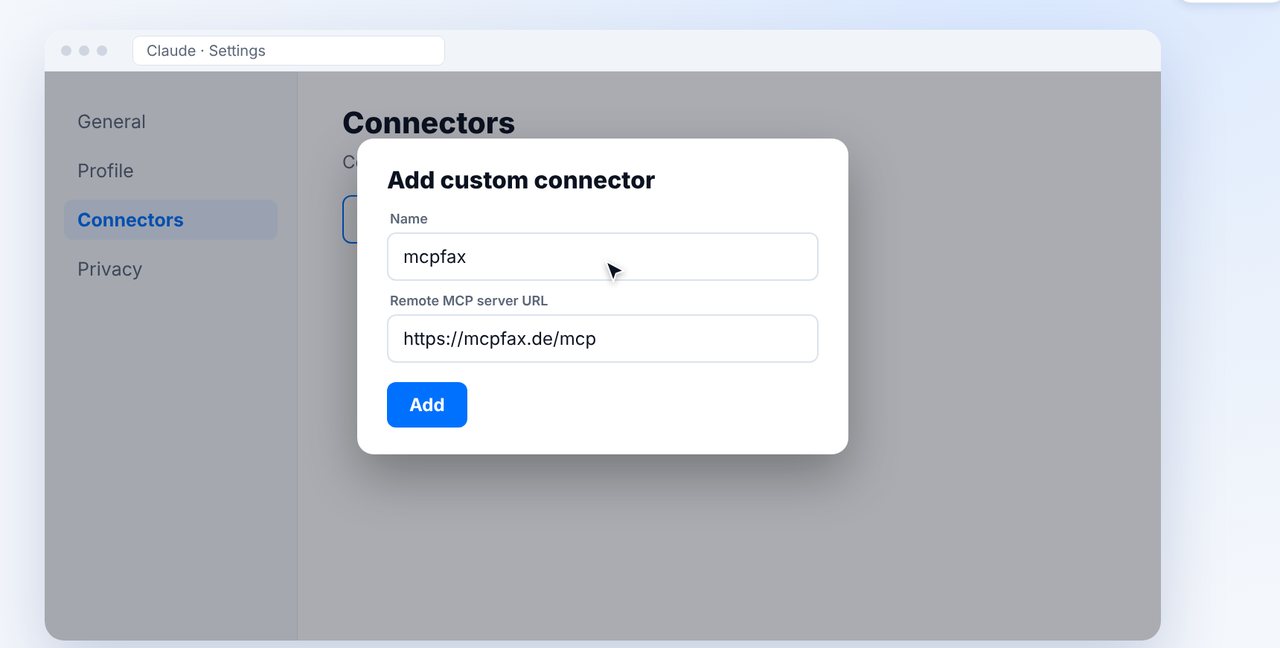
-
3 Step 3
Attach your document and name the recipient
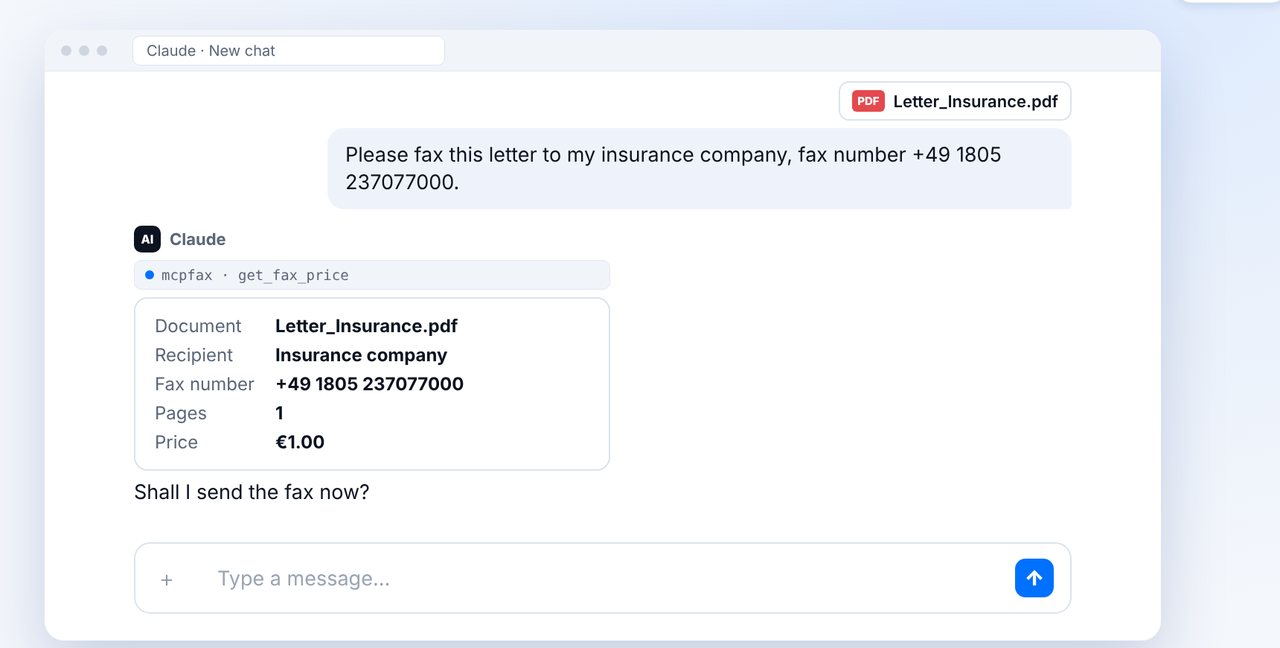
Start a new chat, attach your document (PDF, Word or photo) and simply write who the fax is for – for example: “Fax this letter to my insurer, fax number …”. Claude first shows you the recipient, pages and price.
-
4 Step 4
Confirm – the fax is sent
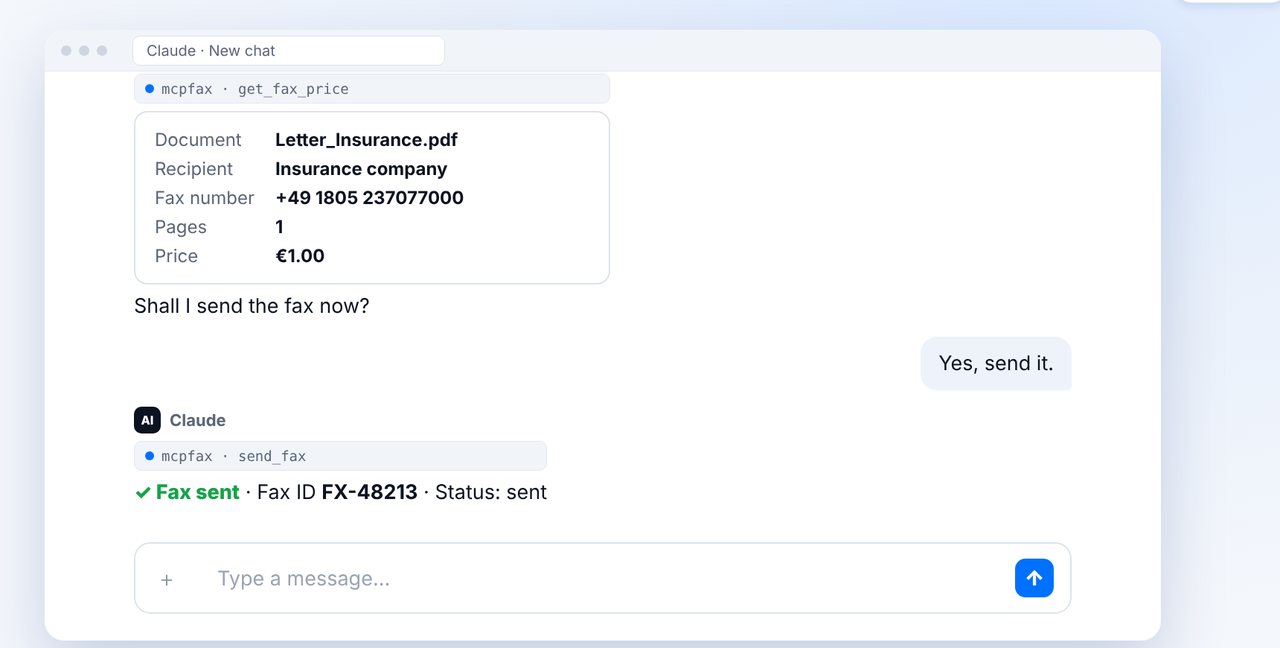
Reply “Yes, send it”. A few seconds later the fax is on its way and you get a fax ID right away.
-
5 Step 5
Check delivery
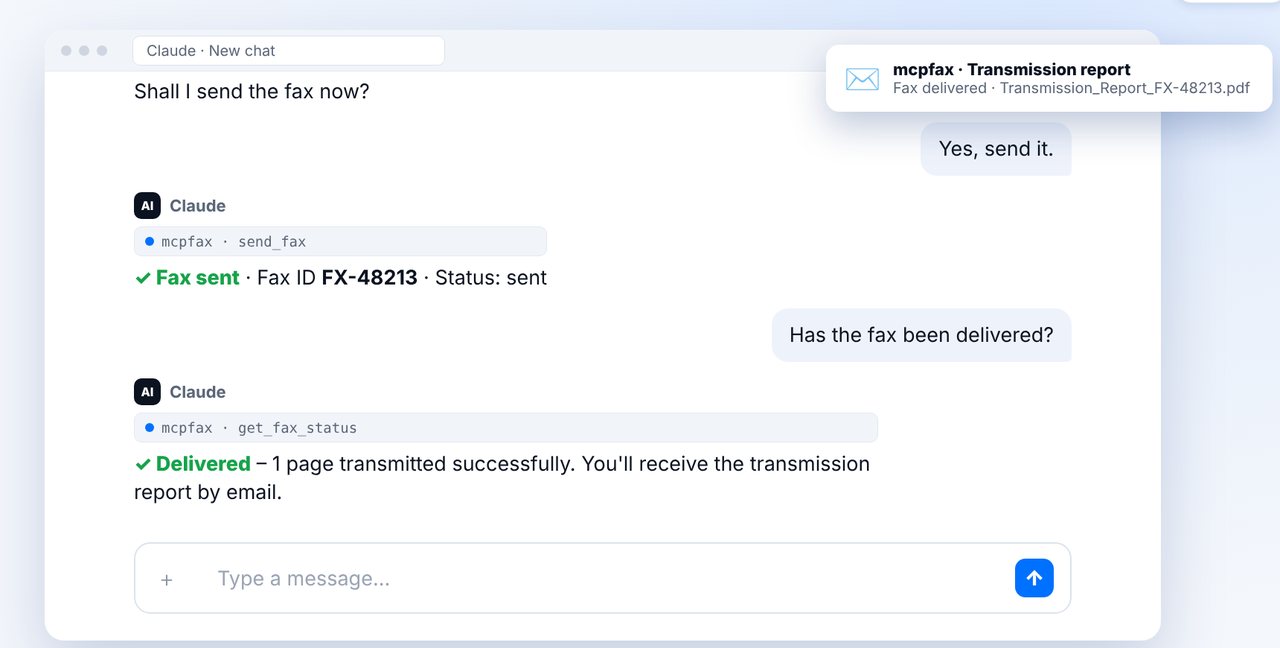
Ask “Did the fax arrive?” – Claude shows the current status. You also receive the transmission report as a PDF by email.
-
★ Tip
Save recipients to your address book
Save frequent recipients as contacts. Next time, this is all it takes: “Fax this to Insurance.”
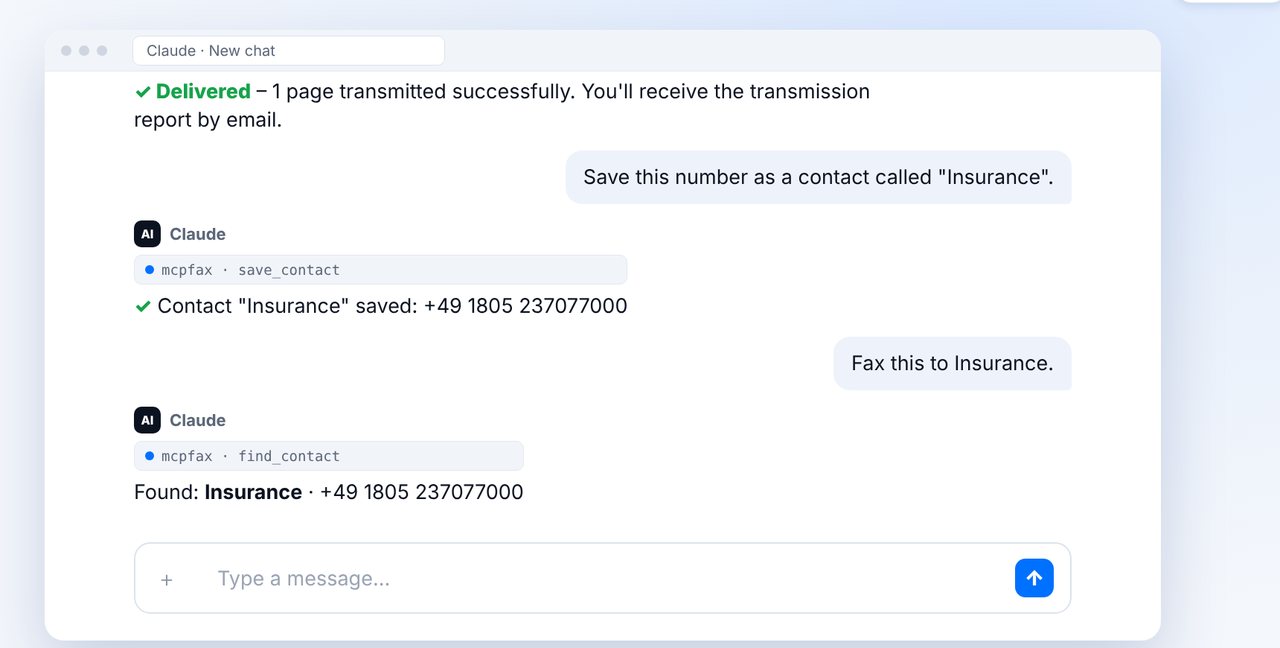
The pictures are a simplified illustration. Menu names may differ slightly depending on the version.

Ready for your first fax?
Create your account in a minute, top up your balance and get started. No subscription, no monthly fee.
Create free accountFrequently asked questions
Do I need a fax machine or a fax number?
No. mcpfax sends the fax through the fax network to the recipient’s number. All you need is an mcpfax account and Claude or ChatGPT.
How much does a fax cost?
€1.00 for the first page and €0.20 for each additional page (EU, Switzerland, UK, USA, Canada and more). Prepaid, no subscription. The chat shows the exact price before sending.
Will anything be faxed without my approval?
No. Before every fax the chat shows the recipient, number of pages and price. Nothing is sent until you explicitly say “yes”.
How do I know the fax arrived?
Just ask for the status in the chat. You also receive a transmission report as a PDF by email.
Which files can I fax?
PDFs, Word documents, images and photos, as well as text that Claude or ChatGPT writes for you.
Using ChatGPT? Go to the ChatGPT guide →
More guides
- How to send a fax from your phone
- How to send a fax by email
- Send a fax to your health insurer or doctor's office
- The fax transmission report – what it shows
- How to send an international fax
- How do I send a fax online?
- Can you fax for free? What a fax really costs
- How do I fax from my iPhone?
- All fax guides →