
Is fax still relevant in 2026?
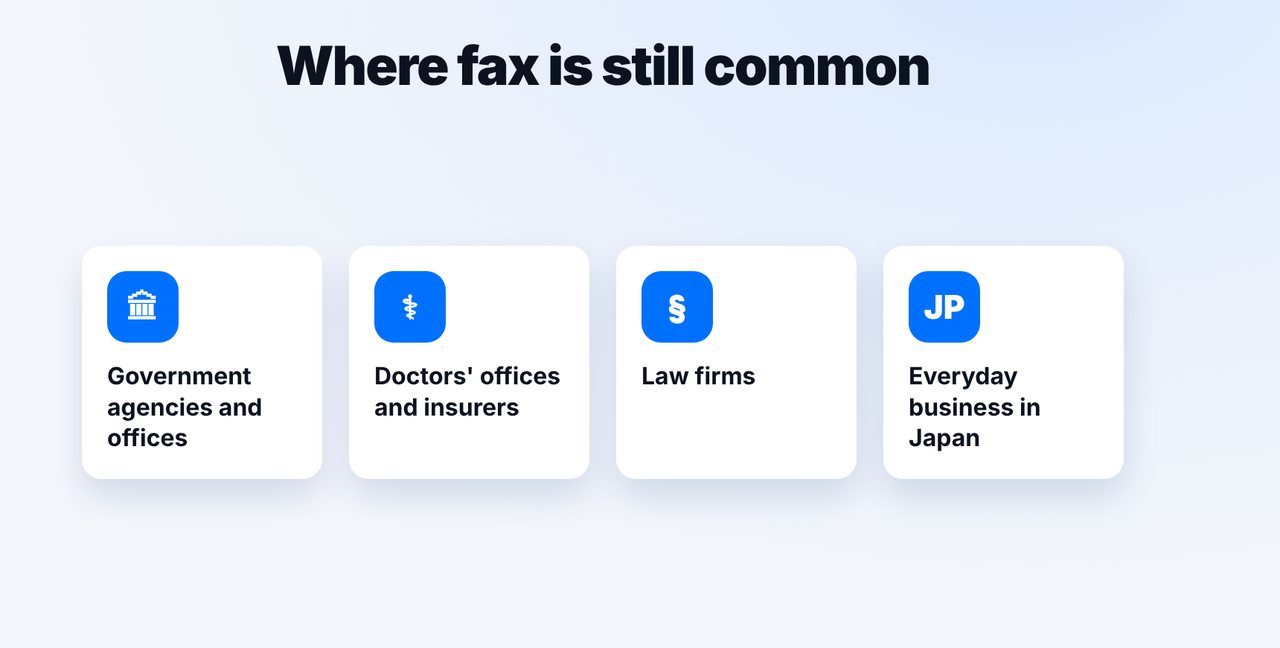
For many recipients, yes: government agencies, doctors' offices, law firms and insurers still accept documents by fax, and in Japan fax is common in everyday business. You don't need a fax machine: with mcpfax you fax from an AI chat, by email or right on mcpfax.de.
Step by step
-
1 Step 1
Check whether the recipient uses fax
Agencies, doctors' offices, law firms and insurers often list their fax number in their letters or on their website.
-
2 Step 2
Choose a method
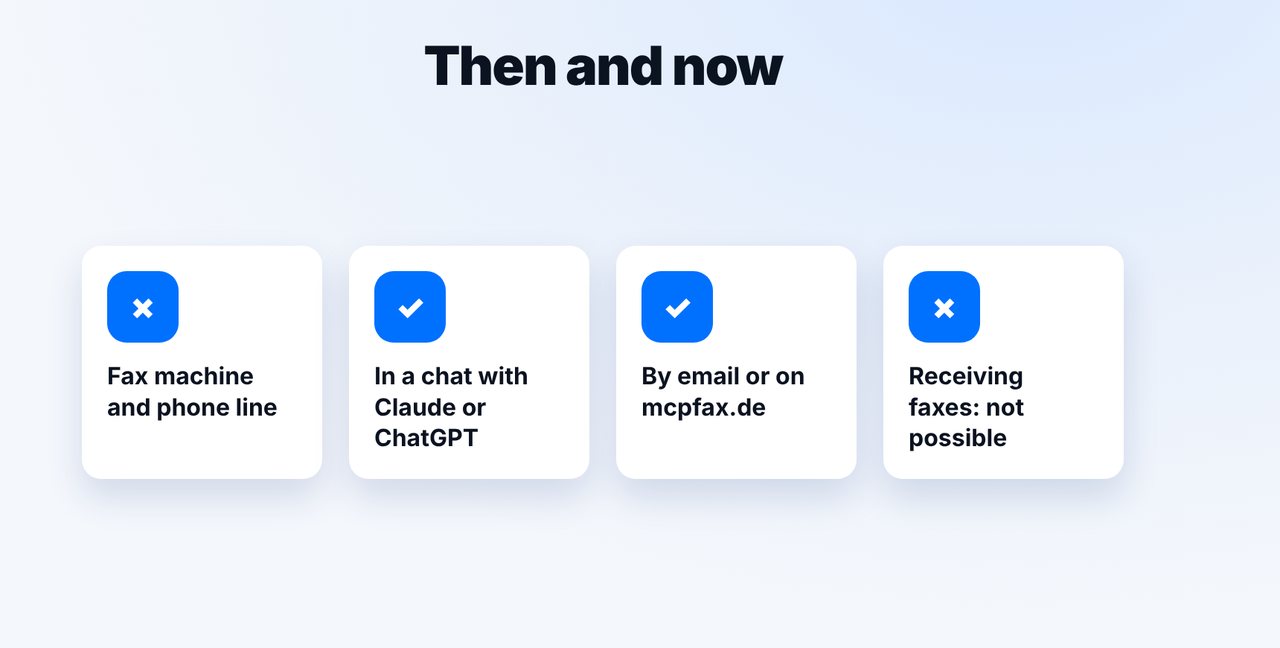
Send from a chat with Claude or ChatGPT, by email from your usual inbox, or right in the browser on mcpfax.de. You don't need a fax machine.
-
3 Step 3
Send the document
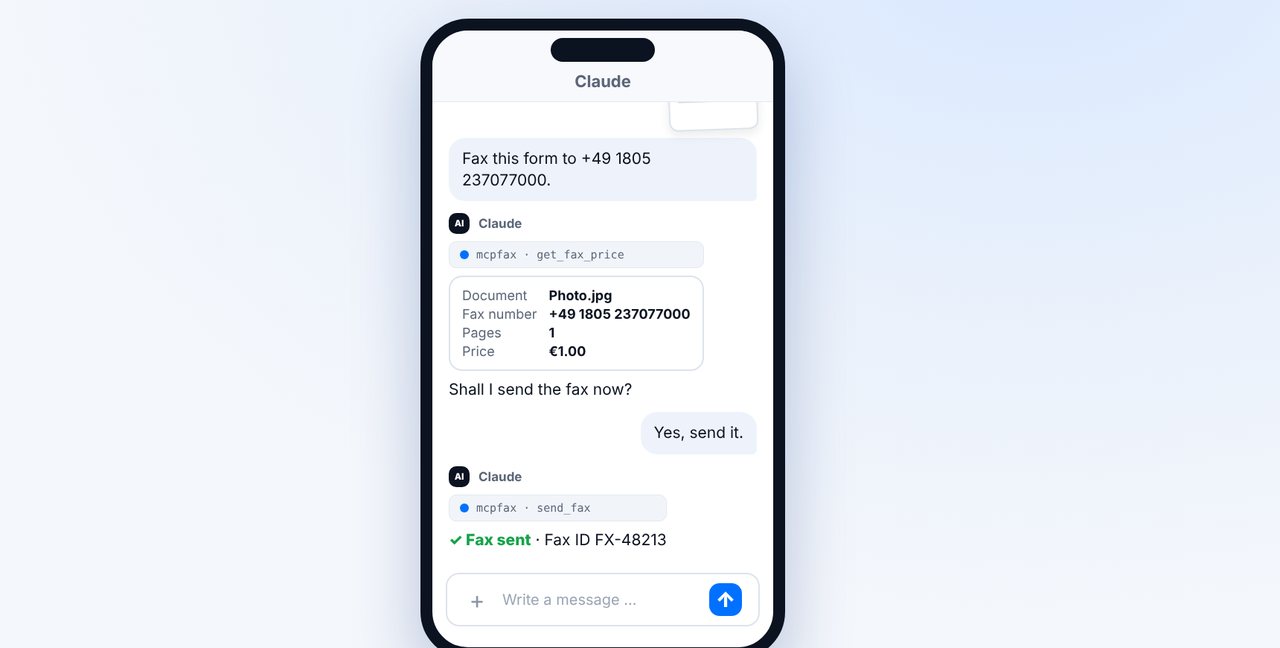
Attach or photograph the document, give the fax number, check the price and confirm.
-
4 Step 4
Keep the proof
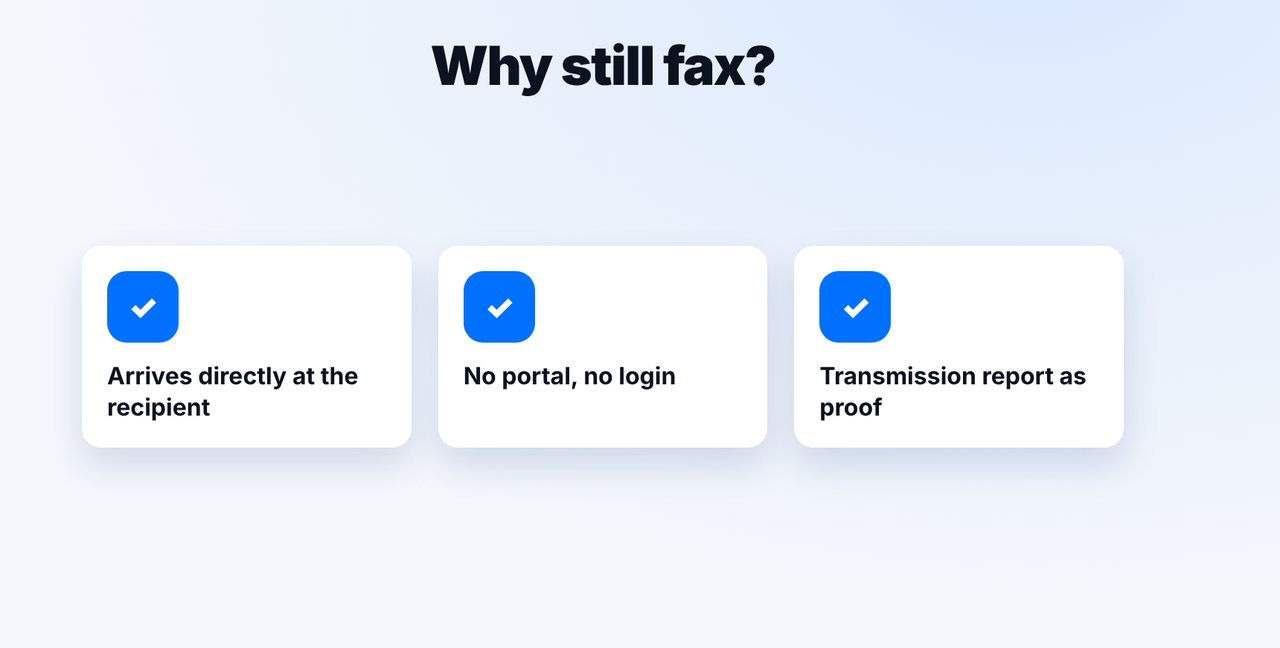
After the transmission you receive a transmission report as a PDF. It proves the transmission, not that the fax was read.
The pictures are a simplified illustration. Menu names may differ slightly depending on the version.
Video transcript
Is fax still relevant in 2026? For many recipients, yes: government agencies, doctors' offices, law firms and insurers still accept documents by fax. Let me show you how to fax today without a fax machine. Fax is used mainly where forms and deadlines matter: at government agencies, in doctors' offices, at insurers and in law firms. And in Japan, fax is still widely used in everyday business. Why? A fax arrives directly at the recipient, with no portal and no login. And you get a transmission report that proves the transmission. You no longer need a fax machine for it. With mcpfax, you send from the chat, by email or right on the website. To be honest: you can't receive faxes with it, only send. For example on your phone: photograph the form and add the fax number. Claude shows the pages and the price; one page costs one euro. After your yes, the fax goes out. You'll find the link to mcpfax in the description. Subscribe to the channel for more guides on sending faxes.

Ready for your first fax?
Create your account in a minute, top up your balance and get started. No subscription, no monthly fee.
Create free accountFrequently asked questions
Who still faxes in 2026?
Mainly government agencies, doctors' offices, law firms and insurers. In Japan, fax is still widely used in everyday business.
Do I need a fax machine for this?
No. With mcpfax, all you need is internet and an AI chat, an email program or the browser: on mcpfax.de you send in 3 steps, even without an account.
Can I also receive faxes with mcpfax?
No. mcpfax only sends; there is no fax number of your own for receiving.
How much does a fax cost?
In zone 1, including the EU, the UK and the US, €1.00 for the first page and €0.20 per additional page. Prepaid, no subscription.