
How do I request a birth or marriage certificate by fax?
Yes, if your records office accepts applications by fax: send the completed application by email to faxnumber@fax.mcpfax.de or from Claude. Two pages cost €1.20, and the transmission report arrives as a PDF.
Step by step
-
1 Step 1
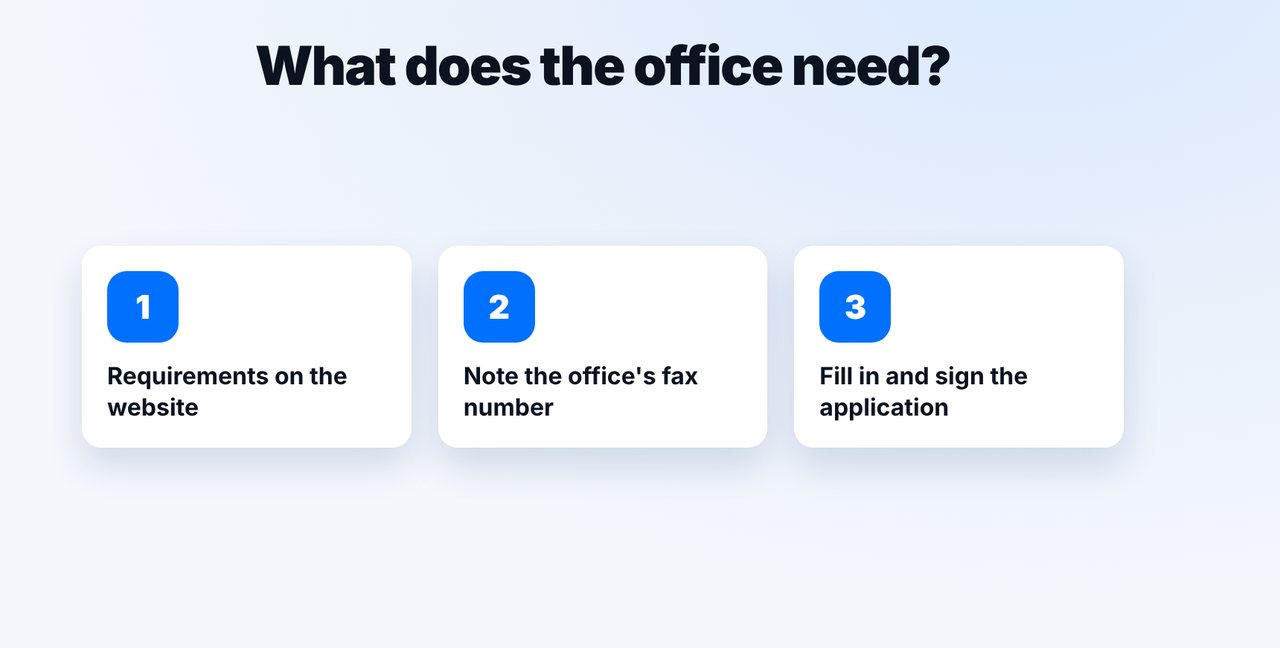
Check what the office requires
Your records office's website says which details and proof it needs for the certificate and whether it accepts applications by fax.
-
2 Step 2
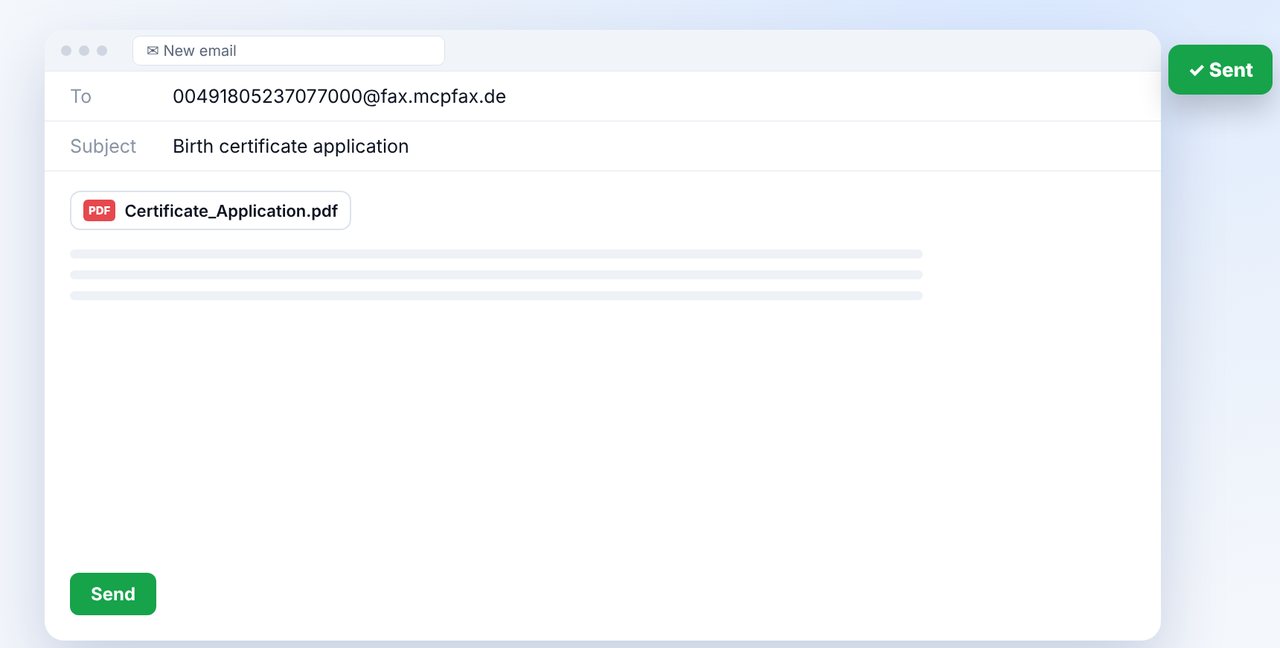
Email the application to the fax address
Fax number with country code before @fax.mcpfax.de, attach the completed and signed application as a PDF, send.
-
3 Step 3
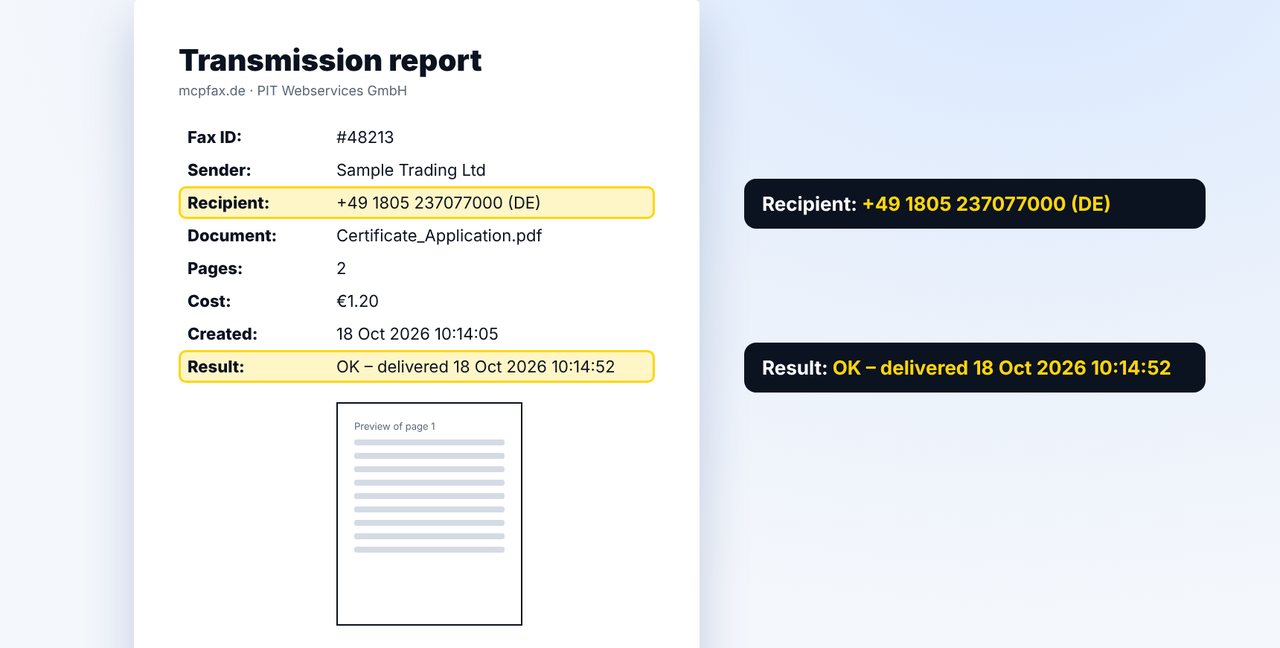
Confirm and keep the report
Click the confirmation email showing pages and price. The transmission report follows; keep it with your application.
The pictures are a simplified illustration. Menu names may differ slightly depending on the version.
Video transcript
You need a birth or marriage certificate, and the records office accepts applications by fax? Then you can do it without a fax machine, with a completely normal email. Let me show you how it works. Which details and proof your records office needs is listed on its website. That is usually also where you'll find the fax number. Fill in the application and sign it before you send anything. Write a new email to the fax address shown on screen, with the number and country code before the at sign. Attach the application, plus any further proof if needed, and hit send. If confirmation is switched on, you instantly get an email with the page count and the price, here two pages for one euro twenty. One click, and the fax goes out. Then the transmission report arrives, with the recipient, pages and result. The office sends you the certificate itself the usual way, because mcpfax cannot receive faxes. You'll find the link to mcpfax in the description. Subscribe to the channel for more guides on faxing government offices and agencies.

Ready for your first fax?
Create your account in a minute, top up your balance and get started. No subscription, no monthly fee.
Create free accountFrequently asked questions
Does every records office accept applications by fax?
It varies. Check your records office's website or ask the office directly.
Will I get the certificate by fax too?
No. mcpfax only sends and cannot receive faxes. The office sends you the certificate the usual way.
Can I do it without an email program?
Yes, right on mcpfax.de in your browser, even without an account: upload the application, enter the fax number, see the price, send – with an automatic cover sheet with subject if you like.
Can I include a copy of my ID?
Yes, as another attachment in the same email. Up to 10 attachments, 15 MB in total, are combined into one fax.