
Do I need a fax app?
No. With mcpfax, you fax from the Claude app, by email to faxnumber@fax.mcpfax.de from your mail app, or directly in your browser at mcpfax.de. It works on iPhone and Android, from €1.00 per fax, with no subscription.
Step by step
-
1 Step 1
Choose your way
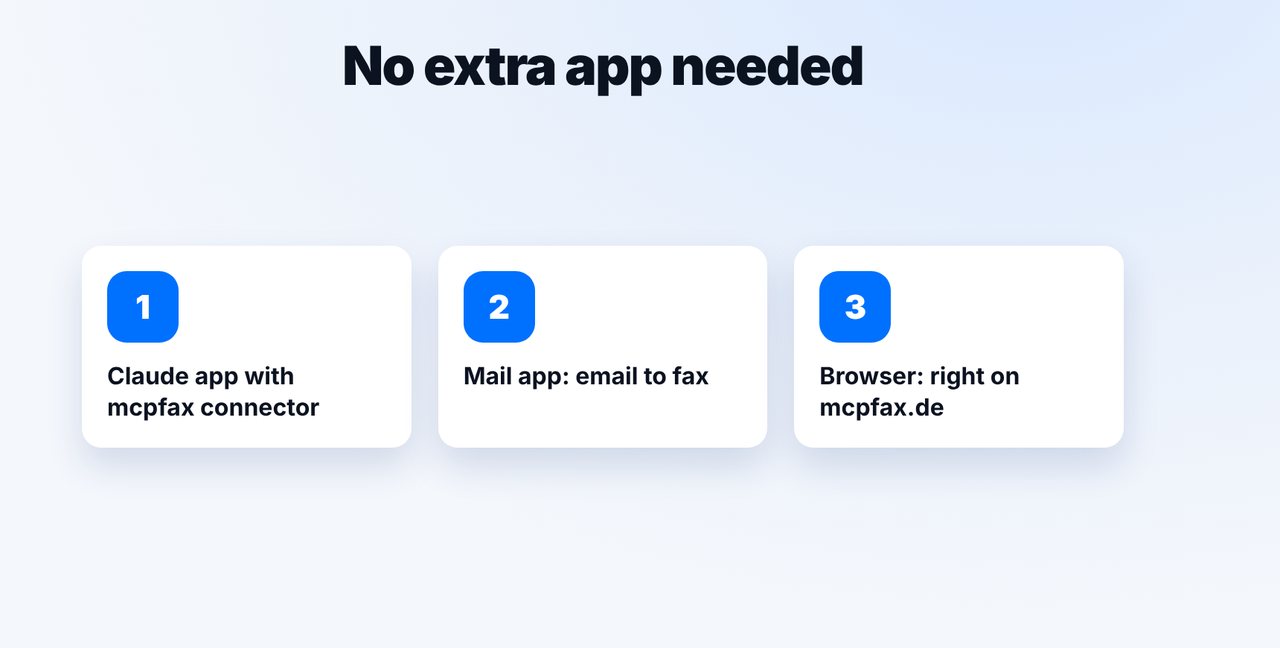
The Claude app with the mcpfax connector (connect once on your computer), email to fax from your mail app, or “Send a fax in 3 steps” in the browser at mcpfax.de – even without an account.
-
2 Step 2
Fax in the Claude app
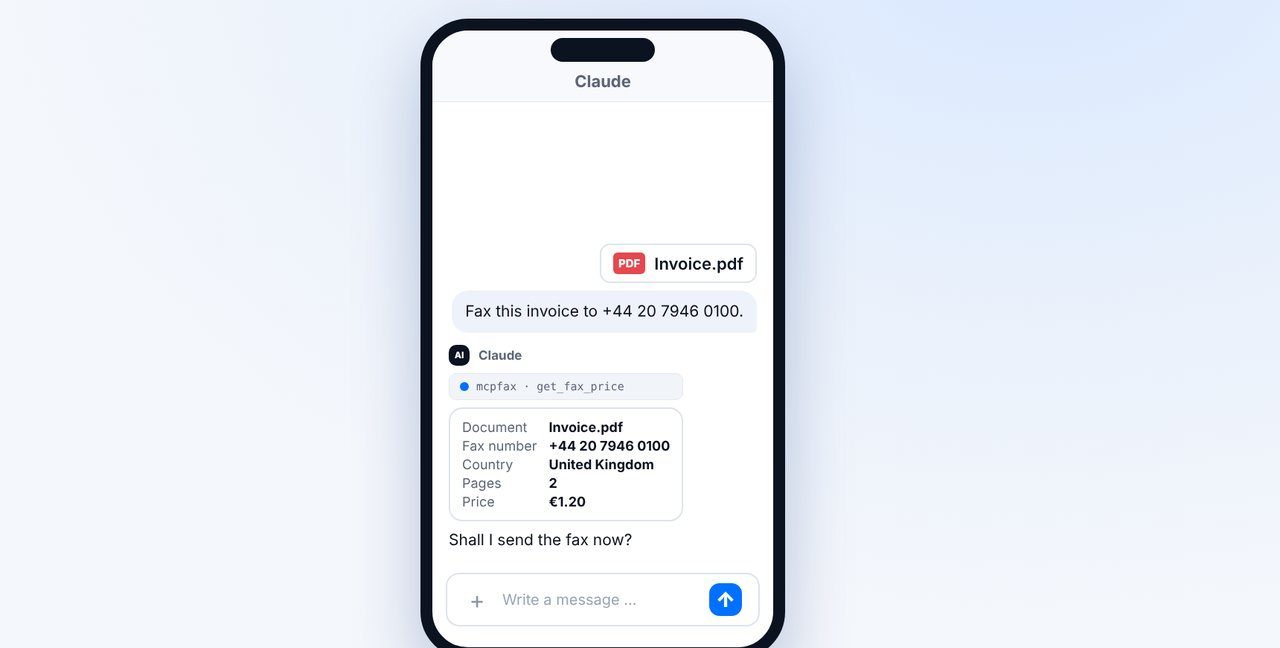
Attach or photograph the document, give the fax number, check the price and confirm with “Yes”.
-
3 Step 3
Fax from your mail app
Email faxnumber@fax.mcpfax.de, attach the document, send. Your sender address must be allowed.
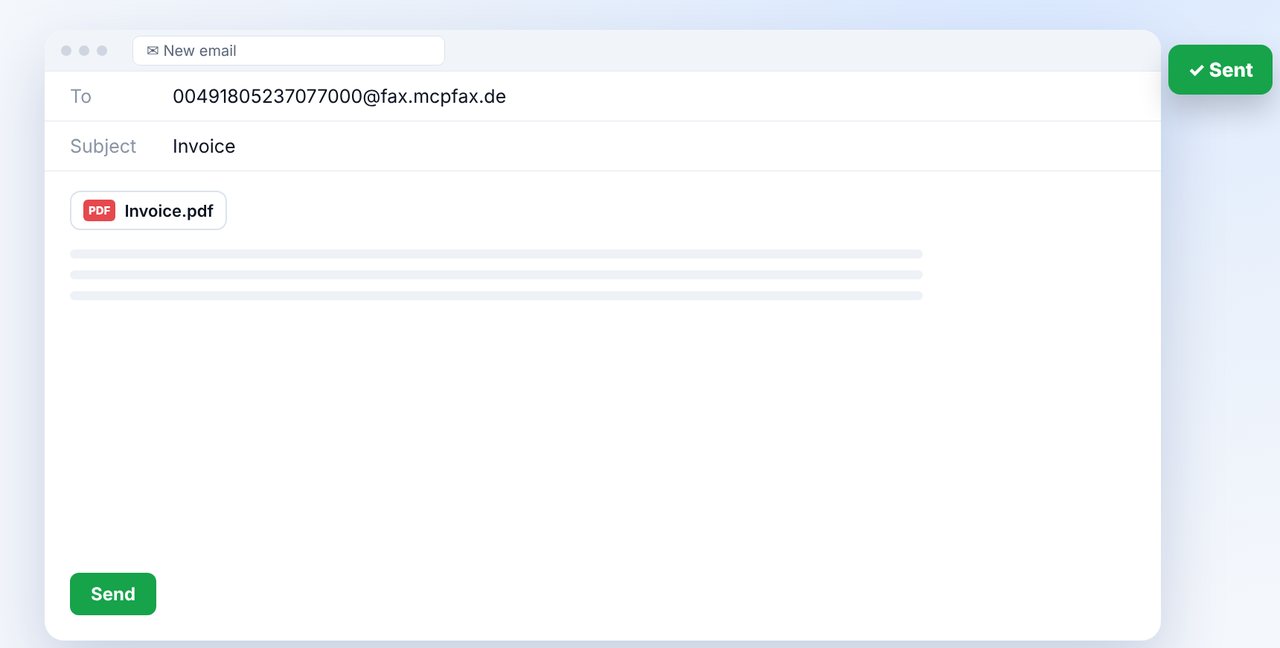
The pictures are a simplified illustration. Menu names may differ slightly depending on the version.
Video transcript
No, you don't need a separate fax app. The Claude app, your mail app or simply the browser on your phone is all it takes. Let me show you how it works, step by step. Option one is the Claude app with the mcpfax connector. Option two is your regular mail app, whether that's Gmail, Outlook or Apple Mail. And third, you can fax directly in the browser on the mcpfax website. In the Claude app, you attach the document or take a photo of it and give the number. Claude shows you the price, and nothing is faxed until you say yes. In your mail app, you write to the fax number combined with our fax address, just like on screen, and attach the document. You only need to allow your sender address once in your customer area. Whichever way you choose, you see the price first and get a transmission report. To be honest: you can't receive faxes this way. But for sending, you don't need any extra app. You'll find the link to mcpfax in the description. Subscribe to the channel, where we also show you how to fax straight from your phone.

Ready for your first fax?
Create your account in a minute, top up your balance and get started. No subscription, no monthly fee.
Create free accountFrequently asked questions
Is there an mcpfax app?
You don't need one: to send, you use the Claude app, your mail app or the browser at mcpfax.de.
Does this work on iPhone and Android?
Yes. The Claude app is available for both, and email to fax works with any mail app.
Can I receive faxes with it?
No. mcpfax only sends faxes; there's no number for receiving.
Is it free?
No. Each fax in zone 1 costs from €1.00, with no subscription and no monthly fee.