
How do I fax documents to the unemployment office or Jobcentre?
Yes, even without a fax machine: photograph the documents in the Claude app and give the fax number from your letter, and mcpfax sends them. One page costs €1.00, each additional page €0.20, and you get a transmission report as a PDF.
Step by step
-
1 Step 1
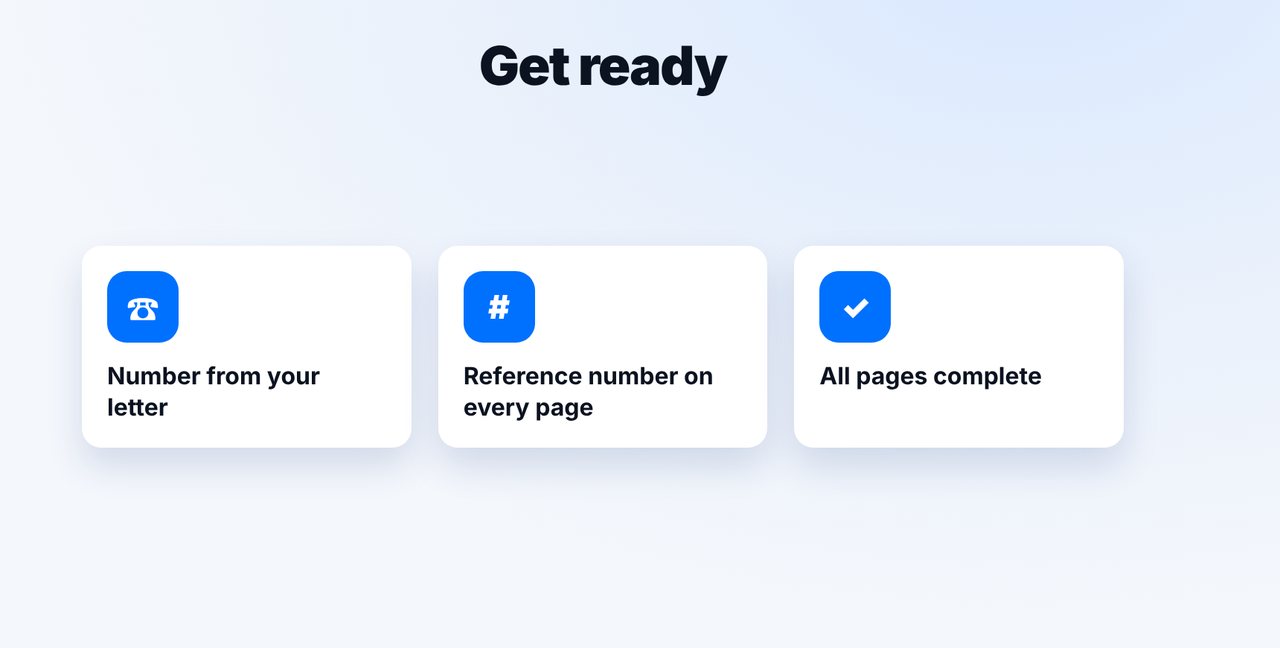
Take the fax number from your letter
The right fax number for your local office is usually in the decision or letter you received. Write your claim or reference number on every page.
-
2 Step 2
Photograph the documents
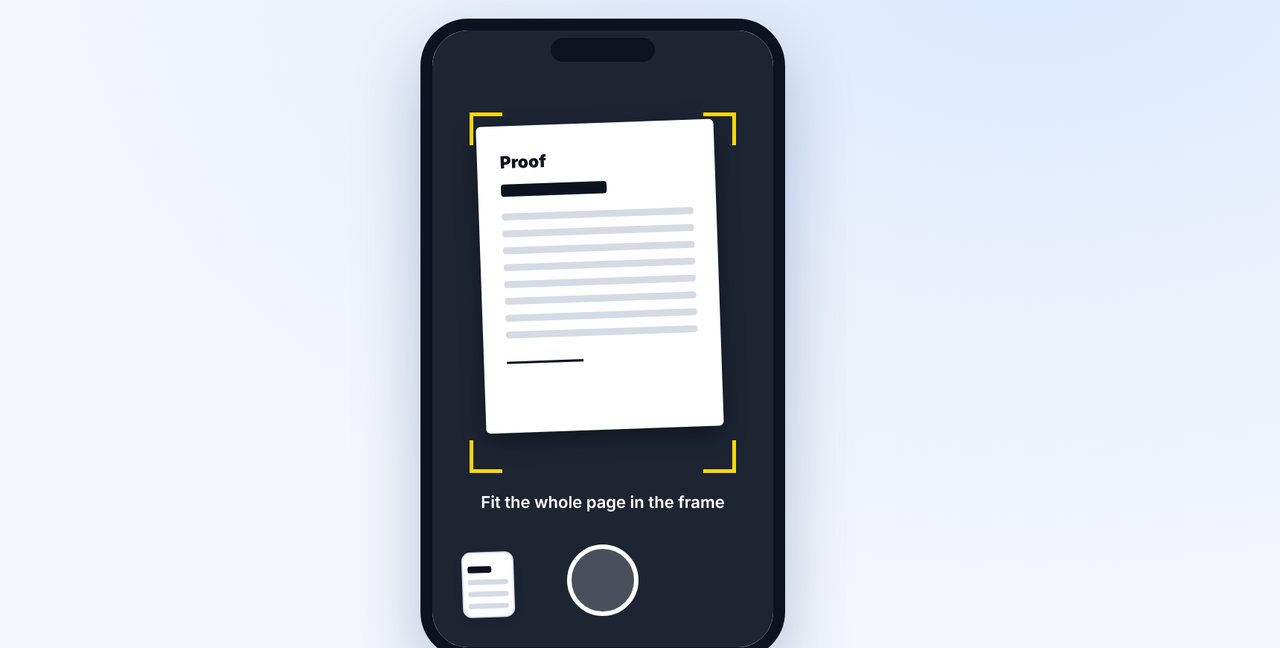
Open a new chat in the Claude app, tap the plus and photograph each page in good light.
-
3 Step 3
Give the number and confirm
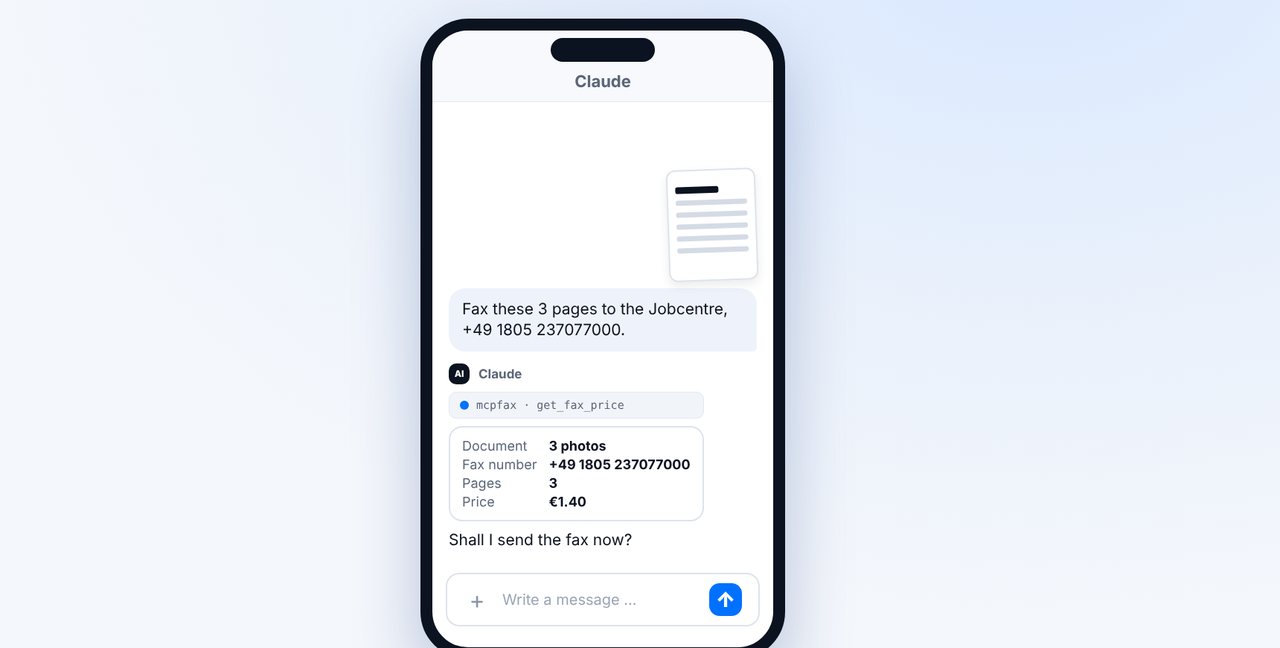
Add the fax number. Claude shows the pages and price; after “Yes, send it.” the fax goes out.
-
4 Step 4
Keep the transmission report
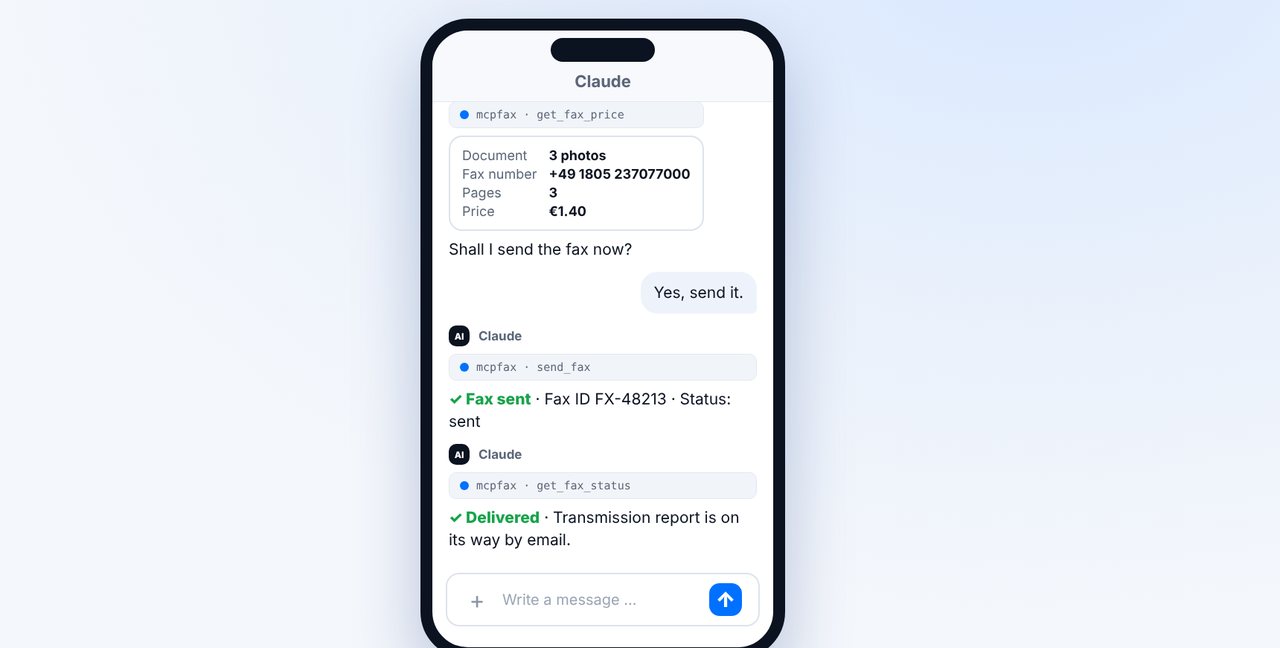
Keep the transmission report together with the documents, especially when there is a deadline.
The pictures are a simplified illustration. Menu names may differ slightly depending on the version.
Video transcript
The unemployment office or Jobcentre wants documents from you, and you don't have a fax machine? No problem, you can send them right from your phone, with a transmission report as proof. Let me show you how. Take the fax number from your latest letter, because your local office is the one handling your claim. Write your claim or reference number on every page so that nothing gets lost. Open a new chat in the Claude app, tap the plus and take a photo of each page. Use good light and get the whole page in the frame. Add the fax number. Claude shows you how many pages there are and what the fax costs, in this case three pages for one euro forty. Confirm, and the fax is on its way. As soon as it has been delivered, the transmission report arrives by email. Keep it safe, especially when there is a deadline. You'll find the link to mcpfax in the description. Subscribe to the channel, where we also show you how to fax other benefits offices.

Ready for your first fax?
Create your account in a minute, top up your balance and get started. No subscription, no monthly fee.
Create free accountFrequently asked questions
Which fax number is the right one?
The one in your latest letter or decision from the office handling your claim. mcpfax does not look up numbers on the internet.
Do I get a confirmation of receipt?
The transmission report proves the transmission to the office's fax machine, not that the documents were processed.
Can the office fax me back?
No, mcpfax cannot receive faxes. Replies come by post or through the usual channels.