
Can you send a fax from Microsoft Teams?
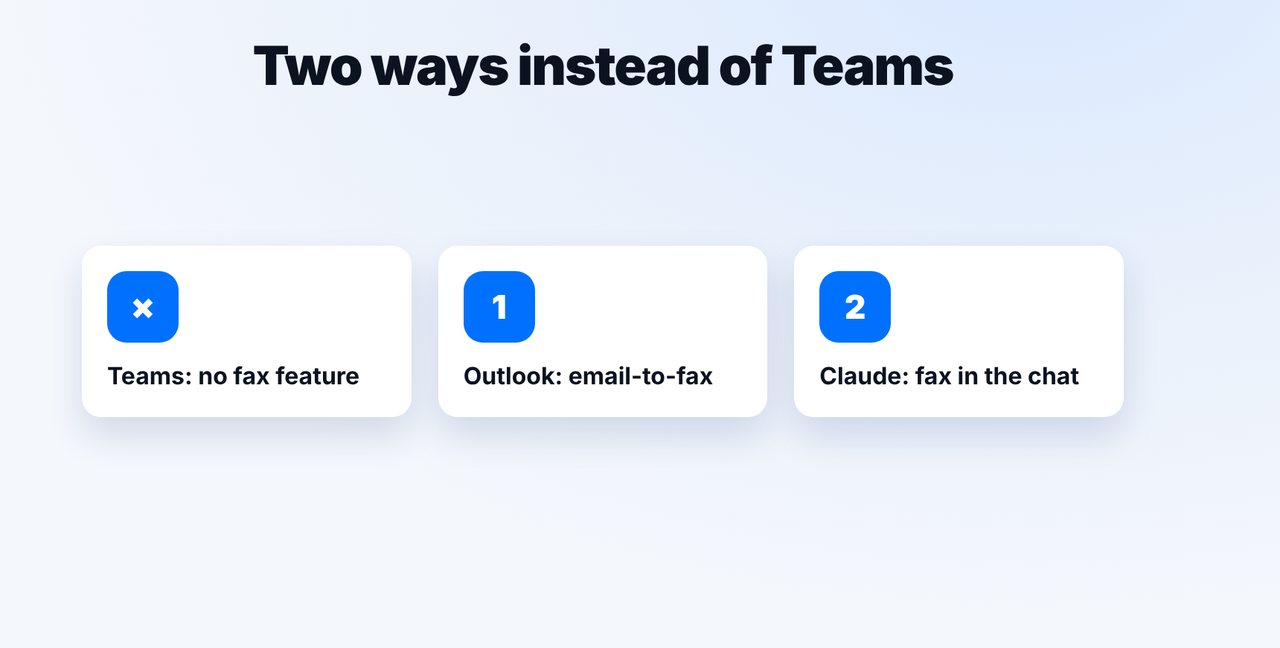
Teams itself doesn't send faxes. With mcpfax you send the document by email from Outlook to faxnumber@fax.mcpfax.de instead, or in a chat with Claude, from €1.00 per fax.
Step by step
-
1 Step 1
Save the document from Teams
Download the file from the Teams chat or channel, for example as a PDF.
-
2 Step 2
Option 1: fax via Outlook
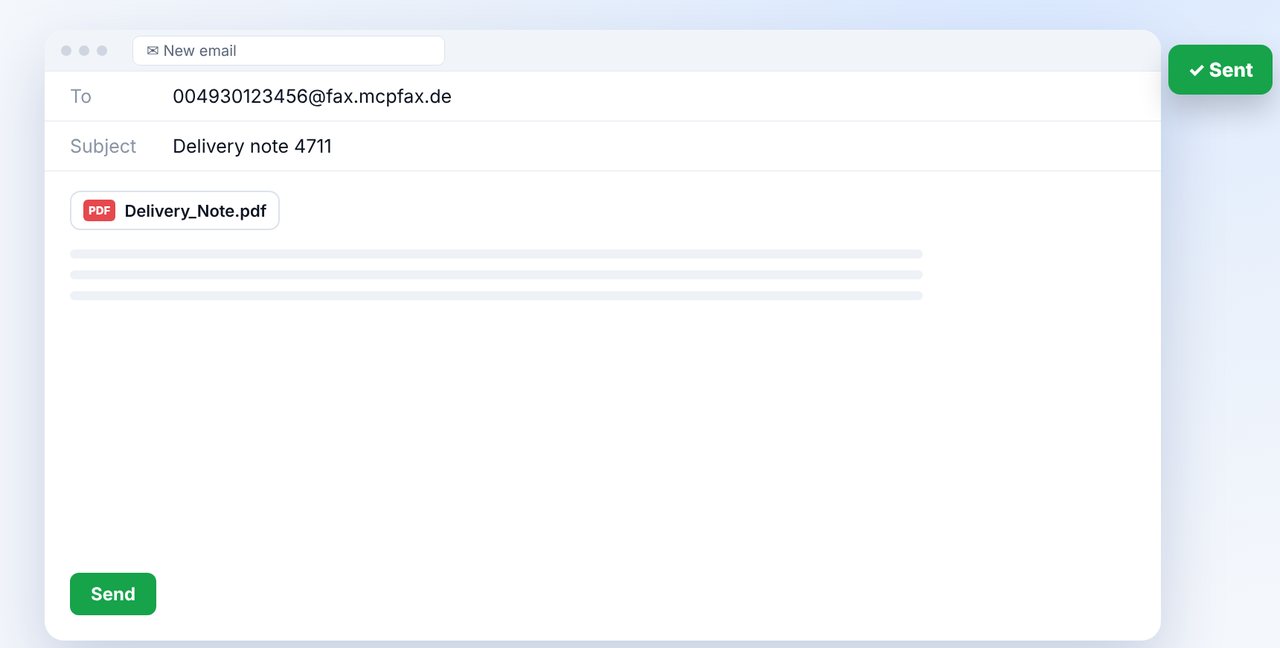
New email to faxnumber@fax.mcpfax.de (with 00 and country code), attach the document, send. Your address must be added as an approved sender.
-
3 Step 3
Option 2: fax in Claude
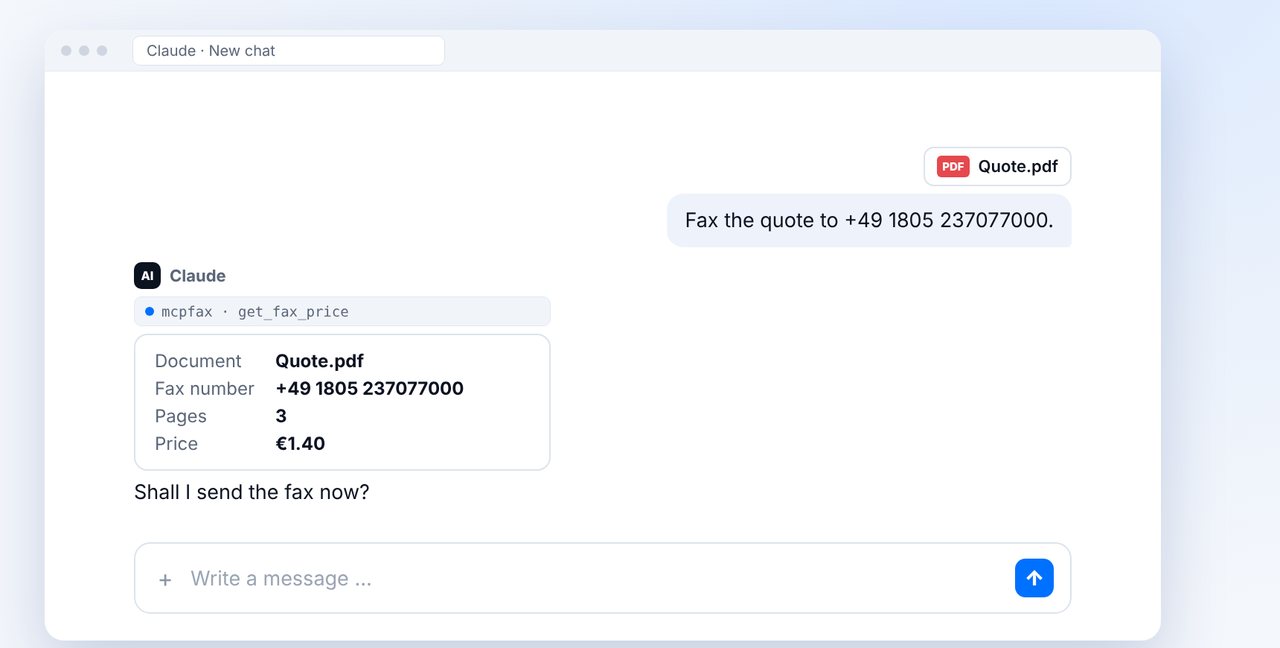
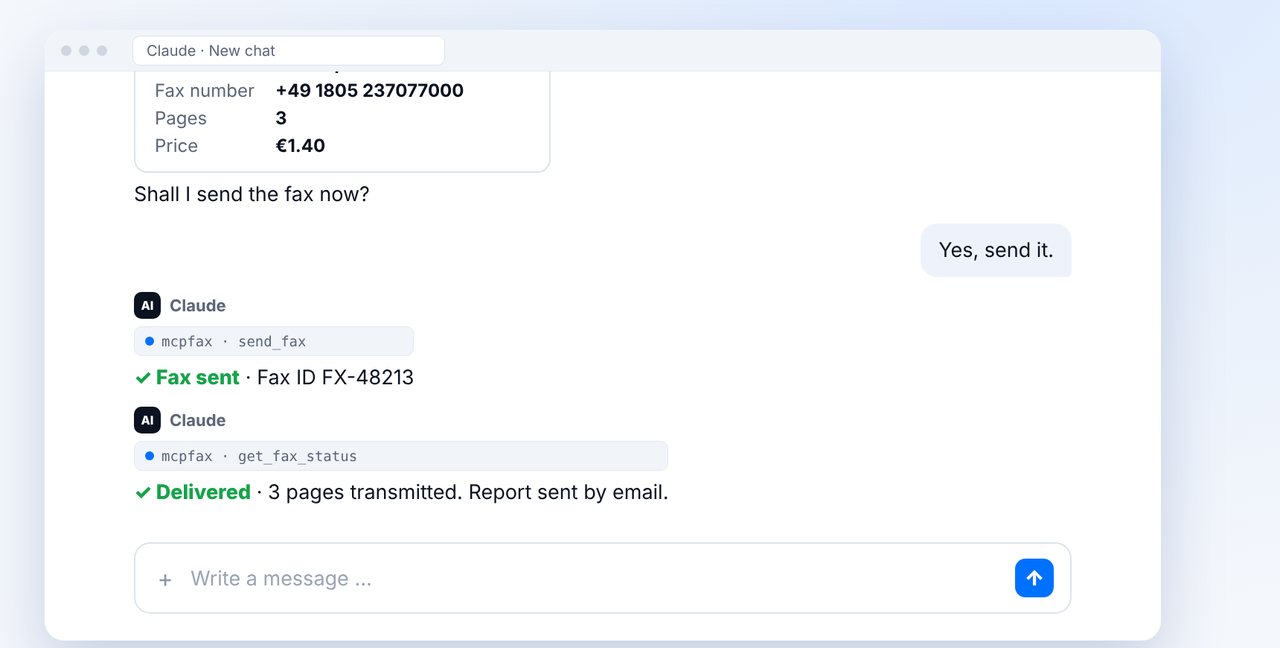
Attach the document in Claude, give the fax number, check pages and price and confirm with “Yes, send it.”.
-
4 Step 4
Share the transmission report
You can then post the PDF transmission report in the Teams channel so everyone is in the loop.
The pictures are a simplified illustration. Menu names may differ slightly depending on the version.
Video transcript
Can you send a fax from Microsoft Teams? Not directly, Teams has no feature for it. But with Outlook or Claude it takes about a minute. Let me show you both ways. First, save the file from the Teams chat, for example as a PDF. Then you have two options: by email from Outlook, or directly in a chat with Claude. Option one: in Outlook, write an email to the fax number combined with our fax address, as shown on screen. Attach the document and send. Your address must be approved as a sender for this to work. Option two: attach the document in Claude and give the fax number. Claude shows you the number of pages and the price before sending. After your yes, the fax is on its way. You receive the transmission report by email and can then post it in the Teams channel, so everyone knows it's been sent. You'll find the link to mcpfax in the description. Subscribe to the channel for more step-by-step guides on faxing.

Ready for your first fax?
Create your account in a minute, top up your balance and get started. No subscription, no monthly fee.
Create free accountFrequently asked questions
Does Microsoft Teams have a fax feature?
No, Teams itself doesn't send faxes. Use email-to-fax instead, for example from Outlook, or Claude with mcpfax.
Do I need a fax machine or fax line for this?
No. All you need is internet. You can even send single faxes without an account right on mcpfax.de in your browser (“Send a fax in 3 steps”).
Can I receive faxes in Teams?
No. mcpfax only sends faxes; receiving is not possible.