
How do I fax a long-term care application?
Yes, without a fax machine: attach the application in Claude, give your care insurer's fax number, and mcpfax sends it after you confirm. Three pages cost €1.40, and the transmission report records the date and time.
Step by step
-
1 Step 1
Attach the application, save the contact
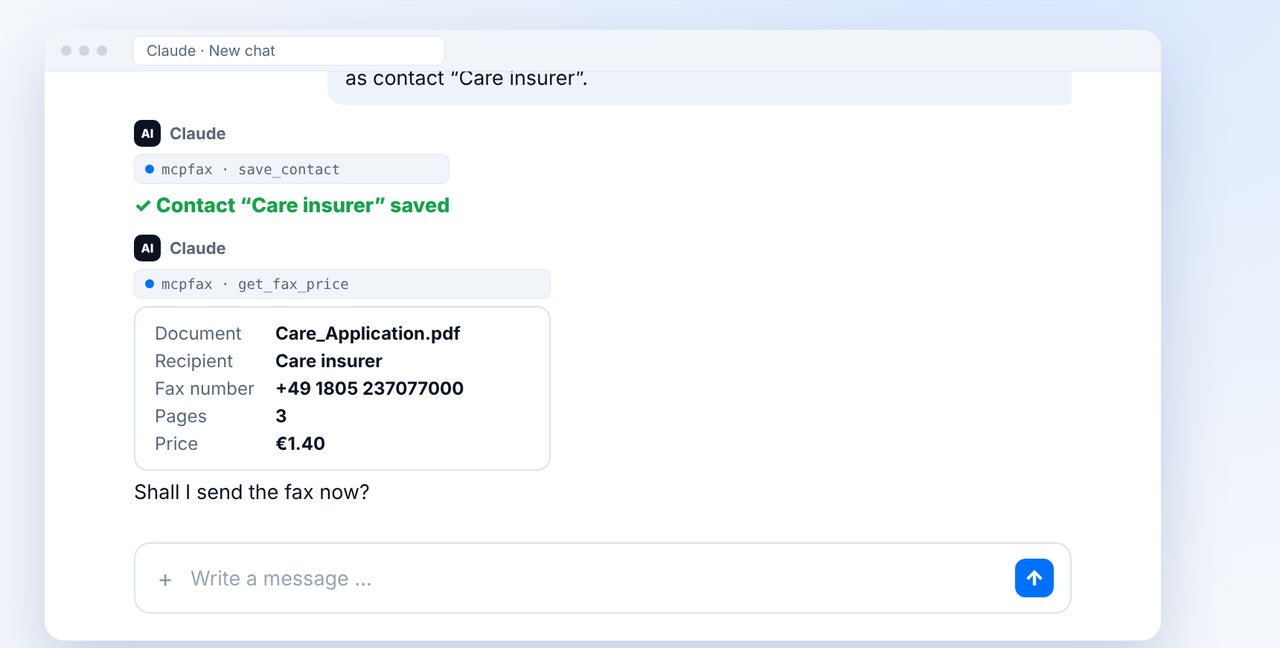
Attach the application in the chat and give the fax number from a letter from your care insurer or benefits office. Have it saved as a contact.
-
2 Step 2
Check the price and send
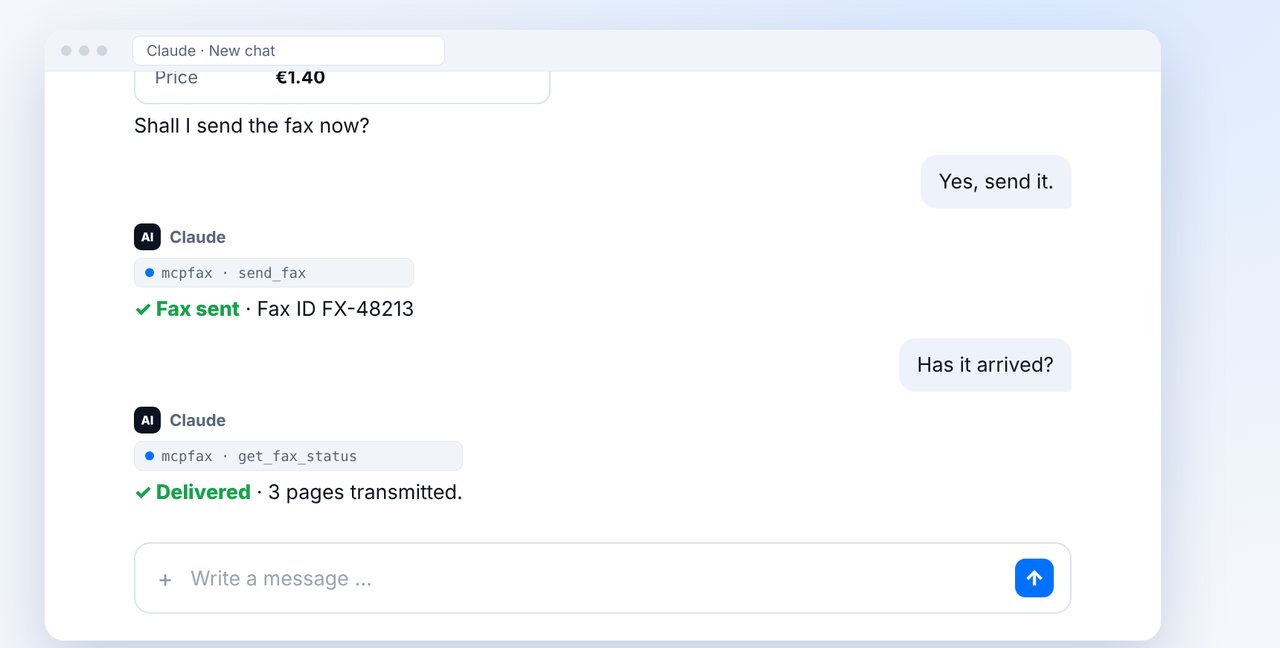
Claude shows the document, pages and price. After “Yes, send it.” the fax goes out; ask for the status right in the chat.
-
3 Step 3
Send more later by contact name
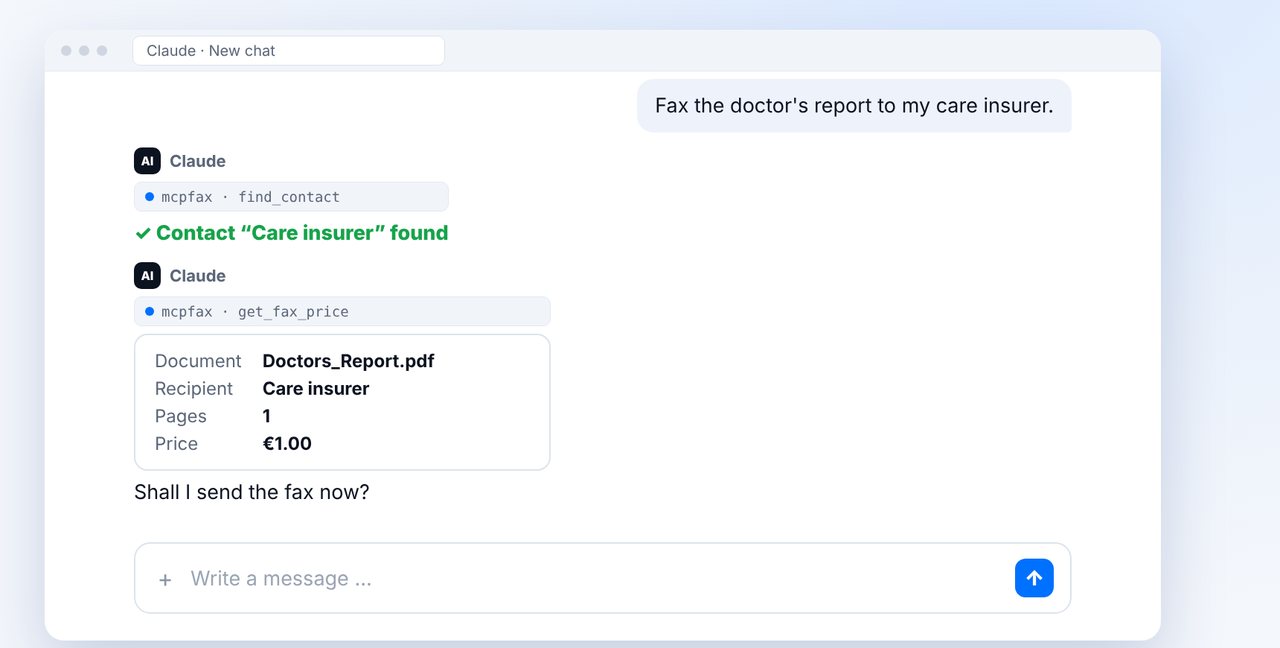
Later, simply send further documents to “Care insurer” – Claude finds the saved contact.
The pictures are a simplified illustration. Menu names may differ slightly depending on the version.
Video transcript
You want to apply for long-term care benefits, for yourself or for a relative, and the insurer accepts faxes? Yes, you can do it straight from the chat. Let me show you how. Attach the application and give the fax number from a letter from your care insurer. Have the number saved as a contact straight away. Claude then shows you the pages and the price. Confirm with yes. Afterwards, simply ask whether the fax has arrived. Delivered means it was transmitted completely. If the insurer later asks for more, such as a doctor's report, the name is enough. Claude finds the saved contact, and once again you check the price first. Three more tips: write the policy or member number on every page. Keep the transmission report, as it shows the date and time. And the decision will reach you by post, as usual. You'll find the link to mcpfax in the description. Subscribe to the channel so you never miss a new guide.

Ready for your first fax?
Create your account in a minute, top up your balance and get started. No subscription, no monthly fee.
Create free accountFrequently asked questions
Who can I fax the application for?
For relatives too, such as your parents. Signature and authorisation follow your insurer's requirements.
How do I know the fax number?
From a letter or the website of your care insurer or benefits office. mcpfax never guesses numbers and does not search the internet.
Is the transmission report proof?
It proves the transmission to the fax machine with date and time, not that the application was read.