
Fax cover sheet: what goes on it?
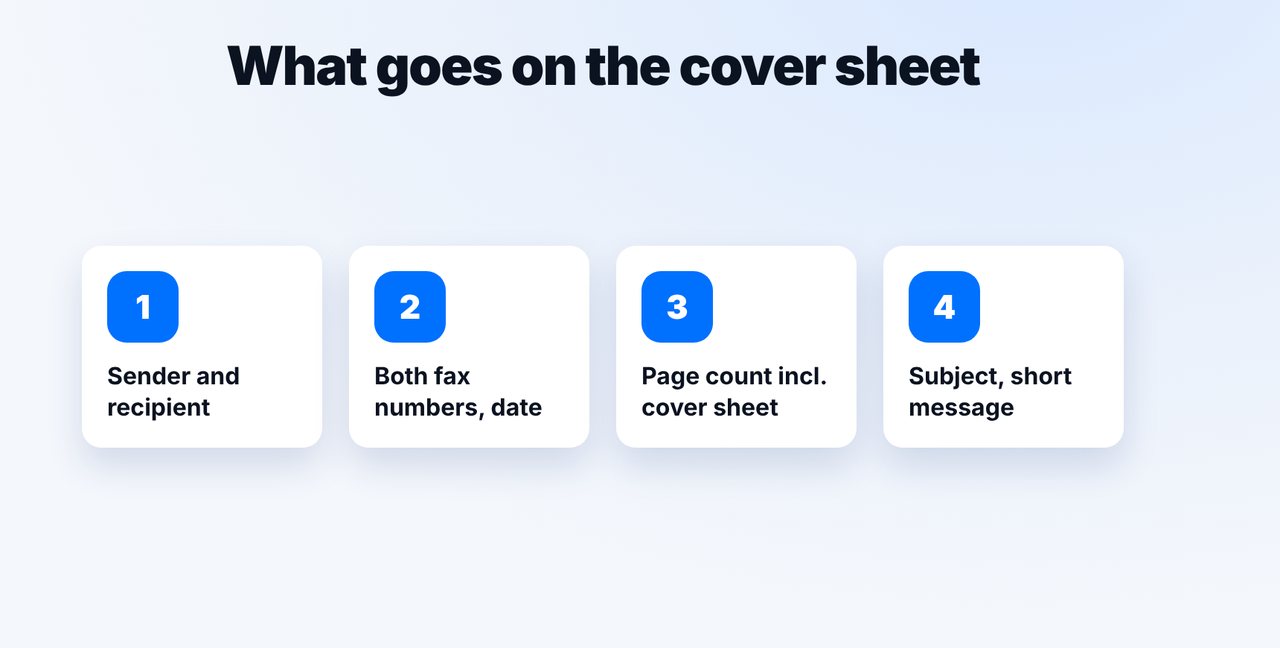
A fax cover sheet should include the sender, recipient, both fax numbers, the date, the page count including the cover sheet, a subject and a short message, plus a confidentiality notice if needed. Claude can write it and fax it along with mcpfax.
Step by step
-
1 Step 1
Essential details
Sender and recipient names, both fax numbers, the date, the total page count including the cover sheet, a subject and a short message.
-
2 Step 2
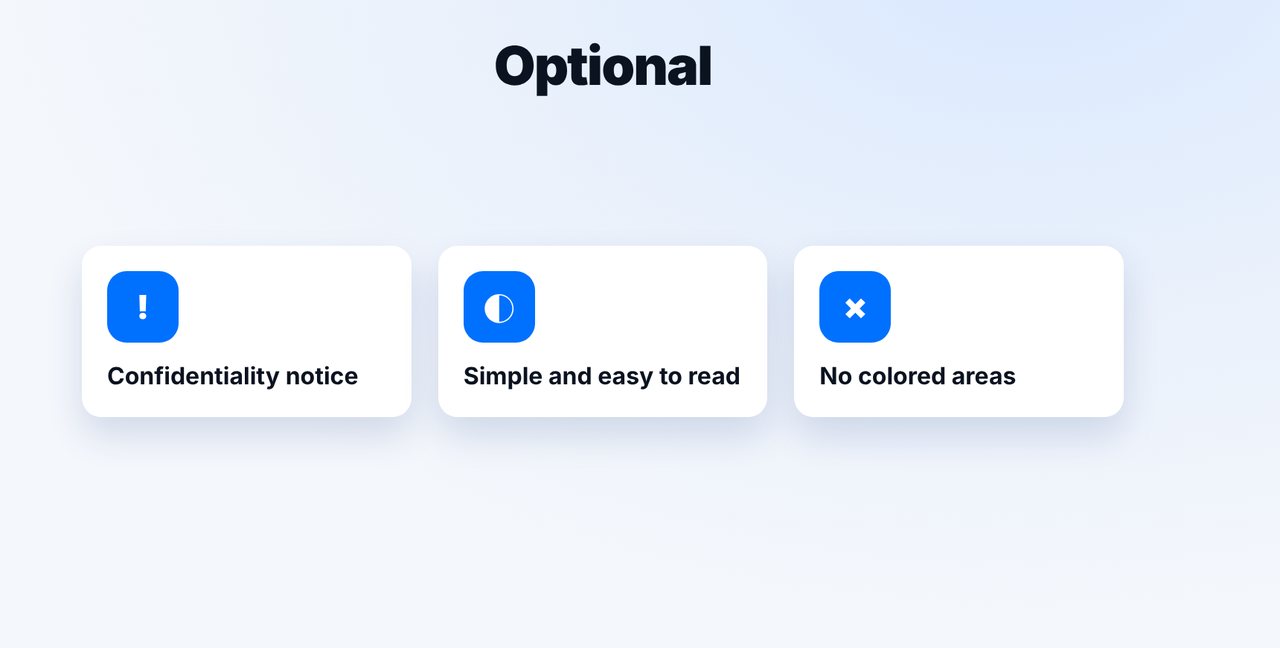
Optional: confidentiality notice
For confidential documents, a short note on what the recipient should do if the fax reached them by mistake.
-
3 Step 3
Let Claude write it
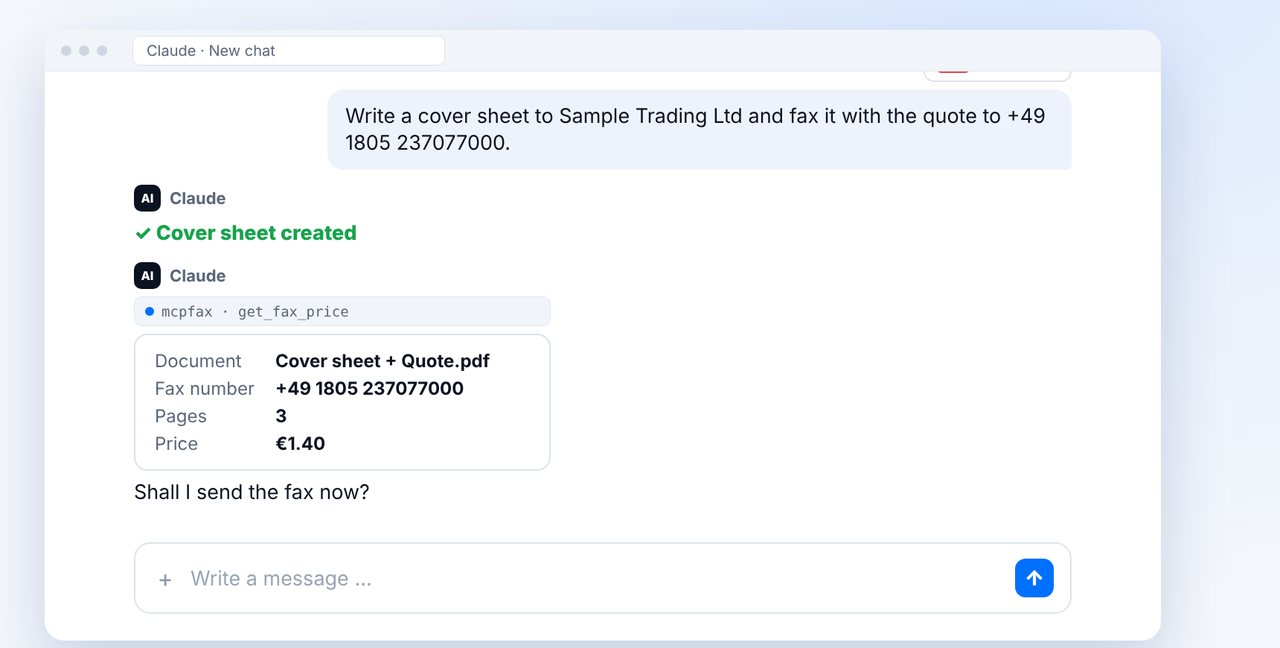
Attach the document and ask Claude to write a cover sheet. Claude then shows the total pages and price. Alternatively, turn on the automatic cover sheet (recipient, subject) when faxing on mcpfax.de.
-
4 Step 4
Confirm and send
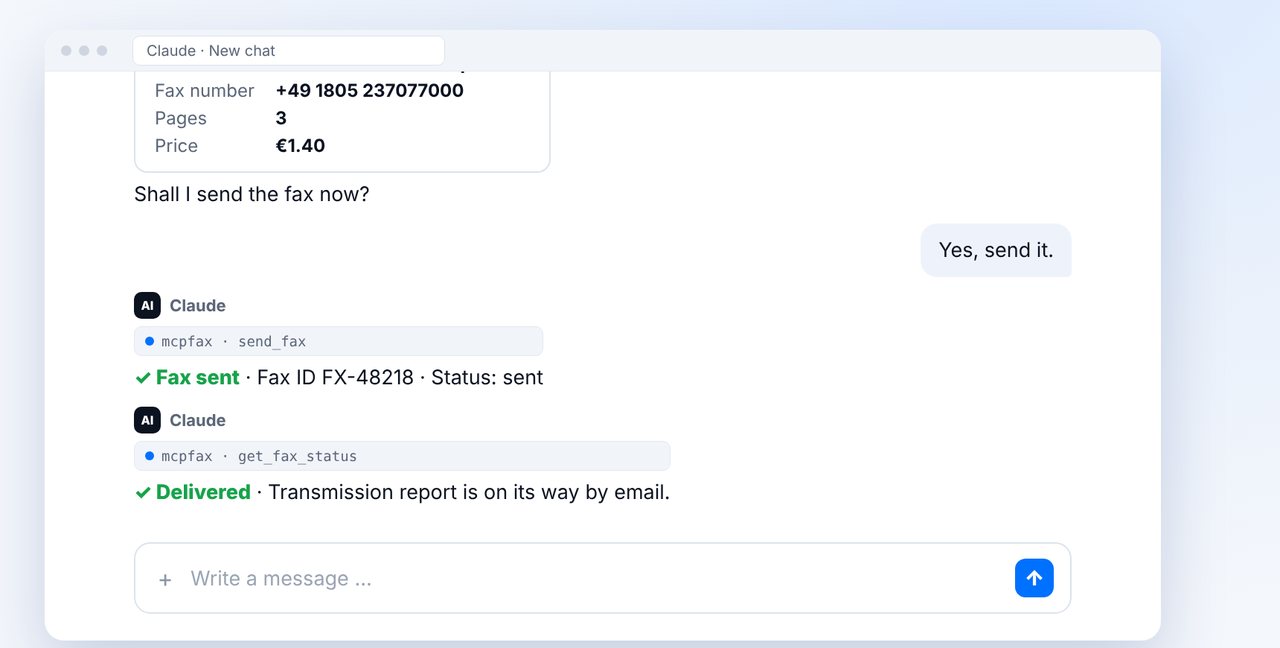
After “Yes, send it.” the cover sheet and document go out as one fax.
The pictures are a simplified illustration. Menu names may differ slightly depending on the version.
Video transcript
What goes on a fax cover sheet? The sender, the recipient, both fax numbers, the date, the page count, a subject and a short message. Claude can even write it for you. Let me show you how. The key details: who is sending, who it's for, both fax numbers and the date. Add the total number of pages, including the cover sheet, a subject line and a sentence or two of message. For confidential documents, add a short confidentiality notice. And keep the page simple, because fax is black and white. The fastest way is with Claude: attach the document, ask for a cover sheet and give the number. Claude shows the total pages and the price, here three pages for one euro forty. You confirm, and the cover sheet and quote go out together as one fax. You'll see the status delivered right in the chat. It also works without the chat: on our website, you upload the document and have a cover sheet with recipient and subject created automatically, even without an account. You'll find the link to mcpfax in the description. Subscribe to the channel for more step-by-step guides on faxing.

Ready for your first fax?
Create your account in a minute, top up your balance and get started. No subscription, no monthly fee.
Create free accountFrequently asked questions
Is a fax cover sheet required?
Not always, but it helps make sure the fax reaches the right person and is complete.
Does the cover sheet count toward the page count?
Yes. State the total page count including the cover sheet; it also counts as a page for the price.
Do I need a template?
No. Claude writes one to match your document, or you can have it generated automatically when faxing on mcpfax.de.