
How do I fax my bank an instruction or power of attorney?
Yes, if your bank accepts faxes for this instruction: with mcpfax you fax the signed PDF by email to faxnumber@fax.mcpfax.de or from Claude. From €1.00 for the first page, with a PDF transmission report.
Step by step
-
1 Step 1
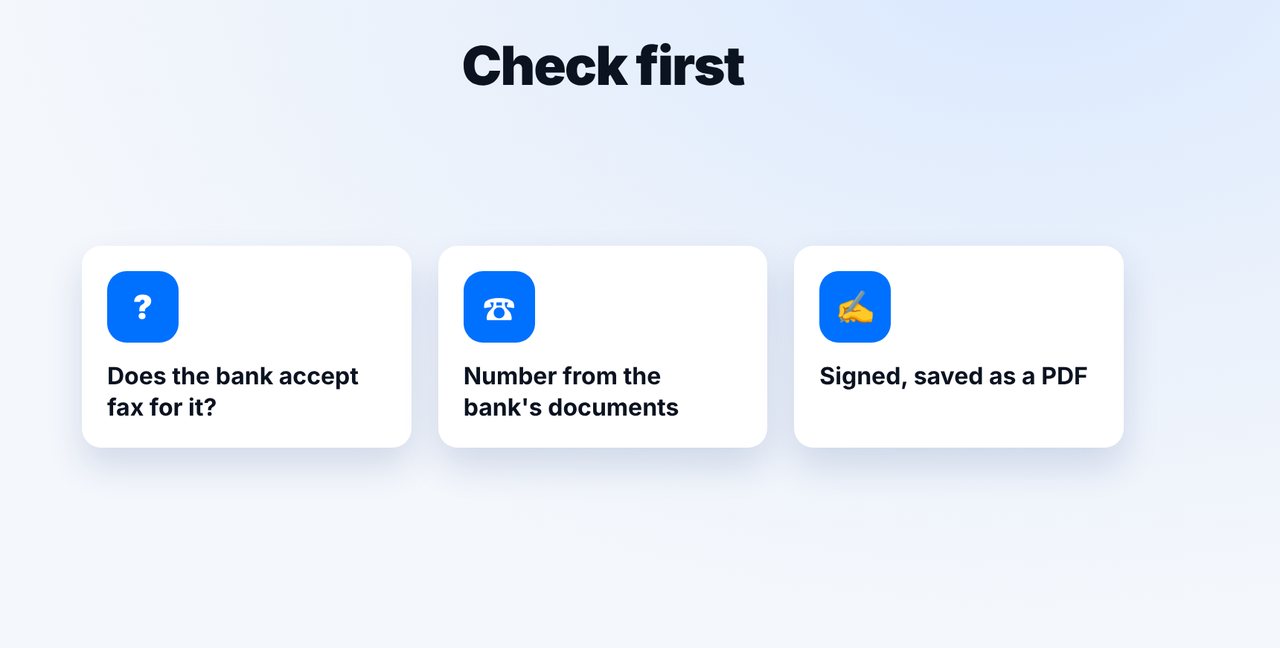
Ask first: does the bank accept fax?
Check with your bank whether it accepts the instruction or power of attorney by fax, and take the fax number from its documents.
-
2 Step 2
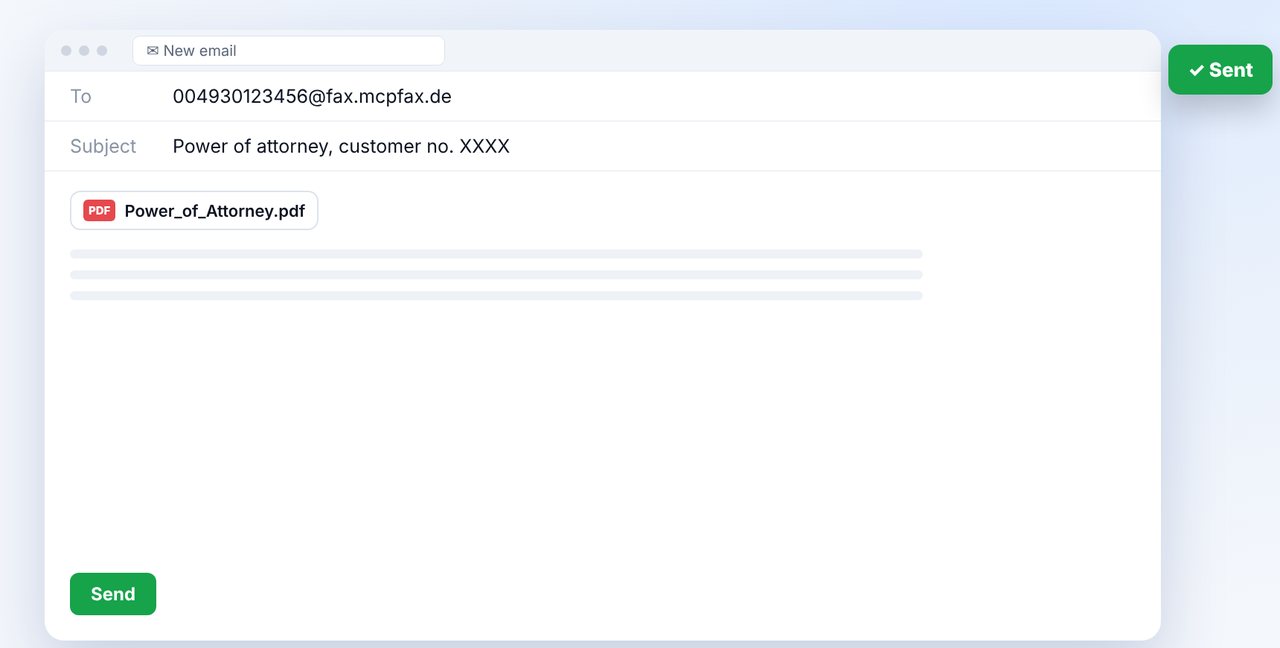
Sign the document and attach it as a PDF
Write an email to the fax number with country code before @fax.mcpfax.de and attach the signed PDF. Alternatively, use the chat with Claude.
-
3 Step 3
Confirm and file the report
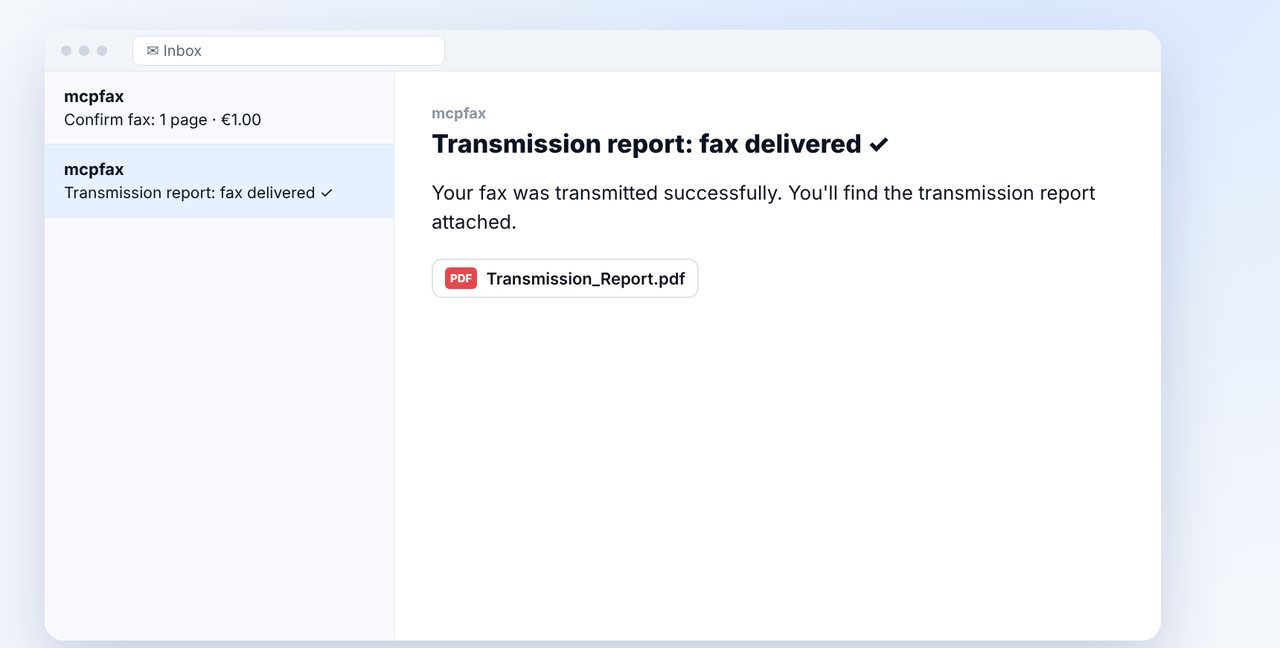
With confirmation switched on, you see the pages and price and send with one click. File the transmission report with the instruction.
The pictures are a simplified illustration. Menu names may differ slightly depending on the version.
Video transcript
Your bank wants an instruction or a power of attorney by fax? No problem, you can do it without a fax machine, straight from your email program. Let me show you how it works. First, the most important point: not every bank accepts every instruction by fax. So ask briefly beforehand, and take the fax number from your bank's own documents. Then sign the document and scan it as a PDF. Write an email to the bank's fax number with the country code before the at sign, followed by our fax domain, which you can see on screen. Attach the PDF and hit send. If you have switched on confirmation, you immediately get an email showing the page count and the price. One click, and the fax goes out. Afterwards, you receive the transmission report as a PDF. A word on security: the connection to mcpfax is encrypted, and fax documents are deleted after thirty days. The transmission over the phone network itself, however, is not end-to-end encrypted. So only fax what your bank actually asks for by fax. You'll find the link to mcpfax in the description. If this video helped you, subscribe to the channel for more step-by-step guides.

Ready for your first fax?
Create your account in a minute, top up your balance and get started. No subscription, no monthly fee.
Create free accountFrequently asked questions
Does every bank accept instructions by fax?
No. Whether and for what fax is accepted is up to your bank. Ask beforehand.
Is faxing my bank secure?
The connection up to mcpfax is encrypted, and fax documents are deleted after 30 days. The fax transmission over the phone network itself, however, is not end-to-end encrypted.
Does the bank see who the fax is from?
Yes, if you set a sender ID in your account, such as your name or company name (max. 20 characters). It appears at the top of every fax.
Does the transmission report show the instruction was carried out?
No. It proves the transmission to the bank's fax machine, not that it was processed.