
Did my fax go through? Here's how to check
A fax has gone through when its status is “delivered” – it was then transmitted in full to the receiving device. With mcpfax, you can ask in the chat or check the transmission report that arrives as a PDF by email after every fax.
Step by step
-
1 Step 1
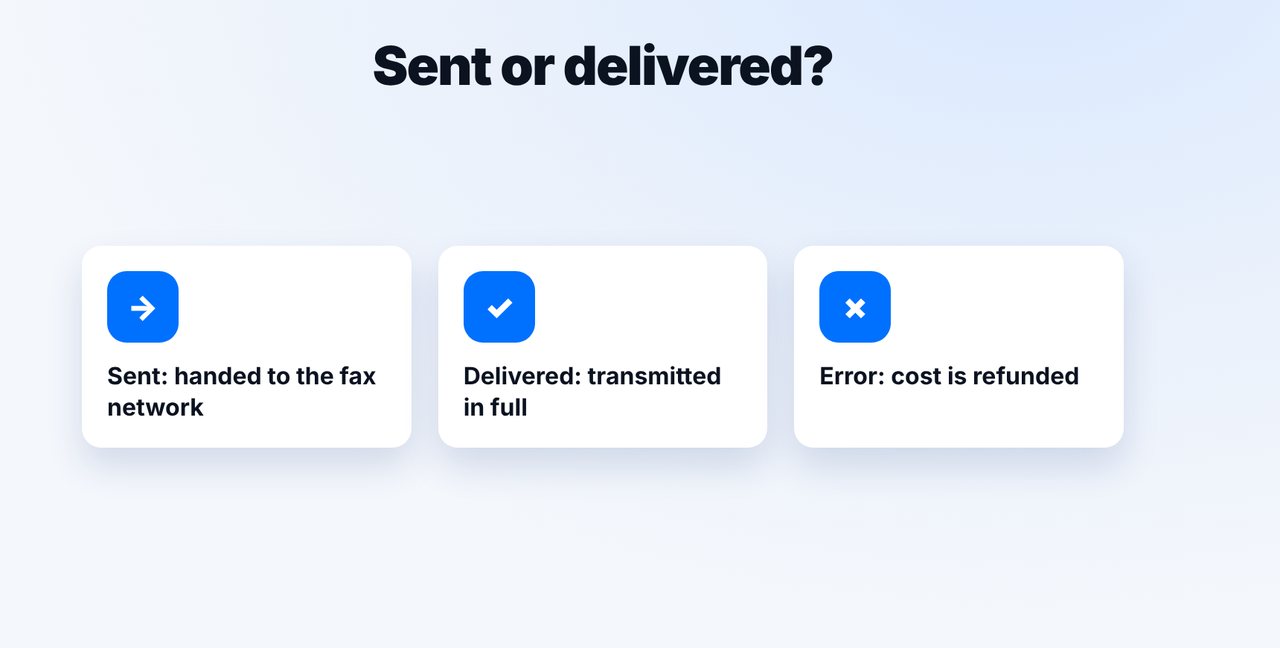
Understand the status
“Sent” means handed to the fax network. Only “delivered” means transmitted in full to the receiving device.
-
2 Step 2
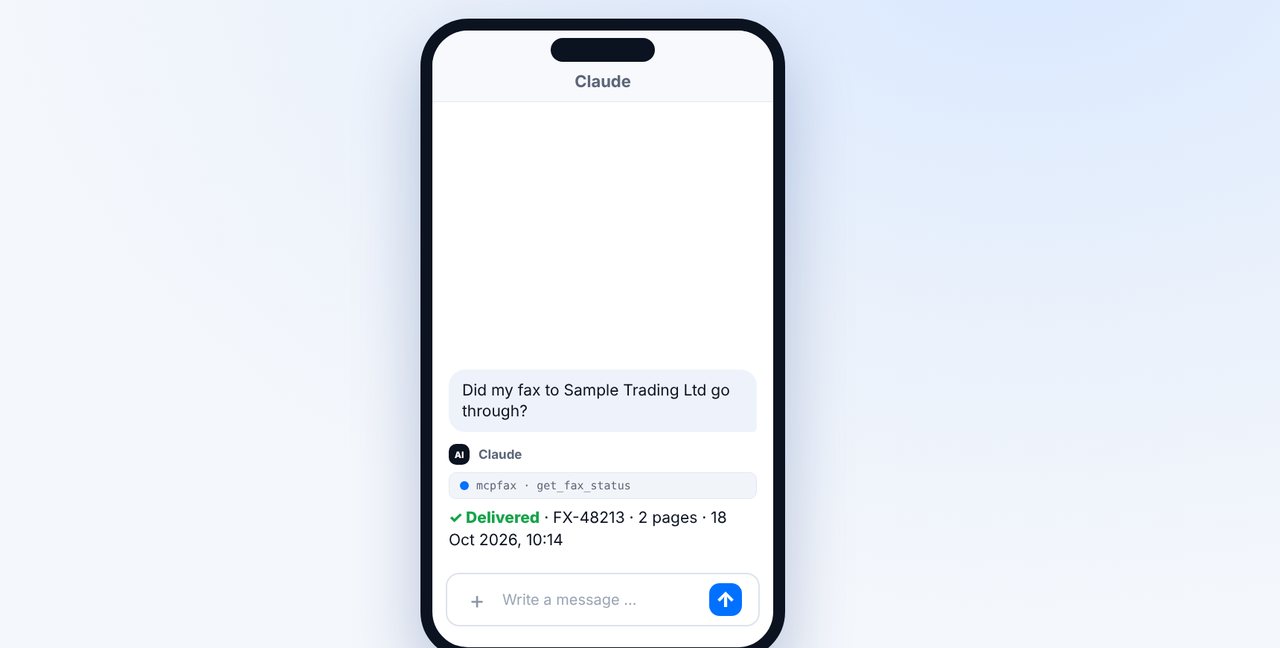
Ask in the chat
Ask Claude “Did my fax go through?”. Claude checks the current status and shows the fax ID, pages and time.
-
3 Step 3
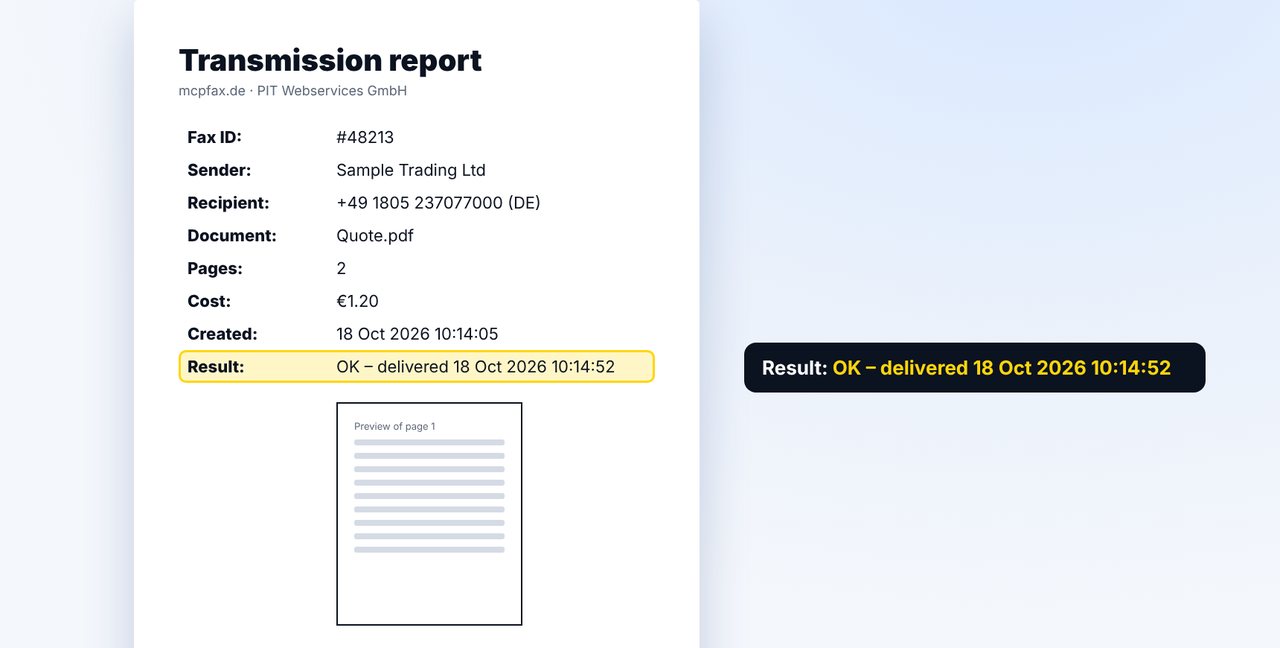
Check the transmission report
The “Result” line of the report says, for example, “OK – delivered” with date and time. It arrives by email and is stored in your customer area.
-
4 Step 4
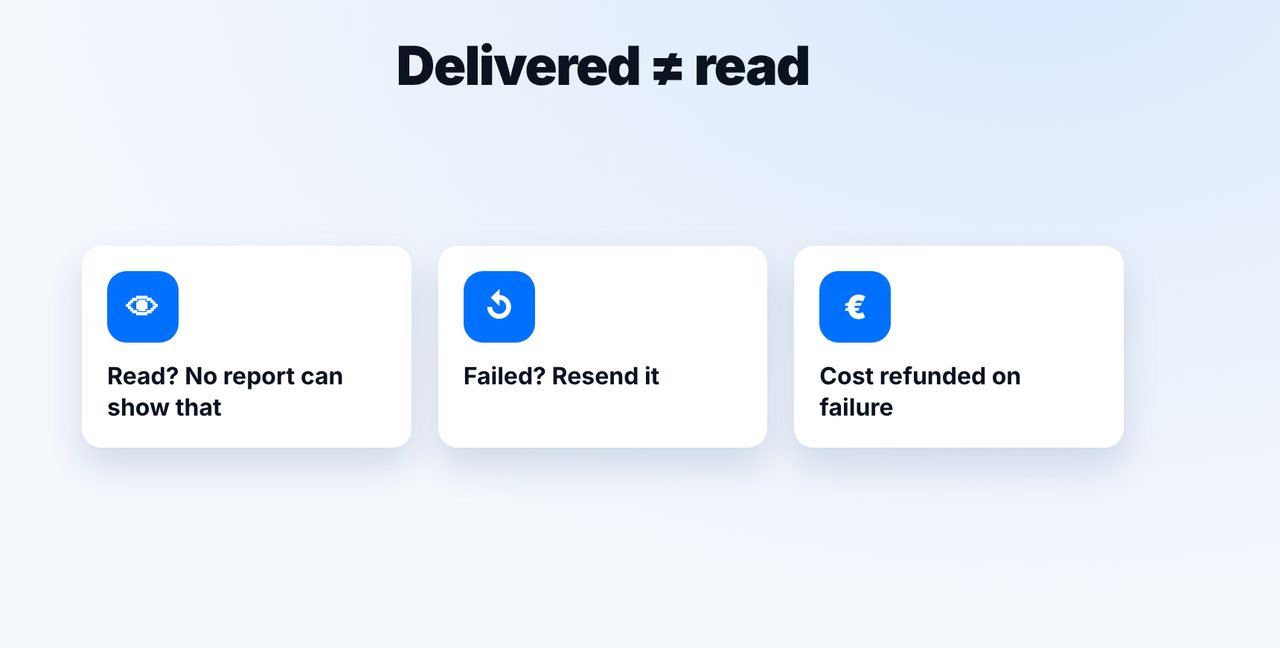
Resend if it failed
If a fax failed, the cost is refunded. You can have it resent in the chat – after your confirmation.
The pictures are a simplified illustration. Menu names may differ slightly depending on the version.
Video transcript
Whether your fax went through is shown by the status delivered and by the transmission report. And in the chat, you can simply ask at any time. Let me show you how it works. There are two important stages. Sent means the fax was handed over to the fax network. Only delivered means that it was transmitted in full to the receiving device at the other end. In the chat, just ask: did my fax go through? Claude checks the current status and shows you the fax ID, the pages and the time. That also works on the go, in the Claude app. You get it in writing in the transmission report, which arrives as a PDF by email after every fax. The key line is Result: it says OK, delivered, with the date and the time. Keep in mind: delivered does not mean read. If a fax fails, the cost is refunded, and you can have it resent right in the chat, of course only after you confirm. You'll find the link to mcpfax in the description. Subscribe to the channel, and check out our video on the transmission report too.

Ready for your first fax?
Create your account in a minute, top up your balance and get started. No subscription, no monthly fee.
Create free accountFrequently asked questions
What's the difference between sent and delivered?
“Sent” means handed to the fax network; “delivered” means transmitted in full to the receiving device.
Does the transmission report prove the fax was read?
No. It proves transmission to the receiving device, not whether anyone has read the fax.
What does a failed fax cost?
Nothing: if a fax fails, the cost is refunded to your balance.
Where can I find older transmission reports?
In your customer area, as a download for each fax. Fax documents are deleted automatically after 30 days, so save important reports yourself.