
Why is my fax unreadable?
Usually it's a blurry original, weak contrast, colours or text that is too small, because fax is black and white. It's best to fax a PDF with black text on white; use photos only in good light and with the whole page in the frame.
Step by step
-
1 Step 1
Find the cause
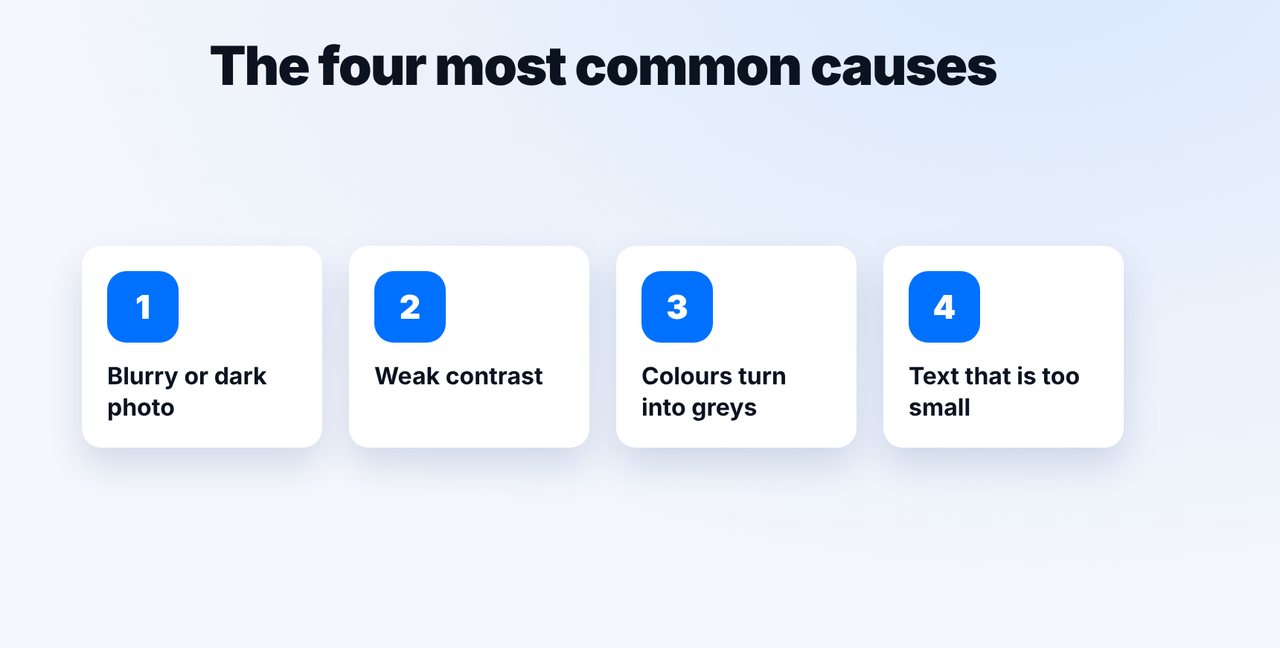
Check the original: is the photo blurry or dark, is the contrast weak, is important text in colour or in very small type?
-
2 Step 2
Improve the original
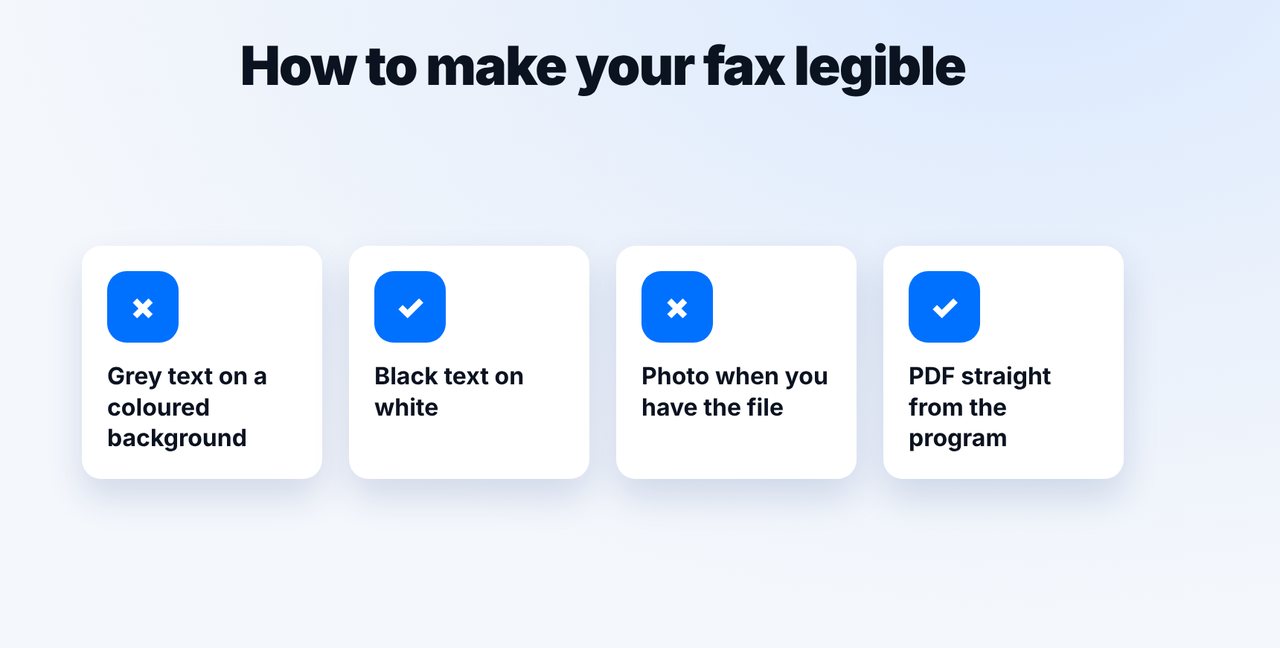
If possible, fax a PDF exported straight from the program. Black text on a white background, a large enough font size, bold instead of coloured highlights.
-
3 Step 3
Photograph it properly
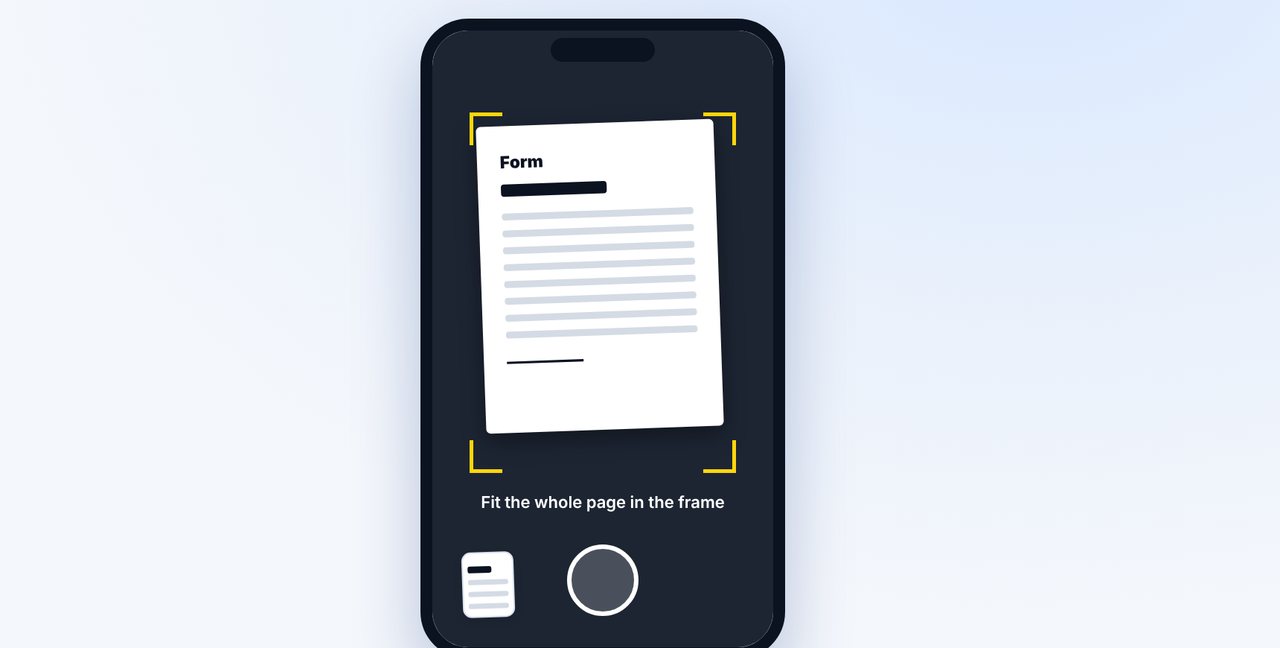
Only have paper? Lay the sheet flat, good light without shadows, hold the phone straight, get the whole page in the frame.
-
4 Step 4
Check the preview
The transmission report shows a preview of the first page. If it looks faint, improve the original and send the fax again.
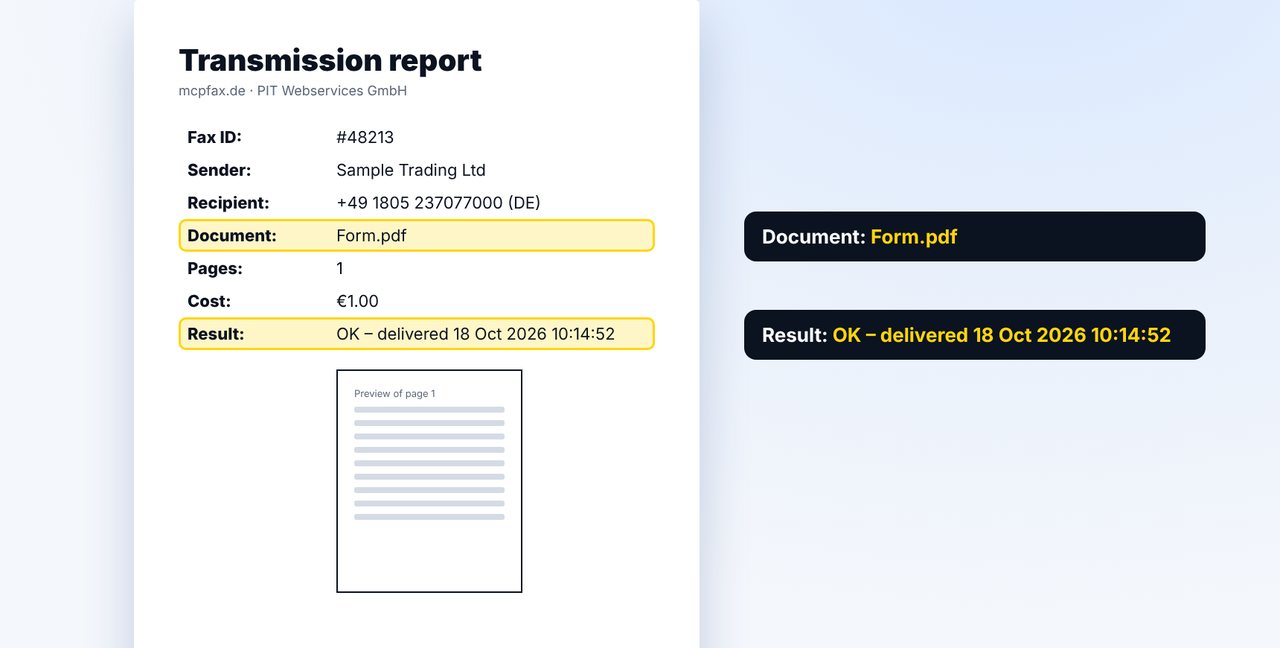
The pictures are a simplified illustration. Menu names may differ slightly depending on the version.
Video transcript
Your fax arrives grey, blurry or barely readable? In most cases it comes down to four things: resolution, contrast, colour and text that is too small. Let me show you how to avoid these problems. A fax is always black and white. Colours become shades of grey, and light text on a coloured background easily disappears. On top of that come blurry or dark photos, weak contrast and very small text. Ideally, fax a PDF straight from the program instead of a photo. Use black text on a white background, and don't make the font too small. Highlight things in bold rather than in colour. If you only have paper, lay the sheet flat. Make sure the light is good and there are no shadows, hold your phone straight, and get the whole page in the frame. After sending, the transmission report shows you a preview of the first page. If it looks faint or small, improve the original and simply send the fax once more. You'll find the link to mcpfax in the description. Subscribe to the channel for more step-by-step guides on faxing.

Ready for your first fax?
Create your account in a minute, top up your balance and get started. No subscription, no monthly fee.
Create free accountFrequently asked questions
Can I send a fax in colour?
No. Fax is black and white; colours become shades of grey. Light or coloured text can become hard to read.
Which file format gives the best fax?
A PDF created straight from your word processor. Photos (JPG, PNG) work too, but need good light and a sharp shot.
Do I get my money back if the fax is hard to read?
Costs are refunded if a fax fails. A fully transmitted fax counts as delivered, so check the original before sending.
Can I see what was transmitted?
Yes. The transmission report includes a preview of the first page.