
How do I fill out a PDF form and fax it?
Fill out the form in a PDF program or PDF app, save it and send it to the fax number in a chat with Claude – no printer at all. Claude can explain the fields if you like; two pages cost €1.20 in the EU, UK, US and other zone 1 countries.
Step by step
-
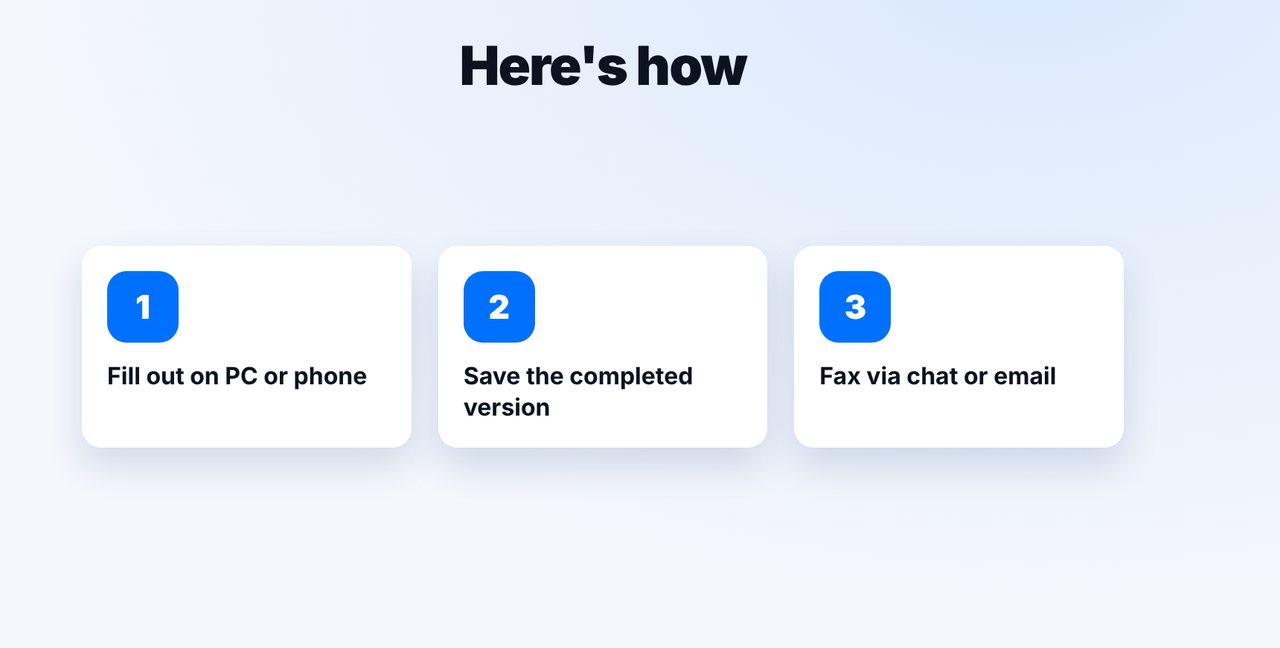
1 Step 1
Fill out and save
Open the form in a PDF program or PDF app, fill in the fields and save the completed version.
-
2 Step 2
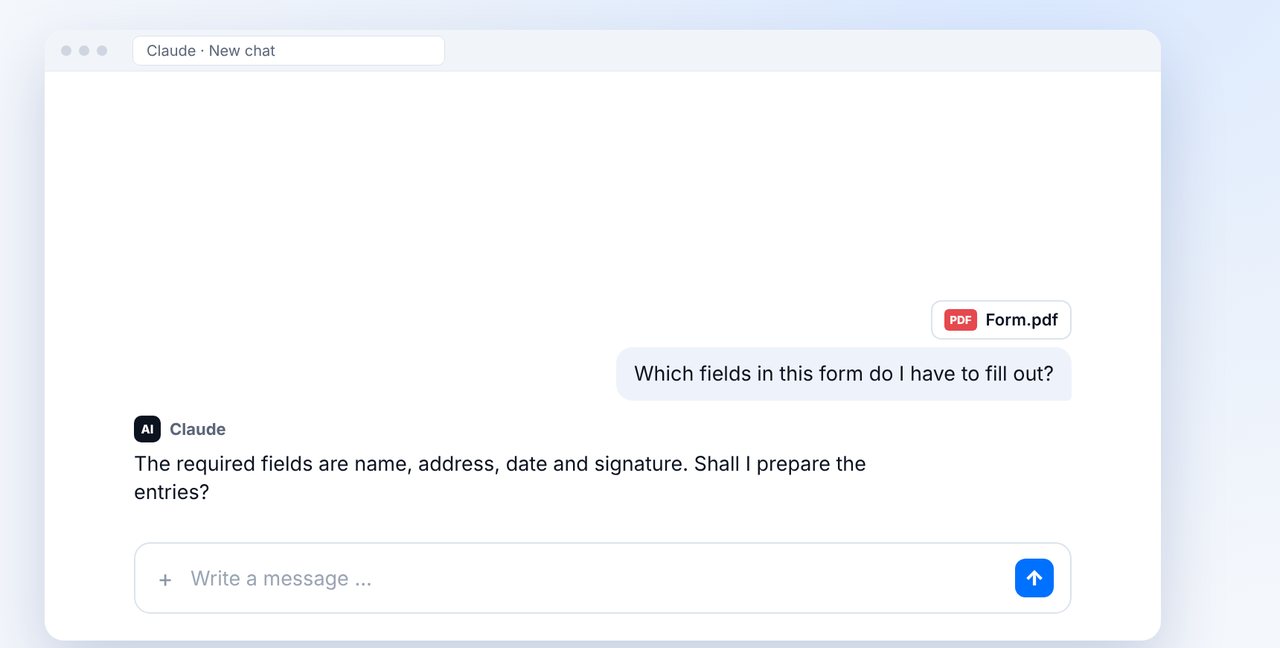
Ask Claude for help
Unsure about some fields? Attach the form in the chat and ask Claude. Always check the details yourself.
-
3 Step 3
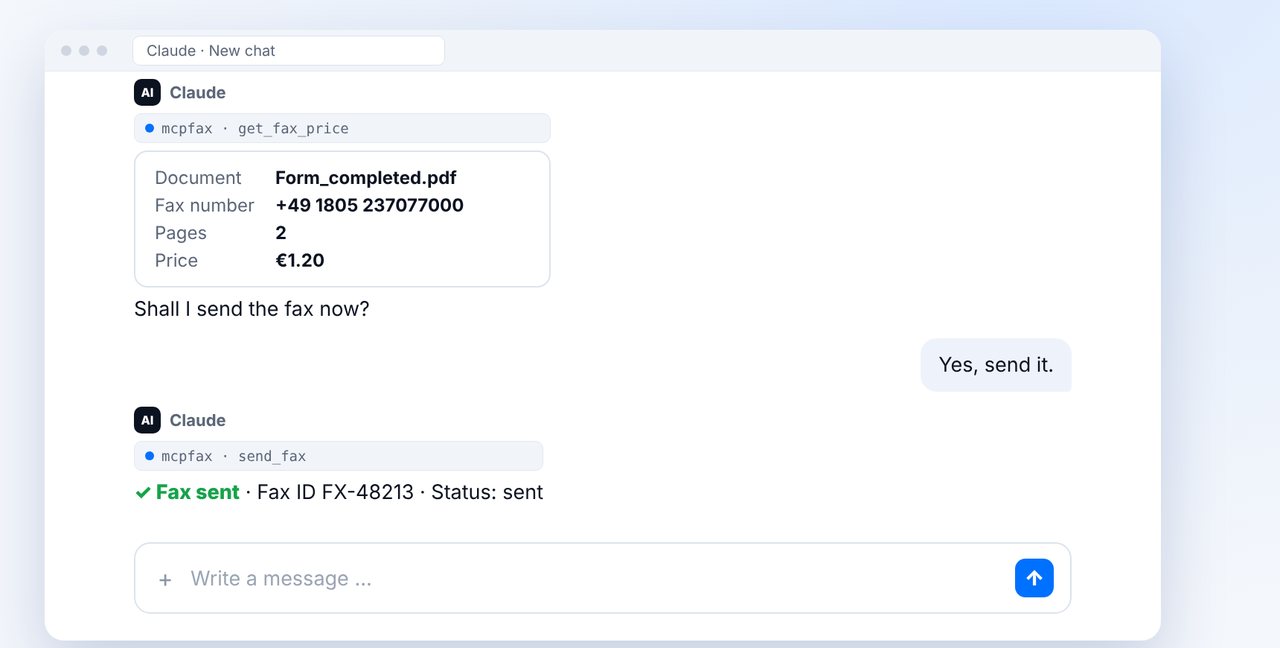
Fax and confirm
Attach the completed PDF, give the fax number, check pages and price and confirm with “Yes”.
-
4 Step 4
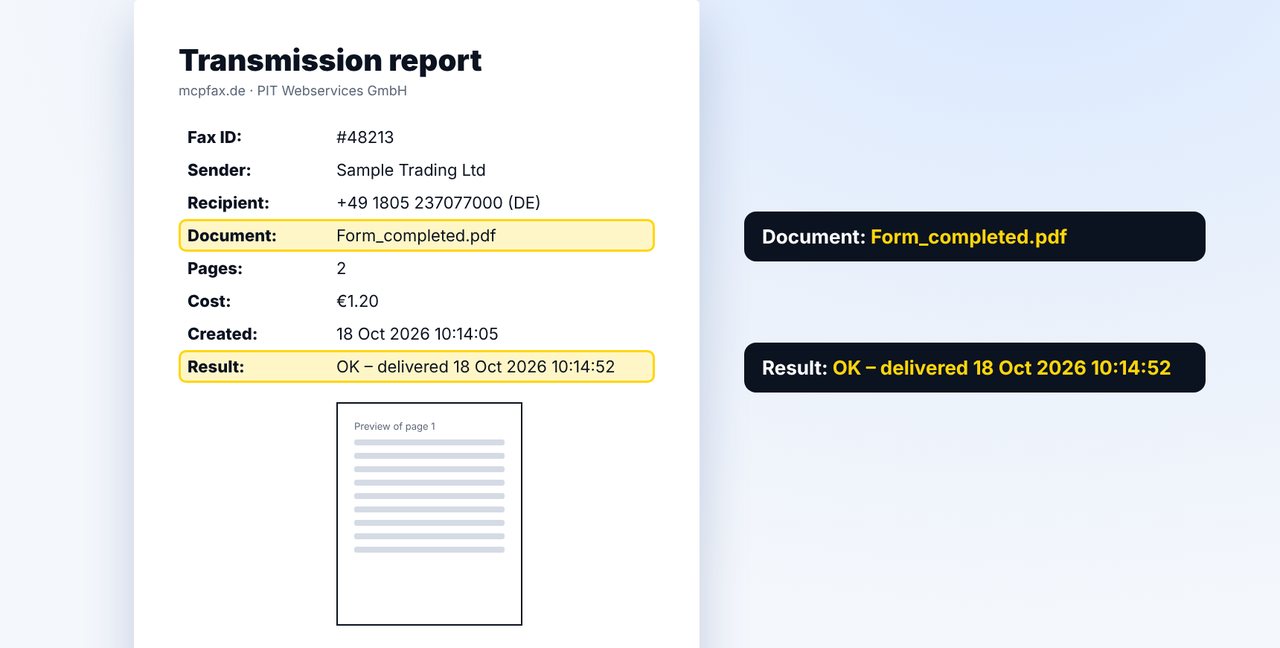
Check the transmission report
The transmission report arrives by email with a preview of the first page – so you can see that your entries were faxed too.
The pictures are a simplified illustration. Menu names may differ slightly depending on the version.
Video transcript
Yes, you can fill out a PDF form on your computer or phone and fax it directly, without a printer or a fax machine. Claude can even help you fill it out. Let me show you how. Fill out the form in a PDF program on your computer or in a PDF app on your phone. Important: save the completed version, otherwise your entries will be missing. Not sure what goes where? Attach the form in the chat and ask Claude. Claude explains the fields and can draft entries for you. But always check the details yourself. Once the form is saved, attach it and give the fax number. Claude shows the pages and the price; two pages cost one euro twenty. The transmission report arrives by email. Its preview of the first page shows you whether your entries were faxed as well. By the way: you can also upload the finished PDF directly on the mcpfax website and fax it, even without an account. You can sign digitally or on paper with a photo. You'll find the link to mcpfax in the description. Subscribe to the channel, where we also show you how to sign on your phone and fax.

Ready for your first fax?
Create your account in a minute, top up your balance and get started. No subscription, no monthly fee.
Create free accountFrequently asked questions
Can Claude fill out the form for me?
Claude can explain fields and draft entries. You check the details yourself and save or sign the form.
Why are my entries missing from the fax?
Usually the completed version wasn't saved. Open the file again before sending and check that everything is there.
Does it work without the chat?
Yes: by email to faxnumber@fax.mcpfax.de from an approved sender address, or right on mcpfax.de (“Send a fax in 3 steps”), there even without an account.
What if the form has to be signed?
Sign it digitally in a PDF app, or on paper and photograph the page.