
How to fax a doctor's note to your employer
If your employer wants your sick note by fax: photograph it in the Claude app, give the fax number, confirm the price. mcpfax faxes it without a fax machine; one page costs €1.00, and the transmission report arrives as a PDF.
Step by step
-
1 Step 1
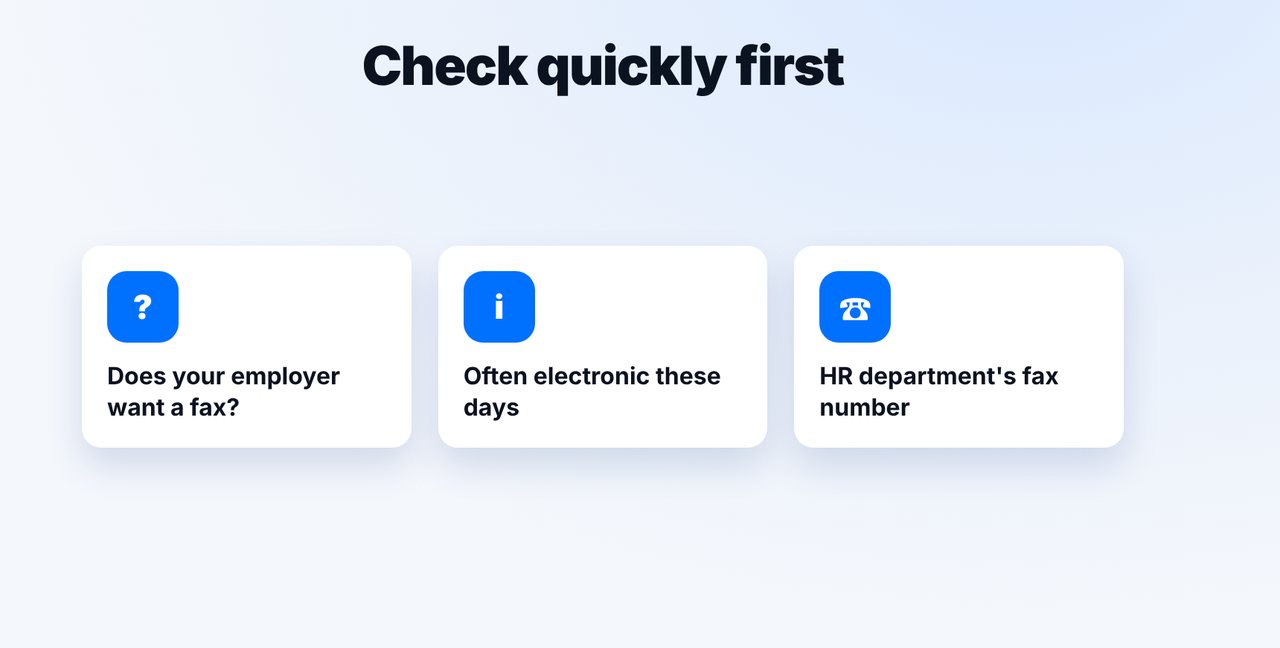
Check first
In many places sick notes are now handled electronically. Check whether your employer still wants a fax, and to which number.
-
2 Step 2
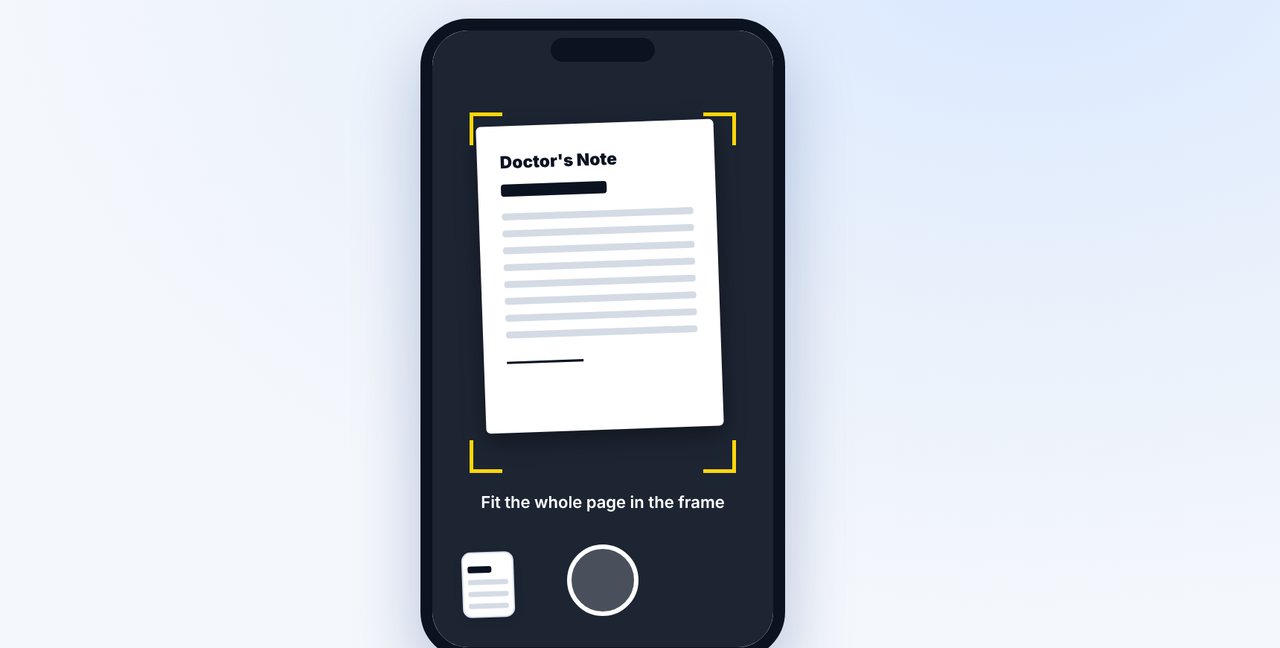
Photograph the note
Open a new chat in the Claude app, tap the plus and photograph the whole page.
-
3 Step 3
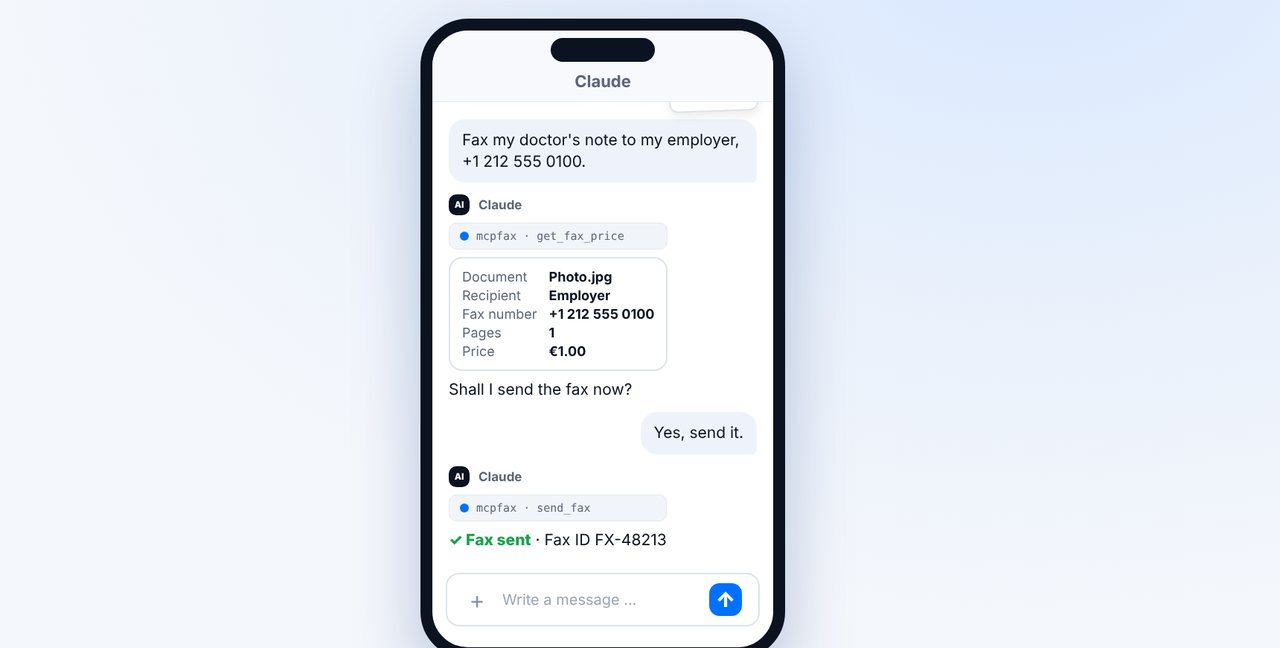
Give the fax number and confirm
Add the fax number. Claude shows the pages and price; after your “Yes, send it.” the fax goes out.
-
4 Step 4
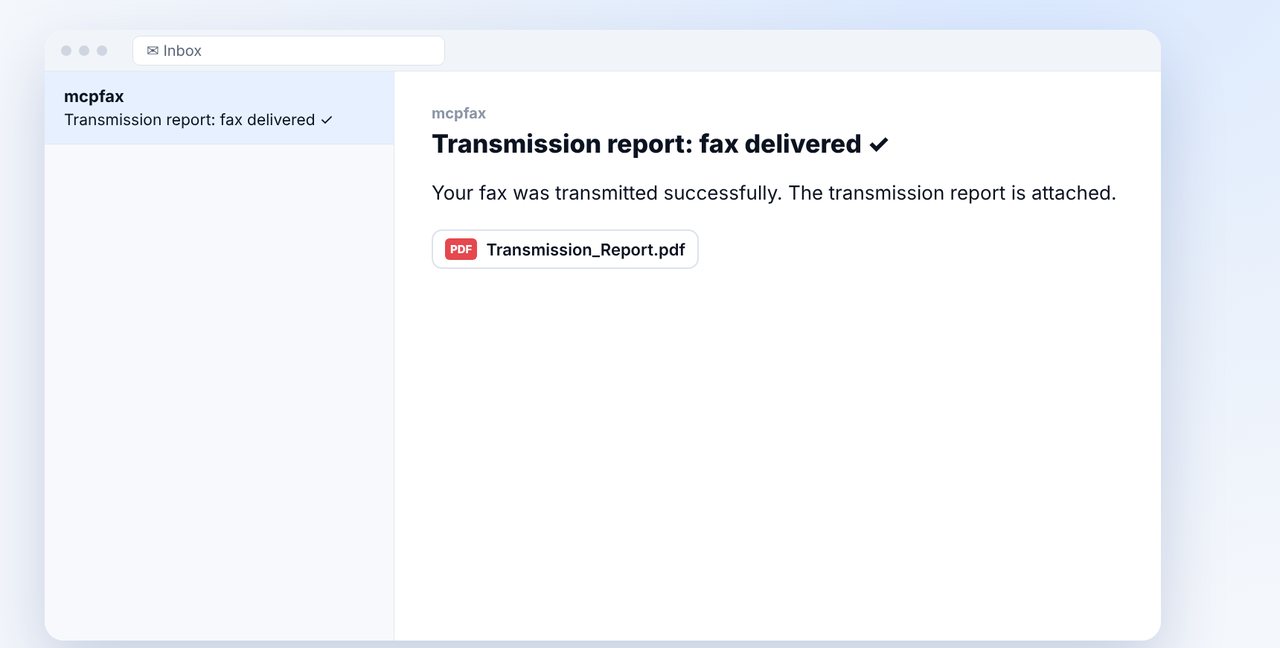
Keep the transmission report
The transmission report arrives as a PDF by email and shows when your sick note was transmitted.
The pictures are a simplified illustration. Menu names may differ slightly depending on the version.
Video transcript
Yes, if your employer wants your doctor's note by fax, you can send it straight from your phone, even from the couch. Let me show you how. First: in many countries and companies, sick notes are now handled electronically. If in doubt, check whether your employer still wants a fax, and to which number. Open the Claude app, tap the plus and photograph the doctor's note. The whole page should be in the frame and easy to read. Add the fax number. Claude shows you the pages and the price; one page costs one euro. After your yes, your sick note is on its way. Shortly afterwards, the transmission report arrives as a PDF by email. It proves when your sick note was transmitted. But it doesn't prove that it was read. You'll find the link to mcpfax in the description. Get well soon, and feel free to subscribe to the channel for more guides.

Ready for your first fax?
Create your account in a minute, top up your balance and get started. No subscription, no monthly fee.
Create free accountFrequently asked questions
Do I have to fax my sick note at all?
That depends on your country and employer; in many places it's now handled electronically. If in doubt, ask your employer.
Does it work without a computer?
Yes. After a one-time setup, you fax straight from the Claude app on iPhone or Android.
Will my employer see who the fax is from?
Yes, if you set a sender ID in your account, such as your name. It appears at the top of every fax, max. 20 characters.
Does the transmission report prove that my boss read the note?
No. It proves the transmission to the recipient's fax machine, not that it was read.