
How to send a fax from an iPad or tablet
Yes: from an iPad or Android tablet you can fax in the Claude app with the mcpfax connector, by email to faxnumber@fax.mcpfax.de, or right on mcpfax.de in the browser. From €1.00 per fax, no fax machine and no subscription.
Step by step
-
1 Step 1
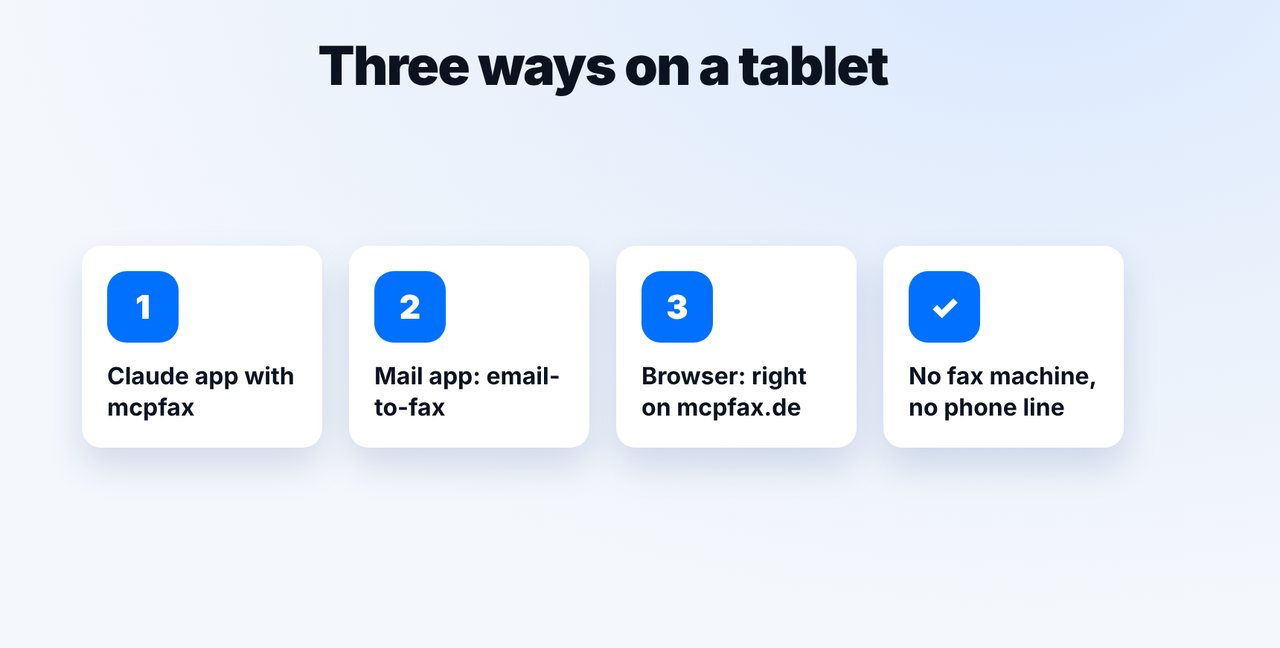
Choose a method
The Claude app with the mcpfax connector, email-to-fax from your Mail app, or right in the browser on mcpfax.de. All methods use the same account and balance.
-
2 Step 2
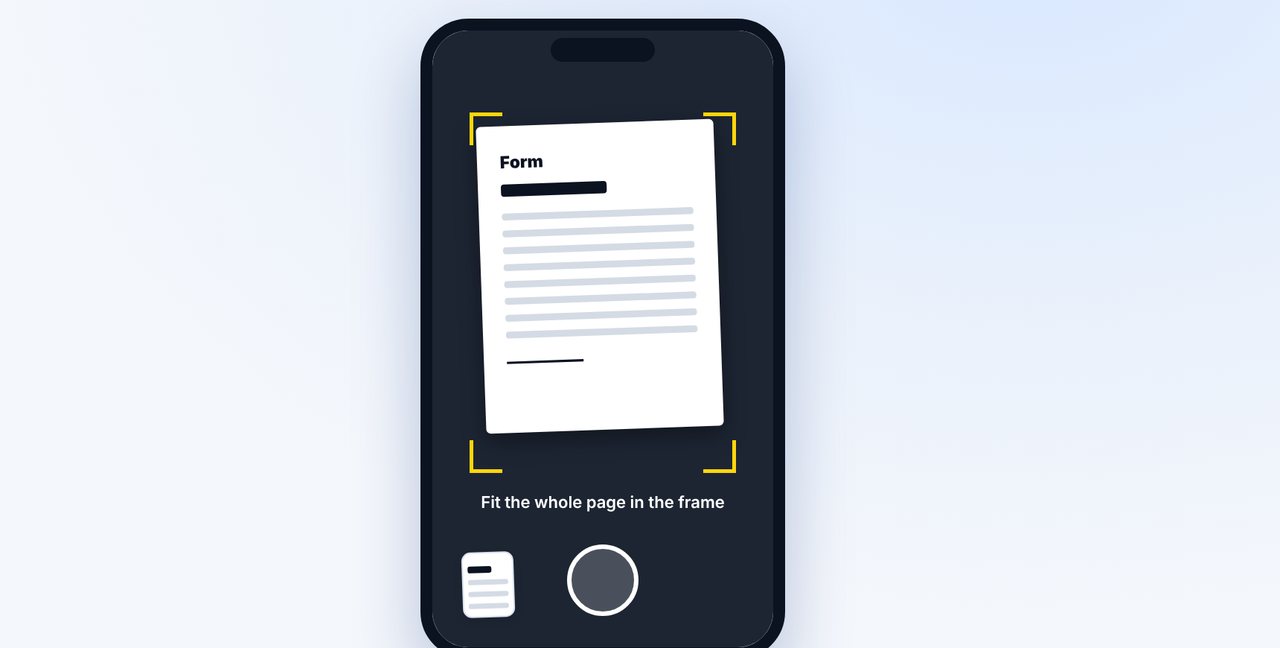
Photograph the document
Open a chat in the Claude app, tap the plus and photograph the document with the tablet camera – or attach a PDF file.
-
3 Step 3
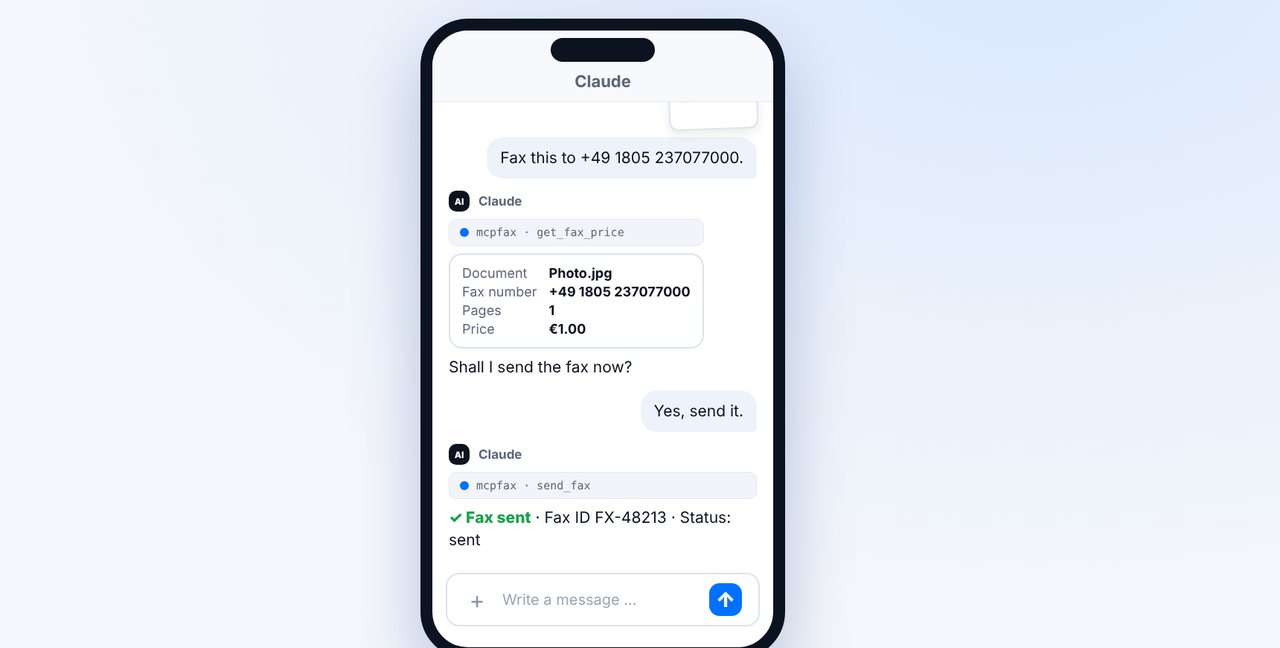
Give the number and confirm
Type the fax number, check pages and price, and confirm with “Yes, send it.”
-
4 Step 4
Alternative: Mail app
New email to the fax number with country code in front of @fax.mcpfax.de, attach the document, send.
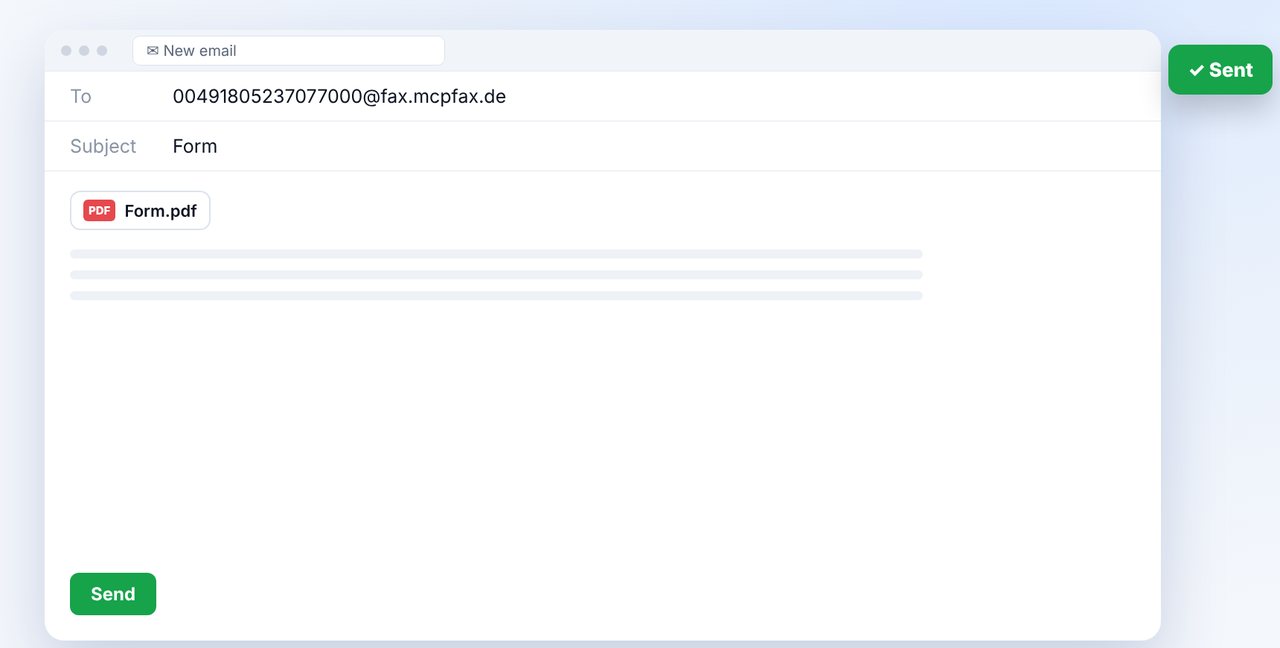
The pictures are a simplified illustration. Menu names may differ slightly depending on the version.
Video transcript
Yes, you can: from an iPad or Android tablet you fax just like from a phone, without a fax machine and without an extra app. Let me show you how. You have three ways: the Claude app with the mcpfax connector, the Mail app, or the mcpfax website right in your browser. All of them use the same account and balance. All you need is internet. Here's how it works in the chat: open the Claude app, start a chat and photograph the document with the tablet camera. Or attach a PDF file from your files. Give the fax number. Claude shows the pages and the price and asks you to confirm. After your yes, the fax is on its way, and the transmission report arrives by email. Prefer email? In the Mail app, write to the fax number with its country code, followed by our fax domain, as shown on screen. Attach the document, send, done. You'll find the link to mcpfax in the description. How faxing from your phone works, we show in a separate video. Subscribe to the channel.

Ready for your first fax?
Create your account in a minute, top up your balance and get started. No subscription, no monthly fee.
Create free accountFrequently asked questions
Do I need a special fax app for the iPad?
No. You use the Claude app, the Mail app or the browser, which are already on your tablet.
Can I also receive faxes on the tablet?
No. mcpfax only sends faxes; receiving is not possible.
Which files can I fax from a tablet?
PDF, Word (DOCX), JPG, PNG and TXT – including photos straight from the camera.