
Health data by fax: sending test results and prescriptions
Attach the test results or prescription request in a chat with Claude, check the office's fax number digit by digit and add a cover sheet with a confidentiality notice. The connection to mcpfax is encrypted, and documents are deleted after 30 days.
Step by step
-
1 Step 1
Prepare carefully
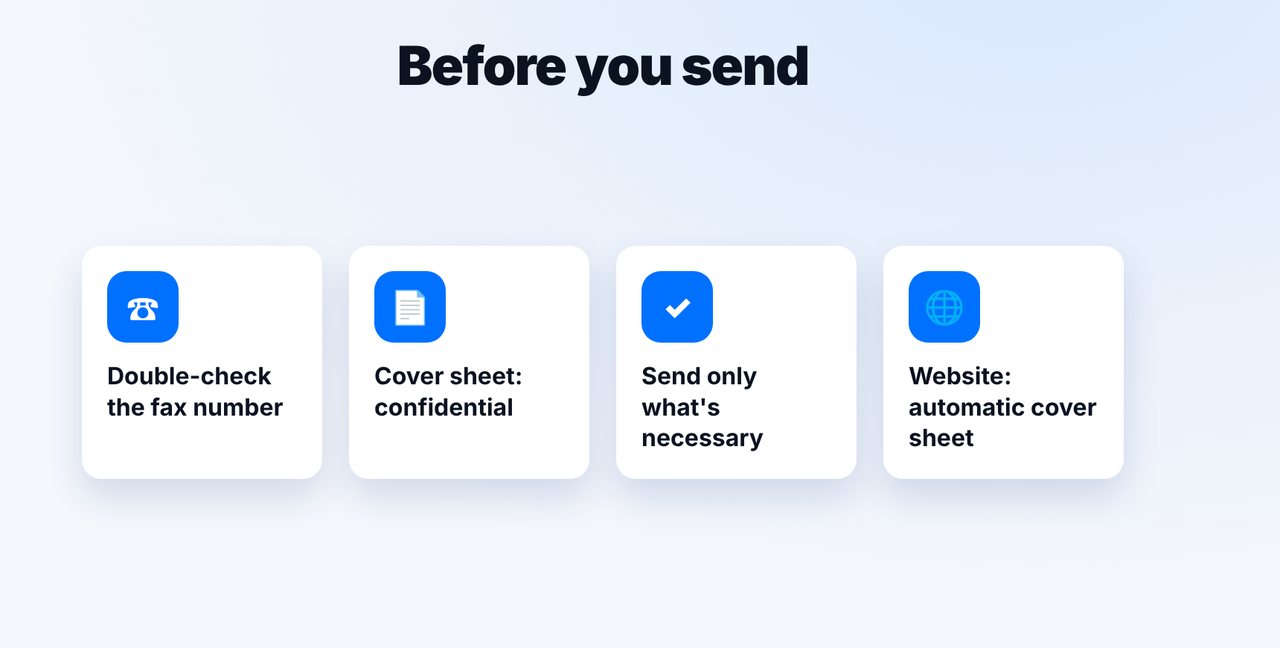
Take the fax number from a recent letter from the office, put a cover sheet with a confidentiality notice on top and send only what's necessary.
-
2 Step 2
Attach the document and check the number
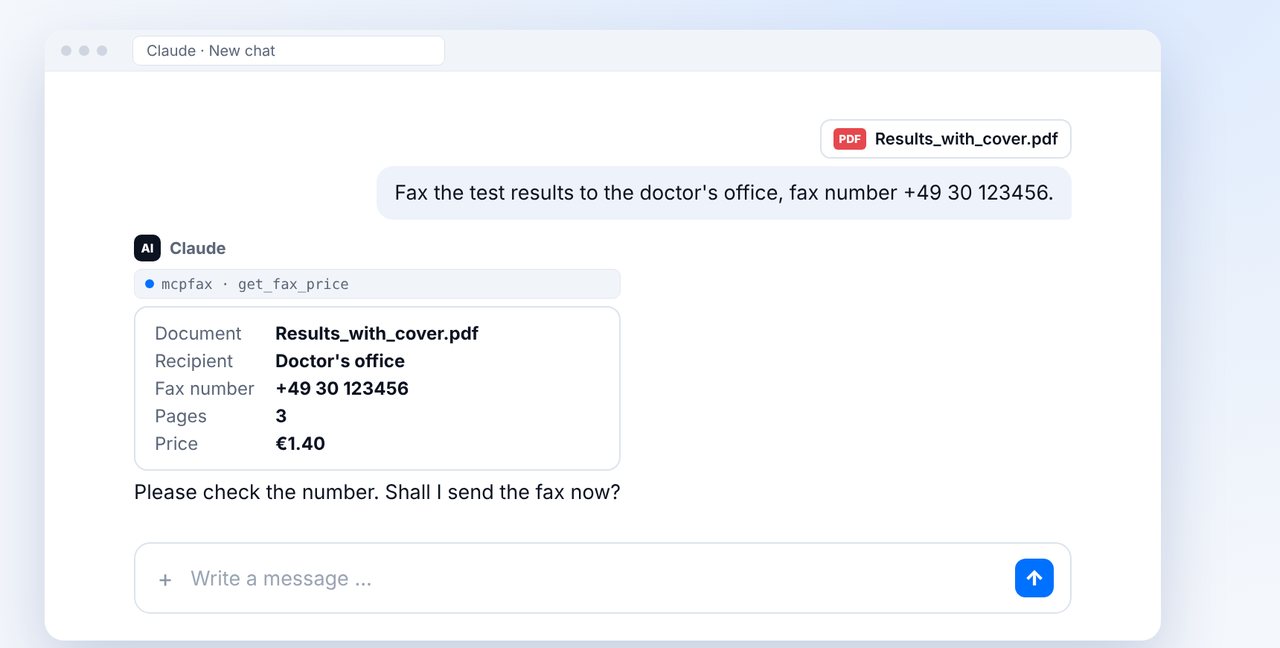
Attach the PDF in the chat and give the number. Compare the displayed fax number digit by digit before sending.
-
3 Step 3
Confirm and check delivery
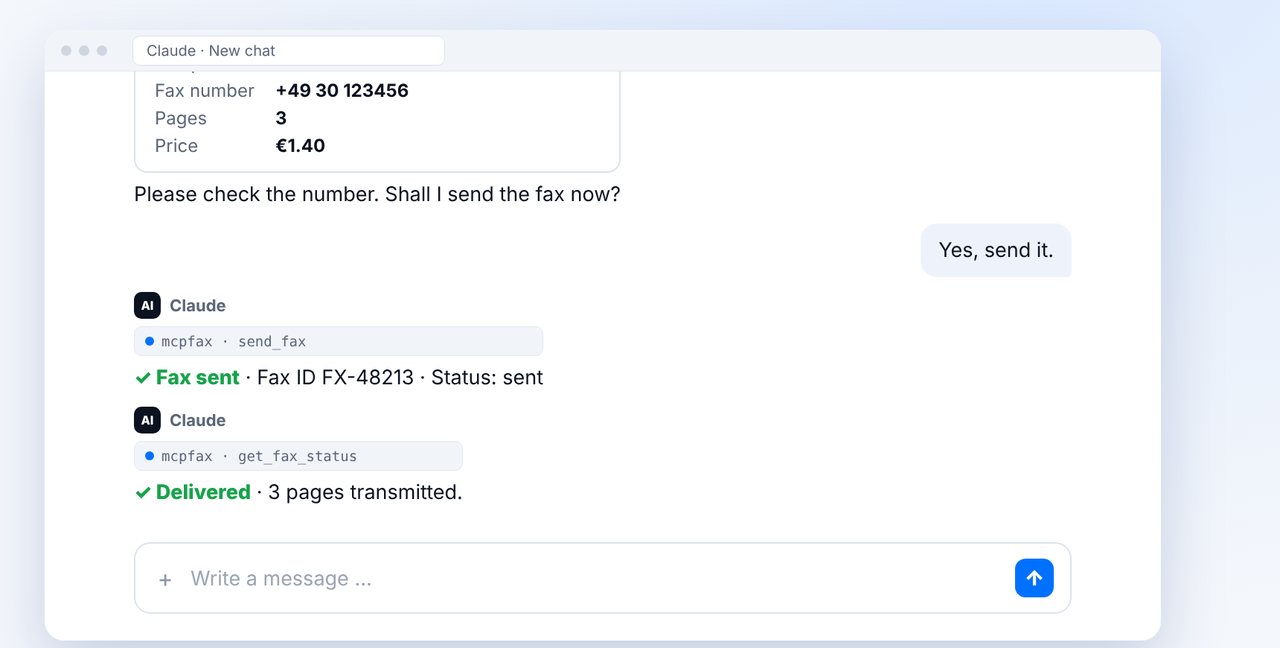
The fax only goes out after your “Yes”. “Delivered” means: completely transmitted to the receiving machine.
-
4 Step 4
Know the data protection facts
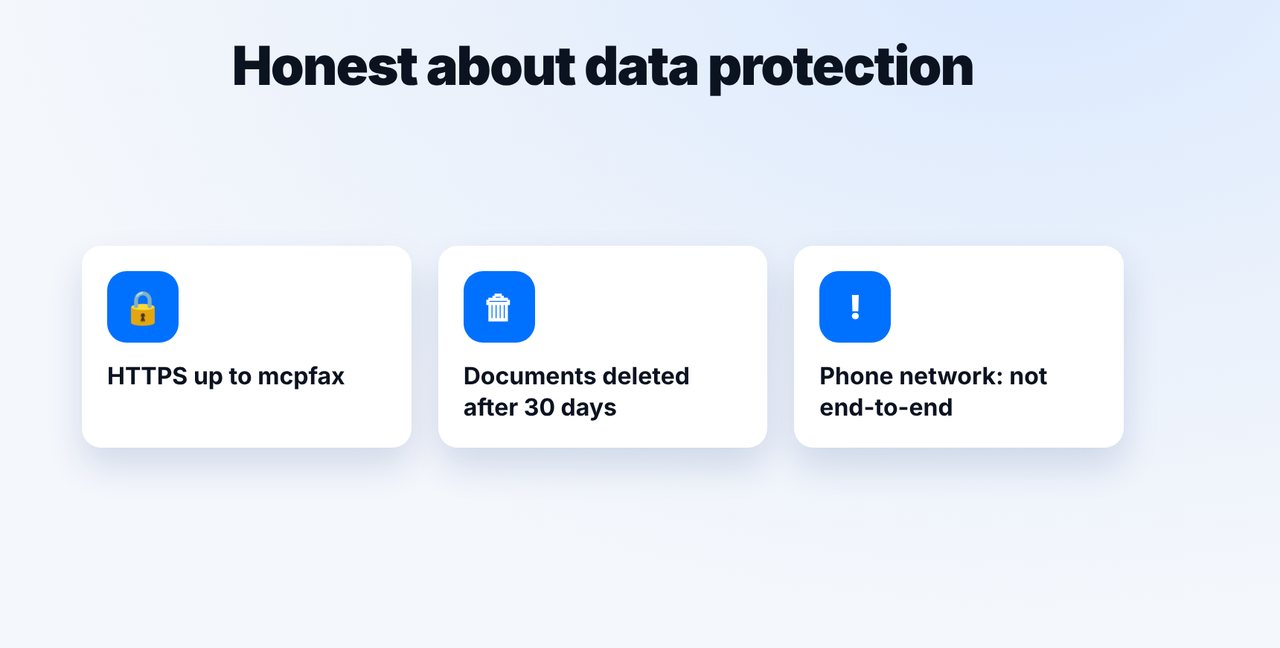
HTTPS up to mcpfax, documents deleted after 30 days, numbers masked in logs. Fax transmission over the phone network is not end-to-end encrypted.
The pictures are a simplified illustration. Menu names may differ slightly depending on the version.
Video transcript
Yes, you can fax test results, referrals or prescription requests to a doctor's office or hospital without a fax machine. Many practices still use fax. Let me show you how to do it carefully. With health data, care matters. Take the fax number from a recent letter from the office. Put a cover sheet with a confidentiality notice on top, and only send what's necessary. Attach the test results together with the cover sheet in the chat and give the number. Claude shows you everything before sending. Now compare the fax number once more, digit by digit. The fax only goes out after your yes. Whether it was transmitted completely, you'll see from the status delivered and in the transmission report that arrives by email. To be honest about data protection: the connection to mcpfax is encrypted, and fax documents are deleted automatically after thirty days. But the transmission over the phone network itself is not end-to-end encrypted, as with any fax. You'll find the link to mcpfax in the description. Subscribe to the channel for more guides on sending faxes.

Ready for your first fax?
Create your account in a minute, top up your balance and get started. No subscription, no monthly fee.
Create free accountFrequently asked questions
Is mcpfax HIPAA compliant?
We don't make that claim. The connection to mcpfax is encrypted and documents are deleted after 30 days; however, like any fax, transmission over the phone network is not end-to-end encrypted.
Why a cover sheet with a confidentiality notice?
It shows right away that confidential documents follow and who they are meant for – helpful if several people can access the fax machine.
Can mcpfax create a cover sheet?
Yes, optionally and automatically when you send right on mcpfax.de, with recipient and subject. You can put a confidentiality notice in the subject, for example.
What if I use the wrong number?
Prevention is key: Claude shows the number before every fax, and nothing is sent until you confirm. Check it carefully.
Can the doctor's office reply to me by fax?
Not via mcpfax – the service only sends; receiving faxes is not possible.