
How do I fax an insurance claim?
Combine the claim form and photos in one PDF, send it by email to faxnumber@fax.mcpfax.de or in a chat with Claude, with the policy number in the subject. 4 pages cost €1.60 in the EU, UK, US and other zone 1 countries; keep the transmission report as proof.
Step by step
-
1 Step 1
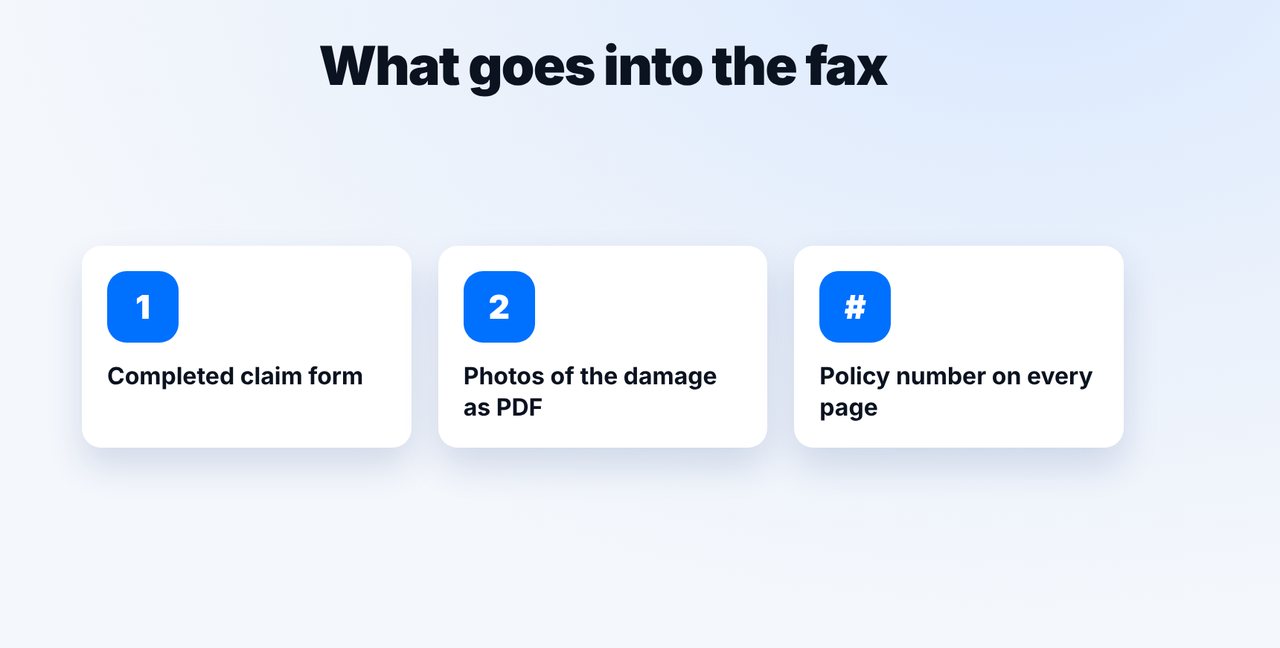
Prepare the documents
Ideally combine the completed claim form and photos of the damage in one PDF, with the policy number on every page.
-
2 Step 2
Email it to the fax address
Email faxnumber@fax.mcpfax.de, attach the PDF, put the policy number in the subject – so you can find the fax again in your history.

-
3 Step 3
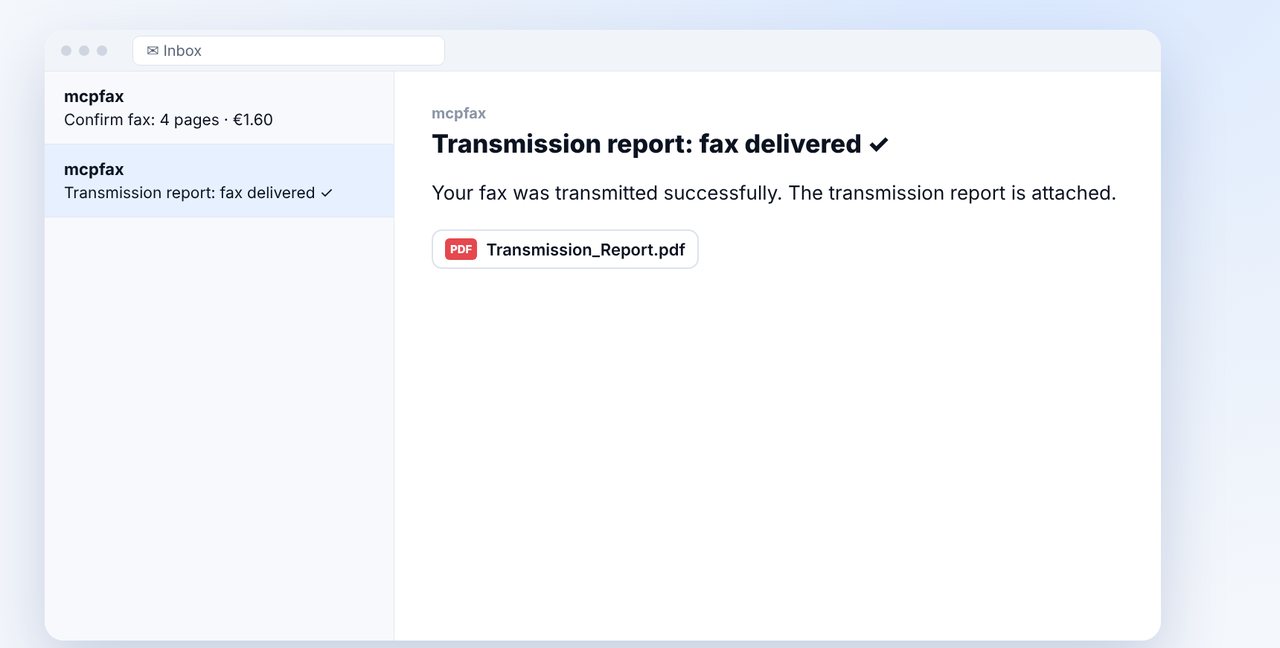
Confirm
If confirmation is turned on, you get an email with pages and price. One click, and the fax is sent.
-
4 Step 4
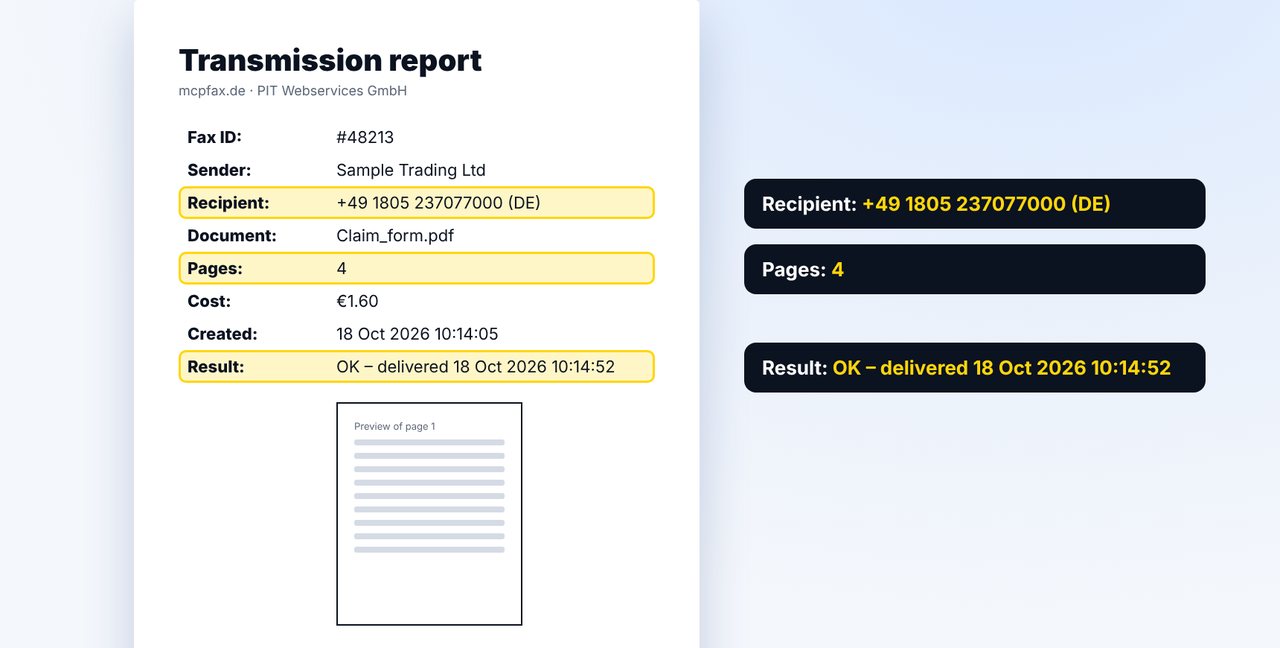
Keep the transmission report
Keep the transmission report together with the claim form: it shows the number, pages, time and result.
The pictures are a simplified illustration. Menu names may differ slightly depending on the version.
Video transcript
Yes, you can fax a claim form with photos to your insurer without a fax machine. Let me show you how. Prepare the completed claim form and add the photos of the damage, ideally together in one PDF. Write your policy number on every page. The fastest way is an email to the fax address shown on screen. Put the policy number in the subject line, so you can find the fax in your history later. If confirmation is turned on, you get an email with the pages and the price, here four pages for one euro sixty. One click, and the fax goes out. After that, the transmission report arrives. Keep the transmission report together with your claim form. It shows which number the fax went to, when, and how many pages were transmitted. Take the fax number from your policy documents or a letter from your insurer. In total, you can send up to fifteen megabytes. And of course, this also works in a chat with Claude. You'll find the link in the description. Subscribe to the channel, and check out our video on the fax transmission report too.

Ready for your first fax?
Create your account in a minute, top up your balance and get started. No subscription, no monthly fee.
Create free accountFrequently asked questions
Where do I find my insurer's fax number?
In your policy documents or a recent letter from the insurer. mcpfax does not look up fax numbers on the internet.
Are photos sent in color?
No, a fax is black and white; colors become grayscale. Make sure your photos are sharp and well lit.
How many photos can I include?
By email up to 10 attachments, 15 MB in total; at most 100 pages per fax. Multiple attachments are combined into one fax.
Does the transmission report prove that the insurer is processing the claim?
No. It proves the transmission to the receiving machine, not that the fax was read or processed.