
How do I fax a photo from WhatsApp?
Yes: save the image from WhatsApp on your phone and attach it in the Claude app or email it to faxnumber@fax.mcpfax.de. mcpfax turns it into a fax page; one page costs €1.00.
Step by step
-
1 Step 1
Save the image on your phone
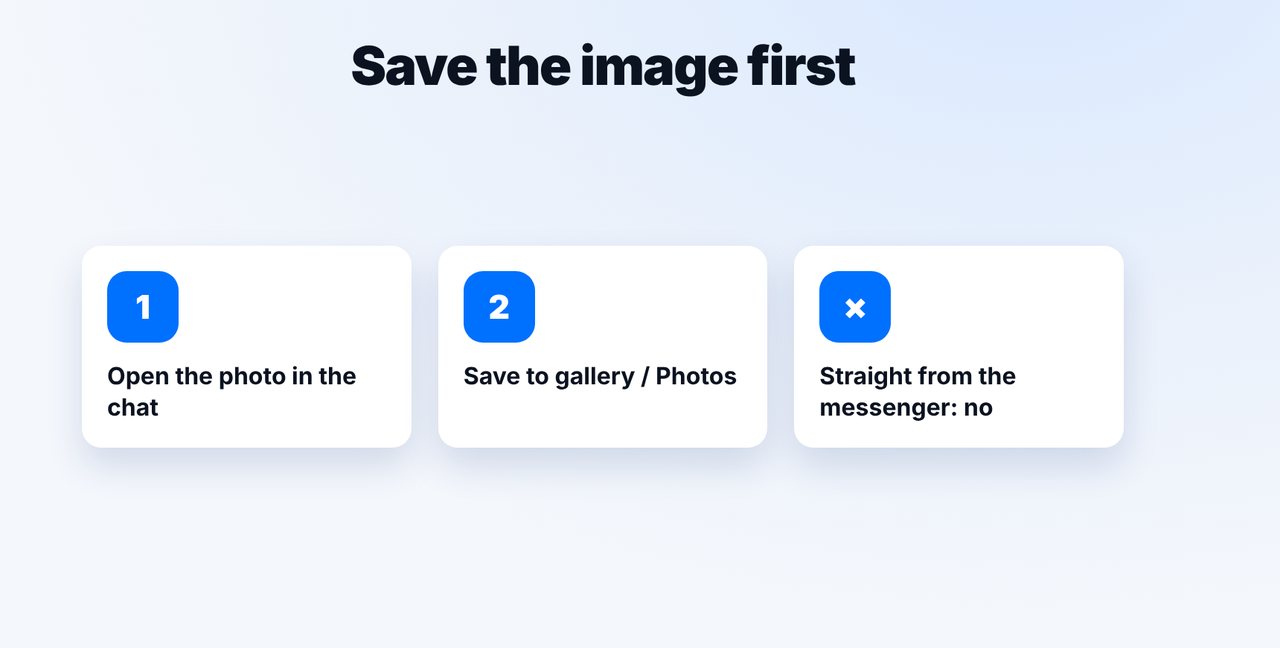
Open the photo in the chat and save it to your gallery or Photos.
-
2 Step 2
Attach it in the Claude app
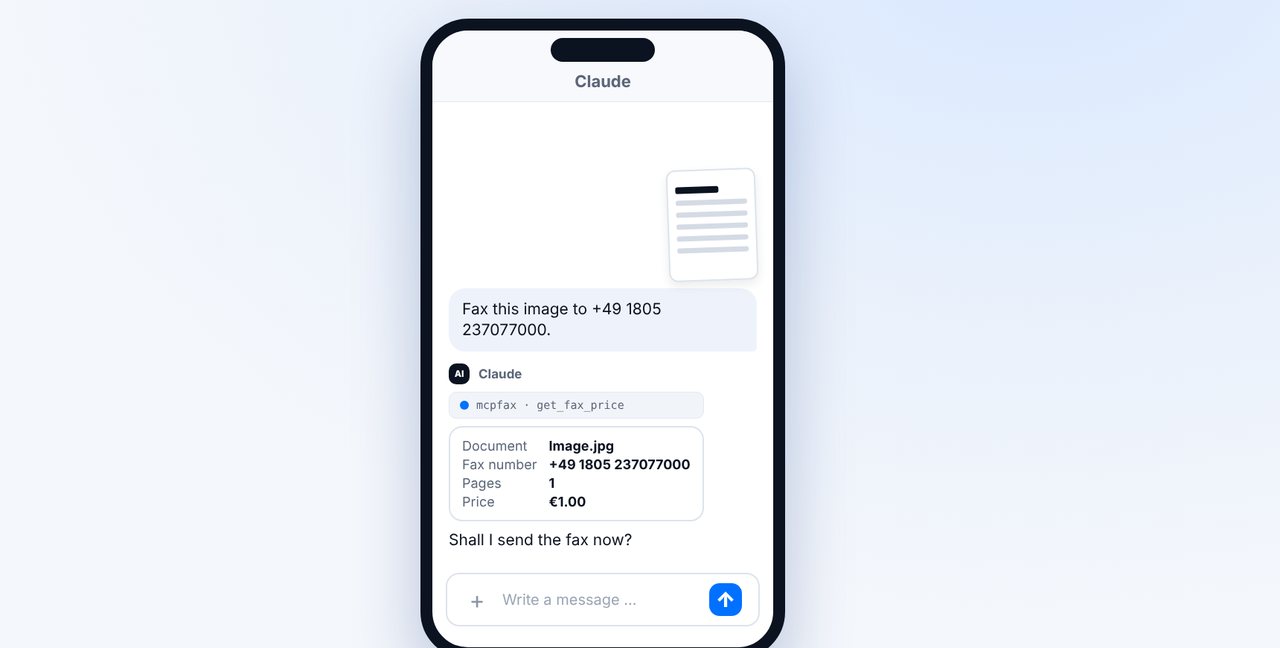
New chat, tap the plus, pick the image from your gallery and add the fax number. Claude shows the pages and price.
-
3 Step 3
Confirm
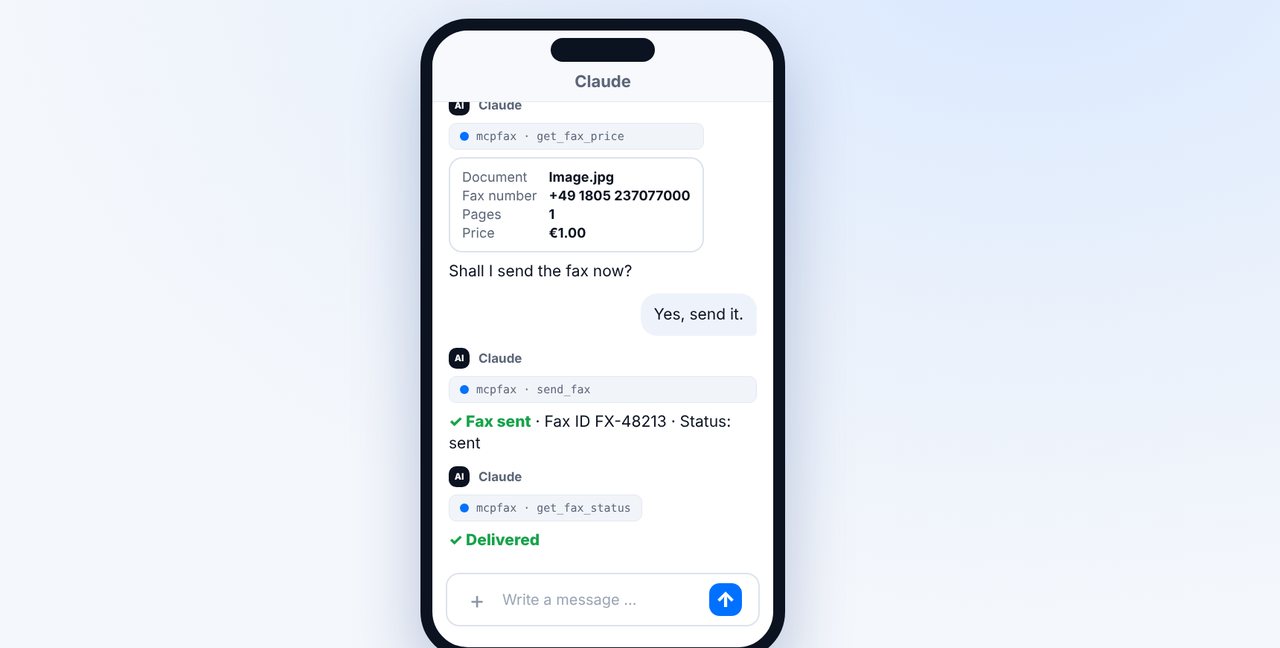
With “Yes, send it.” the fax goes out; you see the status right in the chat.
-
4 Step 4
Alternative: by email
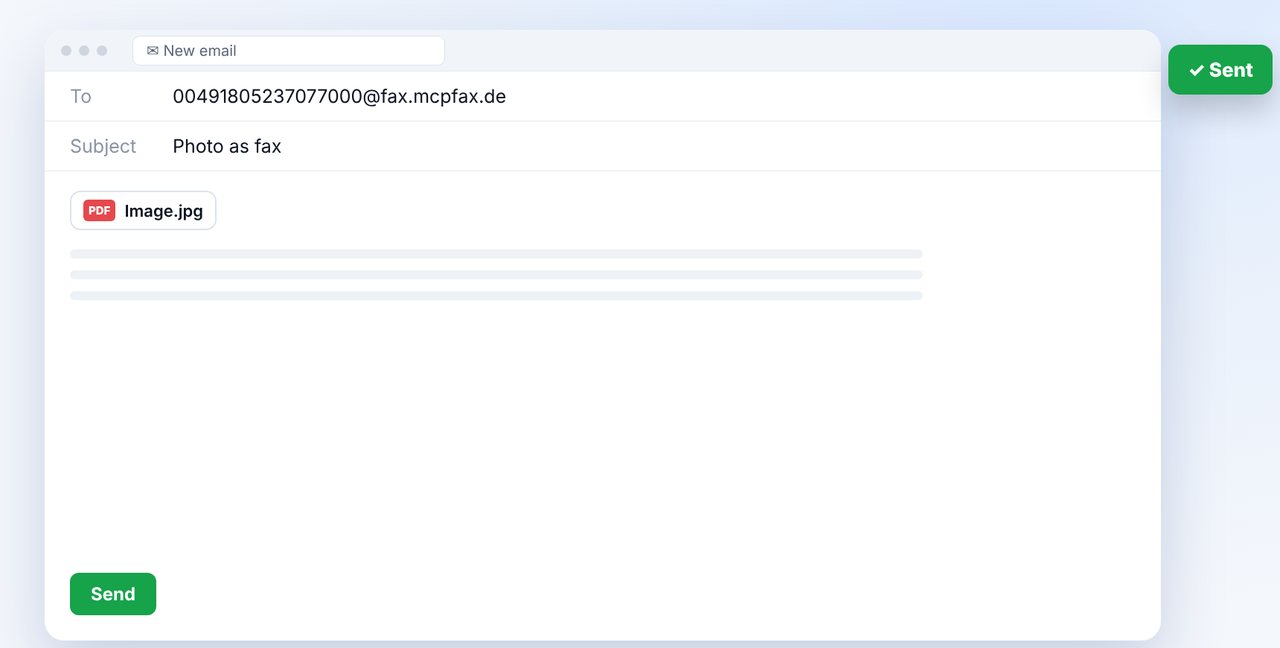
Use the share menu to send the image to your email app, addressed to the fax number with country code before @fax.mcpfax.de.
The pictures are a simplified illustration. Menu names may differ slightly depending on the version.
Video transcript
Someone sent you a document as a photo on WhatsApp, and now it has to go out by fax? No problem, you can do it from your phone in three simple steps. Let me show you how it works. You can't fax directly from the messenger itself. So first save the photo: open the image in the chat, save it, done. Now it's in your phone's gallery. Open the Claude app, tap the plus and choose the image from your gallery. Add the fax number, and Claude shows you the number of pages and the price. Confirm with yes. mcpfax turns the photo into a fax page and sends it. You can see the status right there in the chat. Without Claude, you can use email instead: send the image to your email app via the share menu, addressed to the fax address shown on screen. Your sender address must be approved for this. You'll find the link to mcpfax in the description. Subscribe to the channel, and also check out how to fax handwritten forms so they stay legible.

Ready for your first fax?
Create your account in a minute, top up your balance and get started. No subscription, no monthly fee.
Create free accountFrequently asked questions
Can I fax directly from WhatsApp?
Not directly. You save the image and send it via the Claude app or by email to the fax address.
Will a colour photo be legible?
Fax is black and white; colours become shades of grey. A sharp, well-lit photo of a document works best.
Does it work without the Claude app?
Yes: by email to the fax address or right on mcpfax.de in your phone's browser – upload the image, enter the number, see the price, send, even without an account.
Can I put several photos into one fax?
Yes. In the chat you attach several images; by email up to 10 attachments with 15 MB in total.