
Where do I find the fax number of a company or agency?
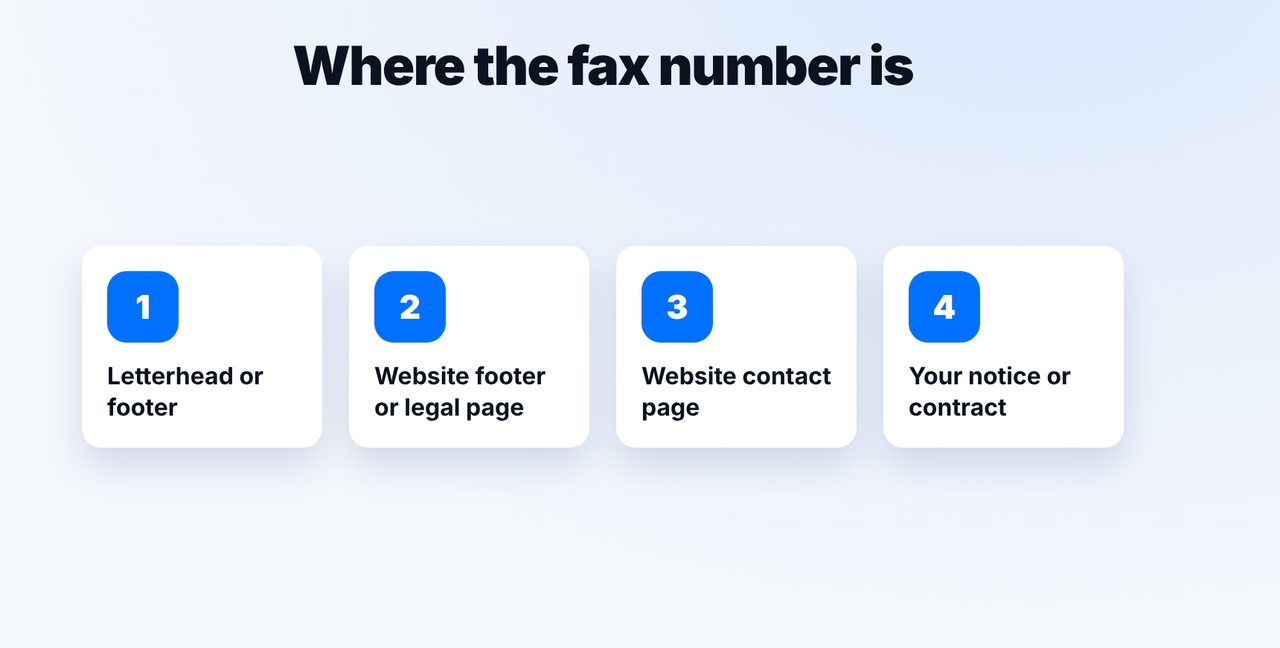
The fax number is usually in the letterhead of a letter, in the website footer, on the contact page or in your notice. mcpfax and Claude don't look up numbers on the internet – you provide the number yourself and see the price before sending.
Step by step
-
1 Step 1
Look in the right places
Check the letterhead or footer of a recent letter, the website footer or legal page, or the contact page. For government offices, the number is often right in your notice.
-
2 Step 2
Check the number
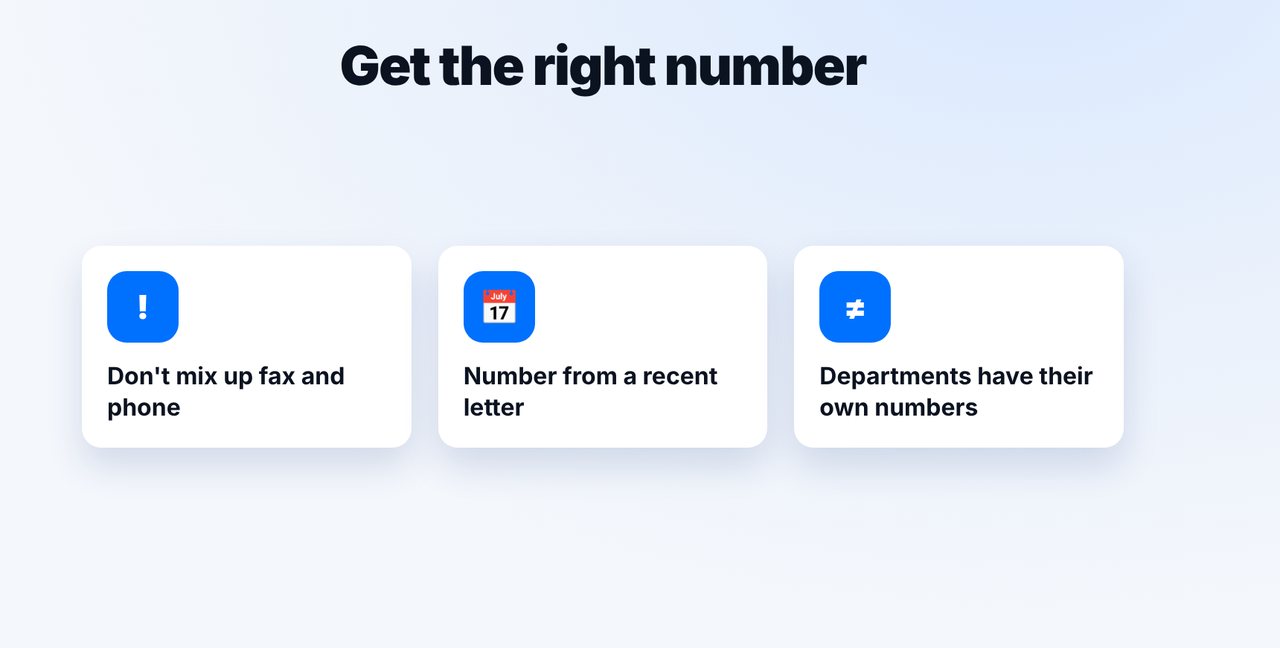
Don't confuse fax and phone, use a current number if possible, and check whether a department has its own fax number.
-
3 Step 3
Provide the number yourself
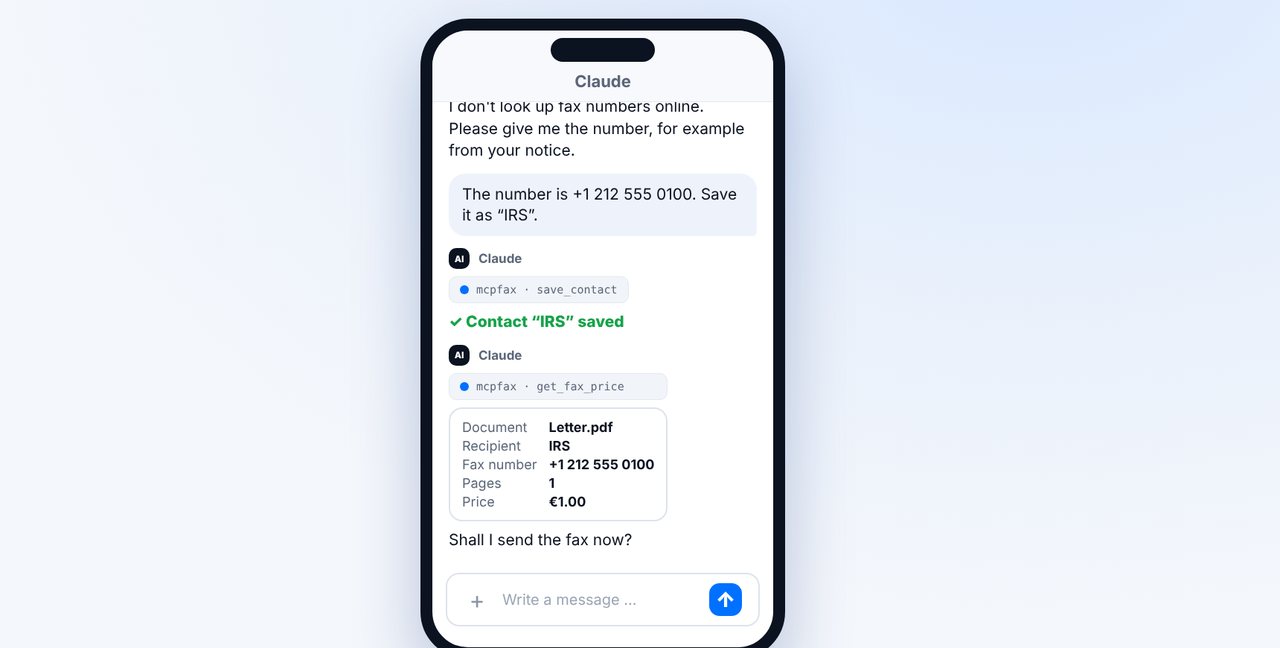
Give the number in the chat and have it saved as a contact. Claude doesn't look up numbers on the internet and never guesses.
-
4 Step 4
Confirm and send
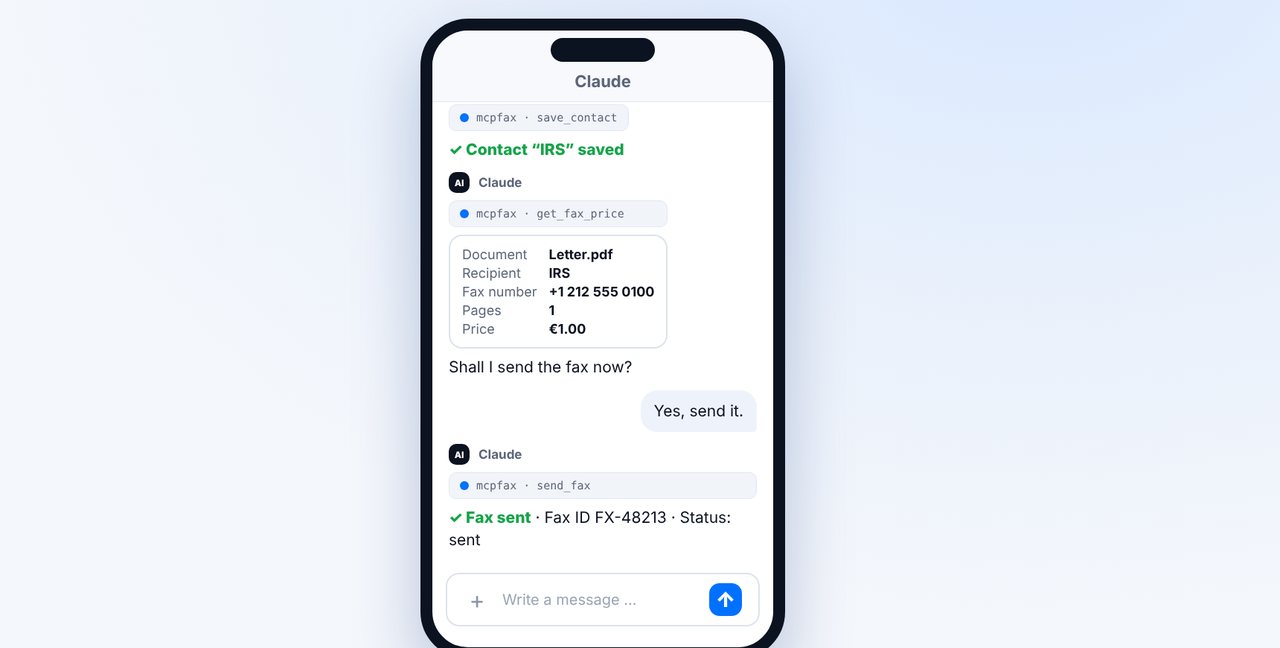
After your “Yes”, the fax is sent, and the transmission report arrives as a PDF by email.
The pictures are a simplified illustration. Menu names may differ slightly depending on the version.
Video transcript
The fax number of a company or government office is usually in the letterhead, in the website footer, on the contact page or in your notice. Let me show you what to watch out for when you're looking. The best source is a recent letter: the number is in the letterhead or in the footer. Then there's the footer and the contact page of the website. For government offices, it's often printed right on your notice. Make sure you don't pick up the phone number by mistake. Use a number from a recent letter if you can, because numbers change. And departments often have their own fax numbers. And to be completely honest: mcpfax and Claude don't look up fax numbers on the internet, and they never guess. If you only give a name, Claude asks you for the number. Give the number and have it saved as a contact right away. Next time, the name is all you need. Before sending, you see the recipient, the pages and the price. Once you confirm, the fax is sent. As always, you get the transmission report as a PDF by email. You'll find the link to mcpfax in the description. How to enter the number in the right format is what you'll see in the next video.

Ready for your first fax?
Create your account in a minute, top up your balance and get started. No subscription, no monthly fee.
Create free accountFrequently asked questions
Can Claude look up the fax number for me?
No. mcpfax and Claude don't look up fax numbers on the internet and never guess. If you only give a name, Claude asks for the number.
What if I can't find a fax number?
Ask the recipient by phone or email. Some organizations no longer accept faxes.
Do I have to enter the number every time?
No. Save it as a contact, and next time the name is all you need.