
Fax etiquette: timing, greeting and cover sheet
Send business faxes during the recipient's business hours, with a cover sheet (recipient, sender, subject, page count) and a formal greeting; give brief notice before important faxes. On mcpfax.de you can have the cover sheet created automatically.
Step by step
-
1 Step 1
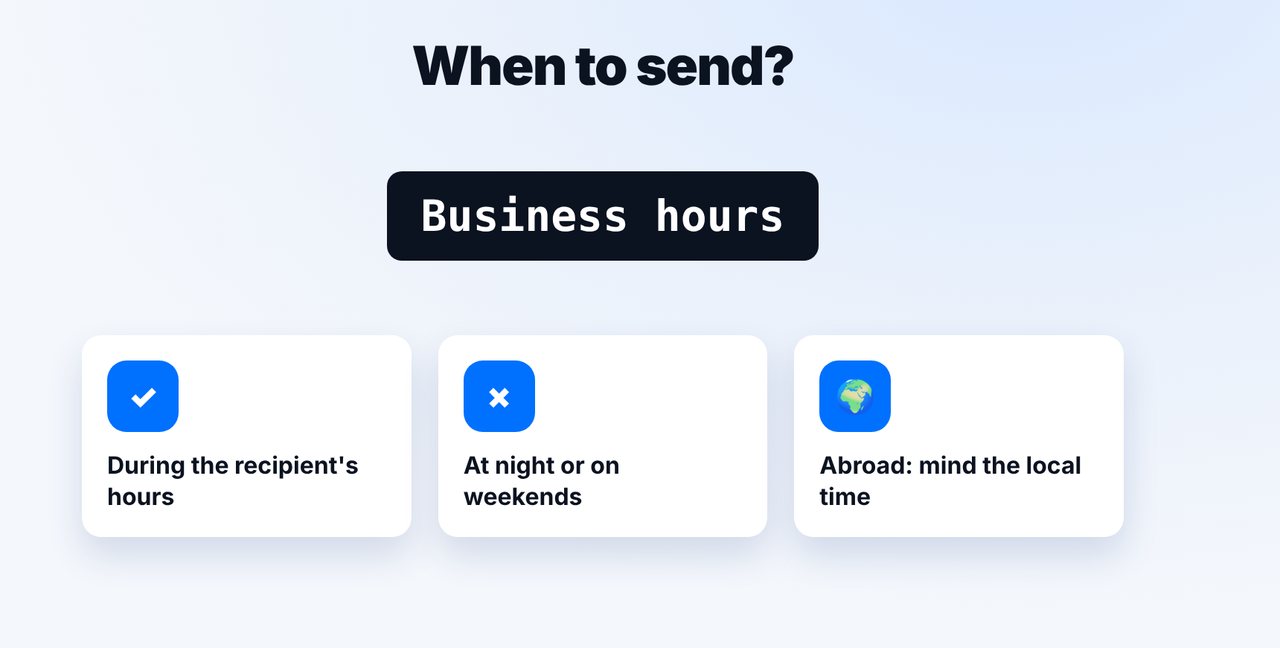
Choose the right time
Send during the recipient's business hours, for international faxes in their local time – not at night or on weekends.
-
2 Step 2
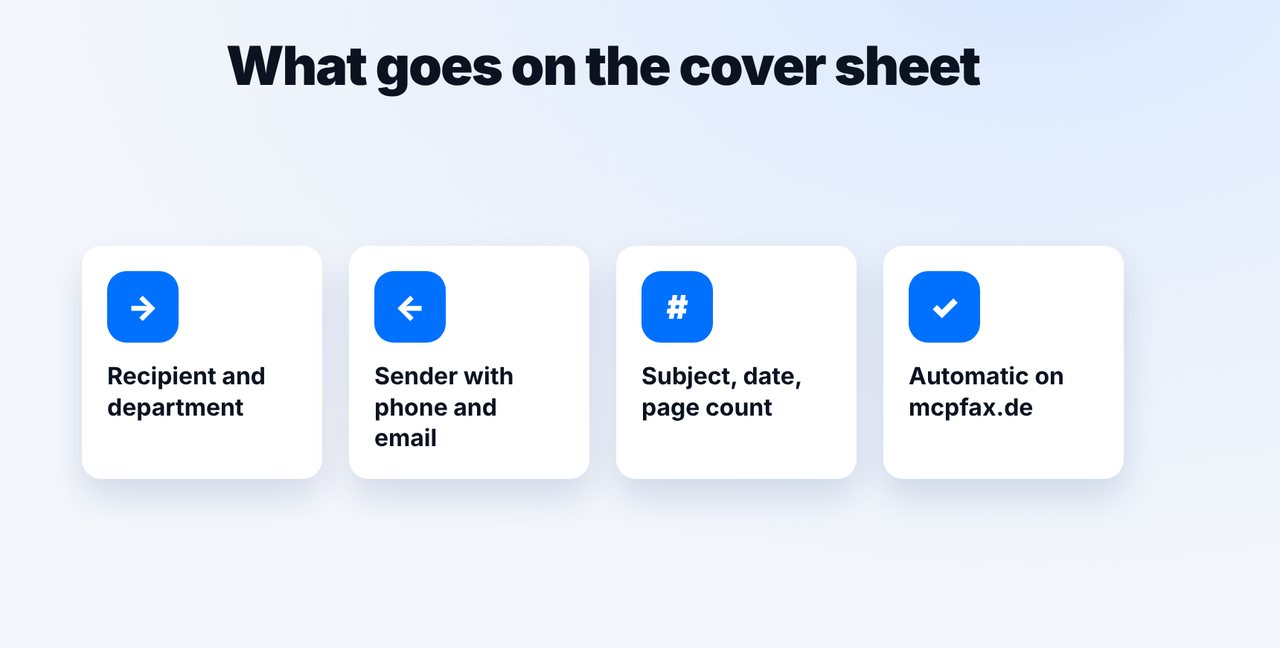
Include a cover sheet
Recipient with department, sender with phone and email, subject, date and total page count. On mcpfax.de a cover sheet can optionally be created automatically.
-
3 Step 3
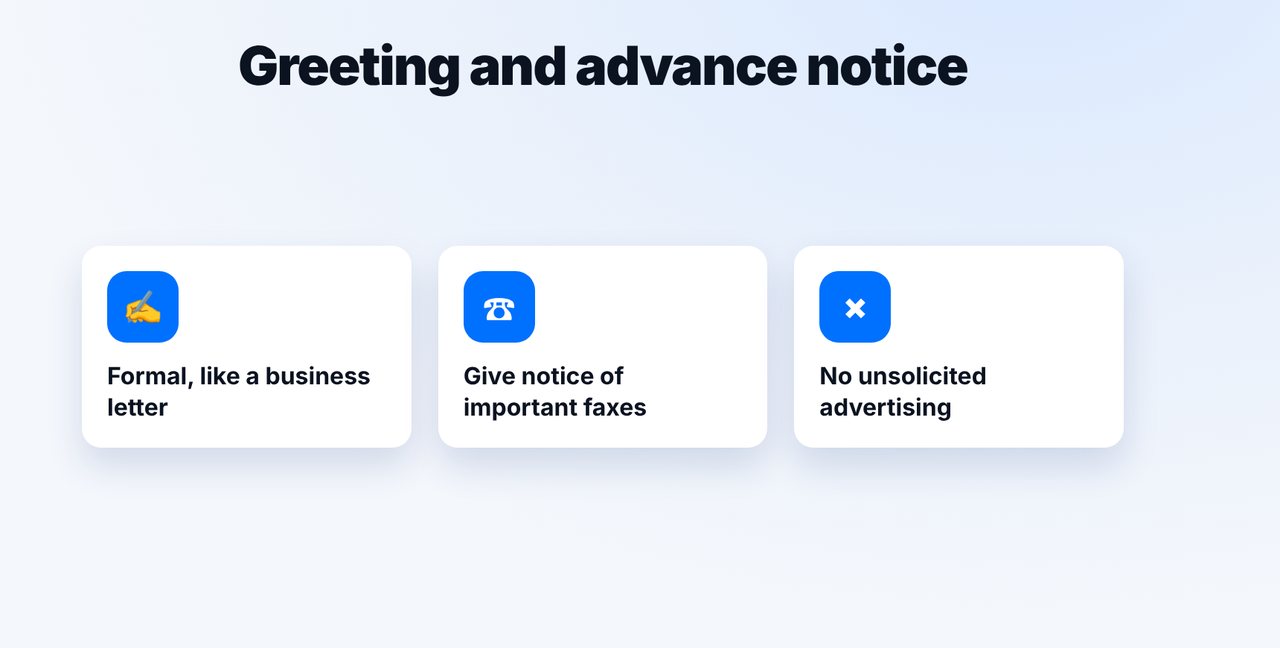
Greeting and advance notice
Write as you would in a business letter, and give brief notice of important or long faxes by phone or email.
-
4 Step 4
Send and check the page count
Send the cover sheet and document as one PDF; before confirming, check that the displayed page count matches the cover sheet.
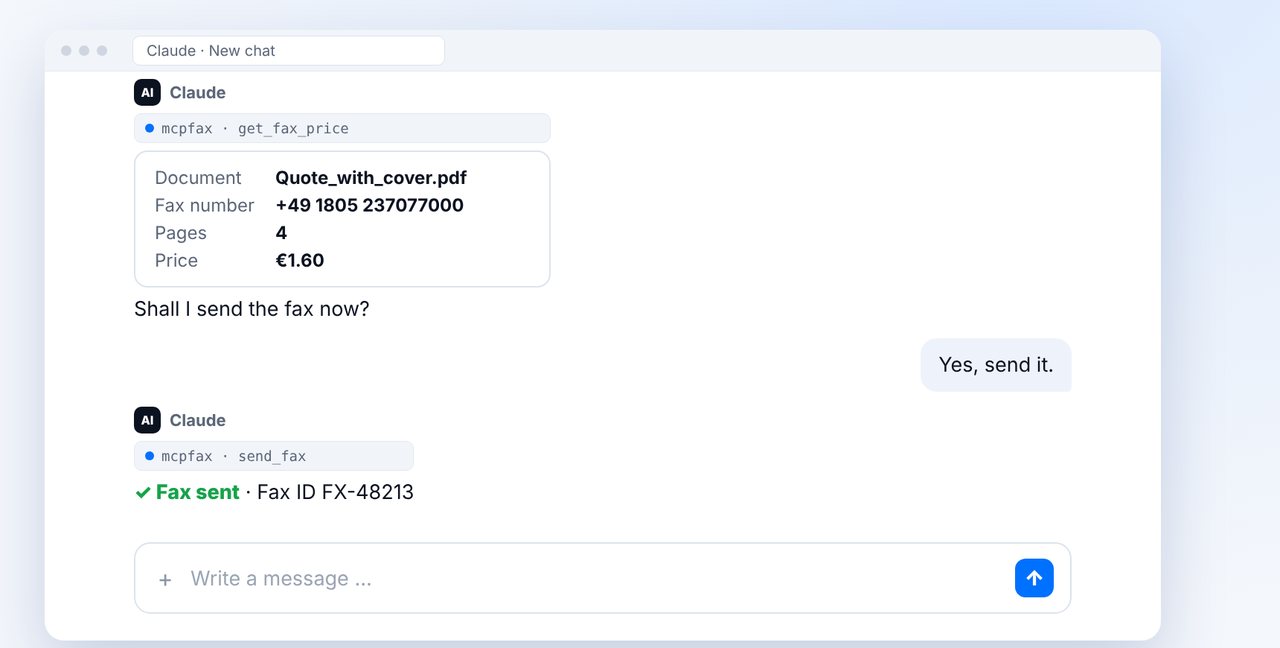
The pictures are a simplified illustration. Menu names may differ slightly depending on the version.
Video transcript
How do you fax politely? In short: send during business hours, include a cover sheet, use a formal greeting and give notice before important faxes. Let me walk you through the rules. Fax machines usually receive around the clock, but a fax in the middle of the night comes across as rude. Send during the recipient's business hours, and for international faxes, go by their local time. A cover sheet shows right away who the fax is for and who it's from: the recipient, your name and contact details, the subject, date and page count. On the mcpfax website, it can even be created automatically. Write as you would in a business letter, with a formal greeting and sign-off. Give brief notice of important or long faxes by phone or email. That way, the recipient keeps an eye on the machine. In the chat, attach the cover sheet and document as one PDF. Claude shows the page count, so you can check that it matches the cover sheet. After your yes, the fax goes out, and the transmission report arrives by email. You'll find the link to mcpfax in the description. Subscribe to the channel, and feel free to share your own fax tips with us in the comments.

Ready for your first fax?
Create your account in a minute, top up your balance and get started. No subscription, no monthly fee.
Create free accountFrequently asked questions
Is it okay to send a fax at night?
Technically yes, fax machines usually receive around the clock. It's more polite to send during the recipient's business hours.
Does a fax need a cover sheet?
Not necessarily, but it helps: it shows the recipient, sender, subject and page count at a glance. On mcpfax.de you can have it created automatically.
Should I give notice before sending a fax?
For important or long faxes, yes – briefly by phone or email. Unsolicited advertising faxes are prohibited in the EU.