
Can you send a fax with ChatGPT?
Yes: you add mcpfax to ChatGPT as an app (Settings → Apps → Advanced settings → Developer mode, from ChatGPT Plus on the web). ChatGPT then faxes your document after showing the price and getting your confirmation, from €1.00 per fax.
Step by step
-
1 Step 1
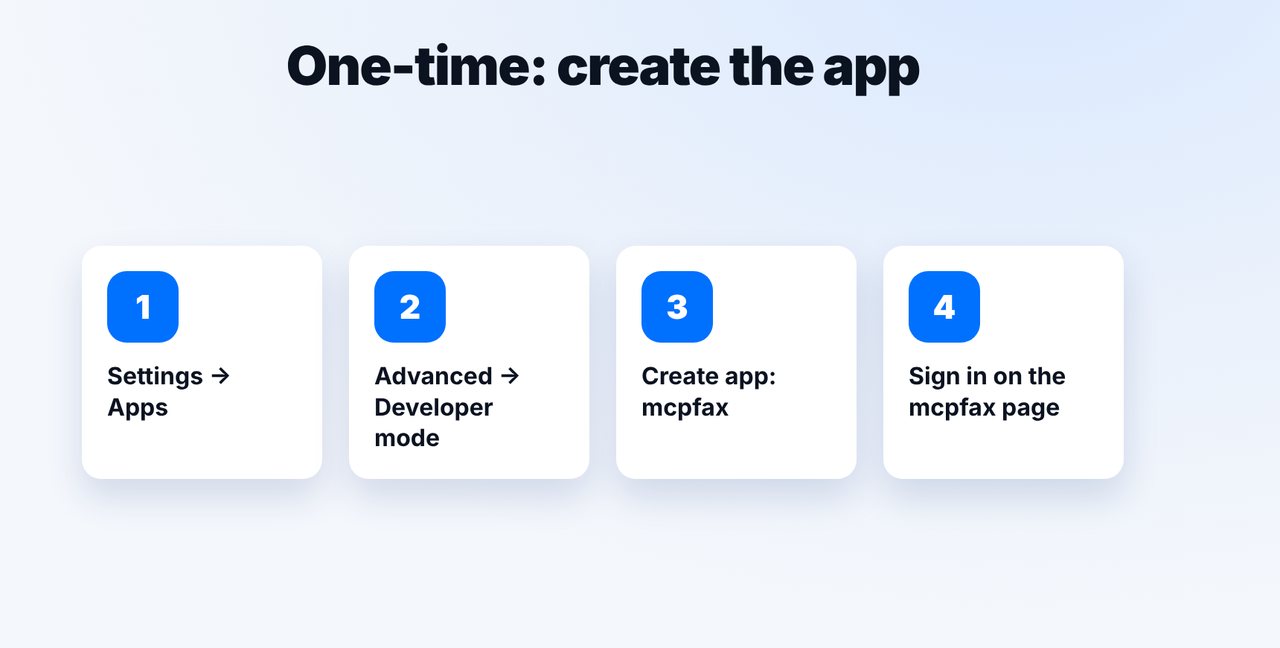
Create the app once
In ChatGPT: Settings → Apps → Advanced settings → turn on Developer mode → Create app. You'll find the details in the guide on mcpfax.de; you only sign in on the mcpfax page.
-
2 Step 2
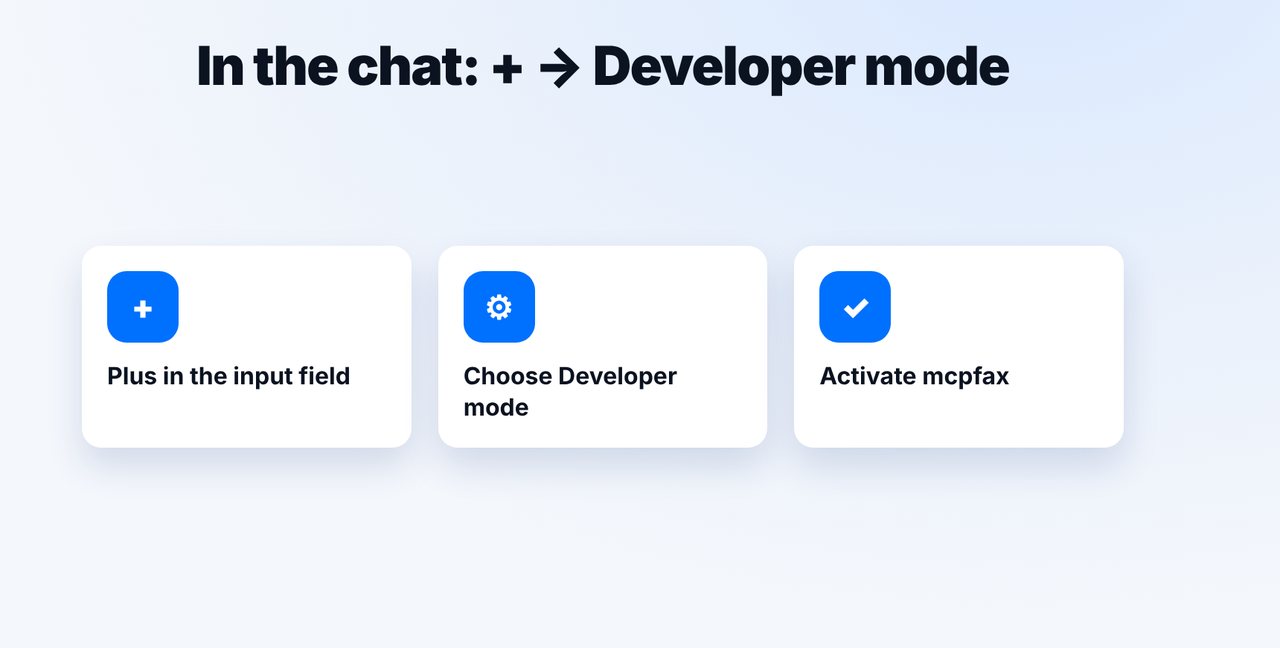
Select mcpfax in the chat
In the chat, tap the plus, choose Developer mode and activate mcpfax.
-
3 Step 3
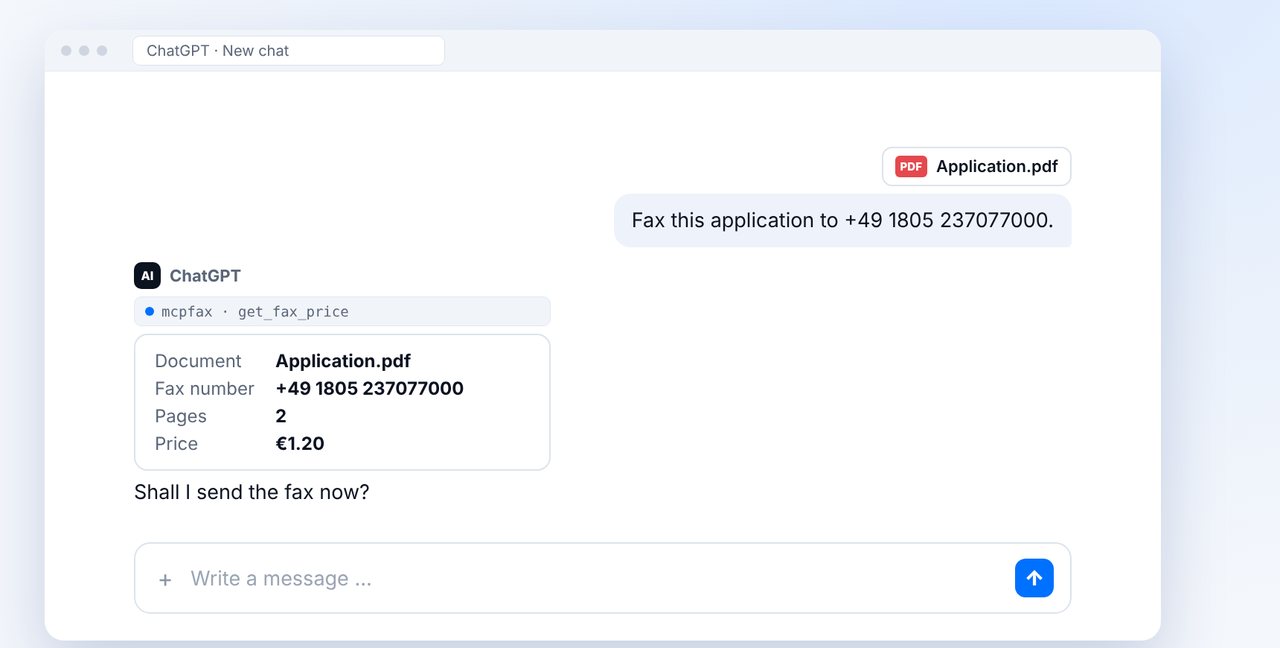
Attach the document and give the number
ChatGPT shows the document, fax number, pages and price.
-
4 Step 4
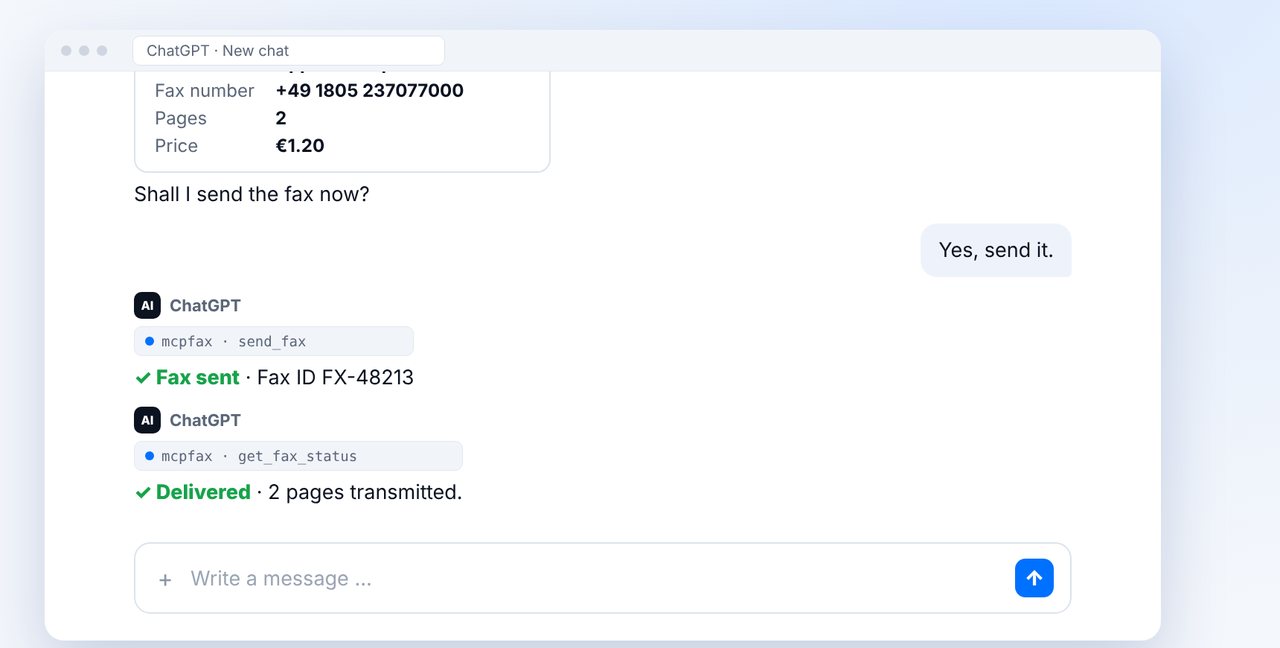
Confirm the write action
Sending is a write action that you confirm explicitly. Then the fax goes out; the transmission report arrives by email.
The pictures are a simplified illustration. Menu names may differ slightly depending on the version.
Video transcript
Yes, you can fax straight from ChatGPT, using mcpfax as an app. This works from ChatGPT Plus upwards, on the web. Let me show you how to set it up and how to use it. In ChatGPT, open Settings, then Apps and the advanced settings. Turn on developer mode and create an app for mcpfax. You'll find all the details you need in our setup guide. In the chat, tap the plus, choose developer mode and activate mcpfax. From now on, ChatGPT can send faxes for you. Attach the document and give the fax number. ChatGPT shows you the document, the number, the pages and the price. Because sending is a write action, you have to confirm it explicitly. Only after your yes does the fax go out. You receive the transmission report by email. You'll find the link to mcpfax in the description. Prefer Claude? It works just the same, including in the app on your phone. Subscribe to the channel for more guides.

Ready for your first fax?
Create your account in a minute, top up your balance and get started. No subscription, no monthly fee.
Create free accountFrequently asked questions
Which ChatGPT plan do I need?
The app with developer mode works from ChatGPT Plus, on the web. You pay for the fax itself from your mcpfax balance.
Can ChatGPT fax without my consent?
No. Sending is a write action; ChatGPT explicitly asks for your confirmation first.
Does ChatGPT look up the fax number for me?
No. Fax numbers are never looked up on the internet or guessed; give the number yourself.
Does it work with Claude too?
Yes, with Claude in the browser, in the desktop app and in the Claude app on iPhone and Android.