
How to fax the Social Security office or Child Benefit Office
Take the fax number from your letter, photograph or attach the documents in Claude and confirm the displayed price. mcpfax faxes them without a fax machine, from €1.00 for the first page, with a PDF transmission report.
Step by step
-
1 Step 1
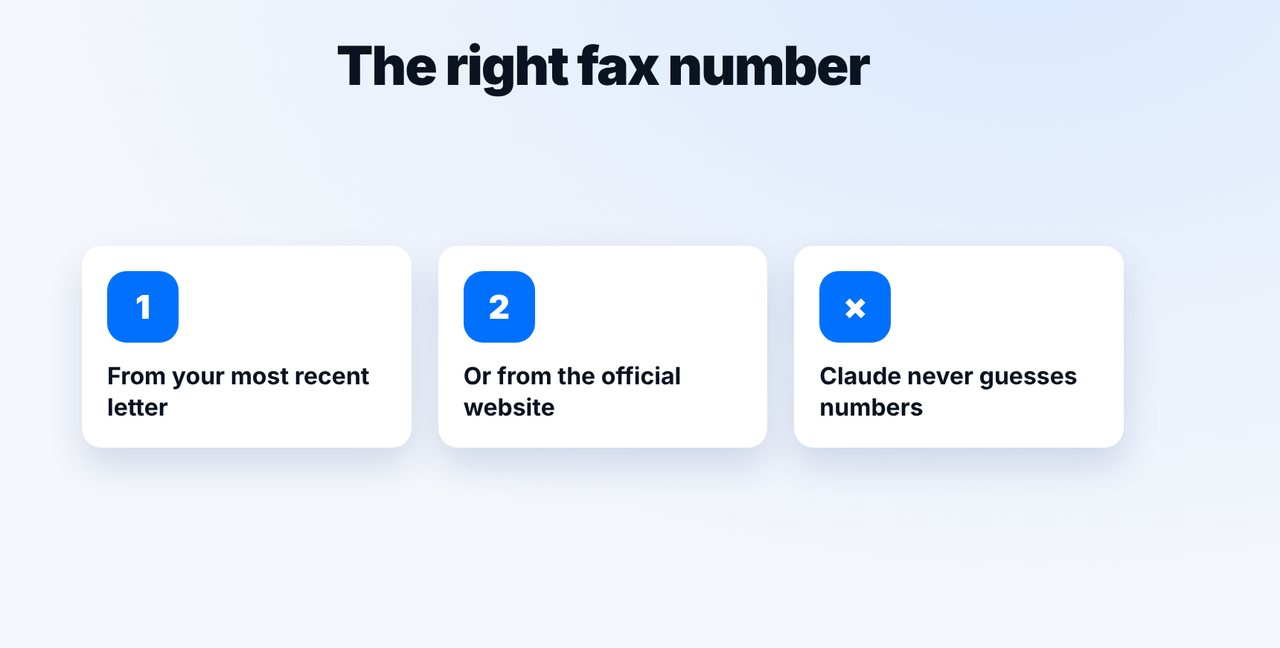
Find the fax number
Take the fax number from your most recent letter or from the office's official website. Claude doesn't look up numbers on the internet.
-
2 Step 2
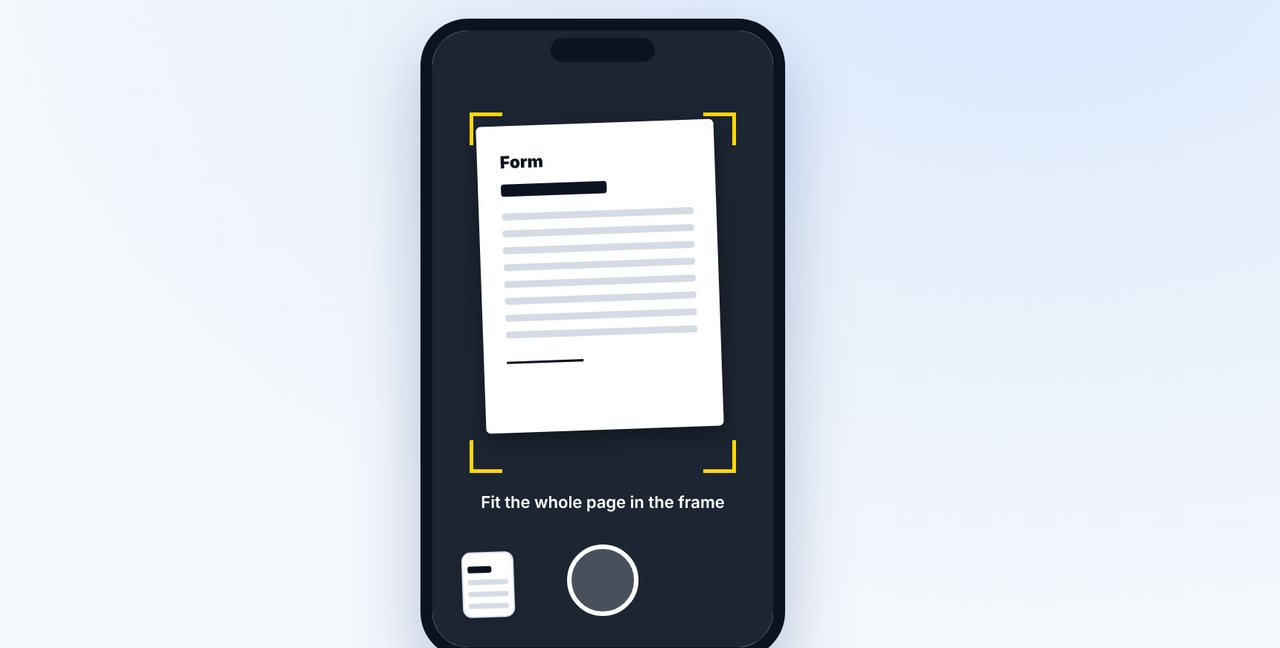
Photograph or attach the documents
Photograph the form in the Claude app or attach a PDF. Write your reference or case number on every page.
-
3 Step 3
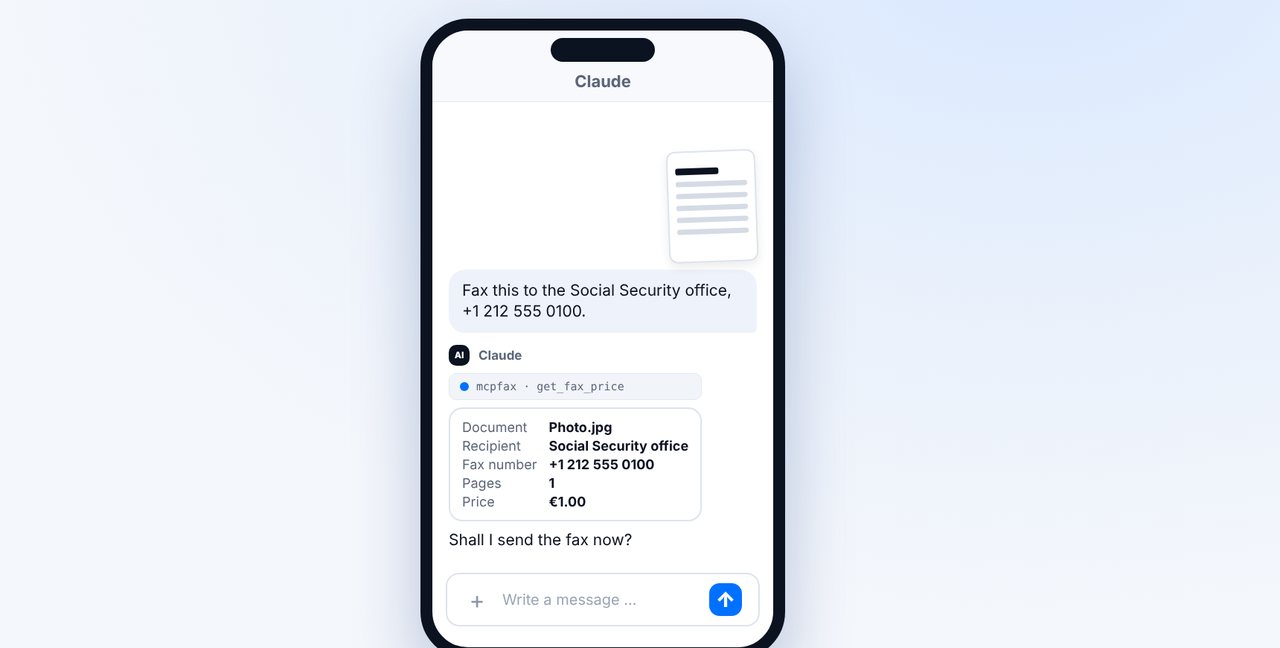
Check the price and confirm
Claude shows the recipient, pages and price. The fax only goes out after your “Yes, send it.”
-
4 Step 4
Keep the transmission report
After delivery, the transmission report arrives as a PDF by email. Keep it as proof.
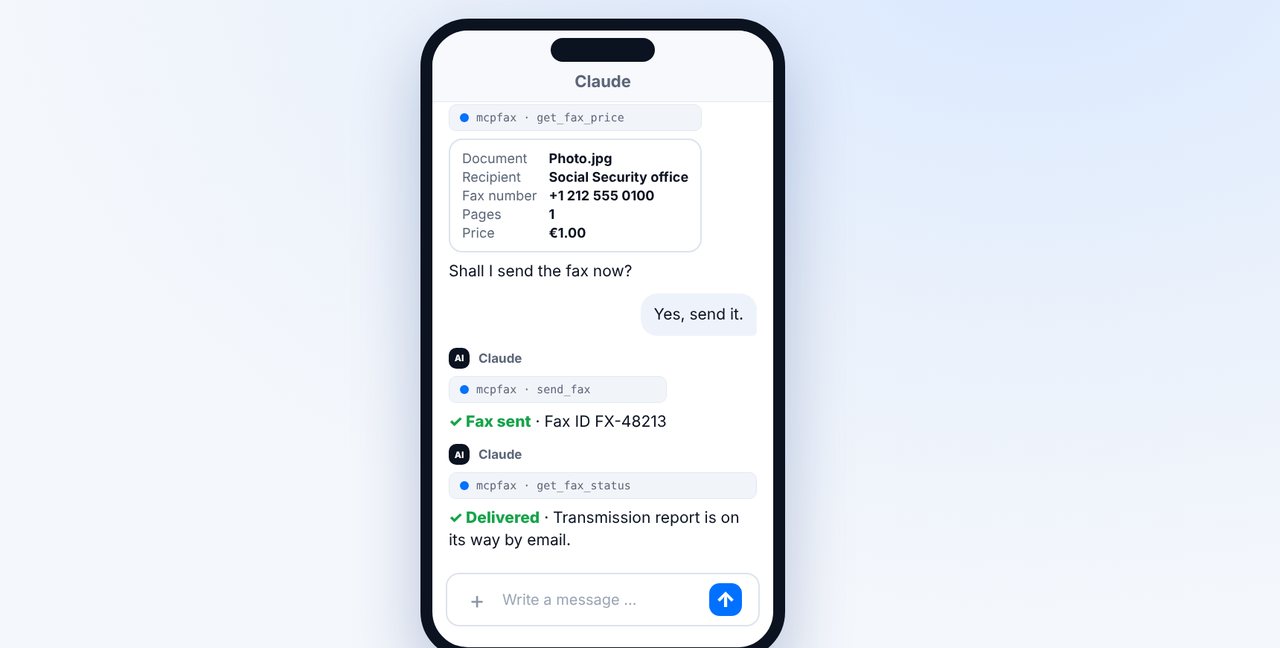
The pictures are a simplified illustration. Menu names may differ slightly depending on the version.
Video transcript
Yes, you can fax documents to the Social Security office or the Child Benefit Office without a fax machine, straight from your phone. Let me show you how. First, the fax number. Take it from your most recent letter or from the office's official website. Claude doesn't look up fax numbers on the internet and never guesses a number. If you have a form on paper, photograph it in the Claude app, with good lighting and the whole page in the frame. A PDF you simply attach as a file. Add the fax number. Claude shows you the recipient, the pages and the price. One page costs one euro. Confirm with yes. As soon as the fax is delivered, the transmission report arrives by email. Keep it as proof. Write your reference or case number on every sheet. And remember: mcpfax only sends. The office's reply will reach you another way. You'll find the link to mcpfax in the description. Subscribe to the channel for more guides on sending faxes.

Ready for your first fax?
Create your account in a minute, top up your balance and get started. No subscription, no monthly fee.
Create free accountFrequently asked questions
Where do I find the fax number of my benefits office?
In your most recent letter or on the official website of the office handling your case. Claude never guesses or looks up fax numbers.
Can the office reply to me by fax?
Not via mcpfax: mcpfax only sends and has no number for receiving. The reply will reach you another way.
How much does it cost?
Within zone 1, including the EU, the UK and the US, €1.00 for the first page and €0.20 per additional page.