
How to resend a fax that failed
Write “Please send it again” in the chat: Claude shows the recipient, pages and price and resends the fax after your confirmation. The cost of the failed attempt is refunded to your mcpfax balance.
Step by step
-
1 Step 1
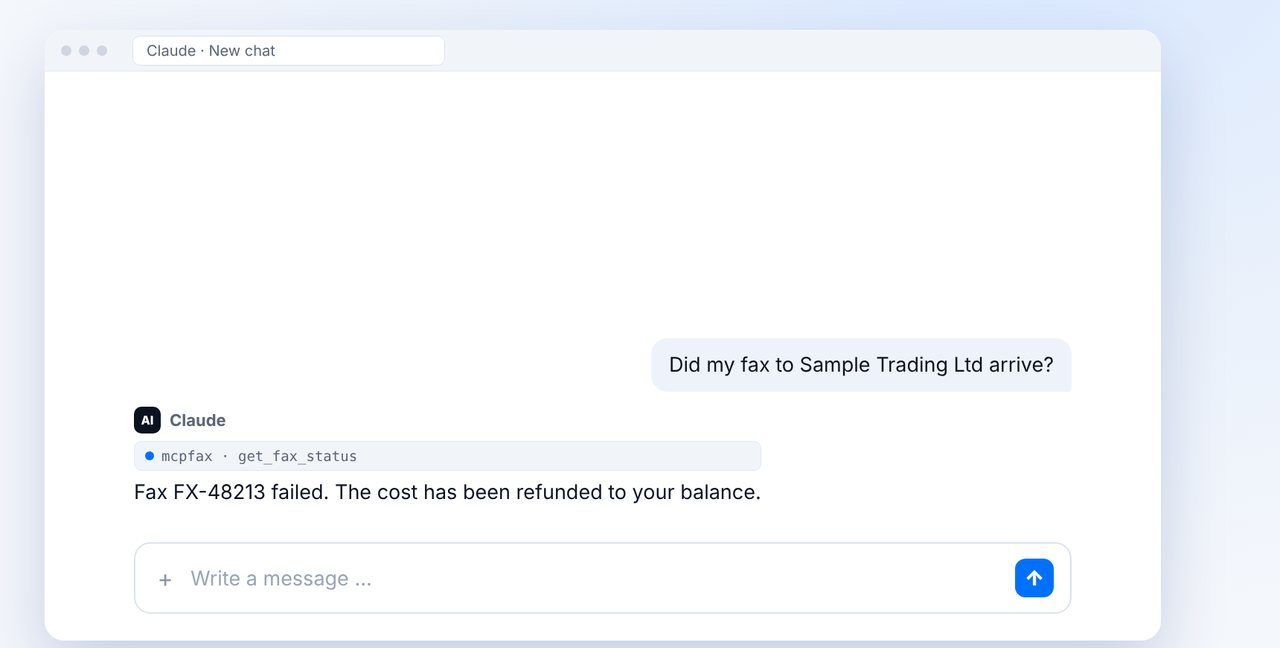
Check the status
Ask in the chat whether your fax arrived. If it failed, Claude tells you, and the cost is refunded to your balance.
-
2 Step 2
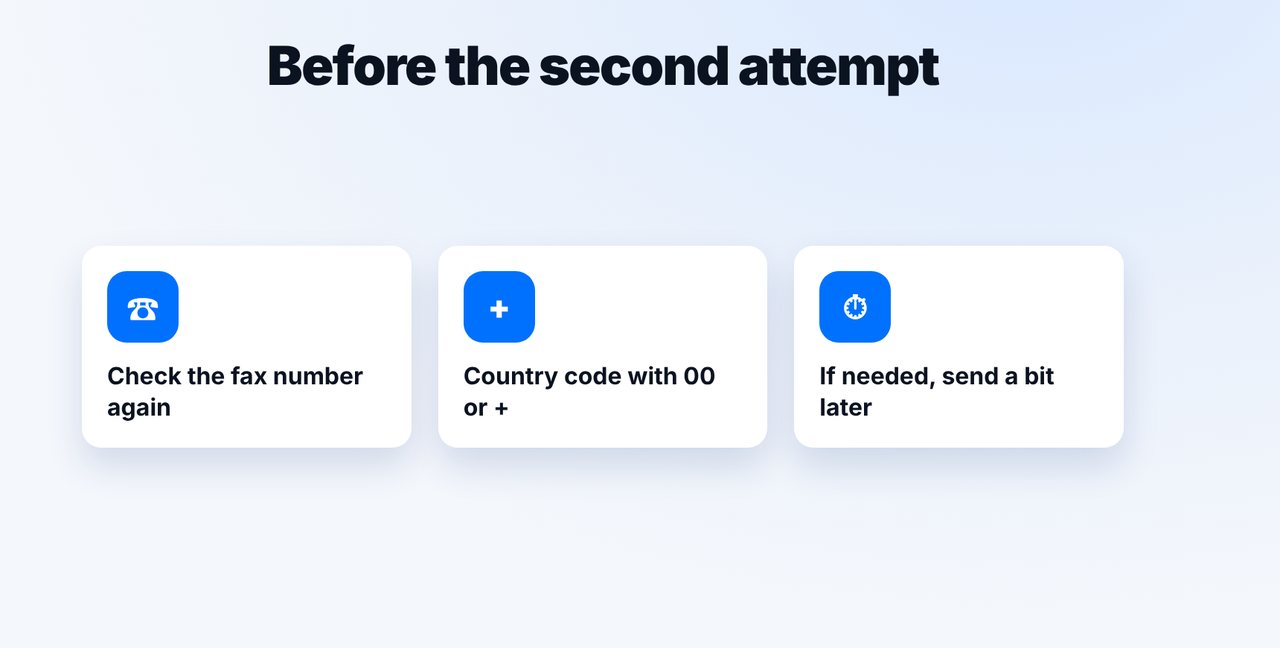
Check the number
Check the fax number and whether the country code with 00 or + is included. Sometimes it helps to send again a little later.
-
3 Step 3
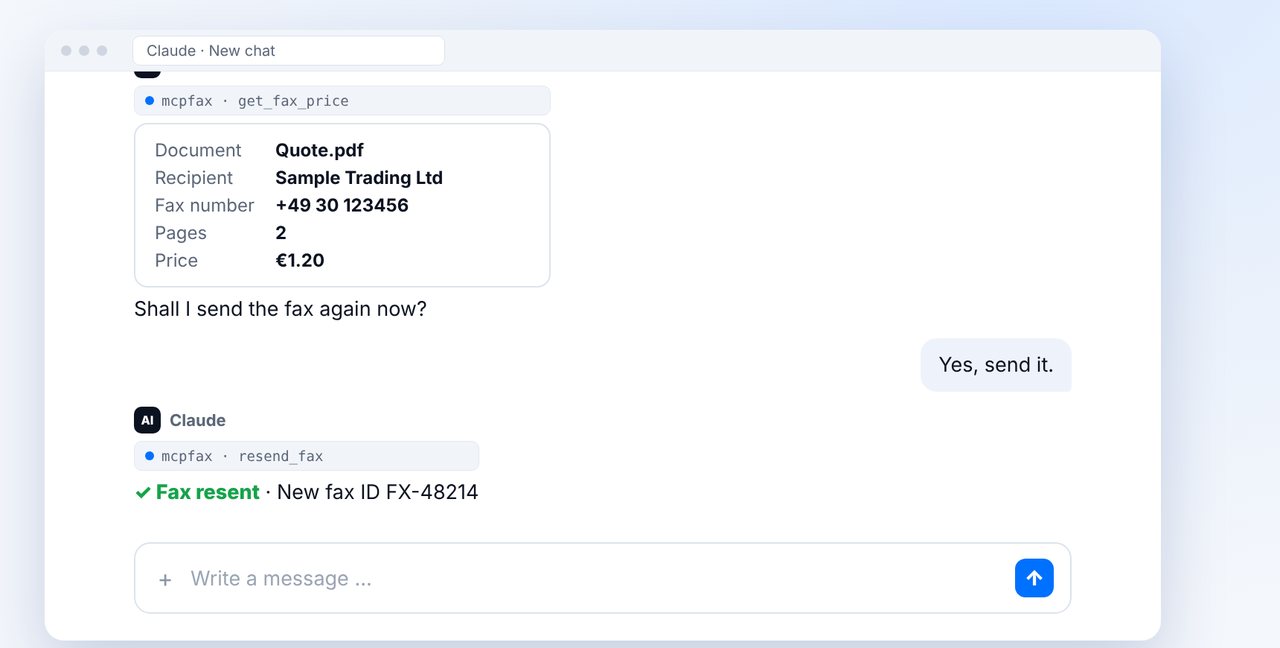
Resend and confirm
Write “Please send it again”. Claude shows the recipient, pages and price and only sends after your explicit yes.
-
4 Step 4
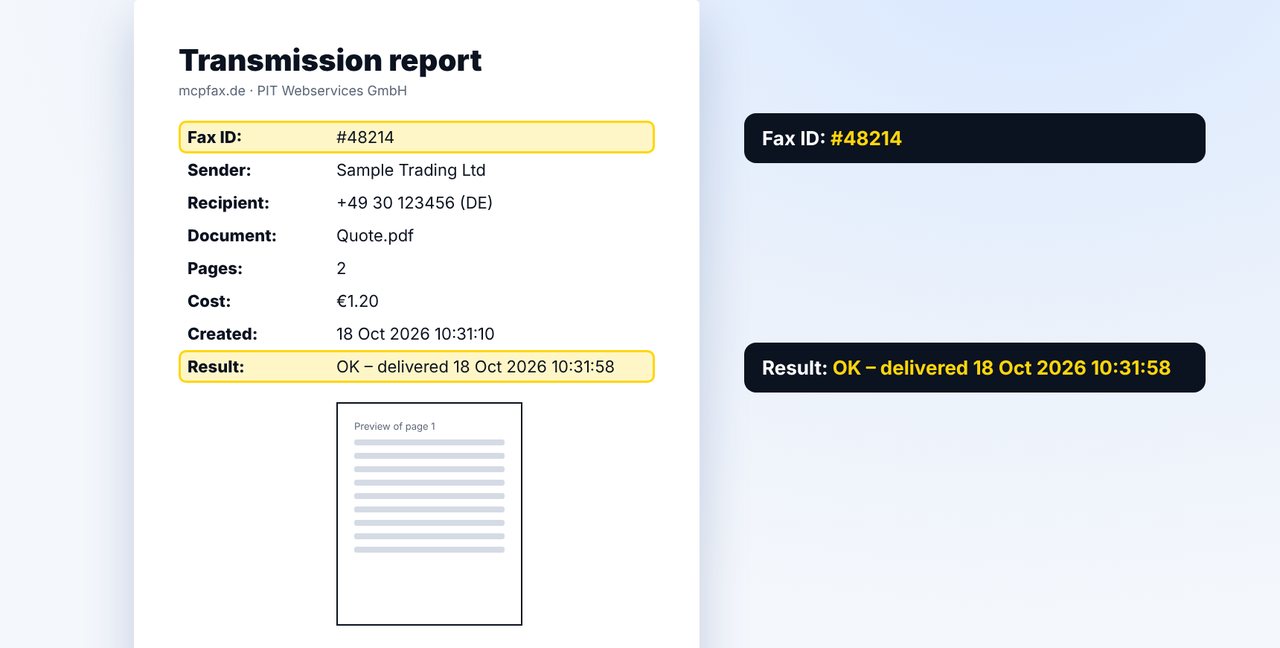
Keep the transmission report
After a successful transmission, a new transmission report with a new fax ID arrives as a PDF by email.
The pictures are a simplified illustration. Menu names may differ slightly depending on the version.
Video transcript
Yes, you can resend a failed fax with a single sentence, without attaching the document again. You get the cost of the failed attempt back. Let me show you how. Ask for the status of your fax in the chat. If the transmission failed, Claude tells you. The cost of the failed attempt is refunded to your balance. Simply write: please send it again. Claude shows you the recipient, the pages and the price and asks you to confirm. Only after your yes is the fax sent again. Before the second attempt, it's worth checking the number: is it correct, and is the country code included? Sometimes it also helps to simply send again a little later. If it works this time, you receive a transmission report as a PDF by email as usual, with a new fax ID and the result delivered. You'll find the link to mcpfax in the description. Subscribe to the channel, so you don't miss a single guide.

Ready for your first fax?
Create your account in a minute, top up your balance and get started. No subscription, no monthly fee.
Create free accountFrequently asked questions
Do I have to attach the document again?
No. Claude resends the fax you already sent; you just confirm.
Do I pay twice?
No. If a fax fails, the cost is refunded to your balance. You pay for the new attempt, and the price is shown beforehand.
Does Claude resend automatically?
No. Resending also requires your explicit confirmation.
What if it fails again?
Check the fax number with the recipient. Satellite and premium-rate numbers are blocked at mcpfax.