
The fax transmission report – what it shows
After every fax you receive a transmission report as a PDF. Here you'll see what it contains, what “delivered” means and where to find it.
Step by step
-
1 Step 1
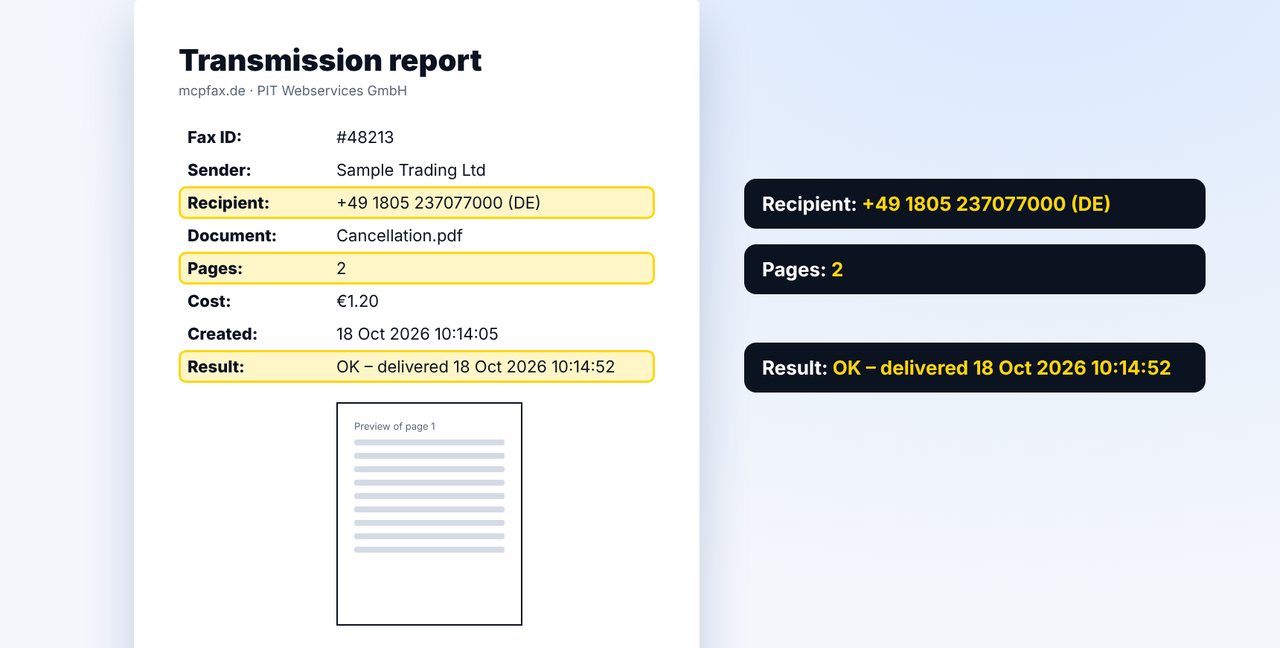
What the transmission report contains
Fax ID, sender, recipient number with country, file name, page count, cost, time and result of the transmission – plus a preview of the first page.
-
2 Step 2
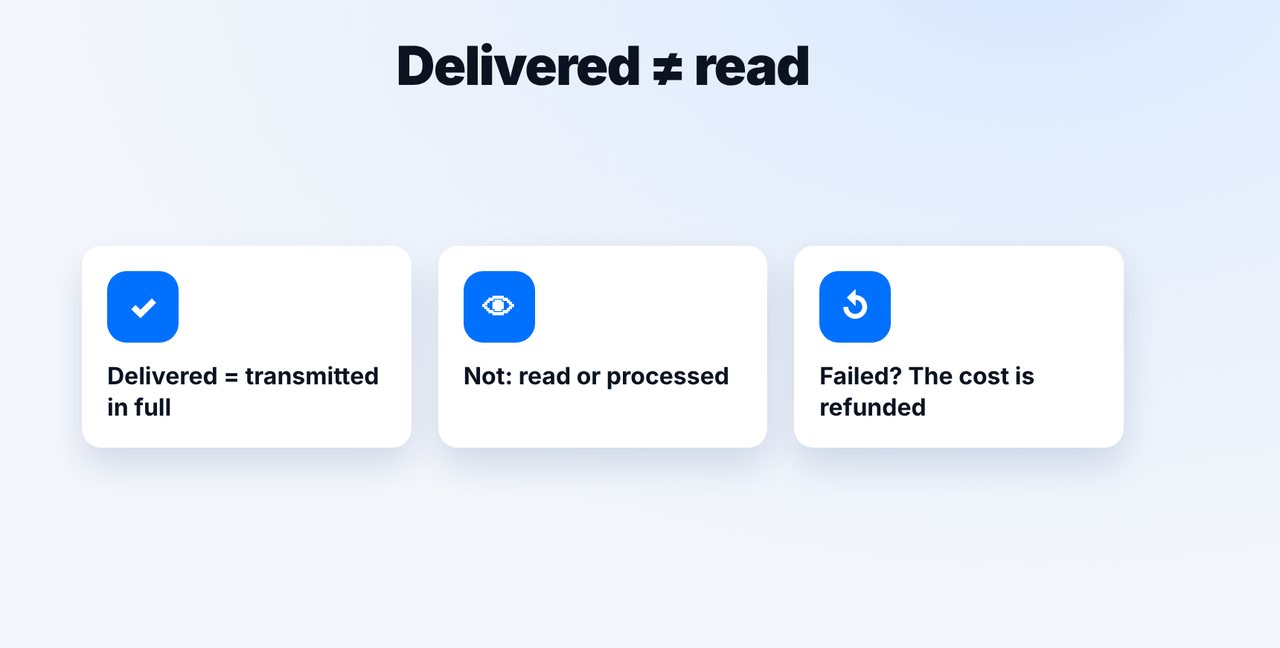
What “delivered” means
“Delivered” means the fax was transmitted in full to the receiving device. No transmission report can show whether it was read. If a fax fails, the report says so and the cost is refunded.
-
3 Step 3
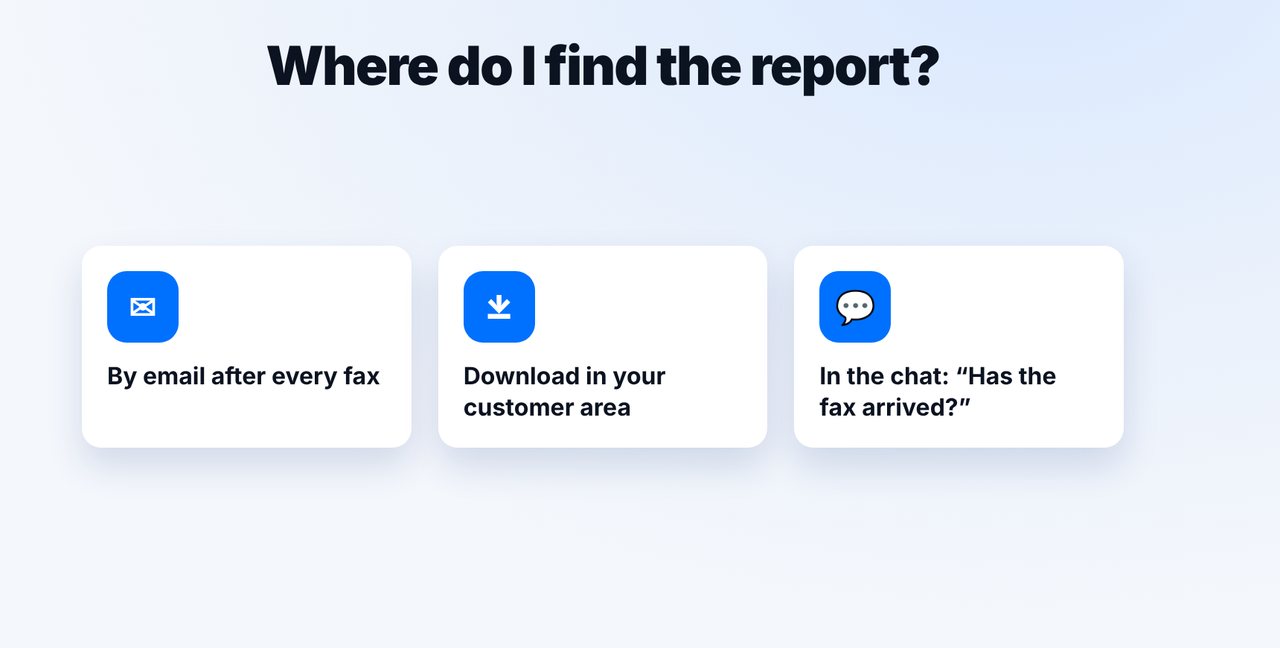
Where to find it
By email after every fax, and as a download for each fax in your customer area – and you can check the status in the chat at any time.
The pictures are a simplified illustration. Menu names may differ slightly depending on the version.
Video transcript
After every fax, mcpfax sends you a transmission report as a PDF. What's in it, and what do you need it for? I'll show you in one minute. The report contains the recipient's fax number, the file name, the page count, the cost and, most importantly, the result with the date and time of the transmission. You also see a preview of the first page. Important: delivered means the fax arrived in full at the receiving device. No transmission report can show whether it was actually read. And if a fax fails, the report says so, and you get the cost refunded. You'll find the report in your email and as a download for each fax in your customer area. You can also check the status in the chat at any time. For important letters, such as cancellations or anything with a deadline, keep the report together with the document. You'll find the link to mcpfax in the description. Subscribe to the channel for more guides on sending faxes.

Ready for your first fax?
Create your account in a minute, top up your balance and get started. No subscription, no monthly fee.
Create free accountFrequently asked questions
Do I get a transmission report for every fax?
Yes, after every transmission, as a PDF by email and as a download in your customer area.
What happens if the fax doesn't go through?
The report shows “Error” and the reason. The cost is refunded to your balance.
Does the transmission report replace a read receipt?
No. It documents the transmission to the receiving device, not whether the fax was read.