
How do I fax one document to multiple recipients?
Name several recipients from your address book in the chat; mcpfax sends the document one after another, each fax with its own price and confirmation. Advertising faxes without consent are prohibited in the EU.
Step by step
-
1 Step 1
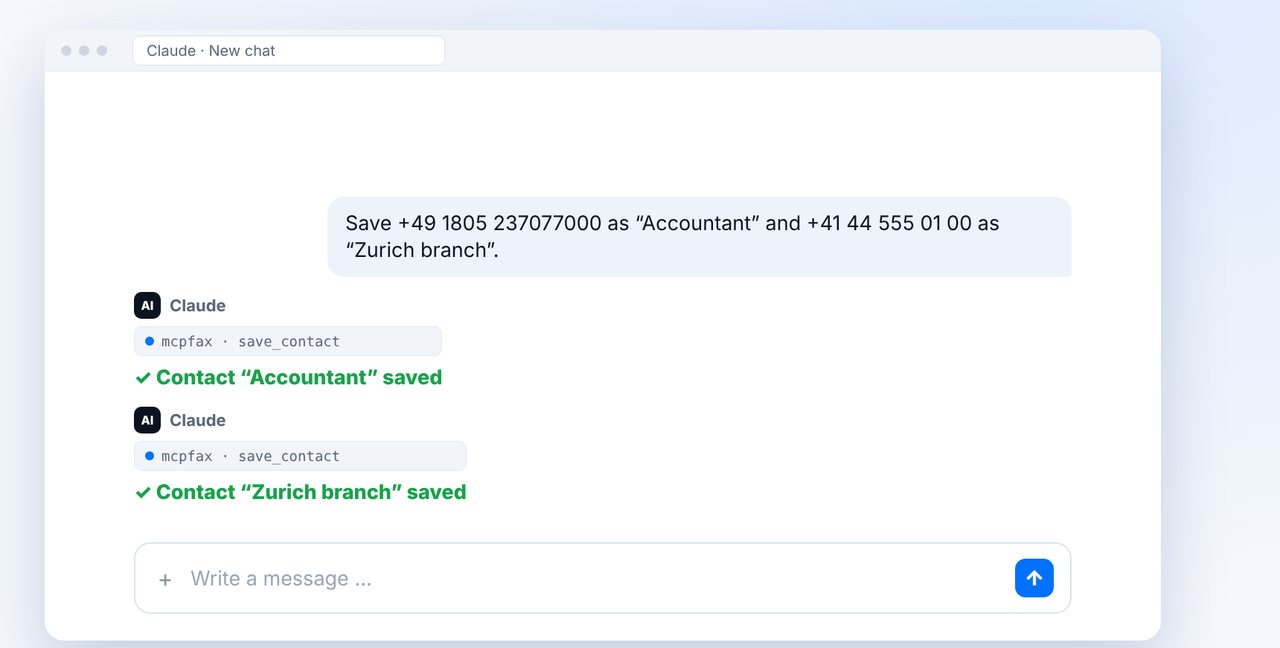
Save recipients as contacts
Have frequently used fax numbers saved as contacts in the chat. From then on, the name is enough.
-
2 Step 2
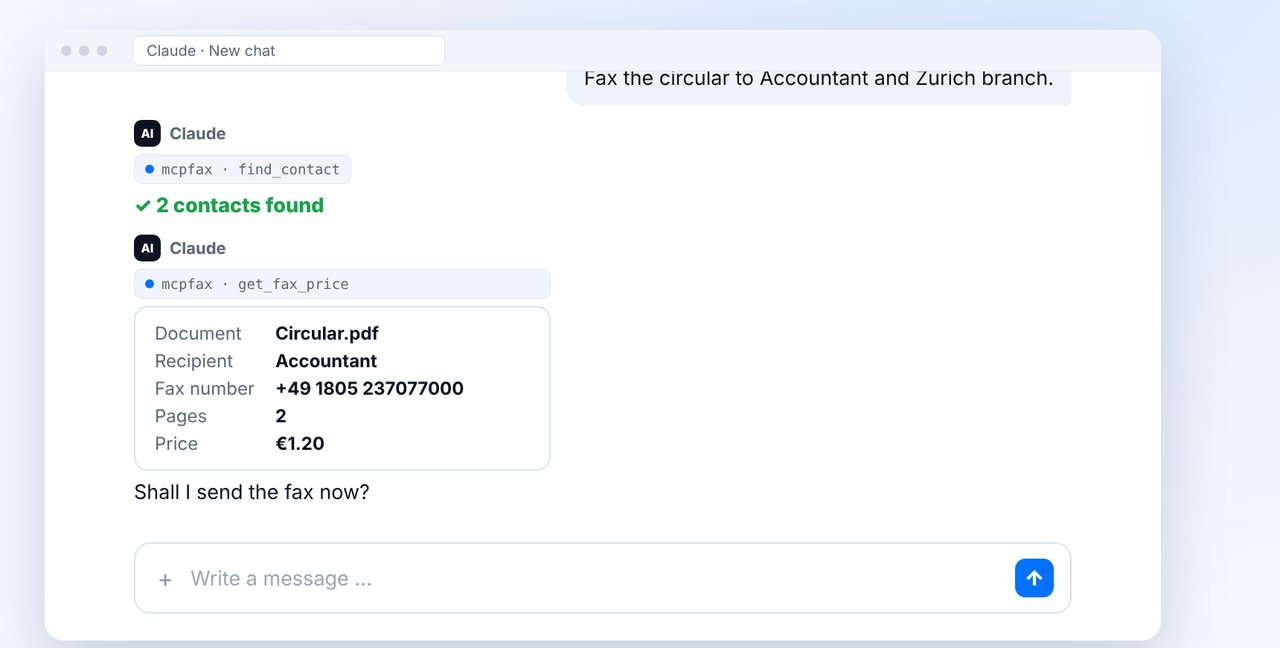
Attach the document, name the recipients
Attach the document and name all recipients. Claude looks up the numbers in the address book and shows the pages and price for the first fax.
-
3 Step 3
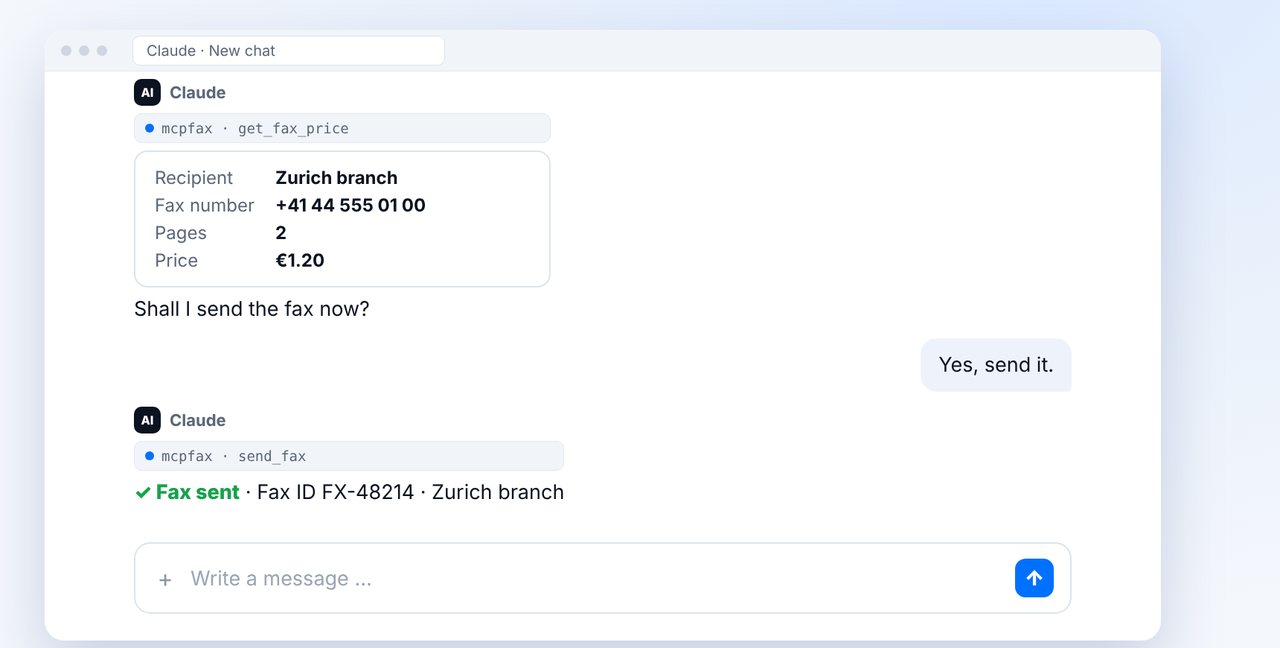
Confirm each fax
Each fax is confirmed and charged individually. That way you see the number and price again for every recipient.
-
4 Step 4
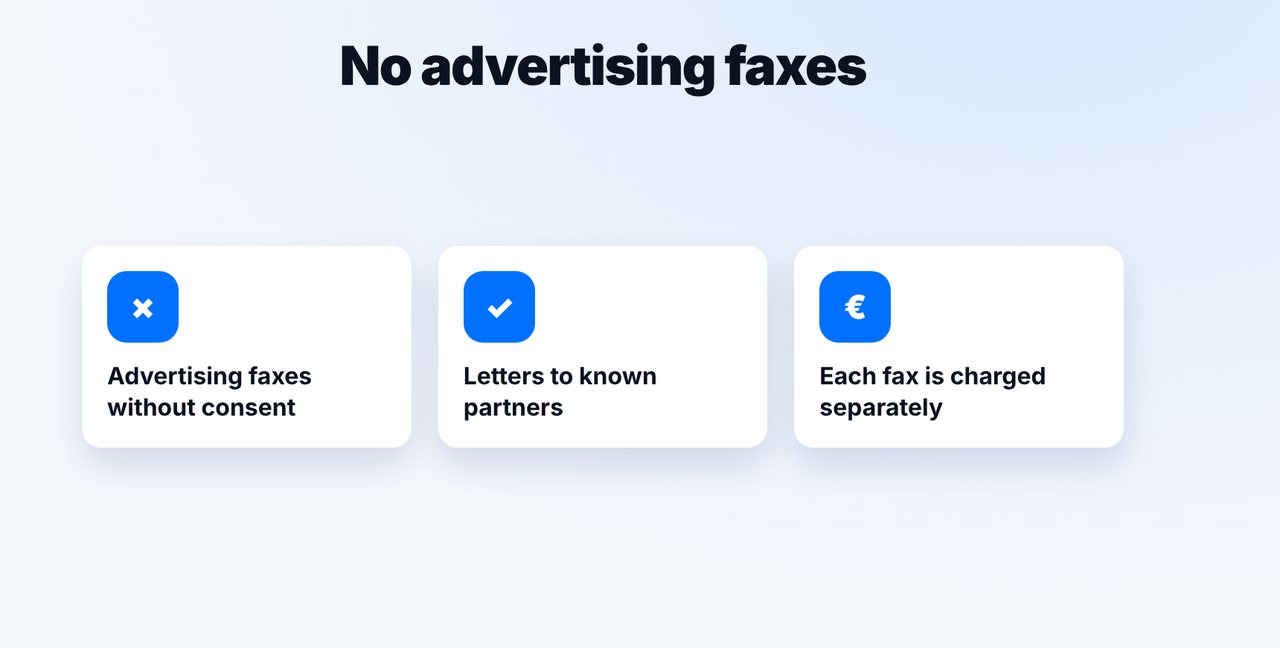
No advertising faxes
Only use mcpfax for letters to recipients you already deal with. Advertising faxes without consent are prohibited in the EU.
The pictures are a simplified illustration. Menu names may differ slightly depending on the version.
Video transcript
Yes, you can fax the same document to several recipients. Each fax is shown to you separately, and you confirm every single one yourself. Let me show you how it works. Save the recipients you write to often as contacts in your address book. From then on, the name is enough, and you no longer have to type in any numbers by hand. Attach the document and name the recipients. Claude takes the numbers from the address book and shows you the number, the pages and the price for the first fax. After your yes, the first fax goes out. Then Claude shows you the next recipient, again with the number and the price. Confirm the second fax as well. This way you stay in control for every recipient, and every fax gets its own transmission report. Important: advertising faxes without consent are prohibited in the EU. So don't use mcpfax for advertising, only for letters to recipients you already deal with anyway. You'll find the link to mcpfax in the description. Subscribe to the channel so you never miss a new guide.

Ready for your first fax?
Create your account in a minute, top up your balance and get started. No subscription, no monthly fee.
Create free accountFrequently asked questions
Can I send a fax to many recipients at once?
mcpfax sends one after another: each fax is shown individually with number and price and only sent after you confirm.
How much does a fax to multiple recipients cost?
Each fax is charged individually, in zone 1 from €1.00 for the first page and €0.20 per additional page.
Can I send advertising by fax?
Advertising faxes without the recipient's consent are prohibited in the EU. mcpfax must not be used for them.
Do I get a transmission report for each recipient?
Yes, every fax gets its own transmission report as a PDF.