
How do I fax a file from Google Drive or Dropbox?
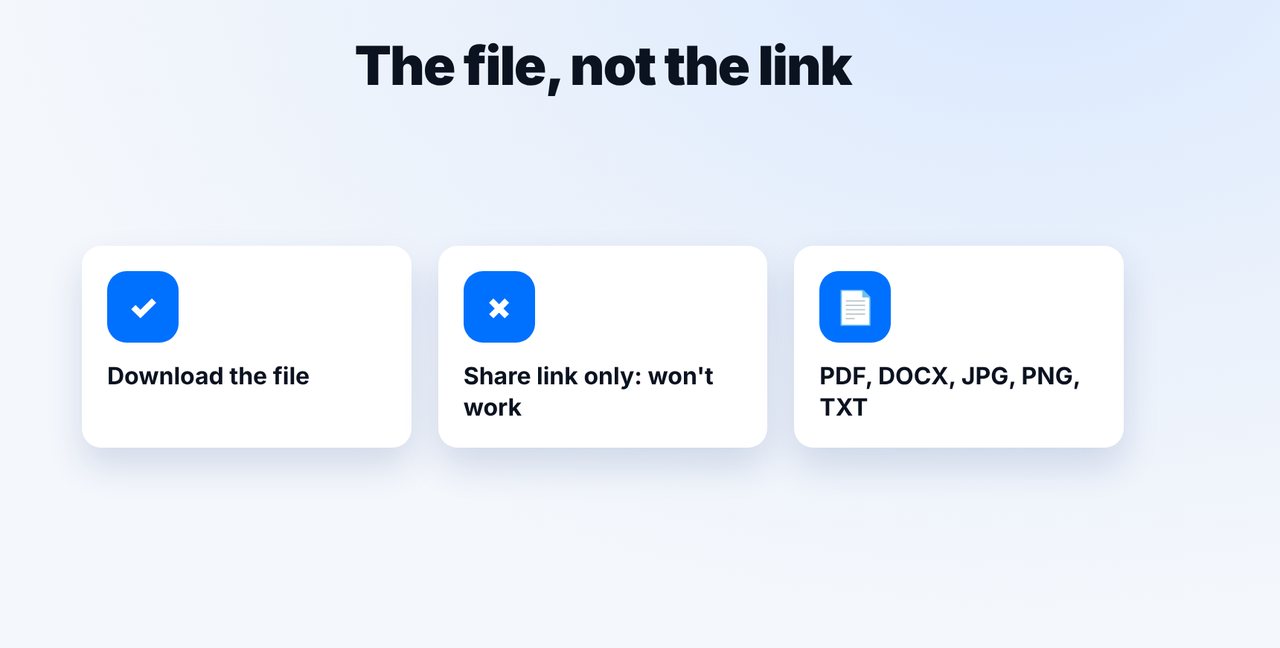
Yes: download the file from Google Drive or Dropbox and attach it in Claude or email it to faxnumber@fax.mcpfax.de. A share link alone is not enough; PDF, DOCX, JPG, PNG and TXT up to 15 MB work.
Step by step
-
1 Step 1
Download the file
Download the file from your cloud storage to your computer or phone. A share link would only be faxed as text.
-
2 Step 2
Attach it in Claude
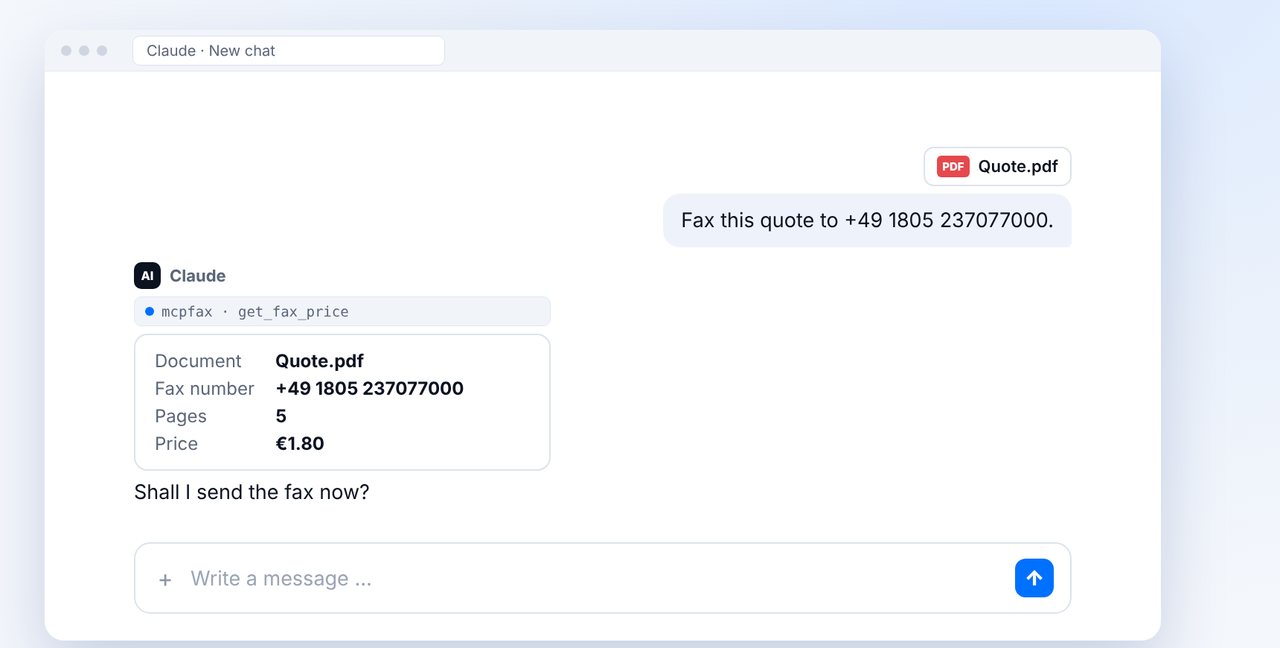
Drag the file into the chat or attach it via the plus and give the fax number. Claude shows the pages and price.
-
3 Step 3
Confirm
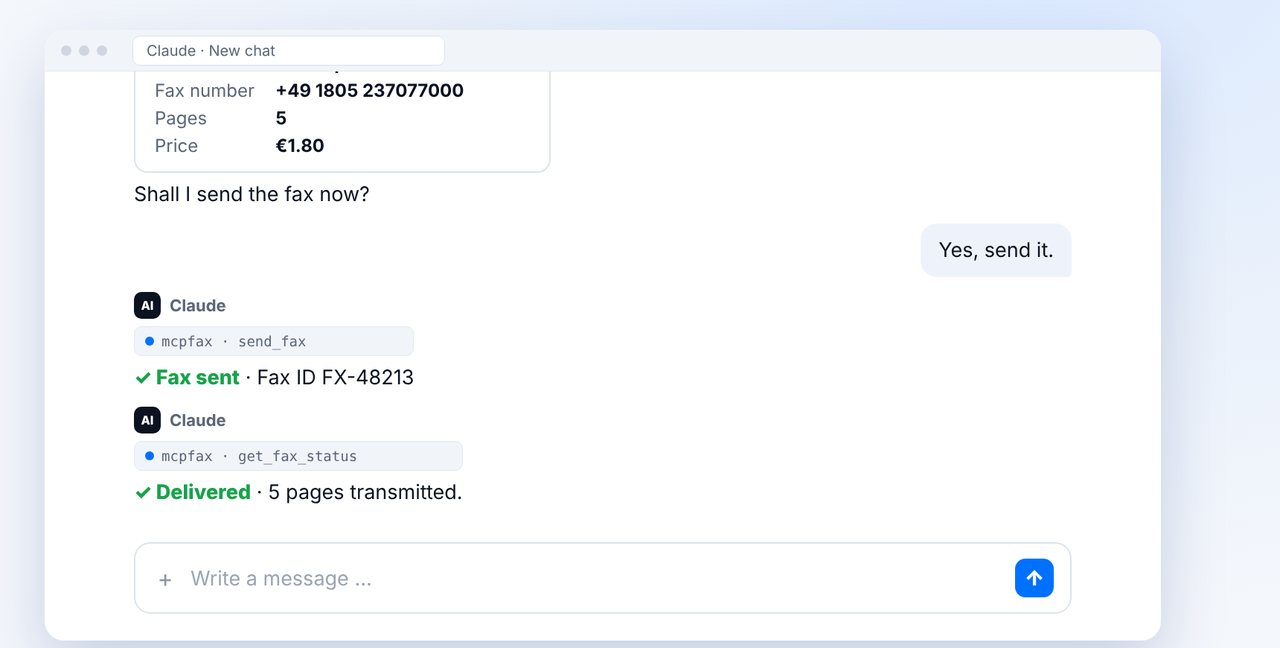
After “Yes, send it.” the fax goes out; ask for the status right in the chat.
-
4 Step 4
Or: by email
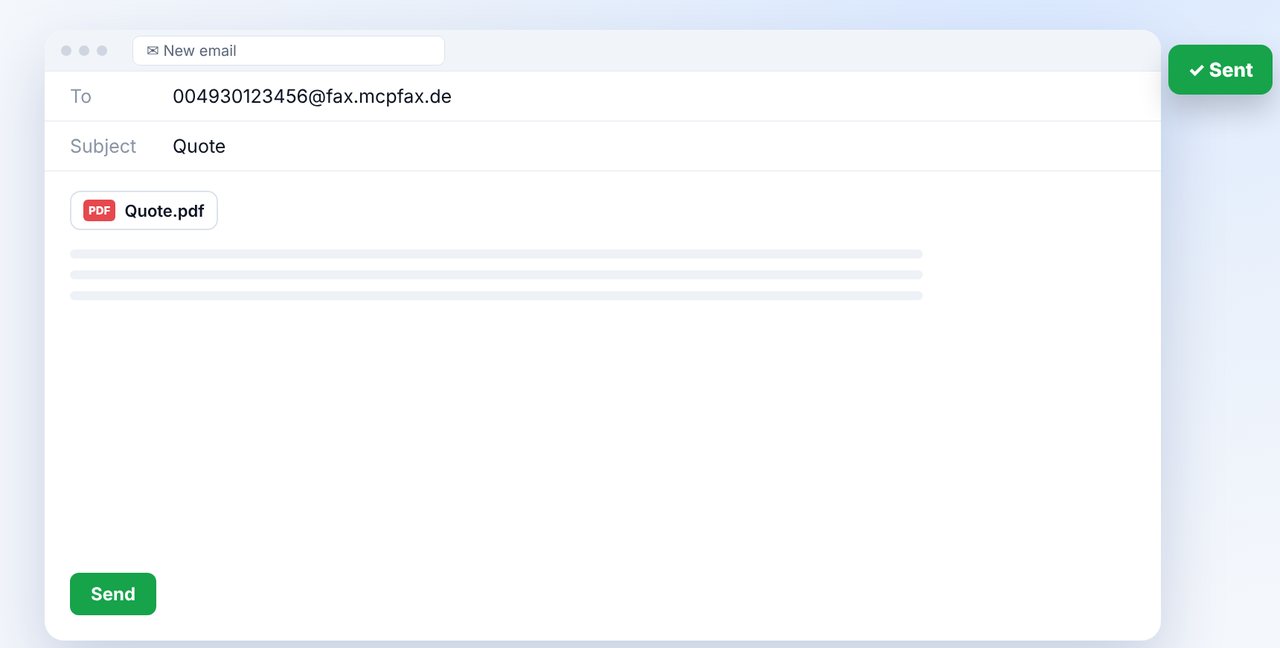
Attach the file to an email to faxnumber@fax.mcpfax.de and send it – from any email program.
The pictures are a simplified illustration. Menu names may differ slightly depending on the version.
Video transcript
Your document is stored in Google Drive or Dropbox and needs to go out by fax? Yes, that takes about a minute. The one thing to remember: you fax the file itself, not the link. Let me show you how. First, download the file from your cloud storage. A share link is not enough; it would only end up as text on the fax. PDF, Word documents, images and text files all work fine. Drag the file into your chat with Claude and give the fax number. Claude shows you the page count and the price, here five pages for one euro eighty. Confirm, and the fax is sent. A few moments later the status reads: delivered. Without the chat, use email: a new message to the fax address shown on screen, attach the file and send it. This works from any email program, including on your phone. You'll find the link to mcpfax in the description. Subscribe to the channel for more step-by-step guides on faxing.

Ready for your first fax?
Create your account in a minute, top up your balance and get started. No subscription, no monthly fee.
Create free accountFrequently asked questions
Can I just fax the share link?
No. mcpfax faxes the file itself. A link in the email would only appear as text on the fax.
Which file formats work?
PDF, Word (DOCX), JPG, PNG and TXT. A file can be up to 15 MB and up to 100 pages.
Does it work without Claude and without email?
Yes, right on mcpfax.de in your browser: upload the downloaded file, enter the fax number, see the price and send – even without an account.
Does mcpfax keep the file?
Fax documents are deleted automatically after 30 days.