
How do I send a fax to a government office or city hall?
Take the fax number from the agency's letter, attach your document in a chat with Claude or email it to faxnumber@fax.mcpfax.de. One page costs €1.00; some agencies, however, require a different channel for certain matters.
Step by step
-
1 Step 1
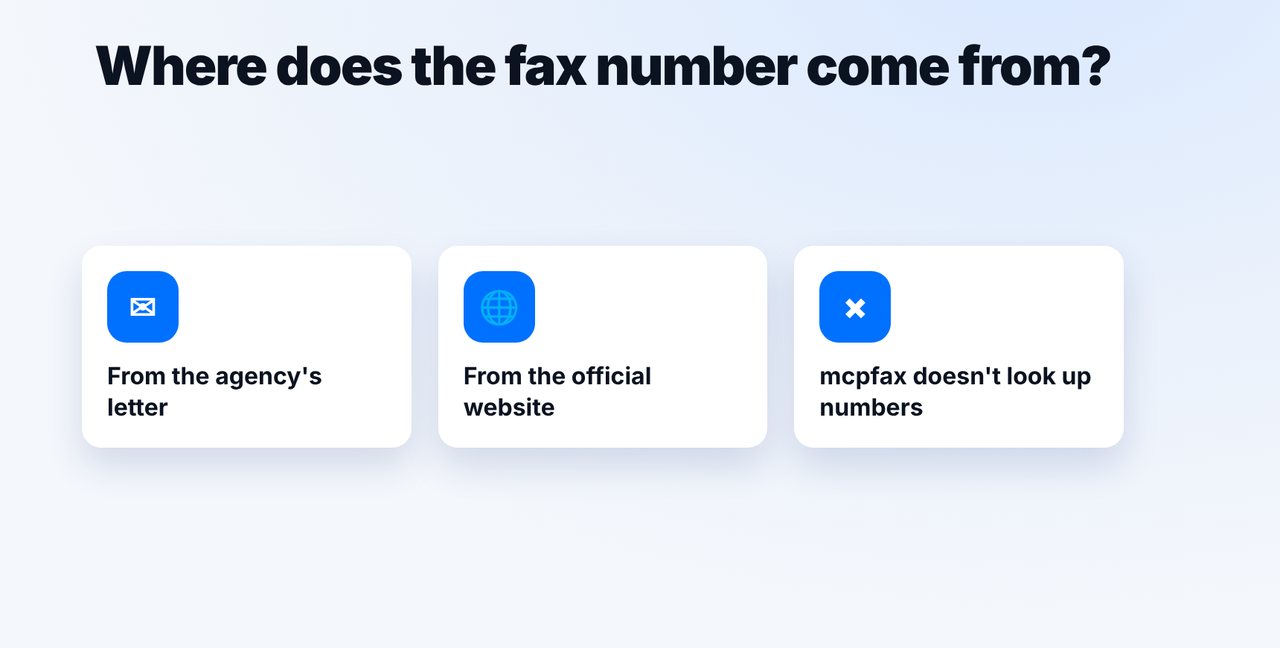
Take the fax number from the letter
The fax number is in the letterhead of a recent letter or on the agency's official website. mcpfax does not look up numbers on the internet.
-
2 Step 2
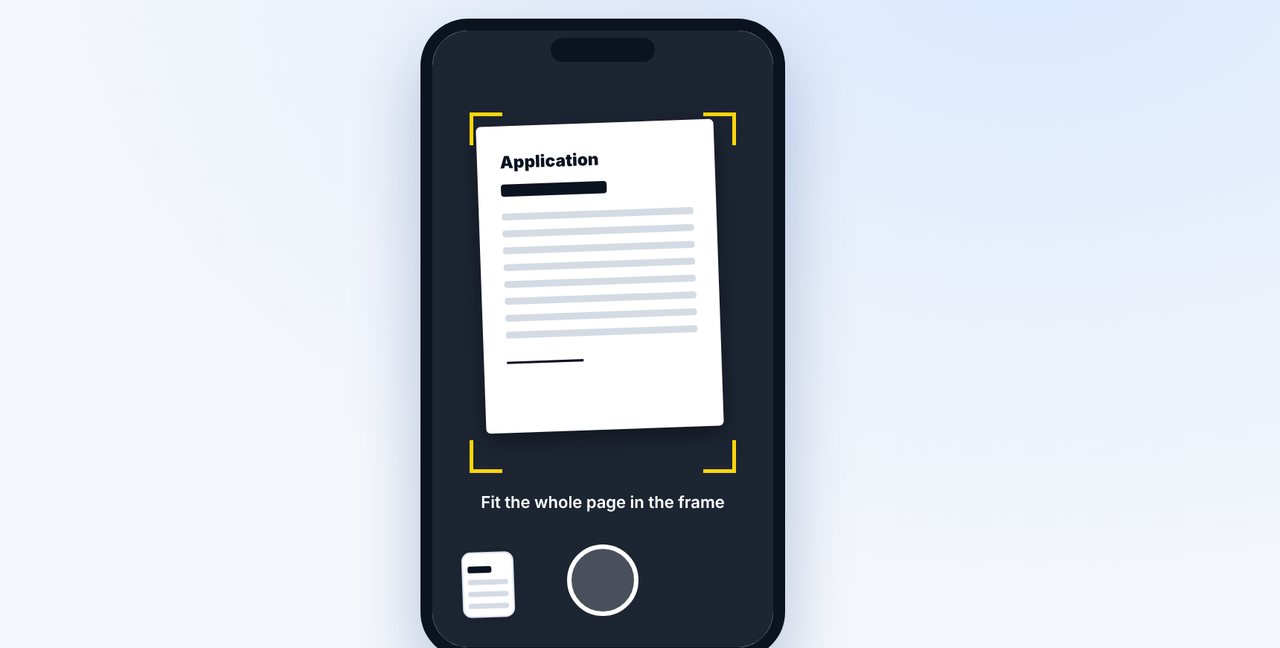
Photograph or attach the document
Photograph the completed application in the Claude app or attach a PDF or Word file.
-
3 Step 3
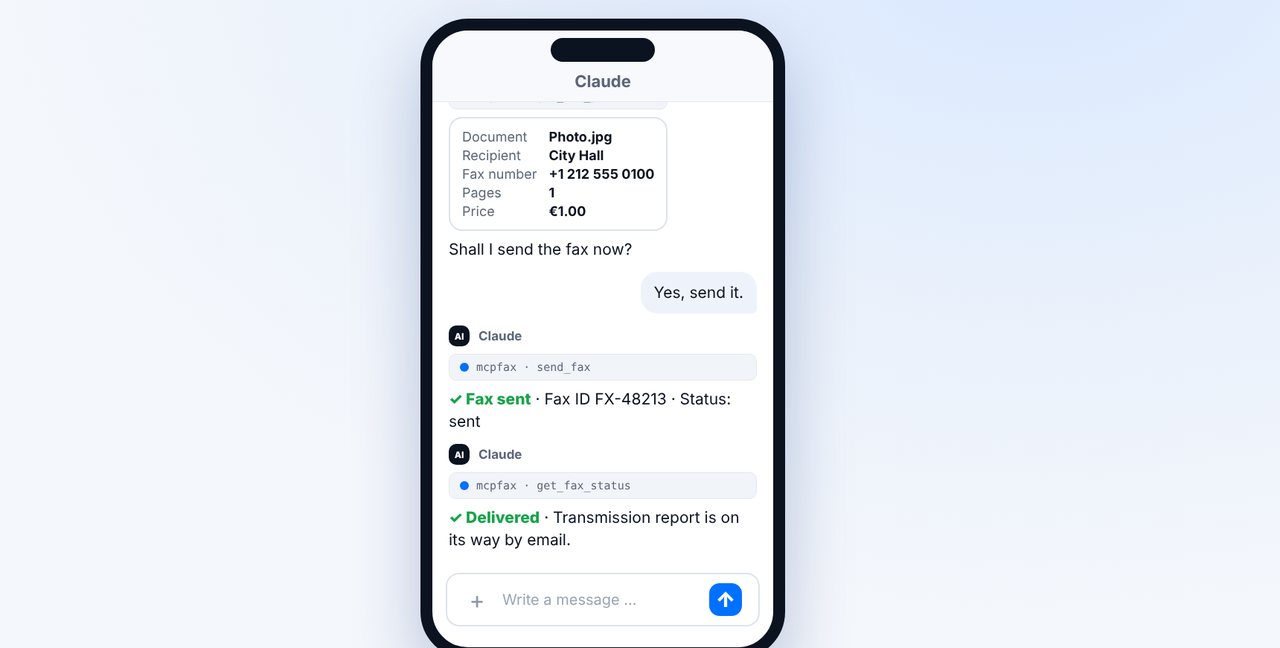
Check and confirm
Claude shows the recipient, fax number, pages and price. After your “Yes” the fax goes out, and you receive the transmission report by email.
-
4 Step 4
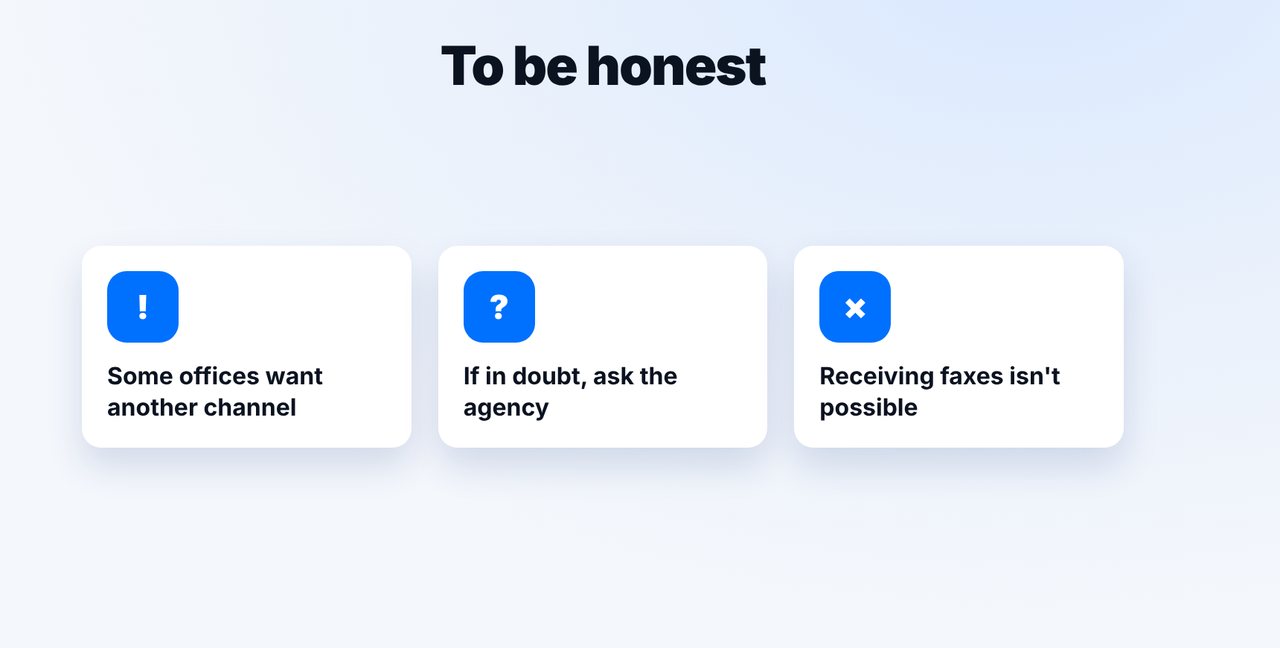
Check whether a fax is enough
Some agencies require an online portal or the original for certain applications. If in doubt, ask.
The pictures are a simplified illustration. Menu names may differ slightly depending on the version.
Video transcript
Yes, you can send a fax to city hall, a government agency or your tax office, like the IRS or HMRC, without a fax machine, straight from the chat or by email. Let me show you how. You'll find the fax number in the letterhead of a recent letter or on the agency's official website. mcpfax and Claude don't look up numbers on the internet. If you filled out the application on paper, photograph it in the Claude app on your phone. Good lighting, and the whole page in the frame. Add which office the fax is for and which number it should go to. Claude shows the recipient, the pages and the price. One page costs one euro. After your yes, the fax goes out. You receive the transmission report with date, time and result by email. Keep it with your records, because it proves the transmission. To be honest: not every agency accepts every matter by fax. Some require an online portal or the original, so if in doubt, ask. And mcpfax can't receive replies. You'll find the link in the description. Subscribe to the channel if you'd like to learn more about faxing government offices and insurers.

Ready for your first fax?
Create your account in a minute, top up your balance and get started. No subscription, no monthly fee.
Create free accountFrequently asked questions
Does every government office accept faxes?
Not for every matter. Some agencies require a different channel, such as an online portal or the signed original. If in doubt, ask the agency.
Where do I find the fax number of my city hall or tax office?
In a recent letter or on the official website. mcpfax and Claude never look up fax numbers on the internet and never guess a number.
Can I receive the agency's reply by fax?
No. mcpfax only sends faxes; receiving is not possible.
Will the agency see who the fax is from?
Yes, if you set a sender ID in your account (max. 20 characters, e.g. your name or company name) – it appears at the top of every fax. Also put your details in the document itself.
How do I prove that I sent the fax?
With the transmission report: it shows the recipient number, pages, time and result of the transmission.