
My router or VoIP line won't fax – what can I do?
Faxing over internet phone service (VoIP) is often unreliable, which is why faxes sent through a router frequently fail. Fax online with mcpfax instead – in an AI chat, by email or at mcpfax.de, no fax machine, from €1.00 per fax.
Step by step
-
1 Step 1
Know the cause
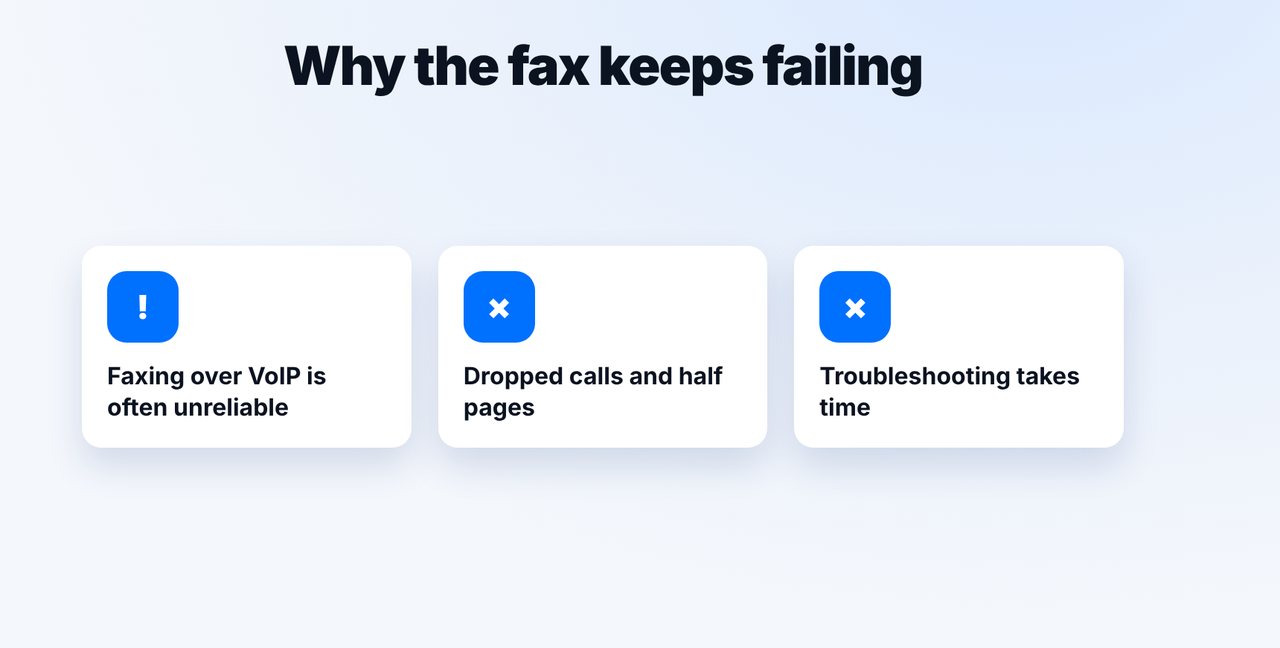
Over internet phone service (VoIP), fax signals often aren't transmitted cleanly. Dropped calls, half pages and error messages are typical – instead of hunting through settings, fax online.
-
2 Step 2
Fax online instead of via the router
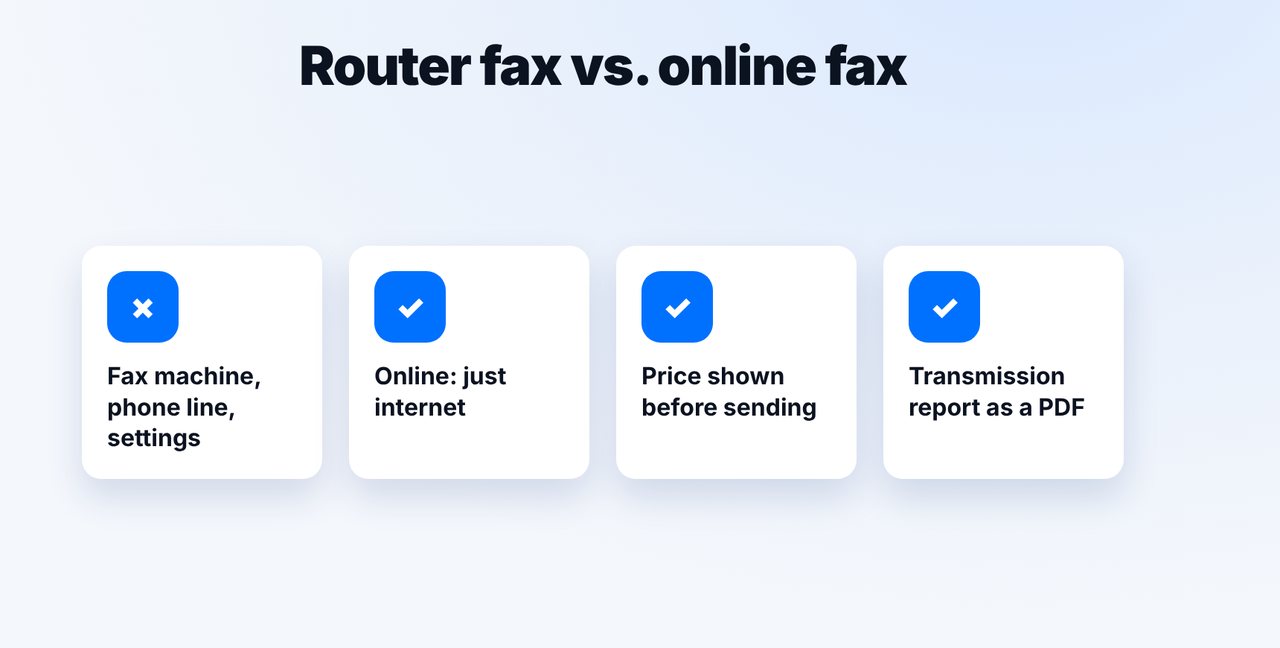
With mcpfax you don't need a fax machine, a modem or a phone line, just internet. You can send in an AI chat, by email or directly at mcpfax.de.
-
3 Step 3
Send the document
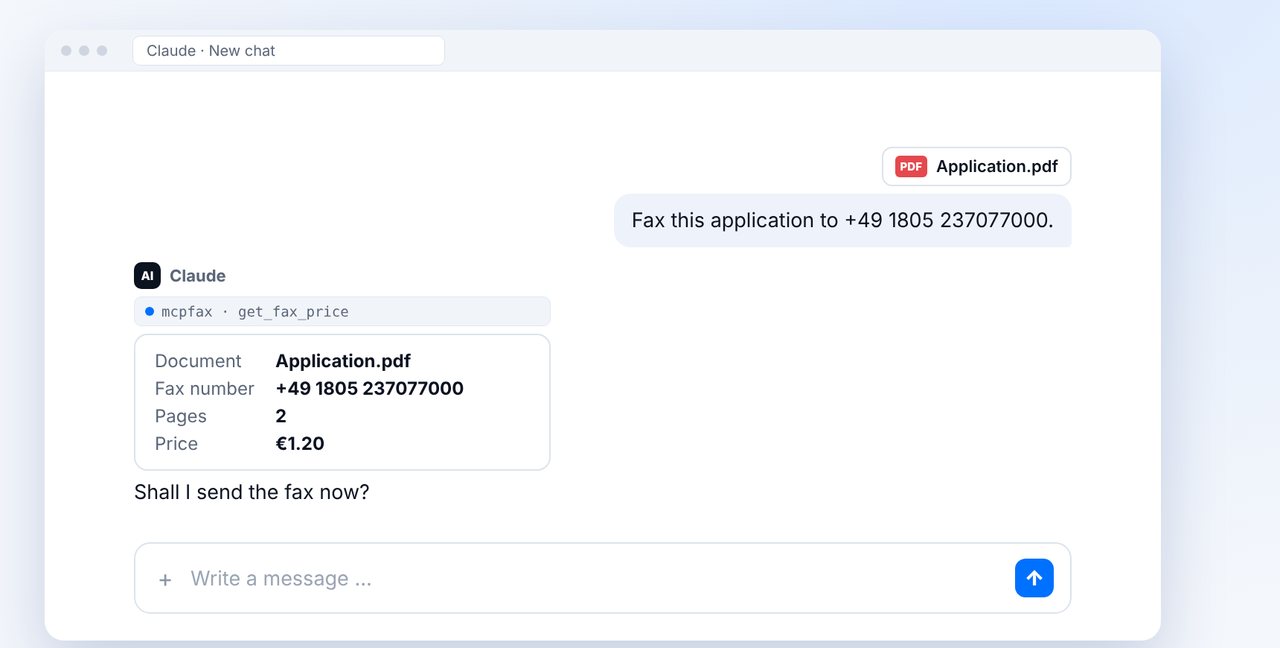
Attach the document in the chat and give the fax number. You see the pages and price beforehand, and nothing is sent until you say “Yes”.
-
4 Step 4
Check delivery
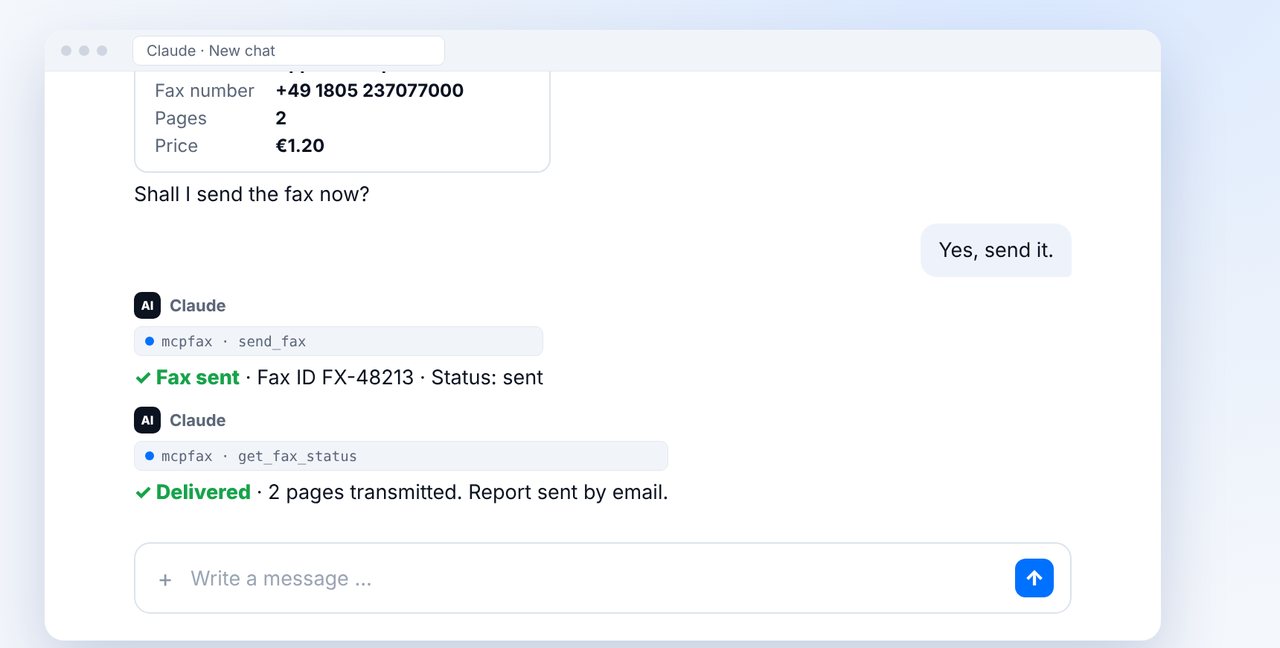
The status “delivered” shows that the fax was transmitted in full. You receive the transmission report as a PDF by email.
The pictures are a simplified illustration. Menu names may differ slightly depending on the version.
Video transcript
Yes, you can still send your fax: online, without your router's fax function and without a fax machine. Why faxing over the router fails so often, and how to do it more easily, is what I'll show you now. The reason is usually not you. Over internet phone service, also known as VoIP, fax signals often aren't transmitted cleanly. The result is dropped connections, half pages or error messages. With mcpfax, you fax online. You don't need a fax machine, a modem or a phone line, just an internet connection. So your router no longer has to transmit the fax itself. Attach the document in your chat with Claude and give the fax number. Claude shows you the pages and the price, one euro twenty for two pages. After your yes, the fax goes out. Shortly afterwards the status shows delivered, and the transmission report arrives as a PDF by email. Without the chat, you can send an email to the fax address or fax directly at mcpfax.de in your browser. Receiving faxes isn't possible with mcpfax, though. And the first fax is free for new customers. You'll find the link to mcpfax in the description. How to enter a fax number correctly is covered in a separate video. Subscribe to the channel.

Ready for your first fax?
Create your account in a minute, top up your balance and get started. No subscription, no monthly fee.
Create free accountFrequently asked questions
Do I need to change my router settings?
No. For mcpfax you need neither your router's fax function nor a fax machine, just internet.
Can I receive faxes with mcpfax as well?
No. mcpfax only sends; there's no fax number of your own for receiving.
Does it work without an AI chat or an account?
Yes. At mcpfax.de you send a fax in 3 steps right in your browser, even without an account. Or you send an email to the fax address.
How much does a fax cost?
In zone 1 (including the EU, UK and US) €1.00 for the first page and €0.20 for each additional page.