
How do I fax without a landline?
All you need is internet: with mcpfax you send the document from your chat with Claude or by email, and mcpfax transmits it as a real fax into the phone network. No fax machine, no modem, from €1.00 per fax.
Step by step
-
1 Step 1
Internet is all you need
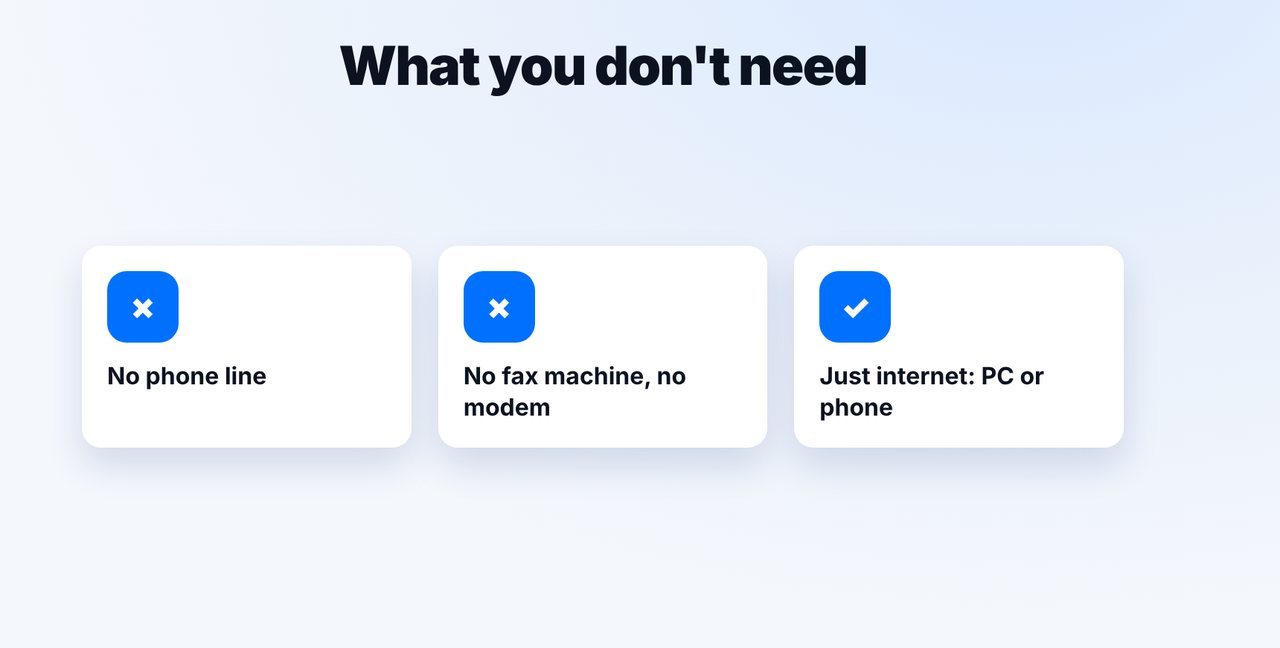
Wi-Fi or mobile data: you send the document over the internet to mcpfax. You don't need a phone line, fax machine or modem.
-
2 Step 2
Photograph or attach the document
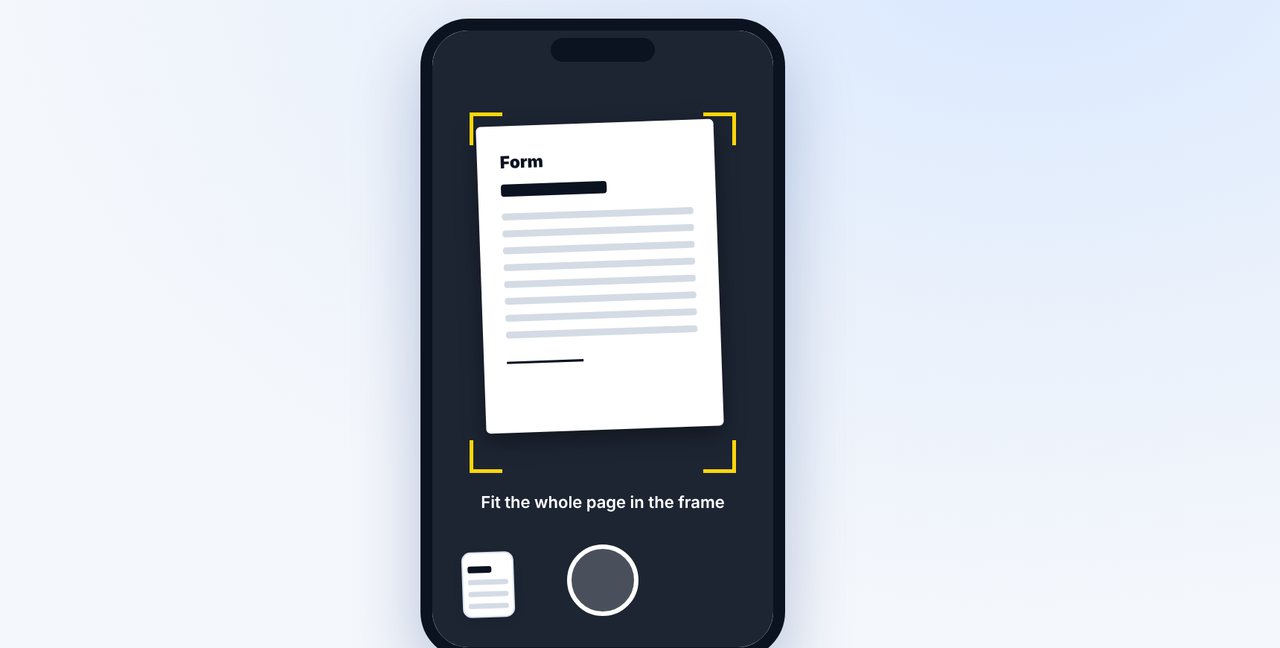
Take a photo of the document in the Claude app or attach a file.
-
3 Step 3
Give the number and check the price
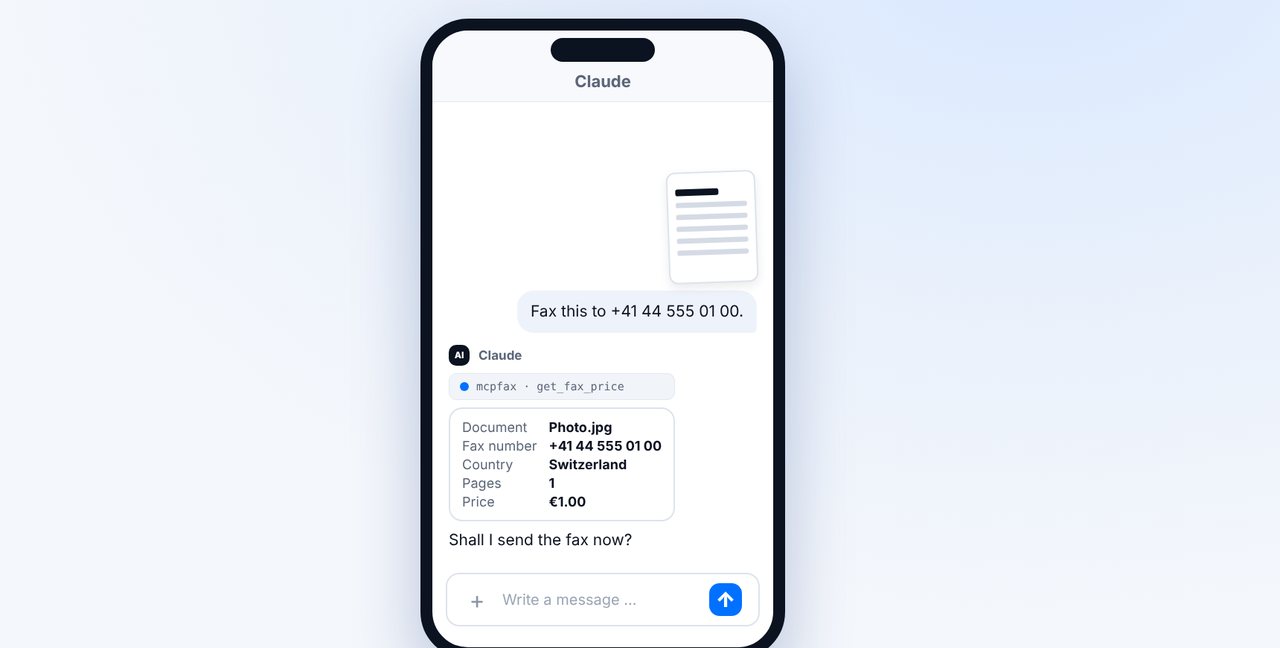
Give the fax number with the country code. Claude shows the pages and price before sending.
-
4 Step 4
Confirm
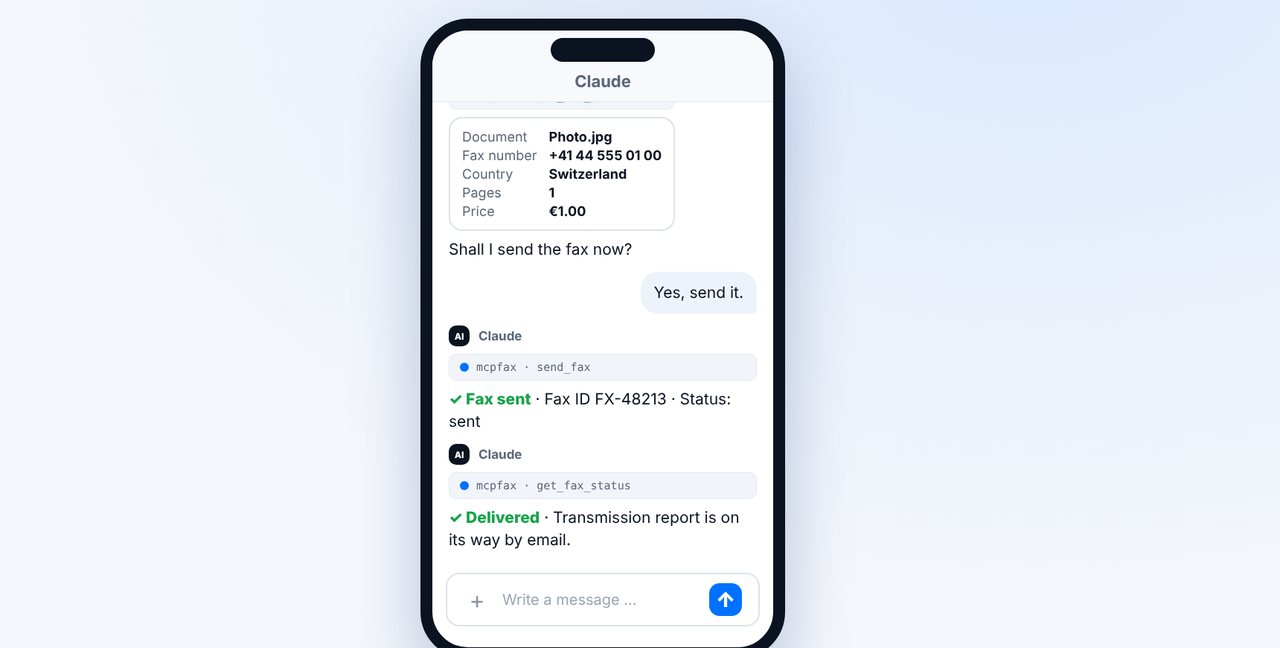
After your “Yes”, mcpfax transmits the fax into the phone network. You receive the transmission report by email.
The pictures are a simplified illustration. Menu names may differ slightly depending on the version.
Video transcript
Yes, you can send a fax without any landline at all. All you need is internet, and mcpfax takes care of the transmission into the phone network. Let me show you how. You need neither a landline nor a fax machine nor a modem. You send your document over the internet to mcpfax, and mcpfax transmits it as a real fax to the recipient's machine. For example with your phone, on Wi-Fi or on mobile data: open the Claude app and take a photo of the document. Make sure the whole page fits nicely in the frame. Then give the fax number. Claude shows the pages and the price and asks you to confirm. This works for other countries too, here for example to Switzerland, for one euro. After your yes, the fax goes out, and you get the transmission report by email. There's one limitation: you can't receive faxes with mcpfax, you can only send them. You'll find the link to mcpfax in the description. Subscribe to the channel for more guides all about faxing.

Ready for your first fax?
Create your account in a minute, top up your balance and get started. No subscription, no monthly fee.
Create free accountFrequently asked questions
Can I also receive faxes without a landline?
Not with mcpfax. mcpfax only sends faxes and doesn't provide a fax number of your own.
Does it work over mobile data?
Yes. Any internet connection will do, including mobile data on your phone.
Does it work on a PC, Mac or tablet?
Yes. On mcpfax.de you can send “in 3 steps” in your browser – even without an account, with an automatic cover page if you like.
Is the transmission encrypted?
The connection to mcpfax is encrypted via HTTPS. The fax transmission over the phone network itself is not end-to-end encrypted.