
Faxing multiple pages – what to watch out for?
Combine all pages into one PDF in the right order and check the page count before sending. With mcpfax, the first page costs €1.00 and each additional page €0.20 – up to 100 pages and 15 MB per fax.
Step by step
-
1 Step 1
All pages in one PDF
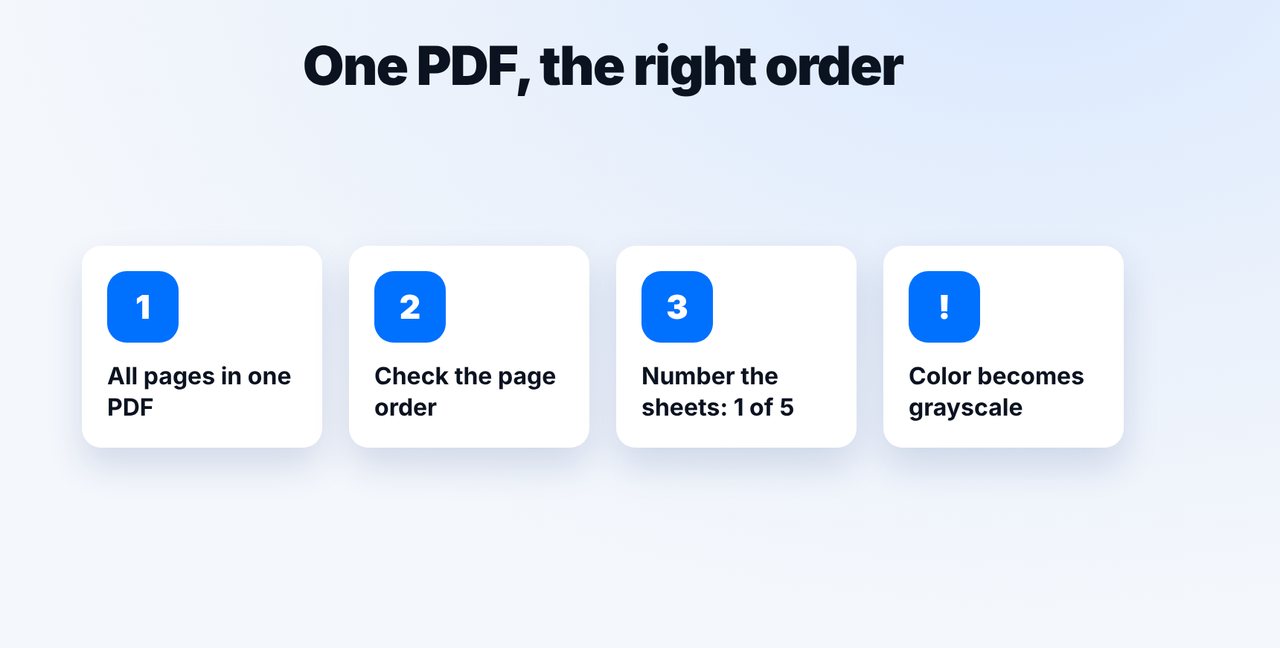
Combine all pages into one PDF, check the order and number the sheets (e.g. “1 of 5”).
-
2 Step 2
Attach the PDF, check the page count
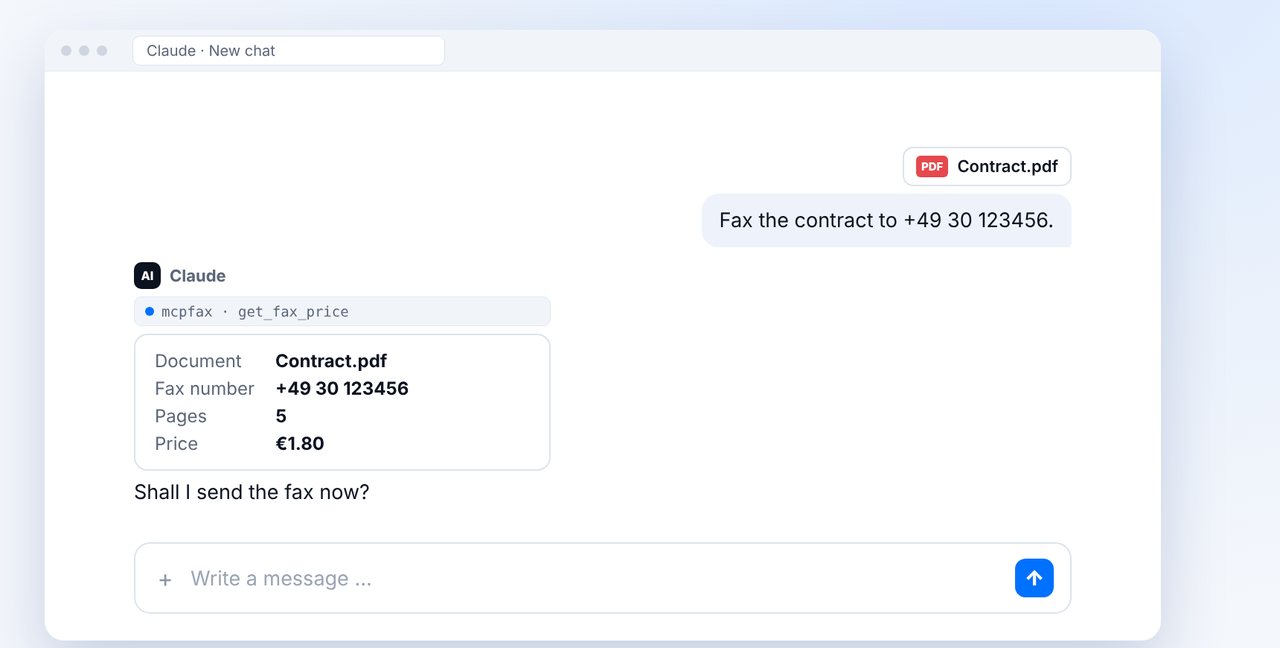
Attach the PDF in the chat and give the fax number. If the displayed page count doesn't match, check the file before confirming.
-
3 Step 3
Confirm and check delivery
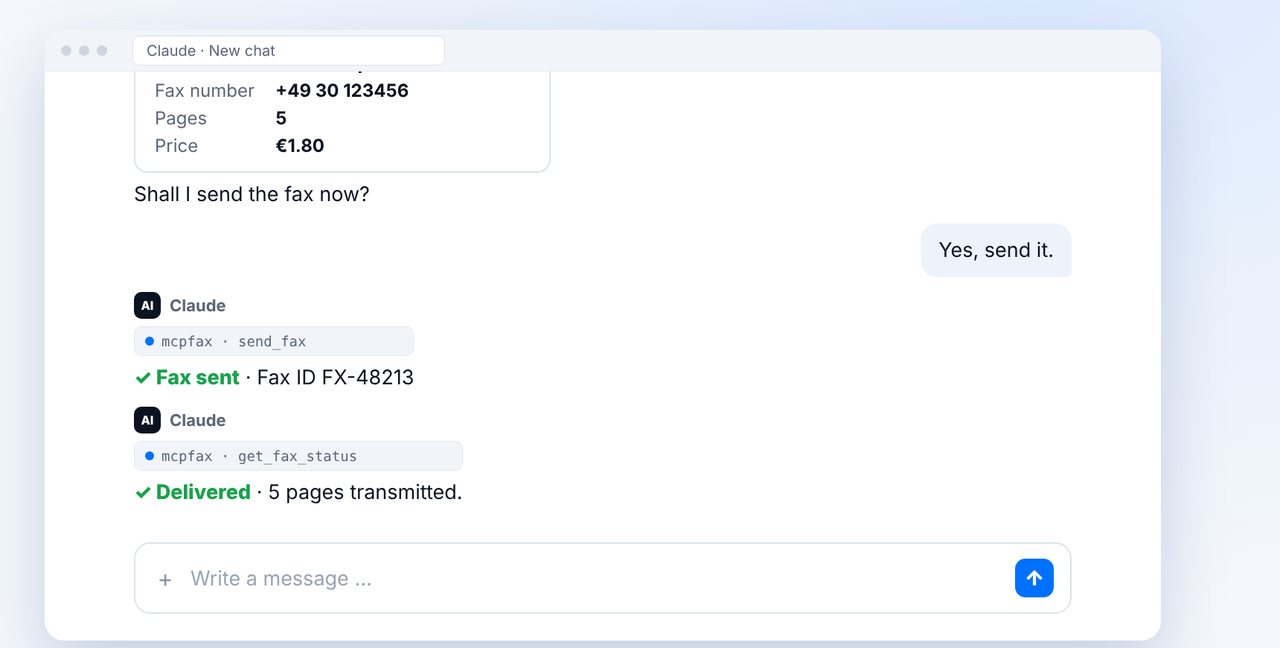
After your “Yes, send it.” the fax goes out. The status shows how many pages were transmitted.
-
4 Step 4
Know the costs and limits
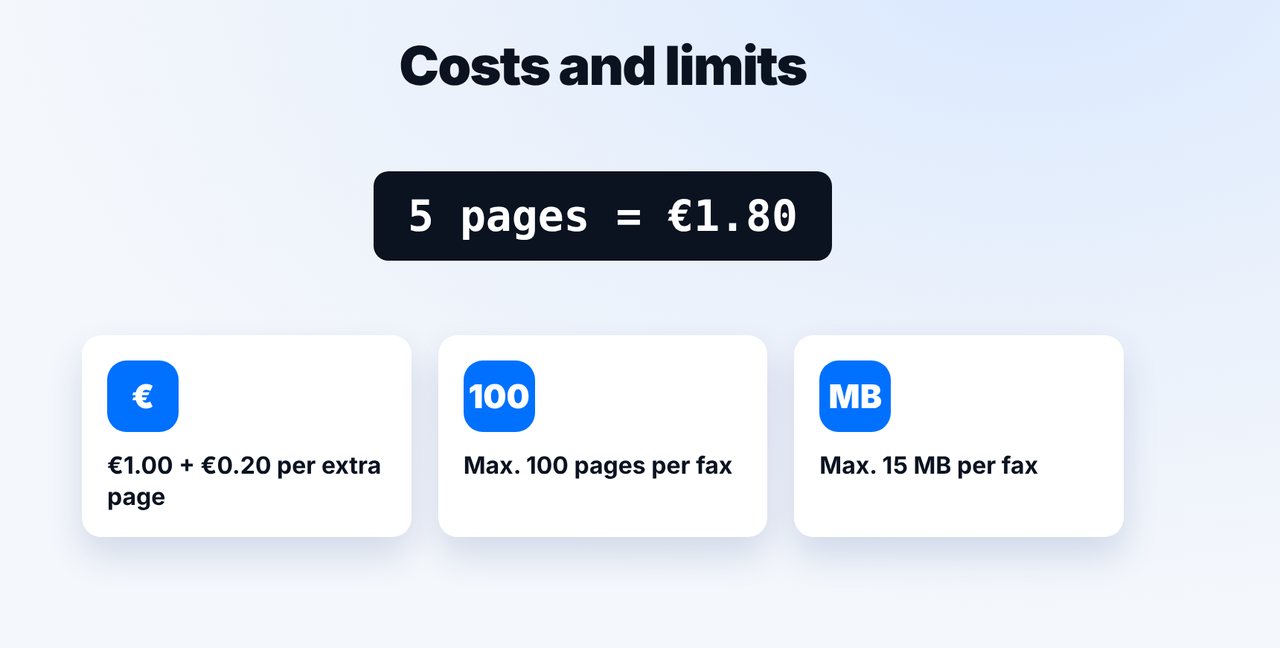
€1.00 first page + €0.20 per additional page (zone 1). Maximum 100 pages and 15 MB per fax – split larger documents.
The pictures are a simplified illustration. Menu names may differ slightly depending on the version.
Video transcript
Need to send a fax with several pages? The safest way is a single PDF, with all pages in the right order. Let me show you what to watch out for. Combine all pages into one PDF and check the order. Number the sheets, for example page one of five. And remember: fax is black and white, so colors turn into shades of gray. Attach the PDF in the chat and give the number. Claude shows you the detected page count and the price. If the page count doesn't match, check the file before you confirm. After your yes, the fax goes out. Then simply ask whether it has arrived. The status and the transmission report show how many pages were transmitted. As for the cost: the first page is one euro, each additional page twenty cents, so five pages cost one euro eighty. Each fax can have up to a hundred pages and fifteen megabytes. Split anything larger. You'll find the link to mcpfax in the description. Subscribe to the channel for more tips on sending faxes.

Ready for your first fax?
Create your account in a minute, top up your balance and get started. No subscription, no monthly fee.
Create free accountFrequently asked questions
Can I combine several files into one fax?
With email-to-fax, yes: up to 10 attachments, max. 15 MB in total. Still, the safest option is a single PDF in the order you want.
How much do 10 pages cost?
In zone 1 €2.80: €1.00 for the first and €0.20 each for nine more pages.
What if my document has more than 100 pages?
Split it into several faxes and note, for example, “Part 1 of 2” on the first sheet.
Are color pages faxed?
Yes, but in grayscale – fax is black and white. Check that colored highlights are still legible.