
Send a fax to your health insurer or doctor's office
Send claim forms, applications and certificates by fax – straight from Claude or ChatGPT, with a saved contact and a transmission report.
Step by step
-
1 Step 1
Attach the document and give the number
Attach the document in the chat and give the fax number. Have the number saved as a contact right away, so next time the name is all you need.
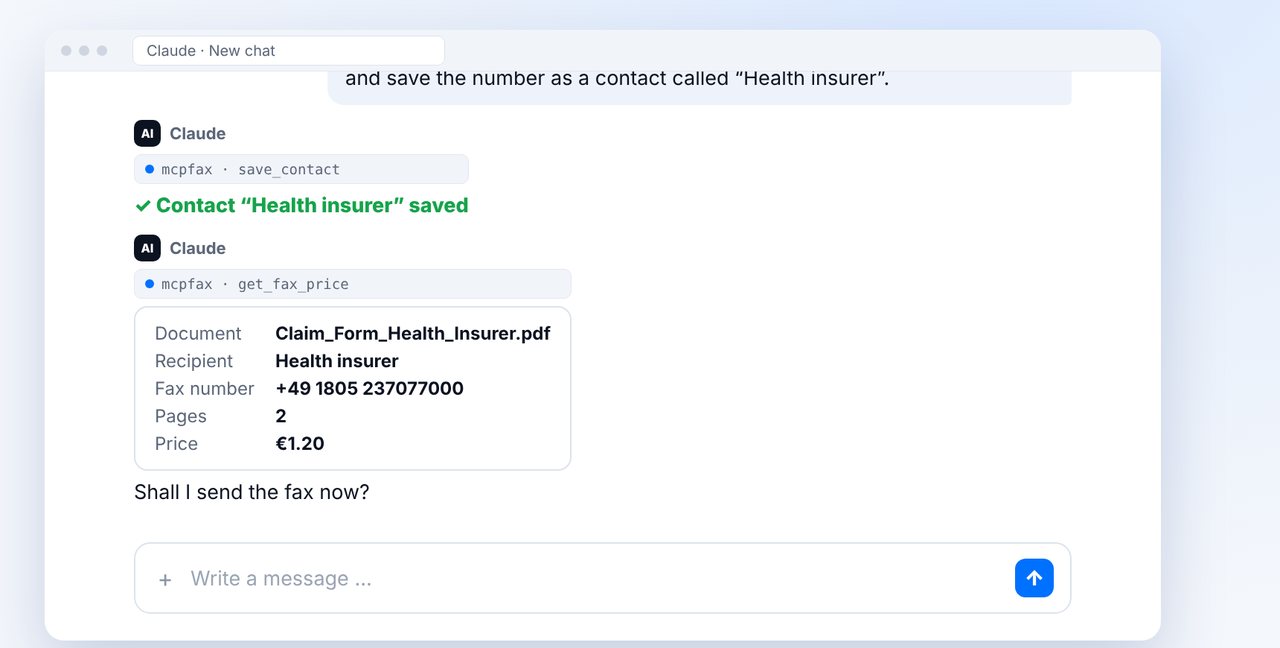
-
2 Step 2
Review and confirm
Claude or ChatGPT shows you the recipient, pages and price. After your “Yes” the fax is sent; to check delivery, just ask in the chat.
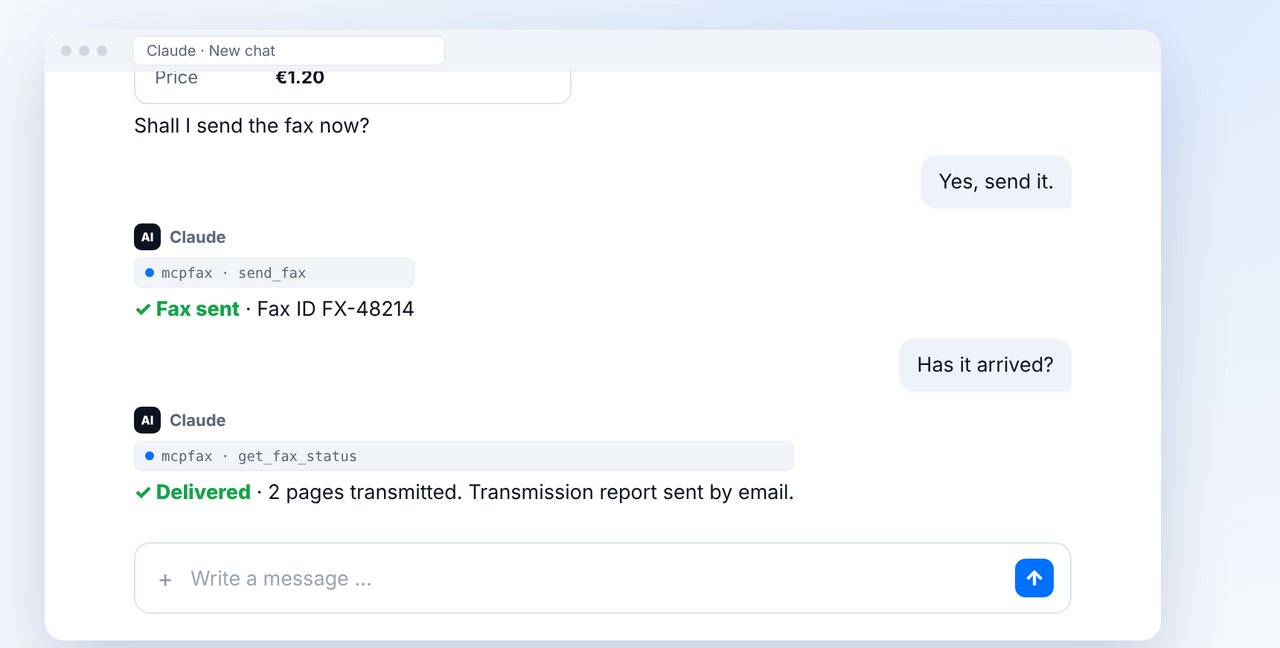
-
3 Step 3
Good to know
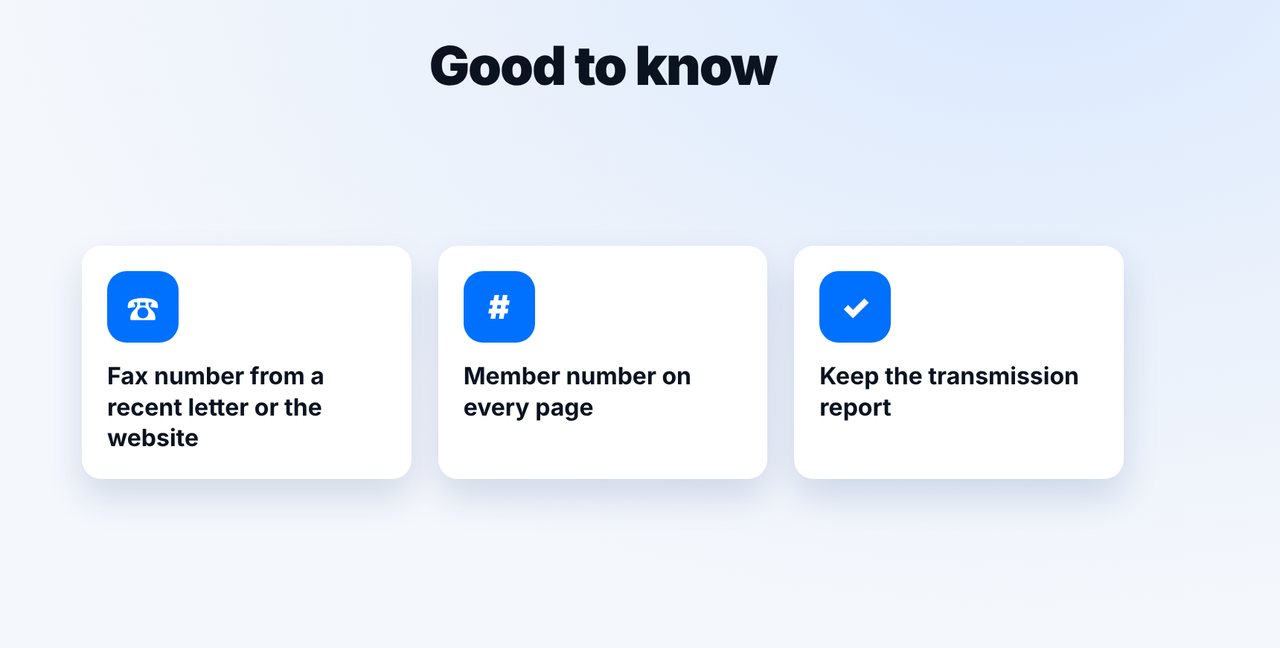
Take the fax number from a recent letter or the official website, write your member number on every page, and keep the transmission report.
The pictures are a simplified illustration. Menu names may differ slightly depending on the version.
Video transcript
Many health insurers and doctor's offices still accept documents by fax: claim forms, applications or medical certificates. Here's how to send them straight from the chat, with Claude or ChatGPT. Attach the document and give the fax number. It's best to have the number saved as a contact right away, so next time the name is all you need. Check the details and confirm. To find out whether the fax arrived, simply ask. Then file the transmission report with your records. Three tips: always take the fax number from a recent letter or from the website of your insurer or doctor's office. Write your member number on every page. And keep the transmission report. You'll find the link to mcpfax in the description. Subscribe to the channel for more guides on sending faxes.

Ready for your first fax?
Create your account in a minute, top up your balance and get started. No subscription, no monthly fee.
Create free accountFrequently asked questions
Where do I get the fax number?
From a recent letter from your health insurer or doctor's office, or from their website. mcpfax does not look up numbers on the internet.
Can I fax photos of forms?
Yes. Photos (JPG, PNG) are automatically turned into a fax page. PDF and Word files work too.
How do I prove that I sent the fax?
With the transmission report: it shows the recipient number, pages, time and result of the transmission.