
How do I fax a handwritten form so it stays legible?
Write with a dark pen in block capitals and photograph the form in good light, and it will arrive legibly. Fax is black and white, colours become shades of grey; with mcpfax you fax the photo from €1.00 per page.
Step by step
-
1 Step 1
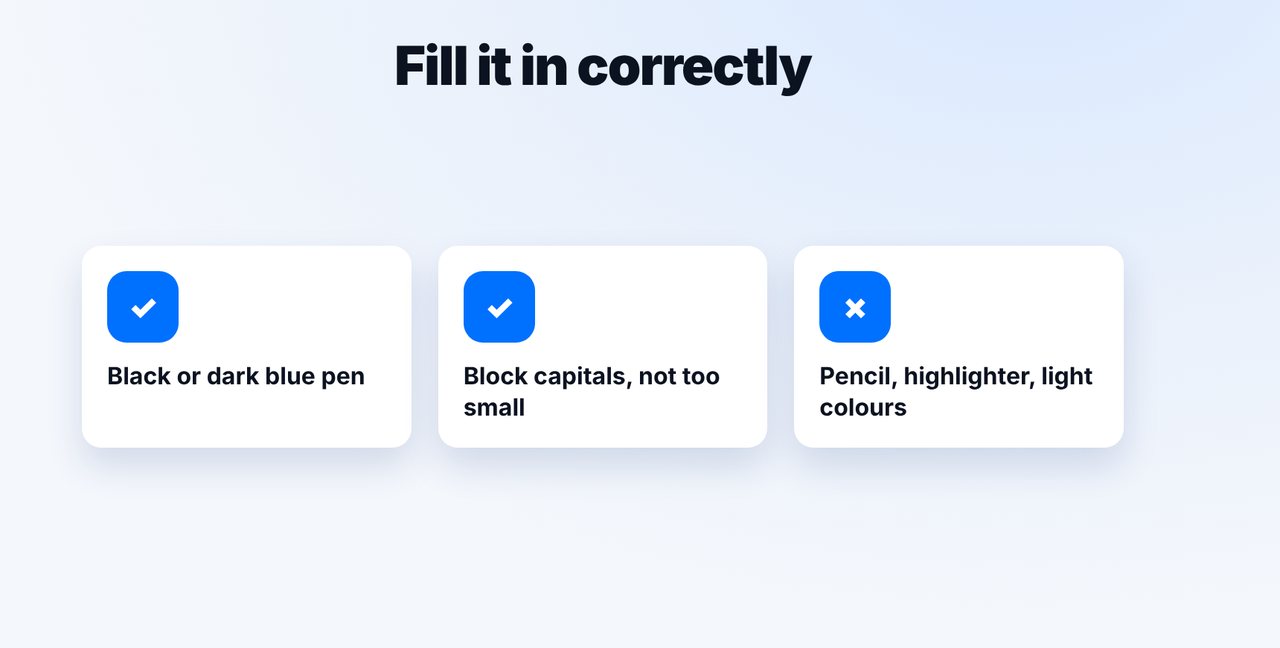
Fill it in correctly
Black or dark blue pen, block capitals, not too small. No pencil, no highlighters, no light colours.
-
2 Step 2
Take a good photo
Lay the form flat on a dark surface, even light without shadows, the whole page straight in the frame.

-
3 Step 3
Fax it in the chat
Attach the photo in the Claude app, give the fax number, check pages and price and confirm with “Yes, send it.”.

-
4 Step 4
Check the preview
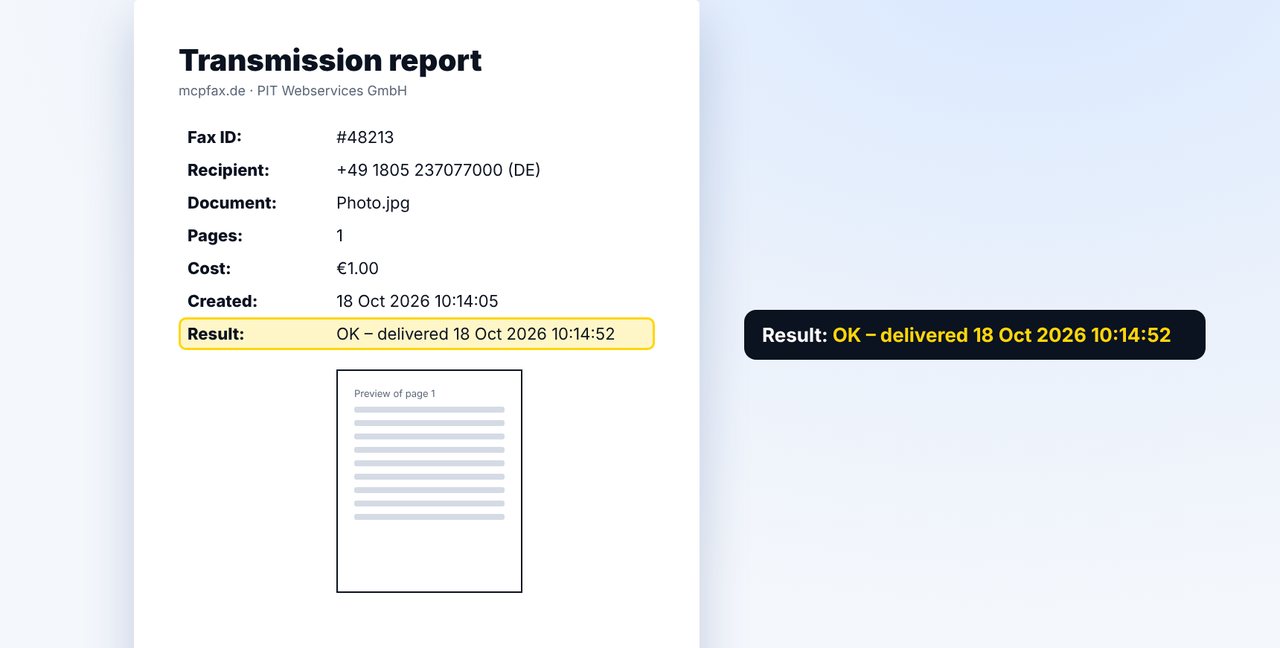
The transmission report includes a preview of the first page, so you can see how the fax arrives.
The pictures are a simplified illustration. Menu names may differ slightly depending on the version.
Video transcript
You want your handwritten form to arrive at the other end easy to read? That works if you pay attention to three things: the pen, your handwriting and the light. Let me show you how it's done. Fax is black and white, and colours become shades of grey. So use a black or dark blue pen and write in block capitals. Pencil and light colours only come through faintly on the other end. Lay the form flat and photograph it in the Claude app in even light, without shadows from your hand or phone. Get the whole page straight in the frame. Add the fax number, check the pages and the price, and confirm. mcpfax turns the photo into a clean fax page. In the transmission report you see a preview of the first page, exactly as the fax arrives. If something looks too faint, take a new photo and simply send it again. You'll find the link to mcpfax in the description. Subscribe to the channel, and also watch our video on why a fax sometimes arrives illegible.

Ready for your first fax?
Create your account in a minute, top up your balance and get started. No subscription, no monthly fee.
Create free accountFrequently asked questions
Why does pencil come out badly?
Fax is black and white. Light strokes and colours turn into pale grey and are hard to read.
Photo or scan – which is better?
Both work. A scan is usually more even; a photo in good light is enough for most forms.
Can I see beforehand how it will arrive?
The transmission report shows a preview of the first page. If it was hard to read, take a new photo and send it again.